
АТРИЈА Mesh екстендер kit 1200 | MESHKIT1200
Сва питања
АТРИЈА Mesh екстендер kit 1200 | MESHKIT1200
Заборавио/ла сам лозинку за Wi-Fi мрежу Mesh мрежа, како могу да је пронађем?
Подразумевана лозинка за Wi-Fi се налази испод вашег уређаја, међутим, ако сте је већ променили, можда ћете морати да је вратите. Mesh 1200 на подразумевана фабричка подешавања.

1 СЛУЧАЈ 1: Информације о мрежи у веб интерфејсу
Да бисте се повезали са веб корисничким интерфејсом, погледајте ову процедуру: Како да приступим веб корисничком интерфејсу?
2 подешавања Wi-Fi мреже
Кликните на Wi-Fi у левој траци.
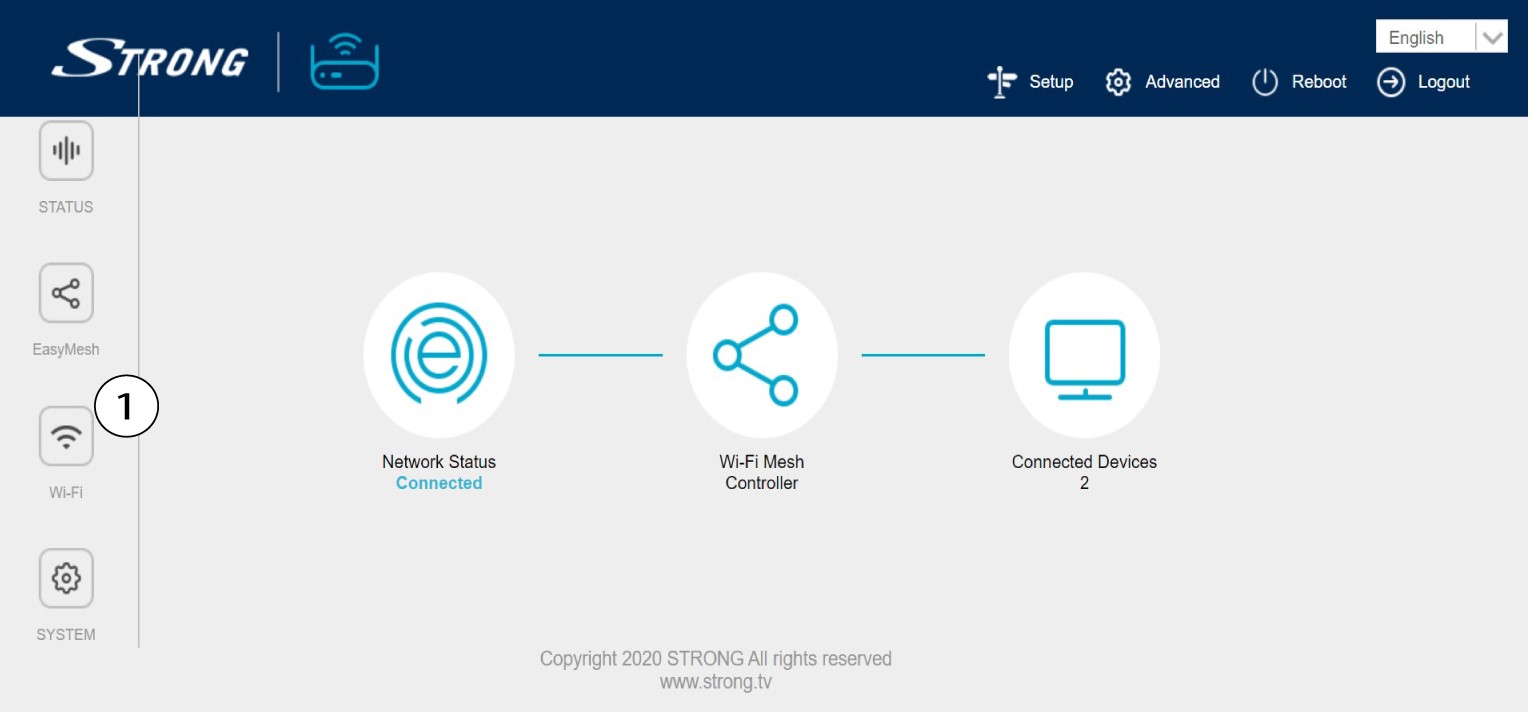
3 2.4G WLAN
Затим, у 5G WLAN или 2.4G WLAN мрежи , назив ваше Wi-Fi мреже се приказује у пољу SSID и можете
Погледајте лозинку за ову Ви-Фи мрежу тако што ћете означити поље „Прикажи“ са десне стране поља „Ви-Фи кључ“.

4 Запишите информације
Запишите лозинку на комад папира.

1 СЛУЧАЈ 2: Информације о мрежи у апликацији
Да бисте се повезали са веб интерфејсом, погледајте ову процедуру: Како да користим Atria Mesh апликацију?
2 подешавања Wi-Fi мреже
Кликните на Wi-Fi у левој траци.

3 Прикажите лозинку
Кликните на икону ока да бисте приказали лозинку.

4 Запишите информације
Запишите лозинку на комад папира.