
Powerline 1000 Duo Wi-Fi Mini
Inga föremål hittades.
Inga föremål hittades.
Alla frågor
Powerline 1000 Duo Wi-Fi Mini
Inga föremål hittades.
Inga föremål hittades.
Kan jag inaktivera Wi-Fi-funktionen på Wi-Fi-modulen så att den fungerar som en vanlig Powerline-enhet?
1. Ansluttill adapterns Wi-Fi-nätverk
Anslut till Powerlines Wi-Fi-nätverk.
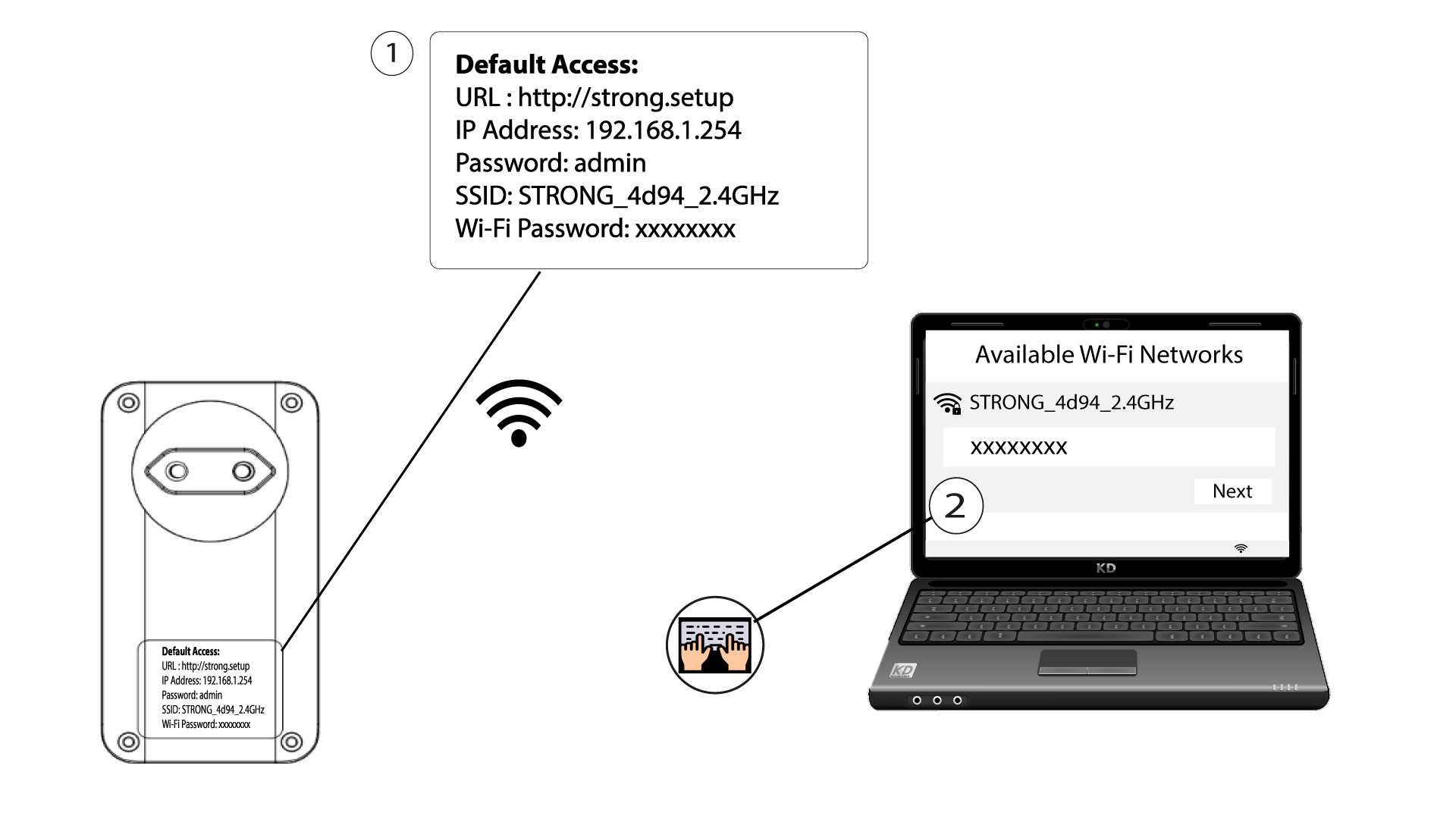
2. Gåtill webbgränssnittets IP-adress
Anslut till användargränssnittet för Powerline Wi-Fi-modulen via Wi-Fi eller genom att skriva in http://strong.setup i adressfältet i din webbläsare. Då bör gränssnittet visas.

3Angedina inloggningsuppgifter
När du är på startsidan anger du lösenordet: admin

4. WLAN-inställningar
Klicka på ”WLAN-inställningar” och välj sedan ”Grundinställningar”.

5. Stäng avWi-Fi
Avmarkera kryssrutan ”Aktivera ” vid raden ”Trådlöst” efter behov och klicka på ”Spara”.


Observera att du måste ansluta via en RJ45-kabel för att återaktivera Wi-Fi via modulens användargränssnitt. Ett annat sätt att återaktivera Wi-Fi är att återställa Powerline Wi-Fi med hjälp av ett gem tills lysdioderna blinkar.