ATRIA Wi-Fi 5 Mesh 2100 (add-on)
Inga föremål hittades.
Inga föremål hittades.
Alla frågor
ATRIA Wi-Fi 5 Mesh 2100 (add-on)
Inga föremål hittades.
Inga föremål hittades.
Hur kan jag lägga till nya enheter av typen ” Mesh ” till det befintliga nätverket som jag just har konfigurerat?
Det är väldigt enkelt att lägga till nya mesh -enheter till ditt befintliga Mesh -nätverk.
1Fall1: WPS-knappen
För att göra detta trycker du på WPS-knappen i 5 sekunder på enheten ” Mesh ” som är ansluten till din router/modem ”
” via RJ45.
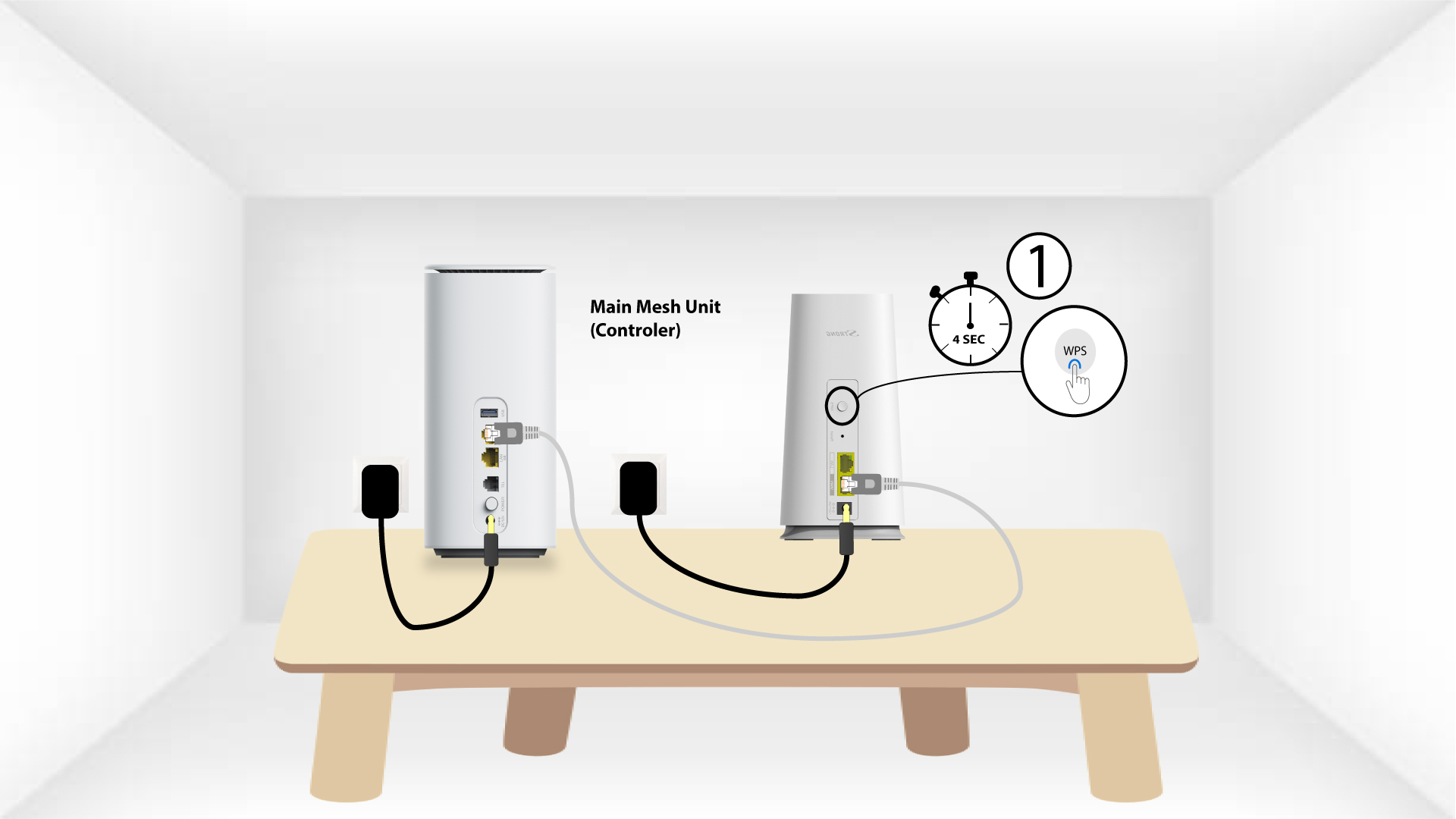
2WPSför den andra enheten
Tryck sedan på WPS-knappen på den nya enheten i 5 sekunder.
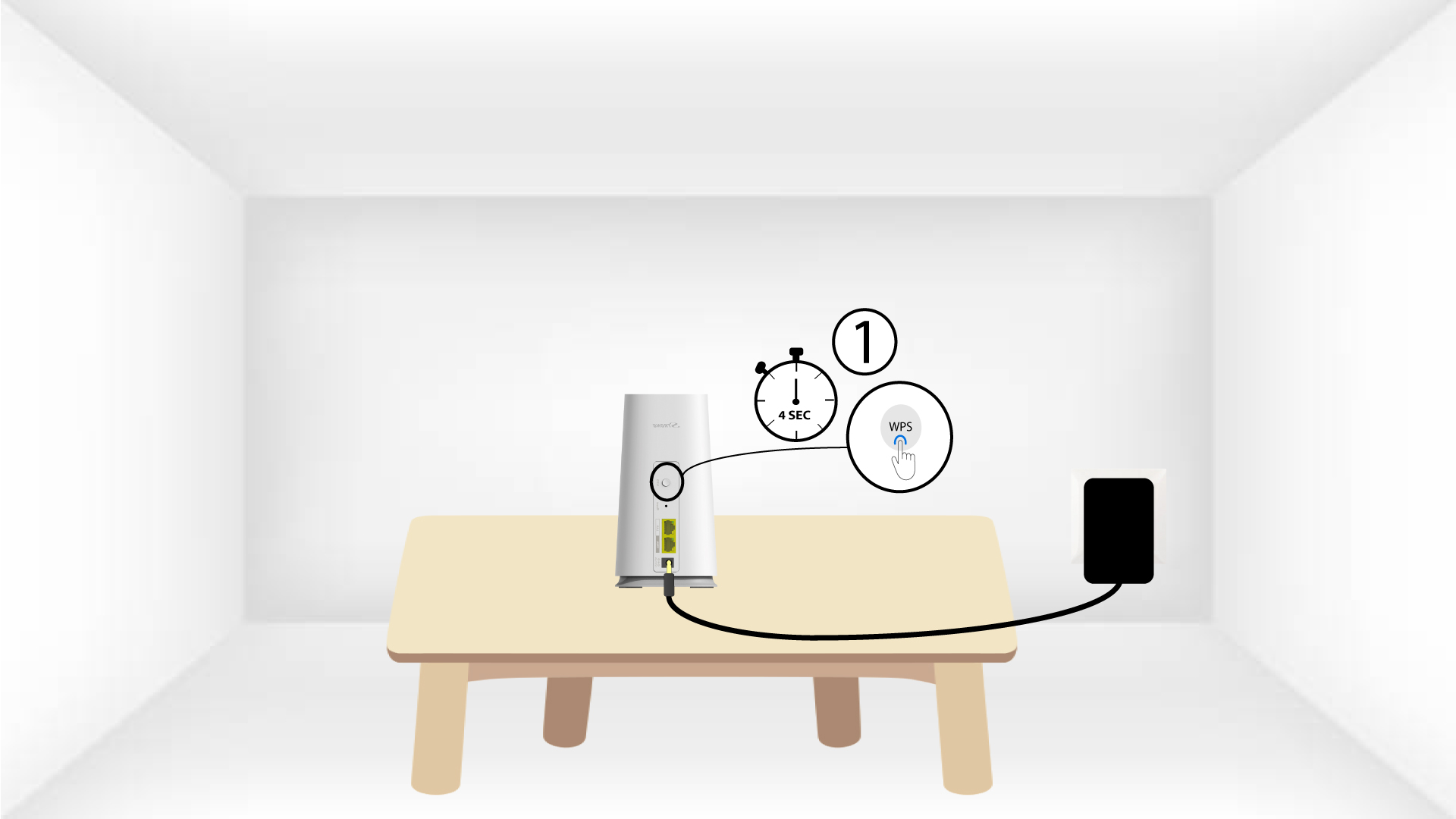
1Fall2: Atria Mesh -appen
Du kan också lägga till en ” Mesh ”-nod via Atria-appen ” Mesh ”.
För att göra detta måste du ansluta till Wi-Fi-nätverket för enheten Mesh som är ansluten till din router/modem.

2Atria-appen” Mesh ”
Ladda sedan ner appen ”Atria Mesh ”.

3. Referenser
Ange användarnamn och lösenord (admin/admin) för att ansluta.

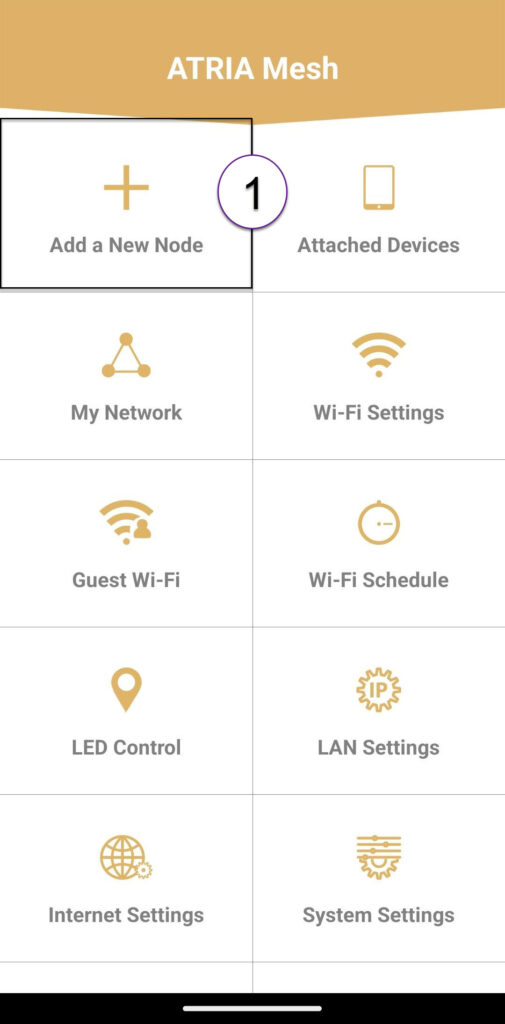
4Lägg tillen ny Mesh
Klicka på ”Lägg till en ny Mesh -nod”.
5QR-kod
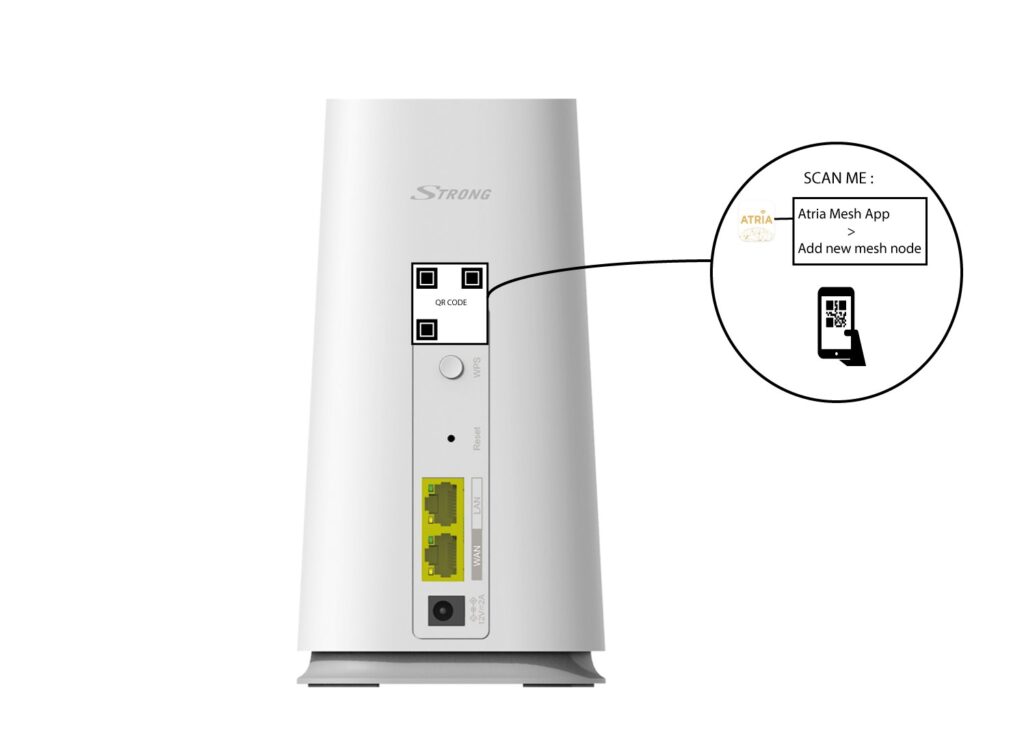
Skanna QR-koden på baksidan av den ” mesh ” som du vill lägga till.