4G LTE Router 300 UK
Inga föremål hittades.
Inga föremål hittades.
Alla frågor
4G LTE Router 300 UK
Inga föremål hittades.
Inga föremål hittades.
Hur ansluter jag mina enheter med WPS?

Du kan använda WPS-funktionen för att konfigurera Wi-Fi-anslutningen mellan exempelvis din router och dina datorer (Linux/Windows). Det går inte att ansluta en mobiltelefon via WPS. För att enkelt ansluta din telefon till Wi-Fi, skanna QR-koden på routerns baksida – då ansluts du automatiskt till nätverket utan att behöva ange Wi-Fi-lösenordet.
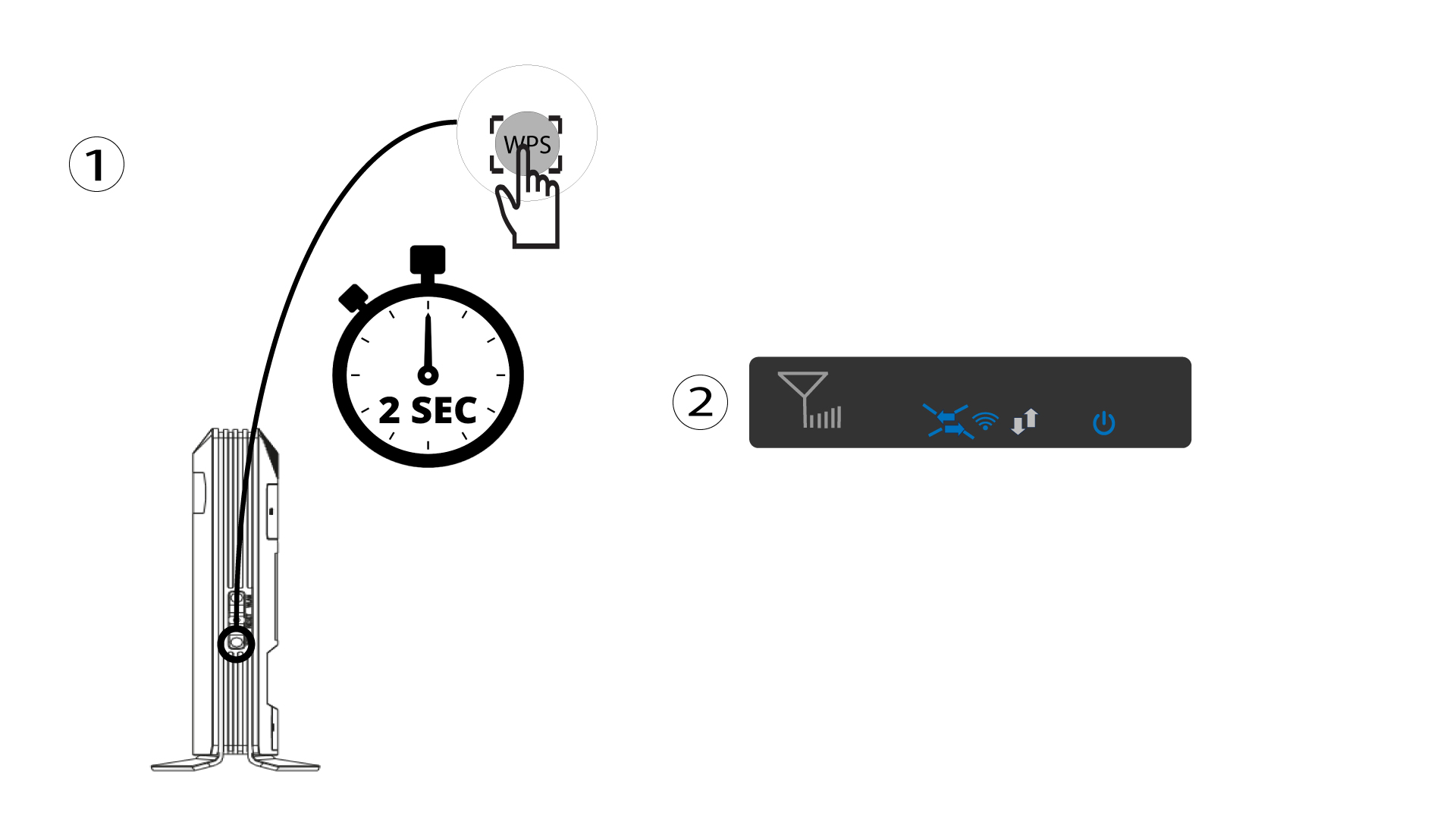
1 Tryck påWPS-knappen
Tryck på WPS-knappen i 2 sekunder så att alla kompatibla enheter i ditt hem automatiskt kan ansluta till routerns Wi-Fi-nätverk. När funktionen är aktiverad blinkar de horisontella pilarna blått.
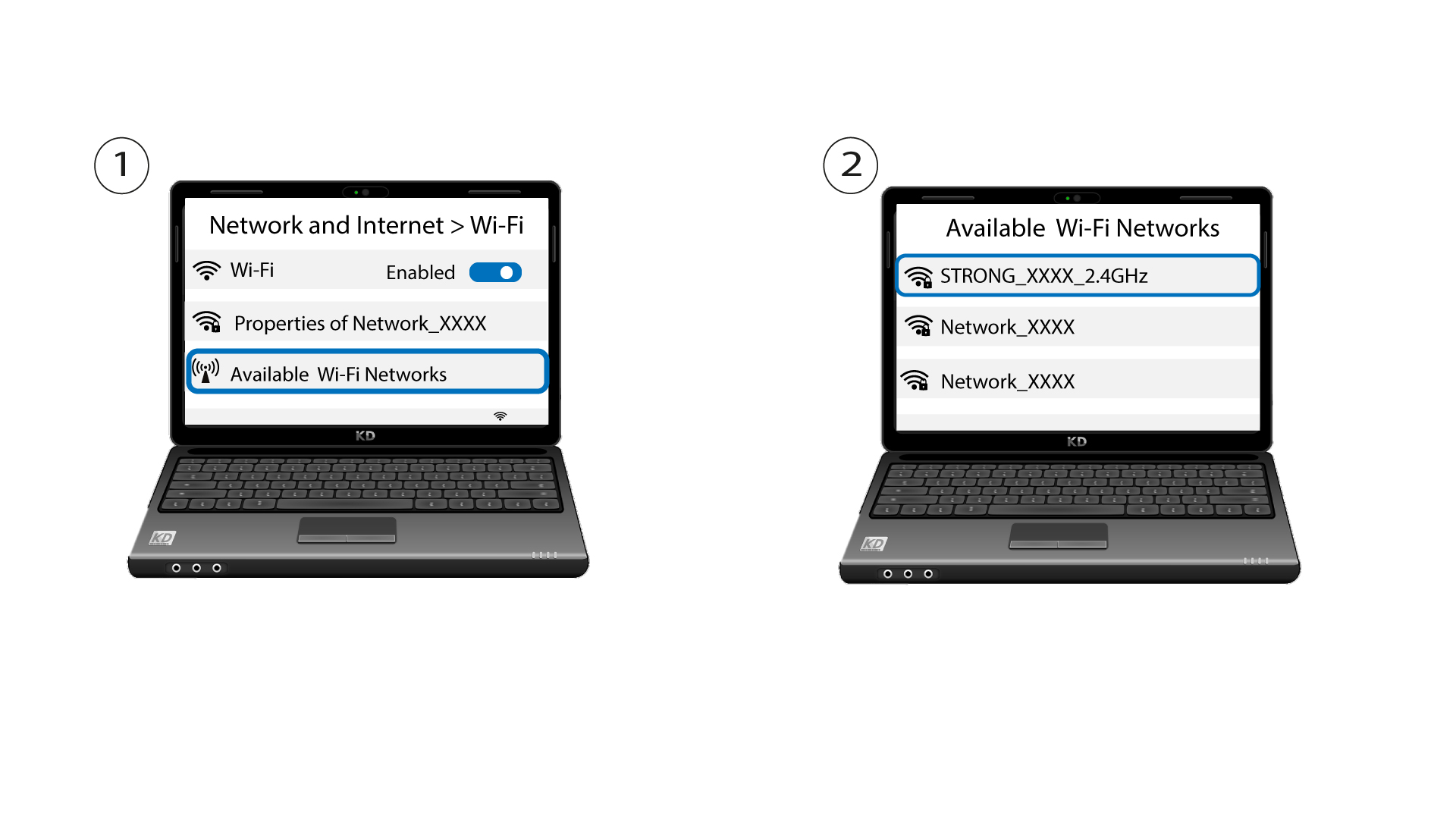
2VäljWi-Fi-nätverket bland de tillgängliga nätverken
Gå till Wi-Fi-inställningarna på din dator eller telefon och klicka på routerns namn för att välja den.
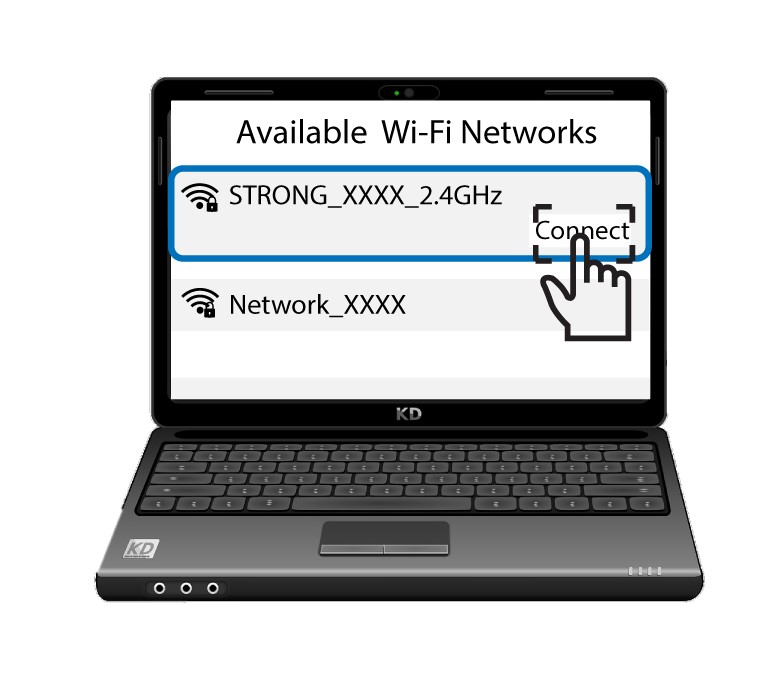
3. Ansluttill Wi-Fi
Klicka sedan på knappen ”Anslut ”.