Inga föremål hittades.
LEAP AIR | 4K Google TV med HDR10+
Inga föremål hittades.
Alla frågor
Inga föremål hittades.
LEAP AIR | 4K Google TV med HDR10+
Inga föremål hittades.
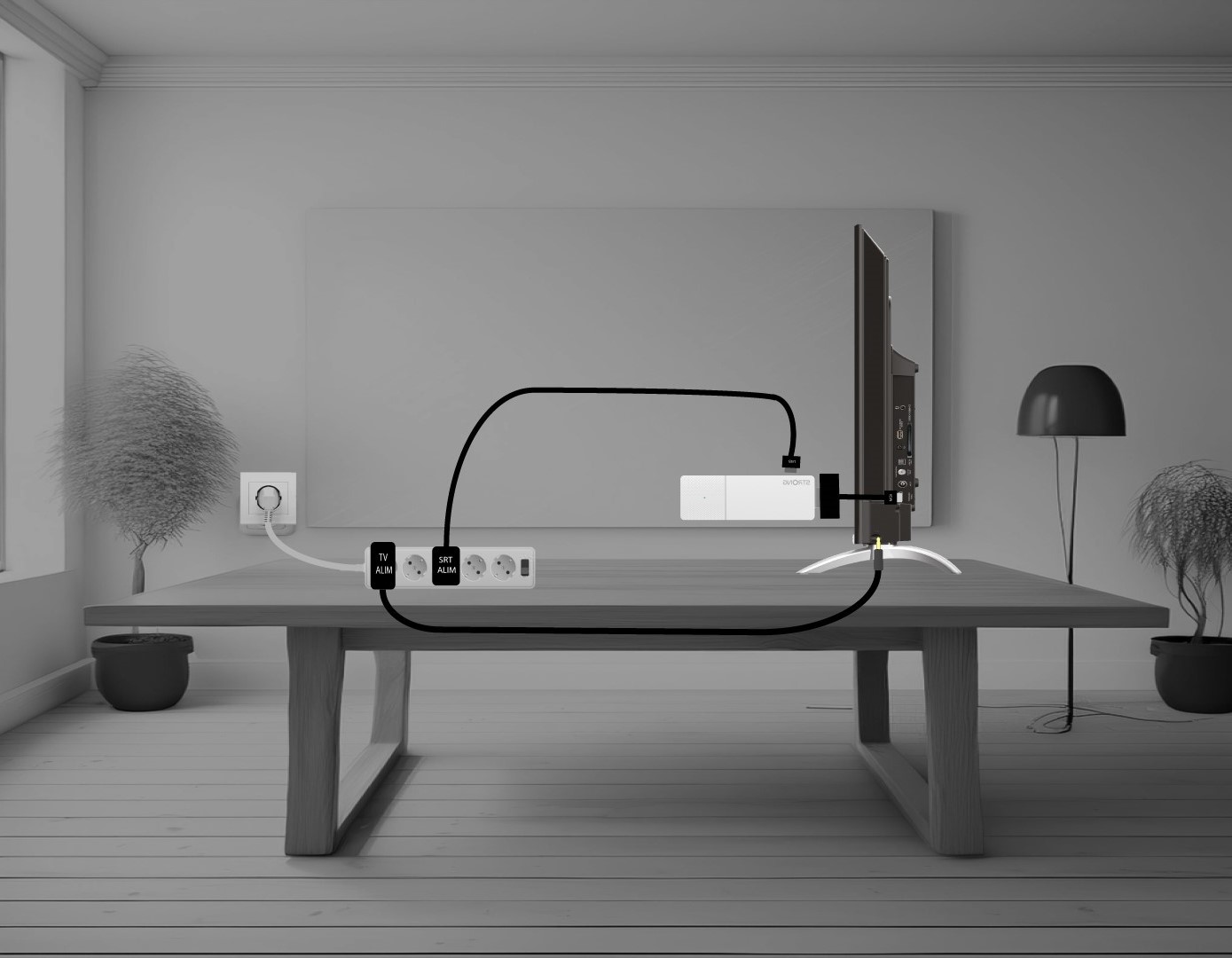
Hur ansluter jag min LEAP AIR till min TV?
Sätt ihop HDMI- stick en och HDMI-kabeln och anslut den till HDMI-porten på din TV (1). Anslut sedan USB-kabeln till LEAP AIR och koppla in den (2) samt koppla in din TV (3).