Inga föremål hittades.
LEAP S3 | 4K Google TV med Dolby Vision
Inga föremål hittades.
Alla frågor
Inga föremål hittades.
LEAP S3 | 4K Google TV med Dolby Vision
Inga föremål hittades.
Hur återställer jag LEAP S3 till fabriksinställningarna?

Varning: När du återställer enheten till fabriksinställningarna raderas alla appar och anpassade inställningar. Du måste då installera om alla dina appar från början.
1. Slåpå enheten
Sätt på TV:n och din LEAP S3.
2. Gåtill inställningsmenyn
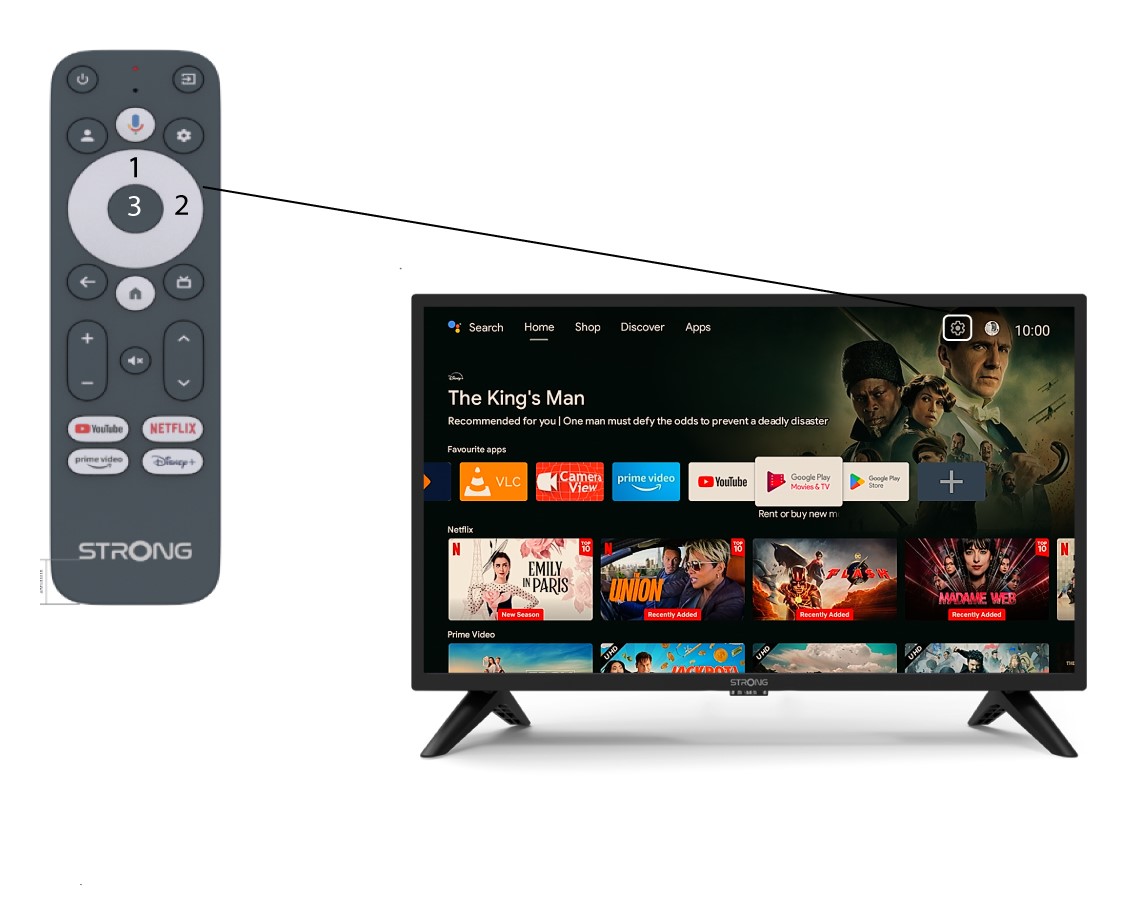
Leta reda på kugghjulsikonen (inställningsmenyn) längst upp till höger på skärmen och markera den med hjälp av pilarna på fjärrkontrollen. Tryck sedan på OK-knappen på fjärrkontrollen för att öppna inställningsmenyn.
3Systeminställningar
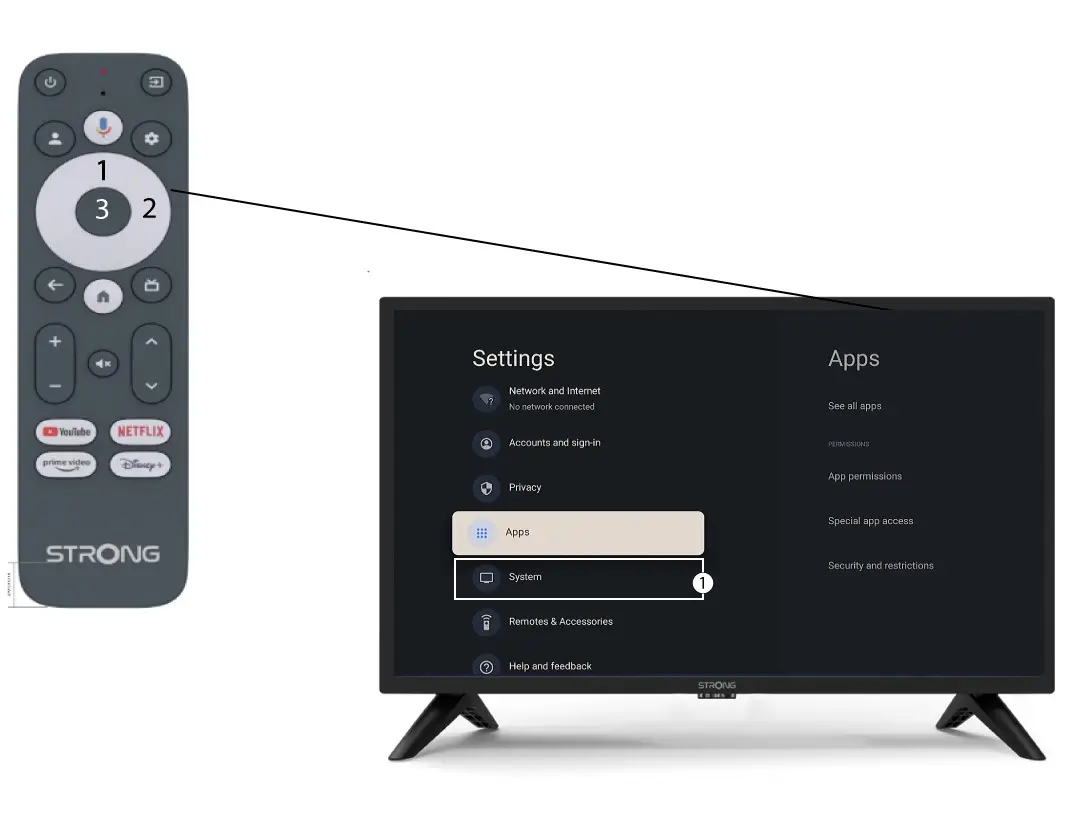
I inställningsmenyn väljer du ”System ” och trycker på OK.
4Om
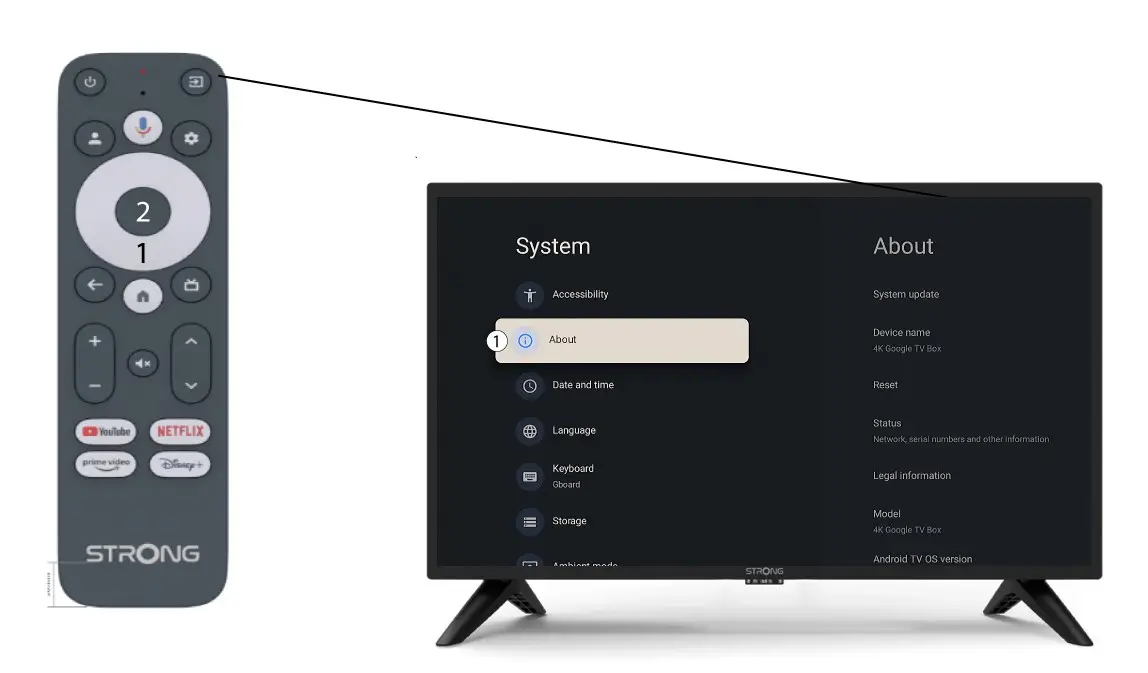
Välj ”Om” i menyn ”Systeminställningar” och tryck på OK-knappen på fjärrkontrollen.
5Återställ till fabriksinställningar
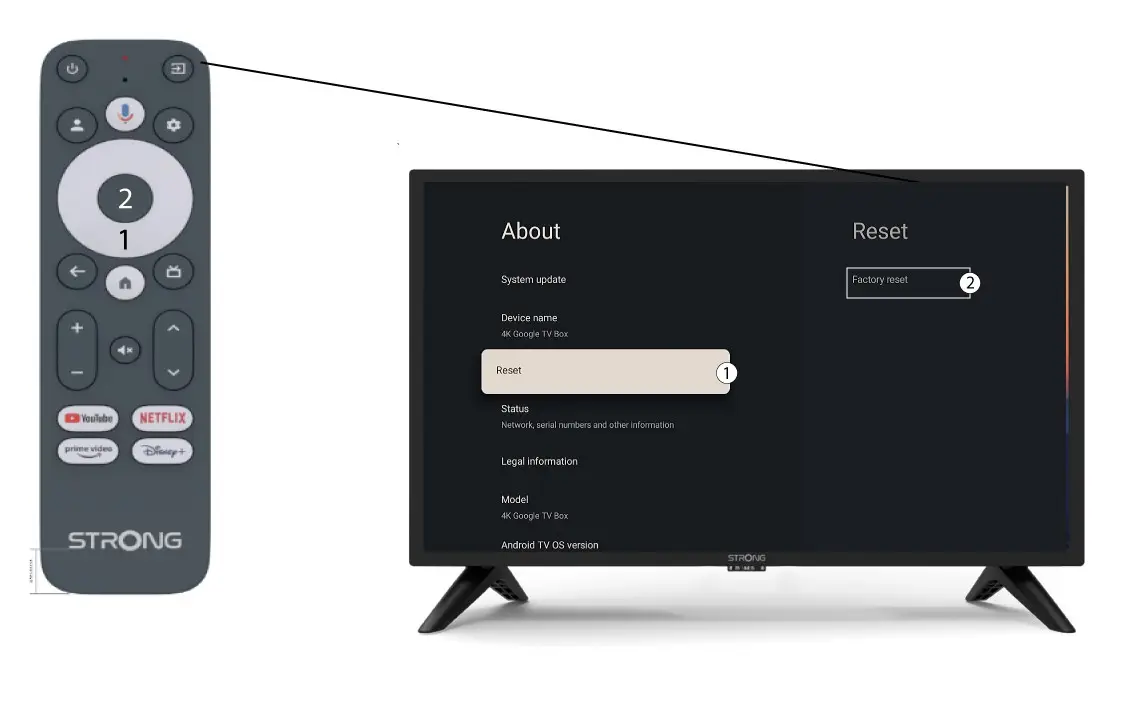
Välj Återställ och välj Fabriksåterställning innan du trycker på OK.