4G+ AIRHOME 710 med avtagbara 4G+-antenner
Inga föremål hittades.
Inga föremål hittades.
Alla frågor
4G+ AIRHOME 710 med avtagbara 4G+-antenner
Inga föremål hittades.
Inga föremål hittades.
Hur uppdaterar jag enhetens firmware?
1. Ansluttill routerns Wi-Fi-nätverk
För att uppdatera enhetens firmware måste du ansluta till enhetens Wi-Fi-nätverk.

2. Gåtill webbgränssnittets IP-adress
Ange sedan följande IP-adress: 192.168.188.1 i din webbläsare.

3Hittadina inloggningsuppgifter för webbgränssnittet
För att ta reda på dina inloggningsuppgifter, se etiketten på baksidan av enheten.

4Angedina inloggningsuppgifter
Du måste ange användarnamn och lösenord. Klicka sedan på ”Logga in”.

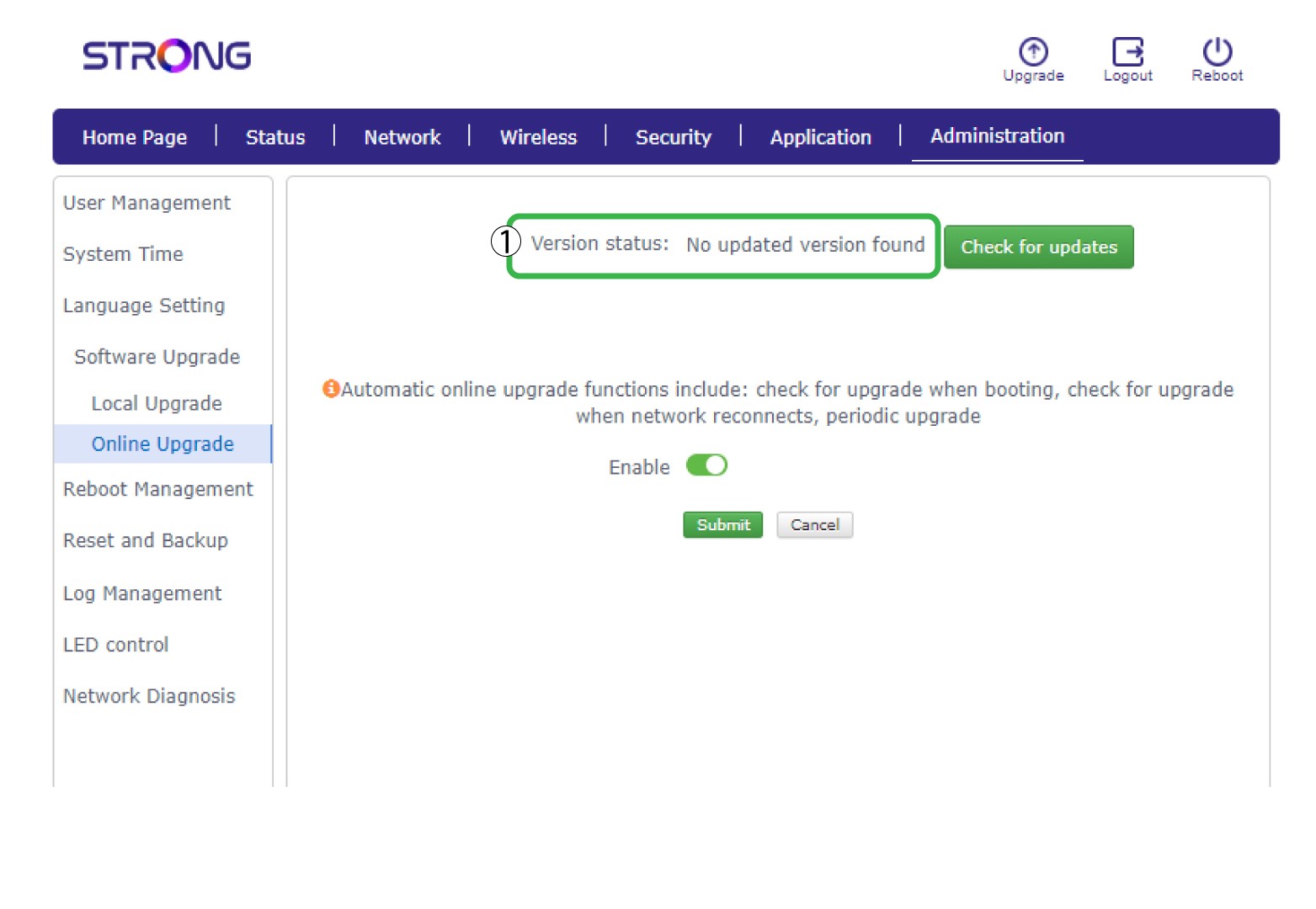
5Uppgradering online
Klicka på ”Administration ” och välj ”Onlineuppgradering”.
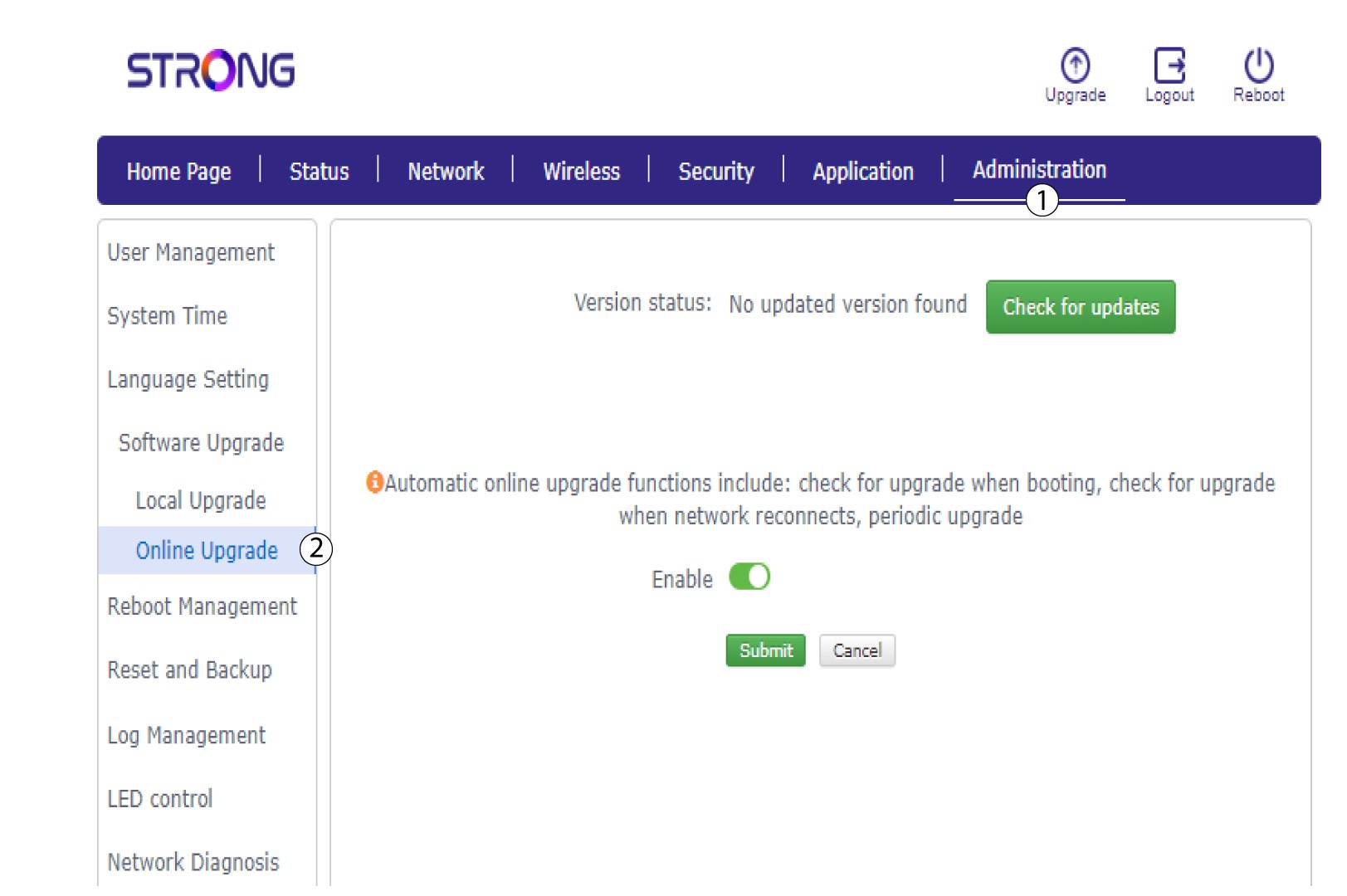
6Kontrolleraom det finns uppdateringar
I ”Avancerade inställningar” klickar du på ”Sök efter uppdateringar” och på växlingsknappen ”Aktivera ”. Klicka sedan på ”Skicka”.
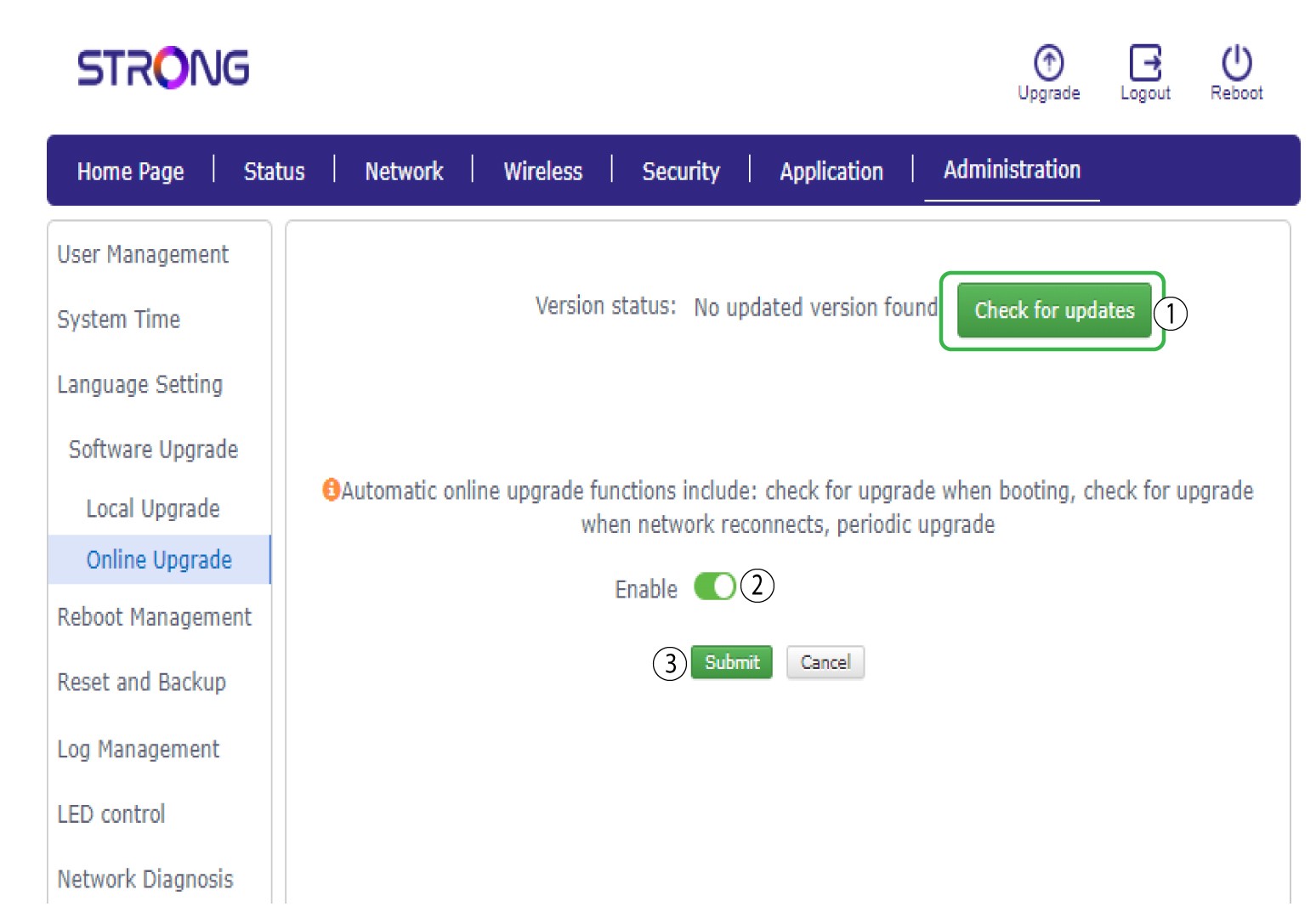
7Nyprogramvaruversion
- Om det finns en ny version tillgänglig, klicka på Ja. Vänta sedan tills routern har slutfört uppdateringen. LED-lamporna slocknar och tänds igen.
- Om din router redan är uppdaterad visas ett meddelande.