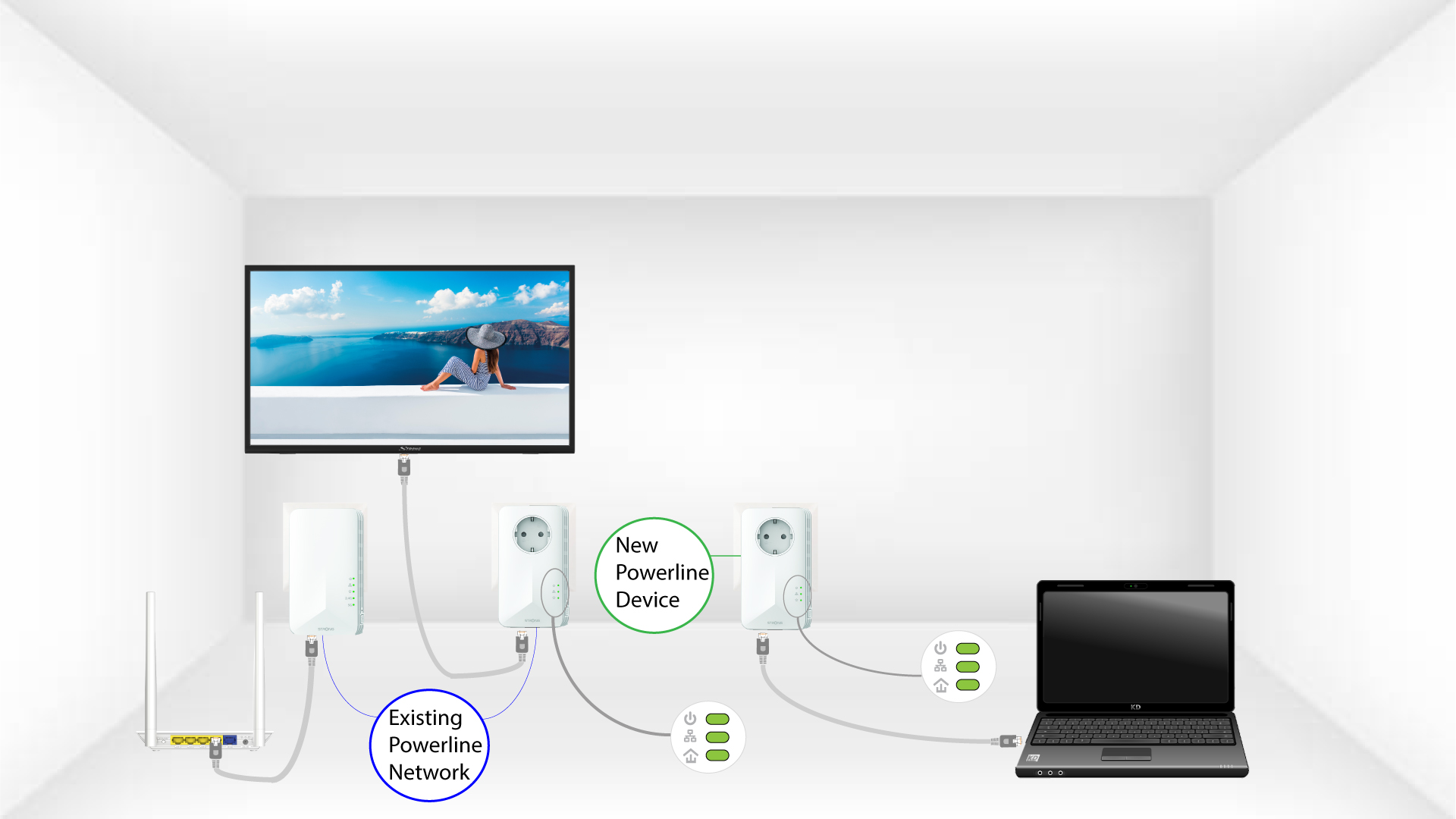
Powerline 1000 Duo Wi-Fi EU V2
Inga föremål hittades.
Inga föremål hittades.
Alla frågor
Powerline 1000 Duo Wi-Fi EU V2
Inga föremål hittades.
Inga föremål hittades.
Hur lägger man till en ny Strong Powerline-enhet i sitt befintliga Powerline-Wi-Fi-nätverk med säkerhetsnivå 1?
Eftersom ditt befintliga nätverk har konfigurerats med hög säkerhetsnivå 1 fungerar tillägget av en produkt helt enkelt enligt principen ”Plug & Play”. Du behöver inte göra något på själva produkten. Anslut bara den nya Powerline-produkten så läggs den automatiskt till i nätverket.
Vanligtvis kopplas Powerline-adaptrar ihop i grupper om två eller tre, så om du behöver lägga till ytterligare Powerline-produkter till ditt nätverk som är konfigurerat med hög säkerhetsnivå 1 måste du följa stegen nedan.
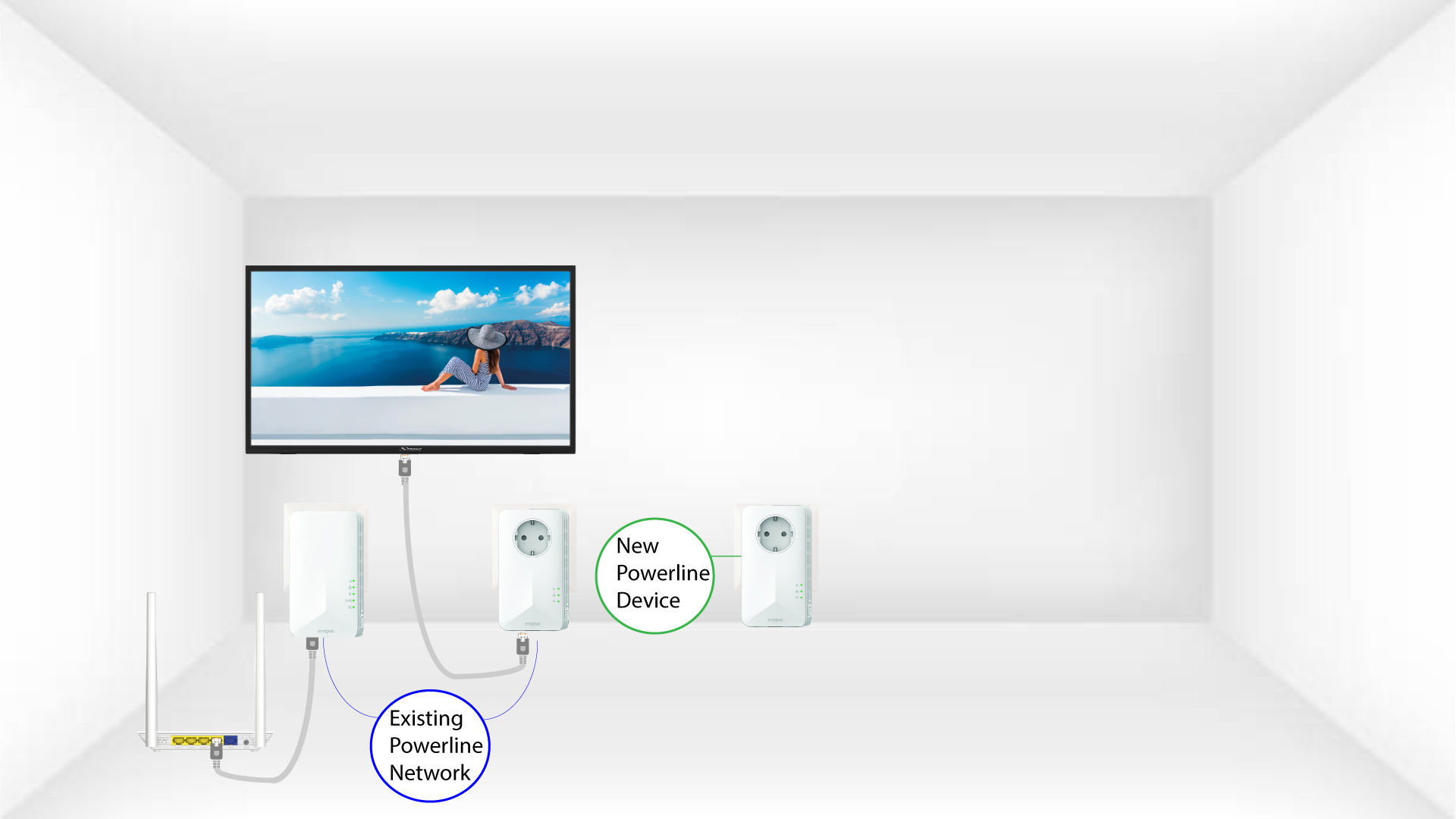
1. Sätt iden nya adaptern i ett uttag
Anslut den eller de extra enheterna till ett eluttag.
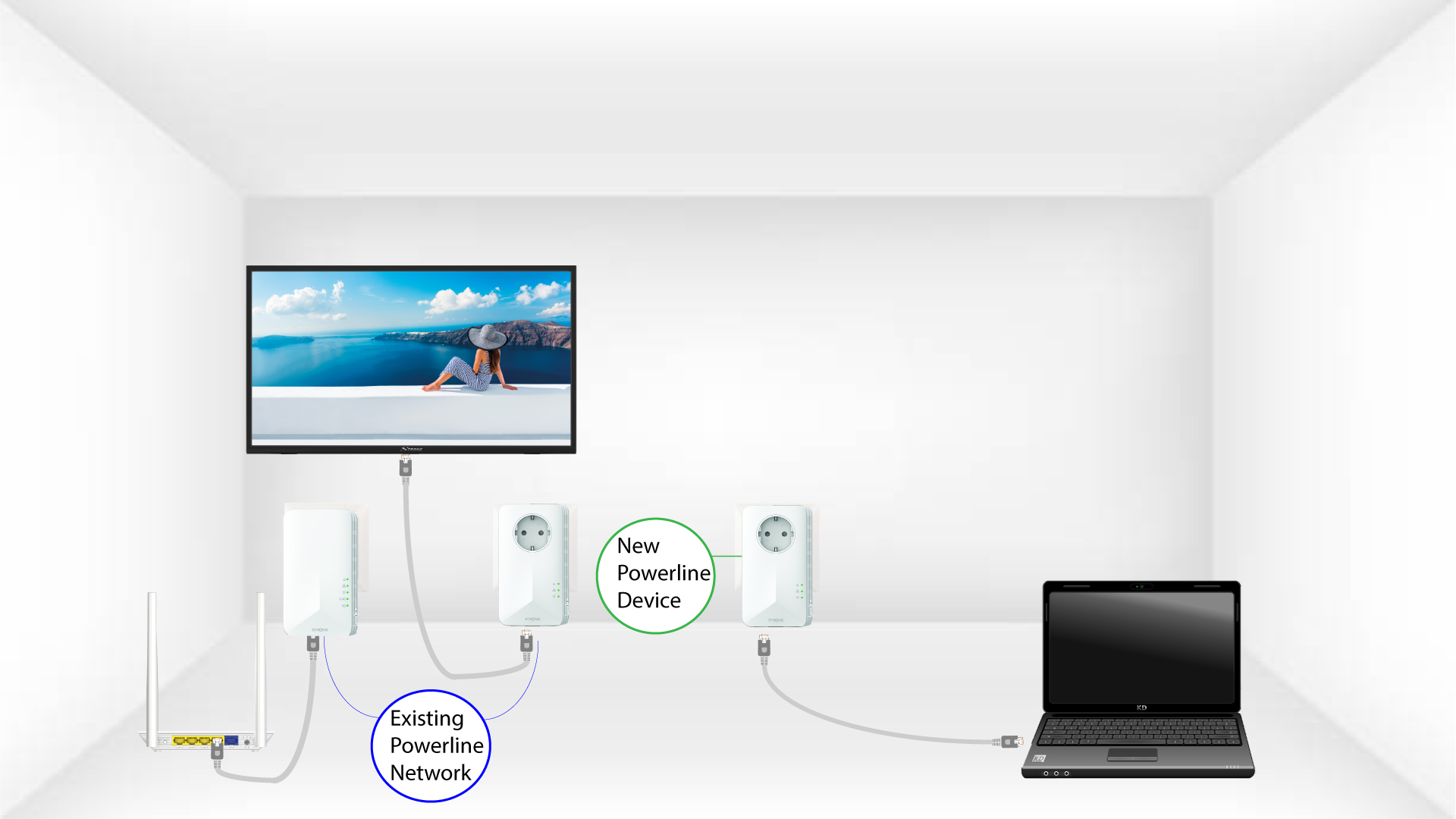
2. Anslutadaptern till internet
Anslut enheten till en internetrouter/gateway via RJ45.
3Adapternär inställd
När den nya enheten har anslutits lyser alla lysdioder grönt på alla enheter.