
CPL Wi-Fi 500 Duo | POWERLWF500DUOFR
Inga föremål hittades.
Inga föremål hittades.
Alla frågor
CPL Wi-Fi 500 Duo | POWERLWF500DUOFR
Inga föremål hittades.
Inga föremål hittades.
Hur ställer man in säkerhetsnivå 2 på sina Powerline-produkter?
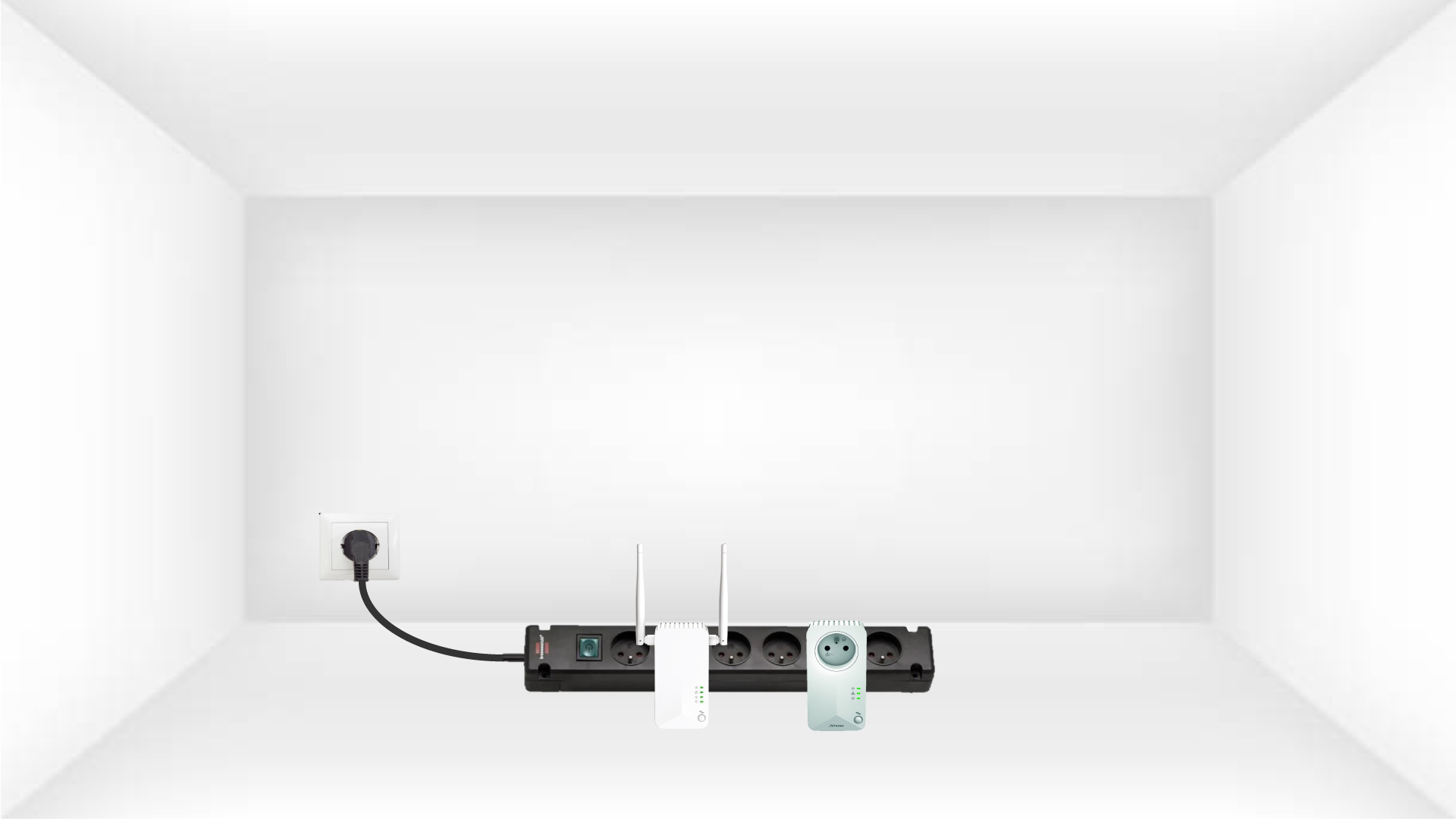
1. Anslutadaptrarna till en grenuttag
Ta en grenuttag och anslut alla Powerline-adaptrar till den.
2. Anslutadaptern till internet
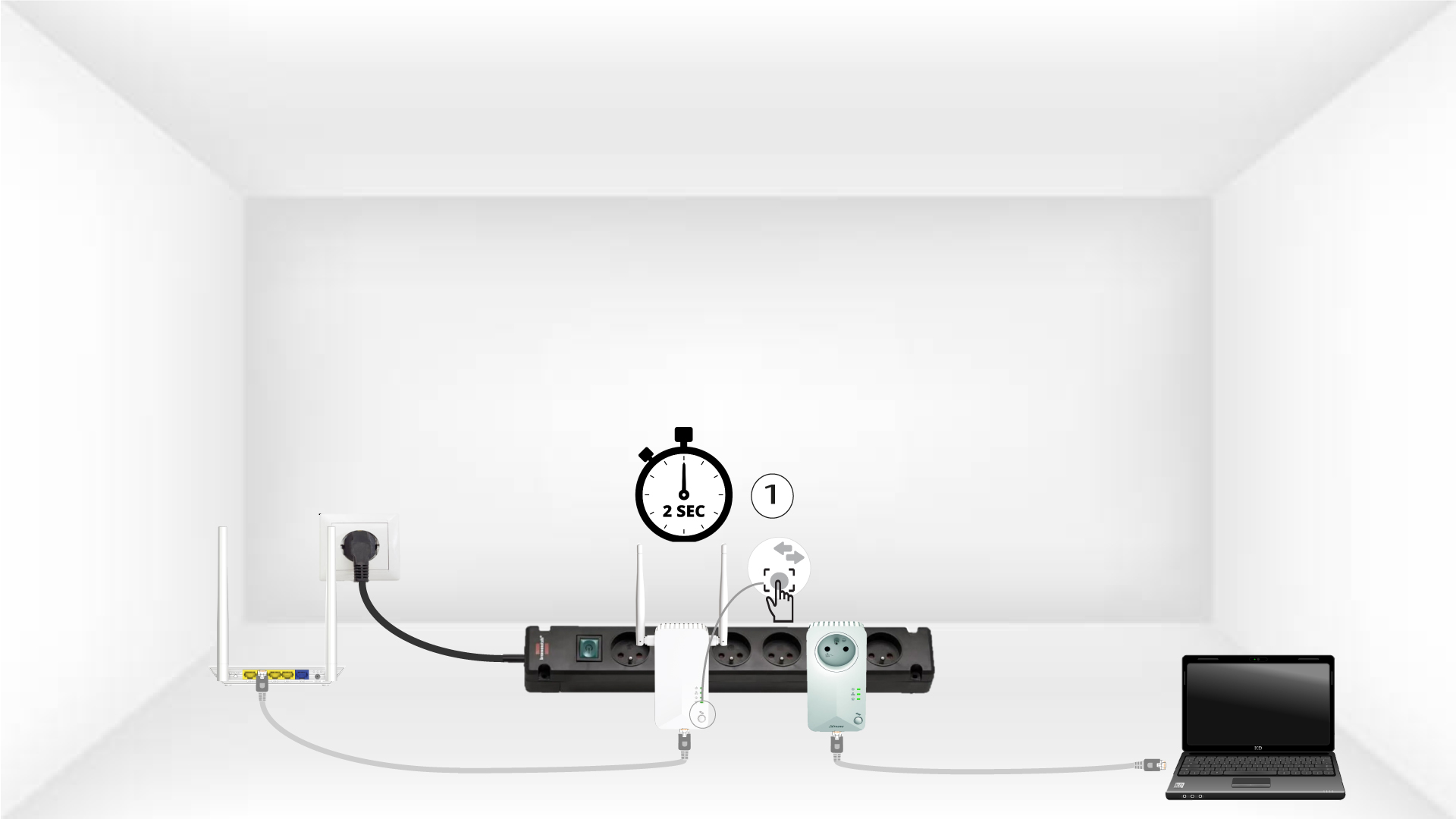
Anslut en av adaptrarna till internetgatewayen/routern med en RJ45-kabel.

3Tryck påknappen ”Connect & Secure” (första enheten)
Tryck sedan på knappen ”Connect & Secure” i 2 sekunder på den första enheten.
4Tryck påknappen ”Connect & Secure” (andra enheten)
Håll knappen ”CONNECT & SECURE”på den andra enheten intryckt i 2 sekunder. Du har upp till två minuter på dig att göra detta.
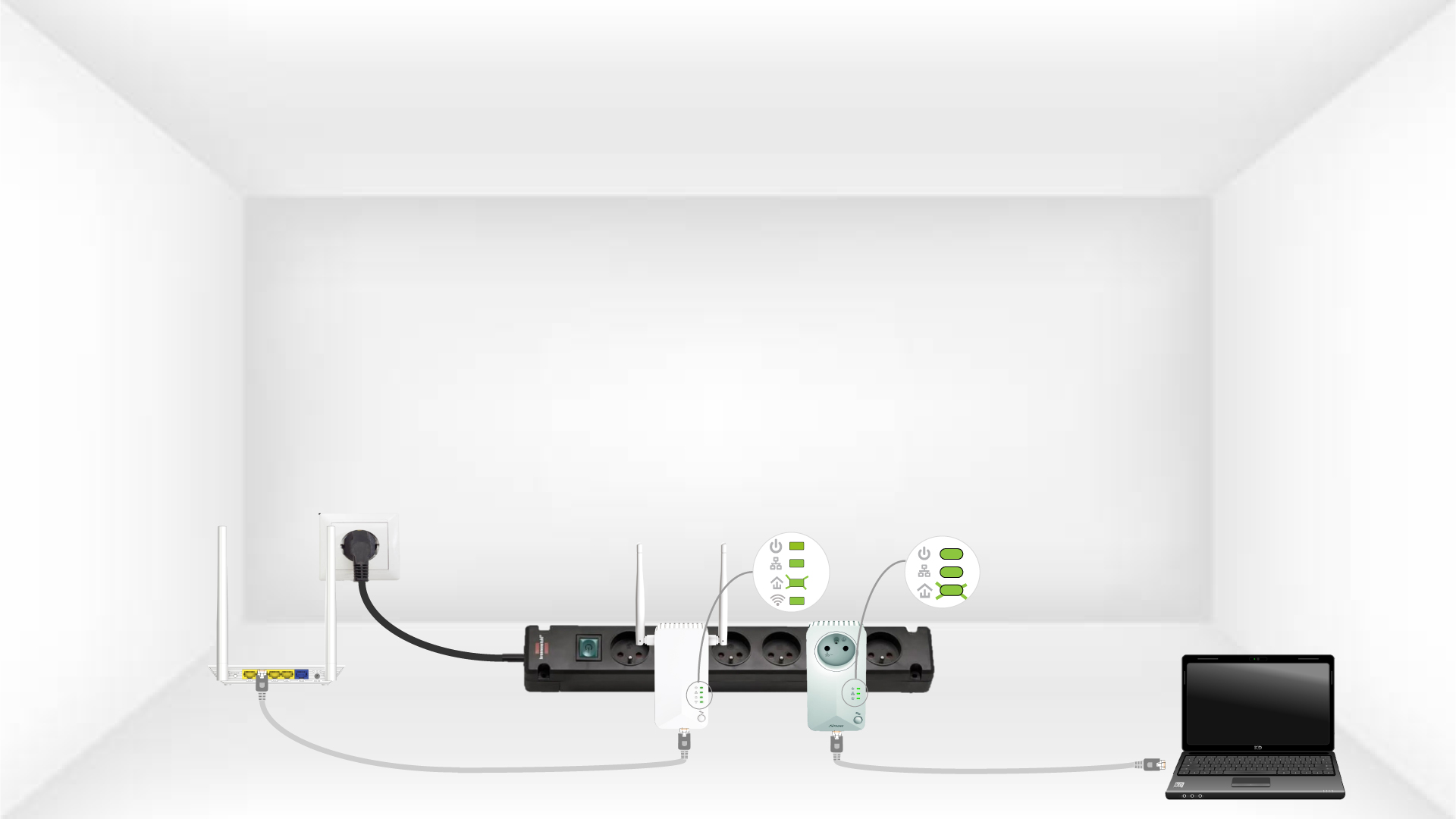
5Home-LED:n blinkar
LED-lampan för ”hem” ska blinka på de två enheterna.
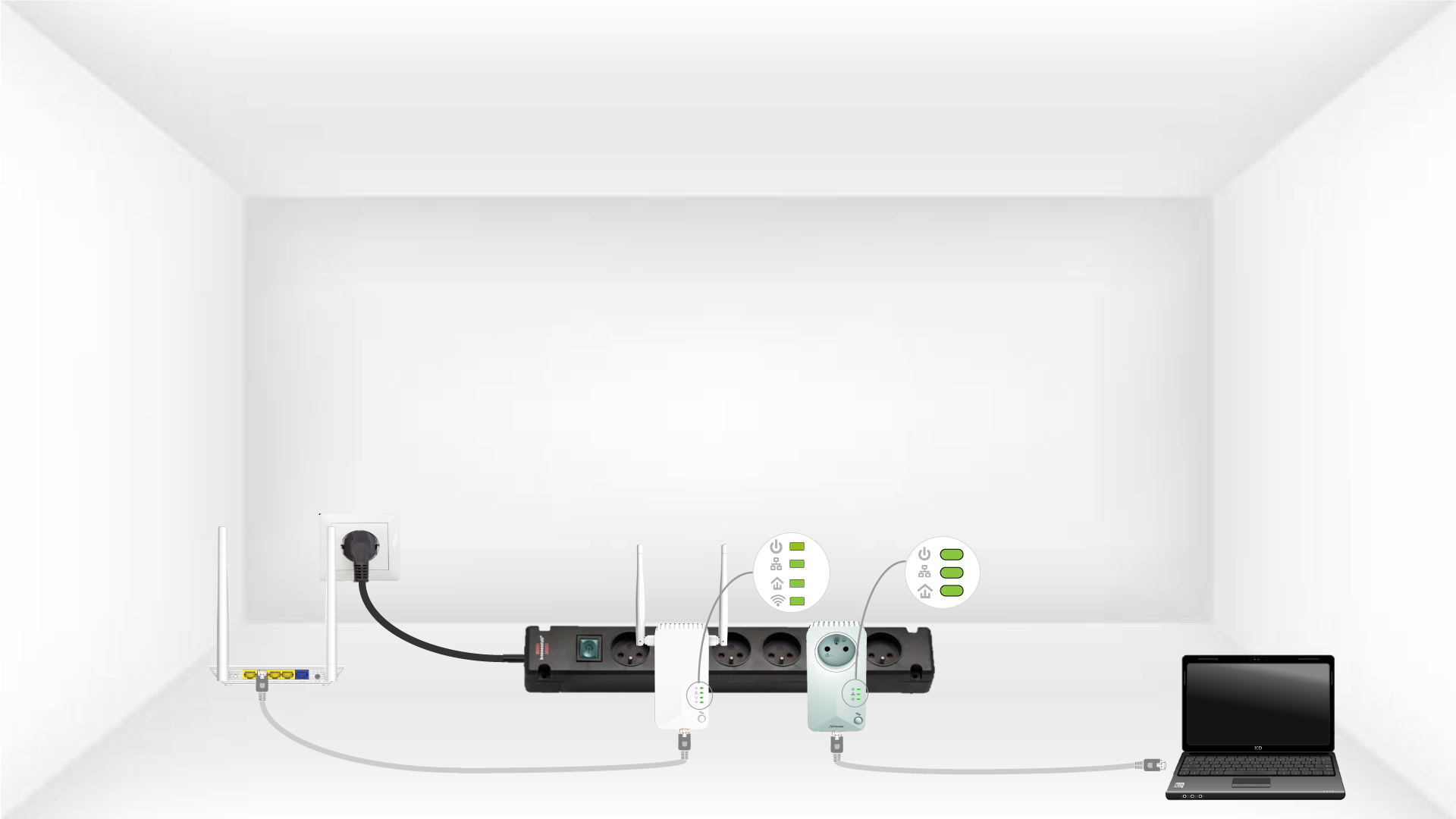
6Denunika krypteringsnyckeln har ställts in
Din unika krypteringsnyckel är nu inställd, och alla enheternas lysdioder ska lysa grönt.
Nu måste du installera adaptrarna i de rum där du behöver dem. Vi rekommenderar starkt att du inte ansluter adaptrarna till ett grenuttag.