ATRIA Wi-Fi 6 Mesh 3000 UK 2-пакет)
Нічого не знайдено.
Нічого не знайдено.
Усі питання
ATRIA Wi-Fi 6 Mesh 3000 UK 2-пакет)
Нічого не знайдено.
Нічого не знайдено.
Як можна визначити IP-адреси різних пристроїв Mesh у моїй мережі?
Щоб дізнатися IP-адреси різних пристроїв Mesh у вашій мережі, спочатку потрібно підключитися до веб-інтерфейсу або до додатка, перебуваючи в мережі Mesh .
1Випадок1: Веб-інтерфейс користувача
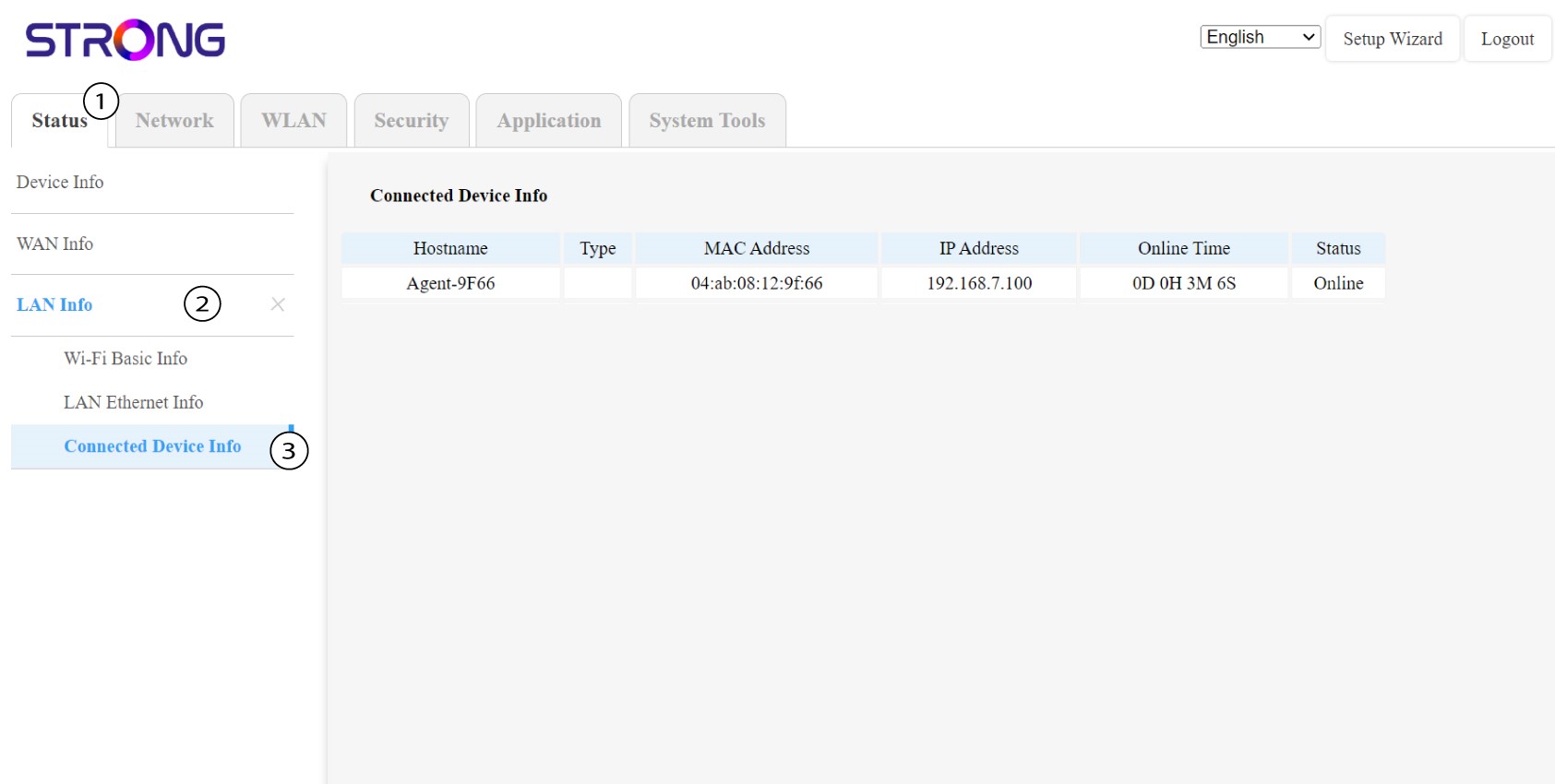
У веб-інтерфейсі в розділах «Статус», «Інформація про локальну мережу » та «Інформація про підключення» ви можете переглянути IP-адресу пристрою « Mesh » з іменем«agent» та записати її.
1. Випадок2: Додаток
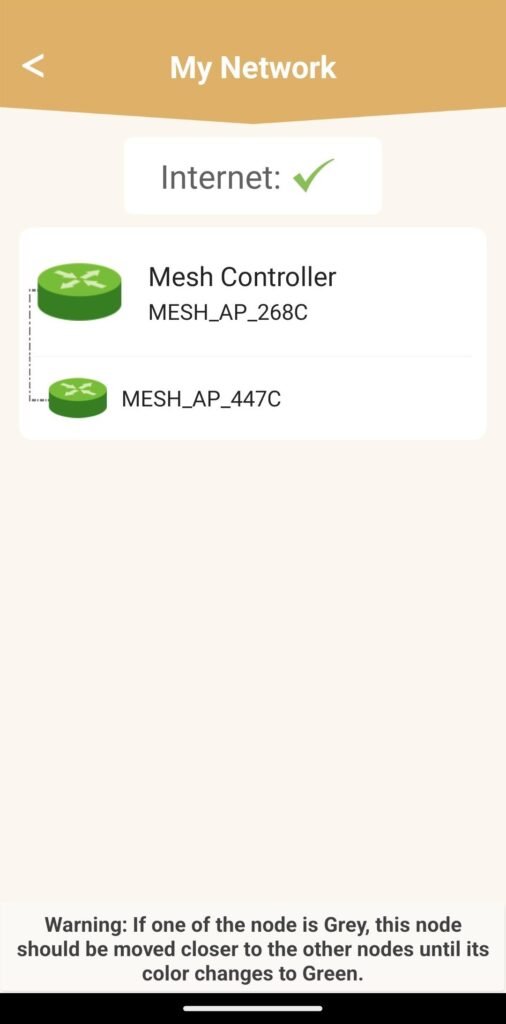
У додатку Atria перейдіть у розділ «Моя мережа», потім натисніть на назву пристрою, який ви шукаєте, і запишіть його IP-адресу.