
Wi-Fi 4G AIRSPOT 220 з дисплеєм
Нічого не знайдено.
Нічого не знайдено.
Усі питання
Wi-Fi 4G AIRSPOT 220 з дисплеєм
Нічого не знайдено.
Нічого не знайдено.
Як отримати доступ до веб-інтерфейсу користувача?
Щоб отримати доступ до веб-інтерфейсу, необхідно підключитися до мережі Wi-Fi вашого пристрою 4G PORTABLE HOTSPOT 150 WITH A DISPLAY/4G PORTABLE HOTSPOT 150 після встановлення SIM-картки в слот.
1. Підключітьсядо мережі Wi-Fi « маршрутизатор »
Для цього введіть на своєму пристрої SSID та пароль точки доступу « маршрутизатор ».
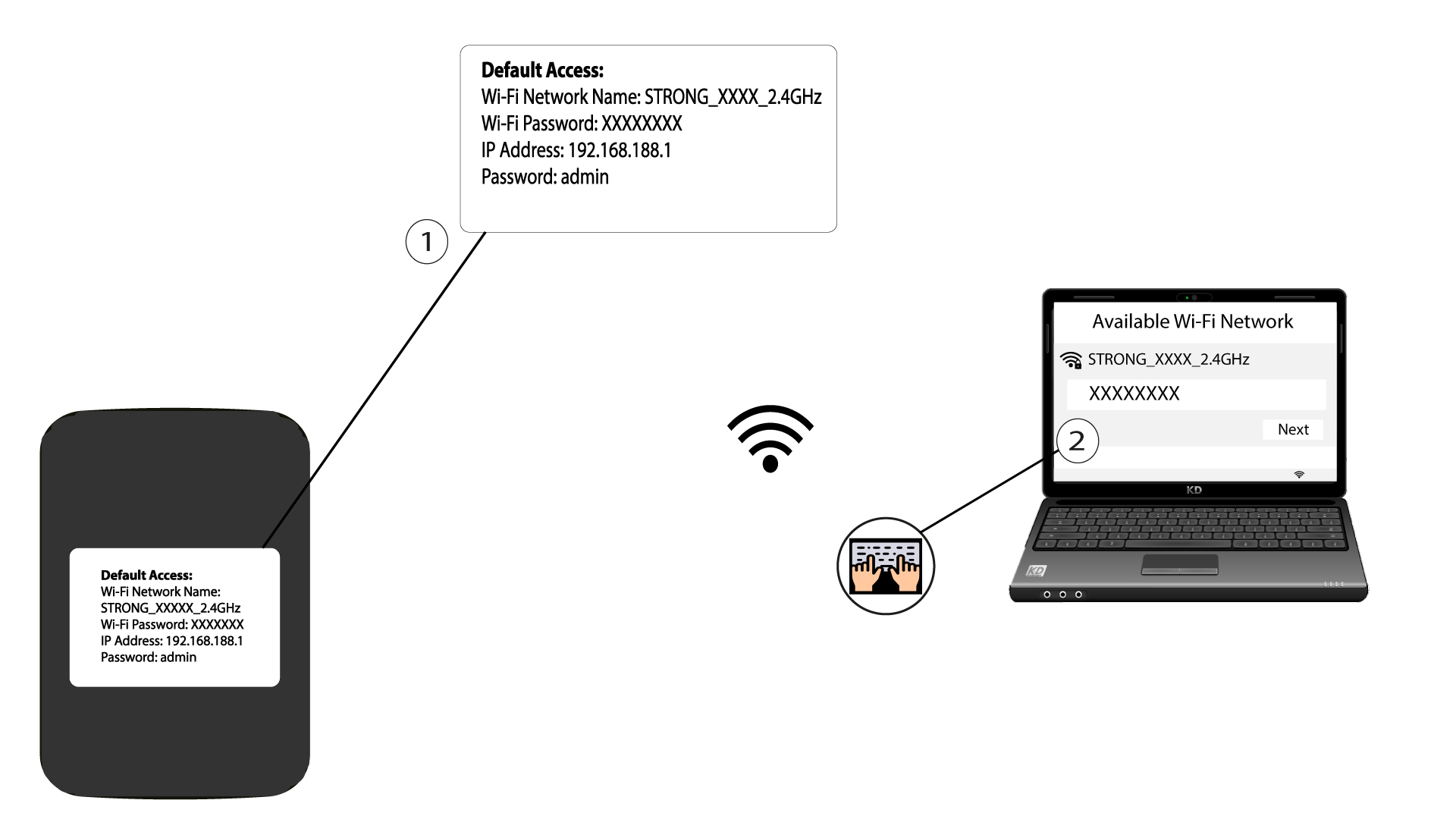
2. ВведітьIP-адресу веб-інтерфейсу користувача
Потім введіть у браузері таку IP-адресу: 192.168.188.1

3. Перейдітьна сторінку входу
Після того як ви перейдете за вказаною IP-адресою, вам потрібно ввести пароль і натиснути «Увійти».

4. Попереджувальнеповідомлення
Після підключення ви побачите попередження щодо пароля адміністратора.


Попередження: Після першого підключення ми настійно рекомендуємо змінити пароль адміністратора, щоб забезпечити безпеку доступу до веб-інтерфейсу маршрутизатор та запобігти зломів.