
Універсальний Повторювач 300 V2
Нічого не знайдено.
Нічого не знайдено.
Усі питання
Універсальний Повторювач 300 V2
Нічого не знайдено.
Нічого не знайдено.
Як отримати доступ до веб-інтерфейсу після налаштування?
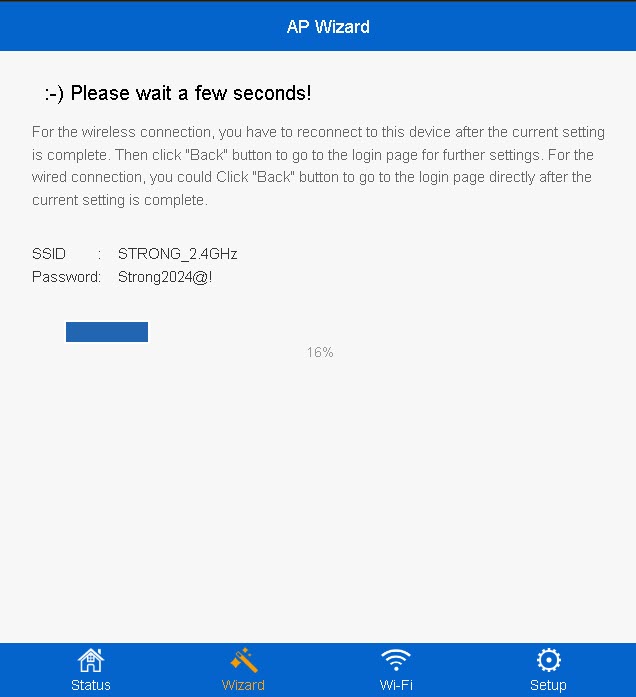
1. Підключітьсядо нової мережі Wi-Fi Повторювач
Підключіться до нової мережі Wi-Fi на вашому пристрої « Повторювач ».
Інформація про цю мережу була вказана на етапі підсумовування майстра налаштування.
2. Перейдітьдо веб-інтерфейсу користувача
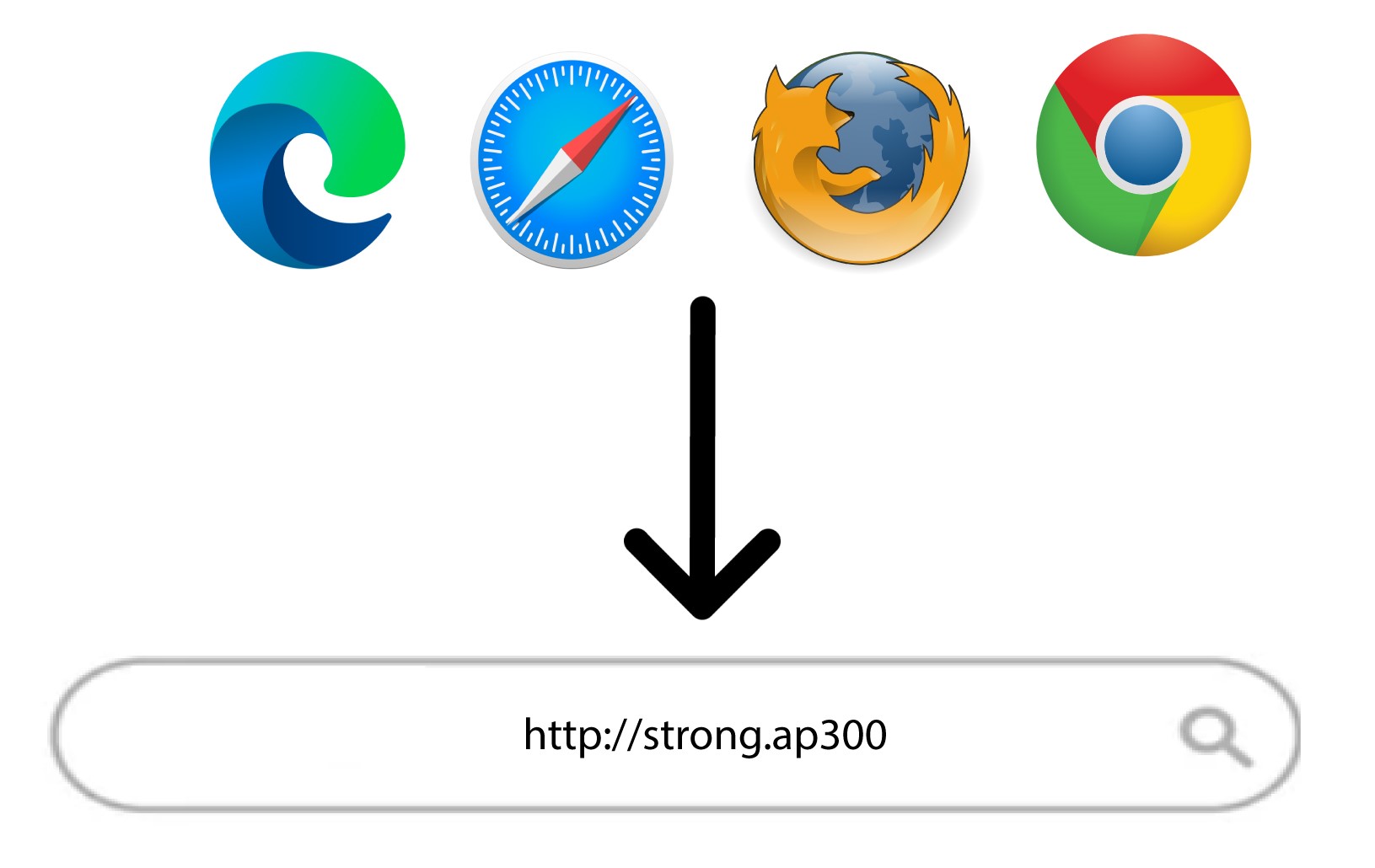
Перейдіть за наступним посиланням: http://strong.ap300/
3Введітьсвої облікові дані
Введіть свій адміністративний пароль і натисніть «Увійти».
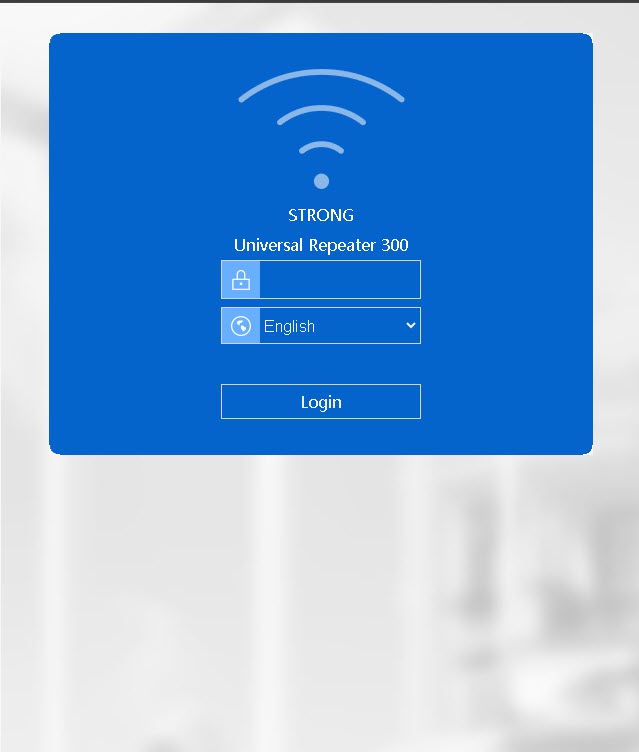

Увага: Зверніть увагу, що у разі зміни пароля адміністратора за замовчуванням вам доведеться ввести новий пароль, який ви встановили. Якщо ви втратили цей пароль, будь ласка, скиньте налаштування пристрою до заводських.