Нічого не знайдено.
LEAP AIR | 4K Google TV HDR10+
Нічого не знайдено.
Усі питання
Нічого не знайдено.
LEAP AIR | 4K Google TV HDR10+
Нічого не знайдено.
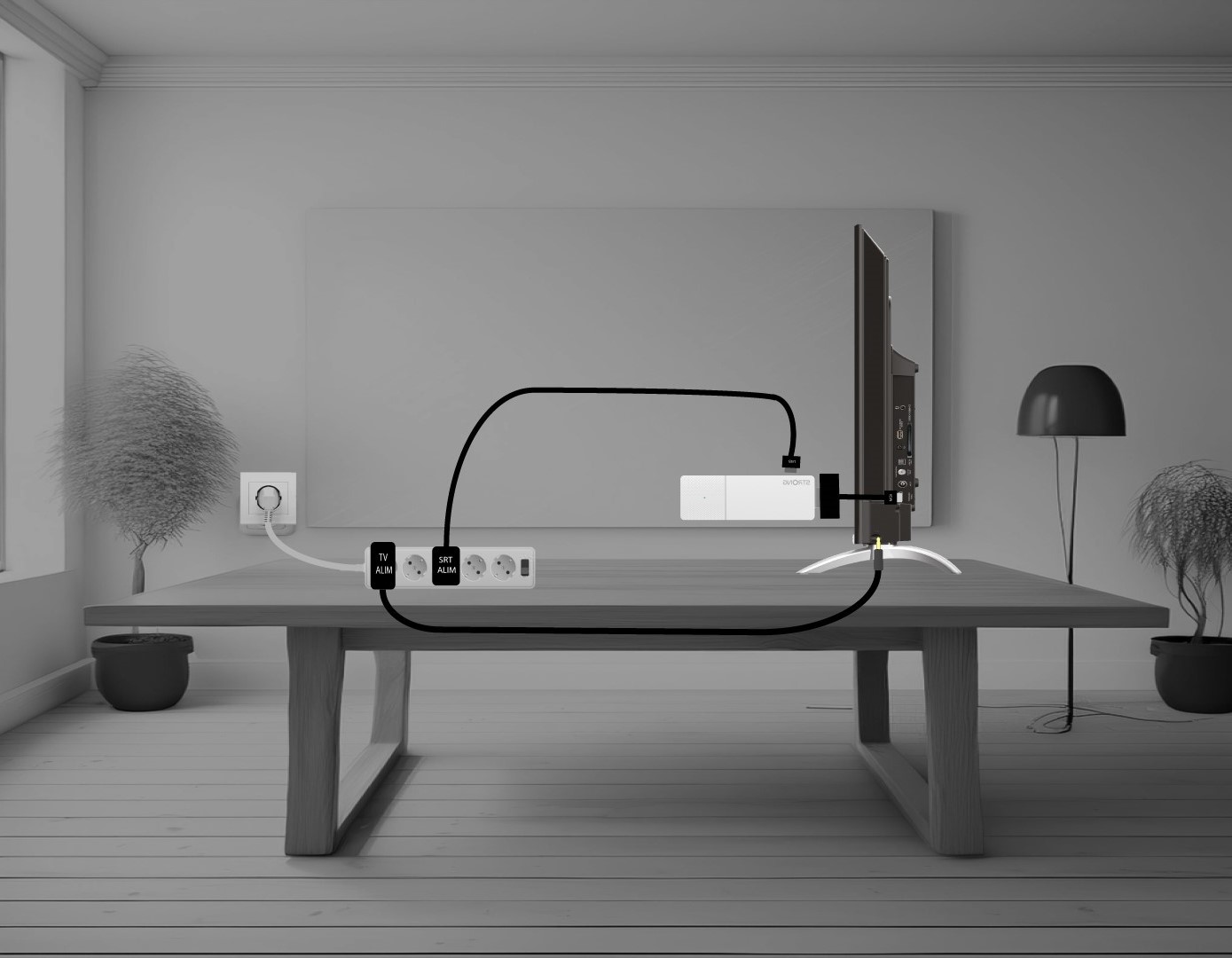
Як підключити пристрій LEAP AIR до пристрою « TV »?
З'єднайте HDMI- stick й HDMI-кабель та підключіть їх до HDMI-порту вашого пристрою « TV » (1). Потім підключіть USB-кабель до пристрою LEAP AIR та під'єднайте його до мережі (2), а також підключіть ваш пристрій « TV » (3).