Powerline 600 Duo Wi-Fi EU
Нічого не знайдено.
Нічого не знайдено.
Усі питання
Powerline 600 Duo Wi-Fi EU
Нічого не знайдено.
Нічого не знайдено.
Як підключити новий пристрій powerline до існуючої мережі Wi-Fi powerline з рівнем безпеки 1?
Оскільки ваша існуюча мережа налаштована з конфігурацією «Високий рівень безпеки 1», додавання пристрою здійснюється за принципом «Plug & Play». Жодних дій з пристроєм не потрібно. Просто підключіть новий пристрій « powerline », і він автоматично додасться до мережі.
Зазвичай адаптери « powerline » використовуються в комплектах по два або три, тому якщо вам потрібно додати до мережі, налаштованої з високим рівнем безпеки 1, додаткові пристрої « powerline », необхідно виконати наведені нижче кроки.
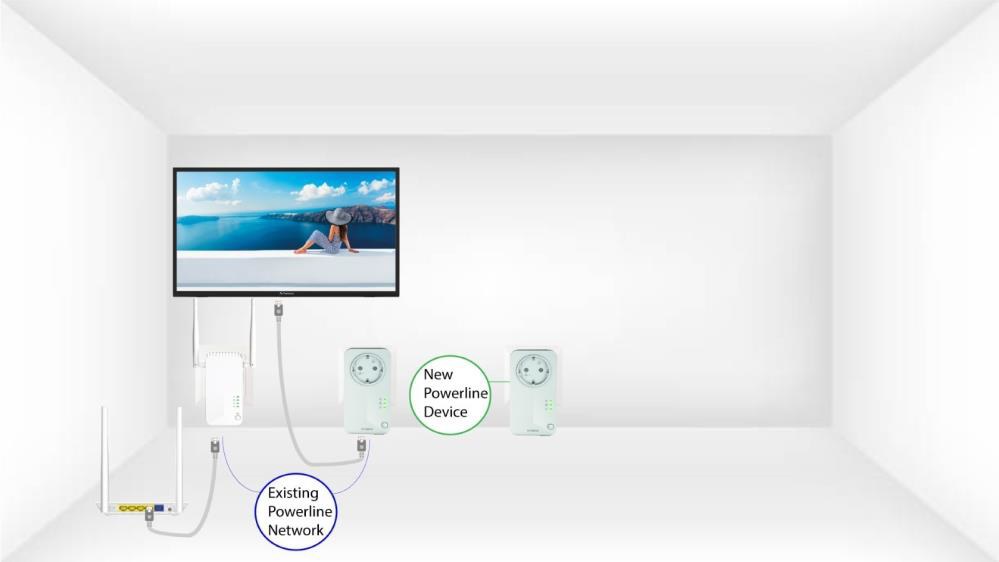
1. Підключітьдодатковий пристрій
Підключіть додаткові пристрої до розетки.
2. Підключітьпристрій до Інтернету
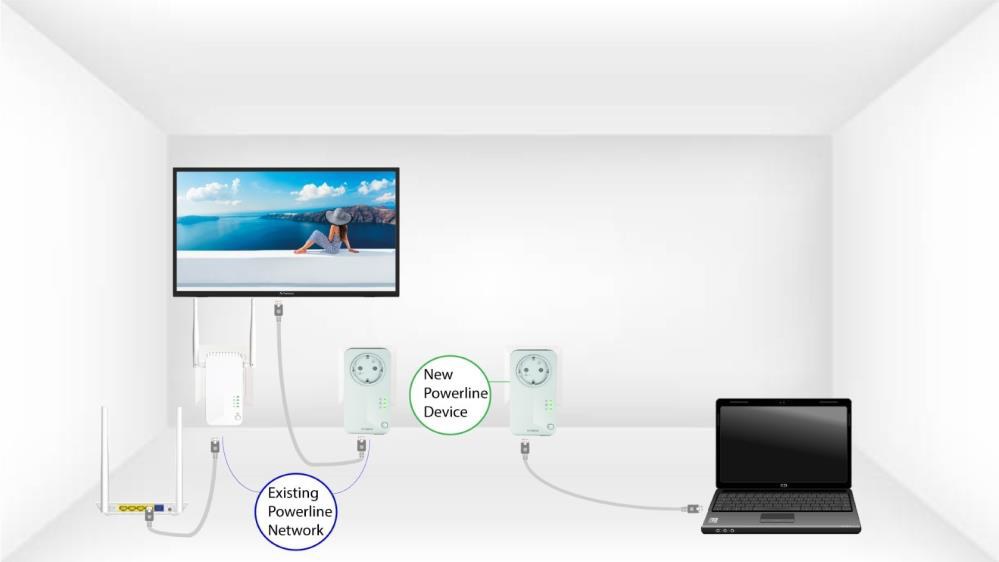
Підключіть пристрій до інтернет- маршрутизатор а або шлюзу за допомогою кабелю RJ45.
3. Пристрійналаштовано
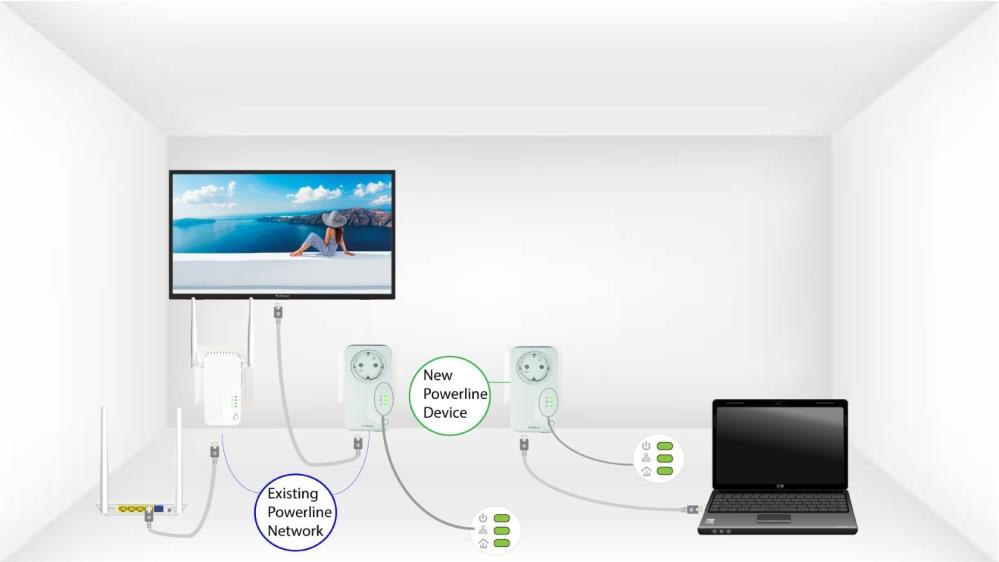
Після підключення нового пристрою на всіх пристроях світяться зелені світлодіоди.