LEAP S3 | 4K Google TV Vision
Усі питання
LEAP S3 | 4K Google TV Vision
Я підключив клавіатуру AZERTY через USB, але вона розпізнається як клавіатура QWERTY. Чому?
Я підключив клавіатуру AZERTY через USB, але вона розпізнається як клавіатура QWERTY. Чому?

Попередження: Зверніть увагу, що перелік підтримуваних розкладок клавіатури для зовнішніх клавіатур визначається компанією Google. Тому ваша розкладка клавіатури може бути непідтримуваною. У цьому випадку радимо звернутися до виробника вашої клавіатури, щоб дізнатися, чи існує додаток, який забезпечить сумісність вашої клавіатури.
1. Увімкнітьпристрій
Увімкніть « TV » та пристрій LEAP S3.
2. Меню налаштувань
Натисніть кнопку «Налаштування» на пульті дистанційного керування (значок у вигляді шестерні). На екрані телевізора « TV » з’явиться меню «Налаштування».
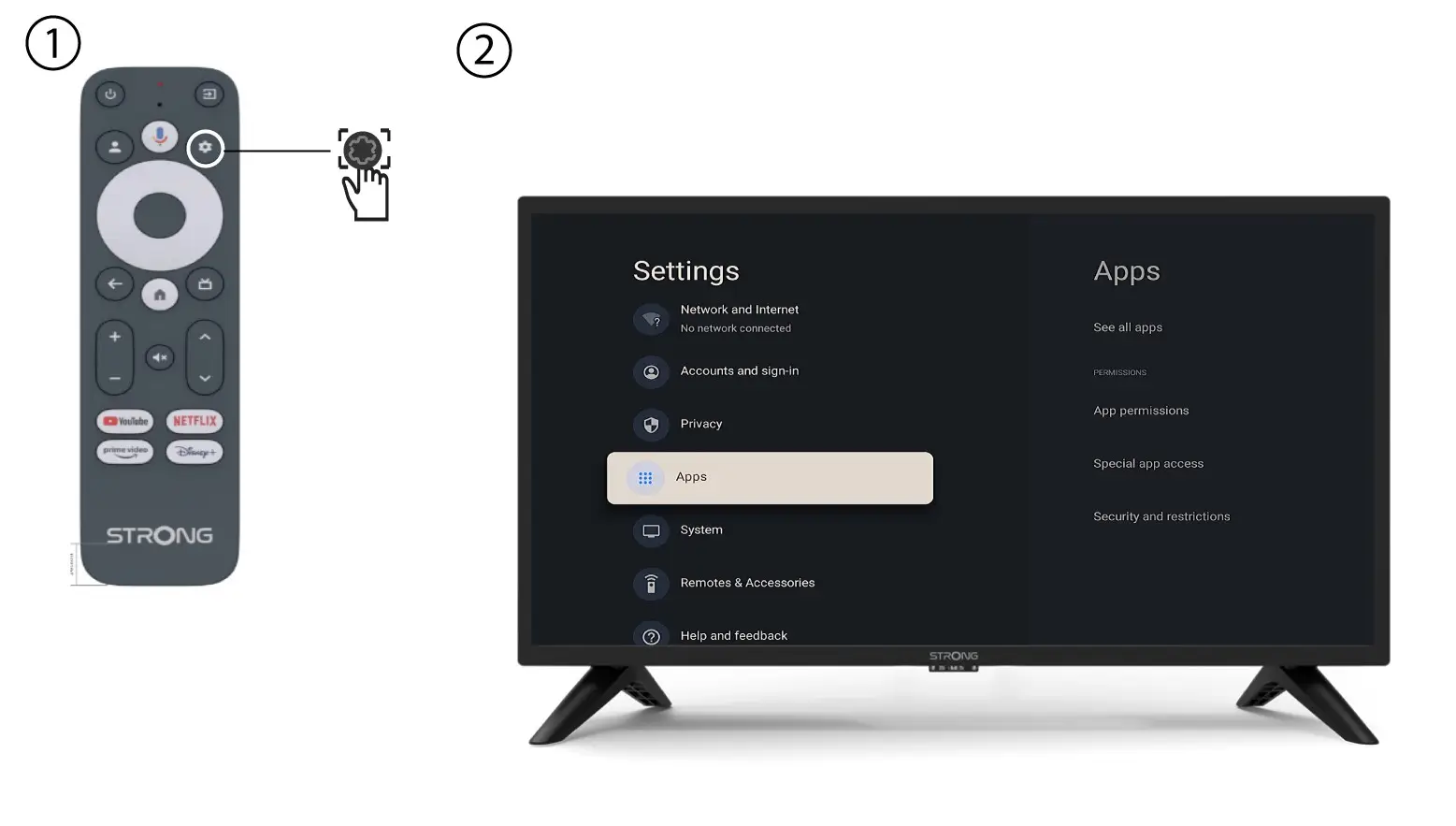
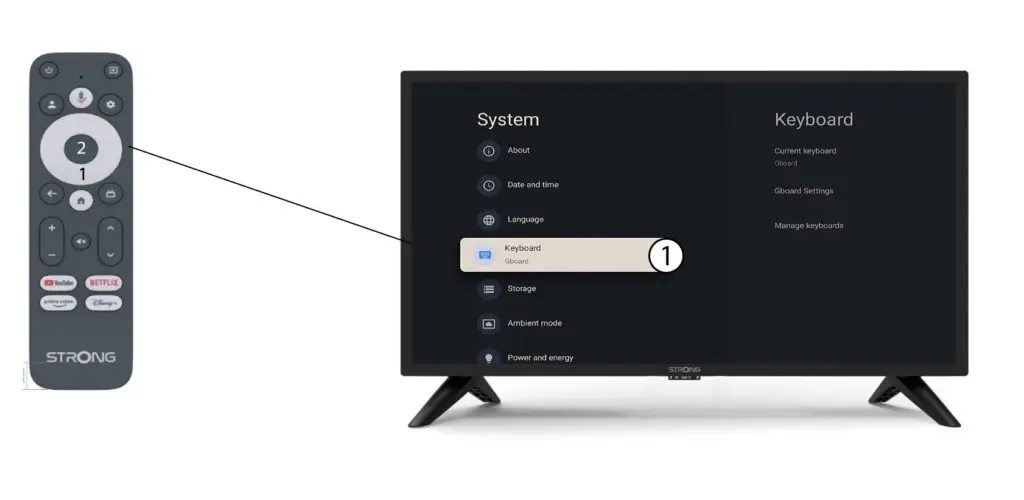
3. Налаштування клавіатури
Виберіть пункт «Клавіатура»в меню «Налаштування» та натисніть кнопку «ОК» на пульті дистанційного керування.
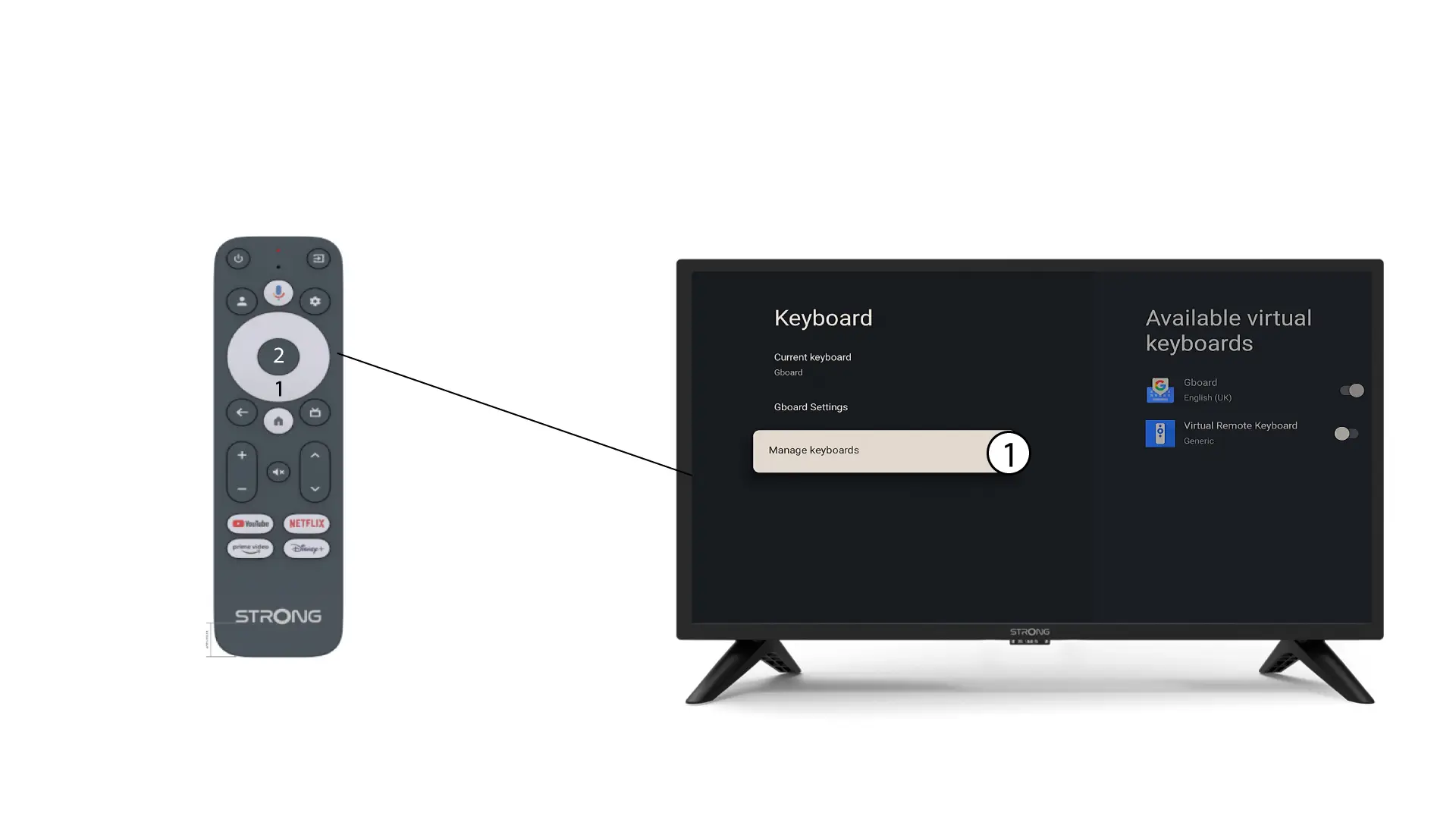
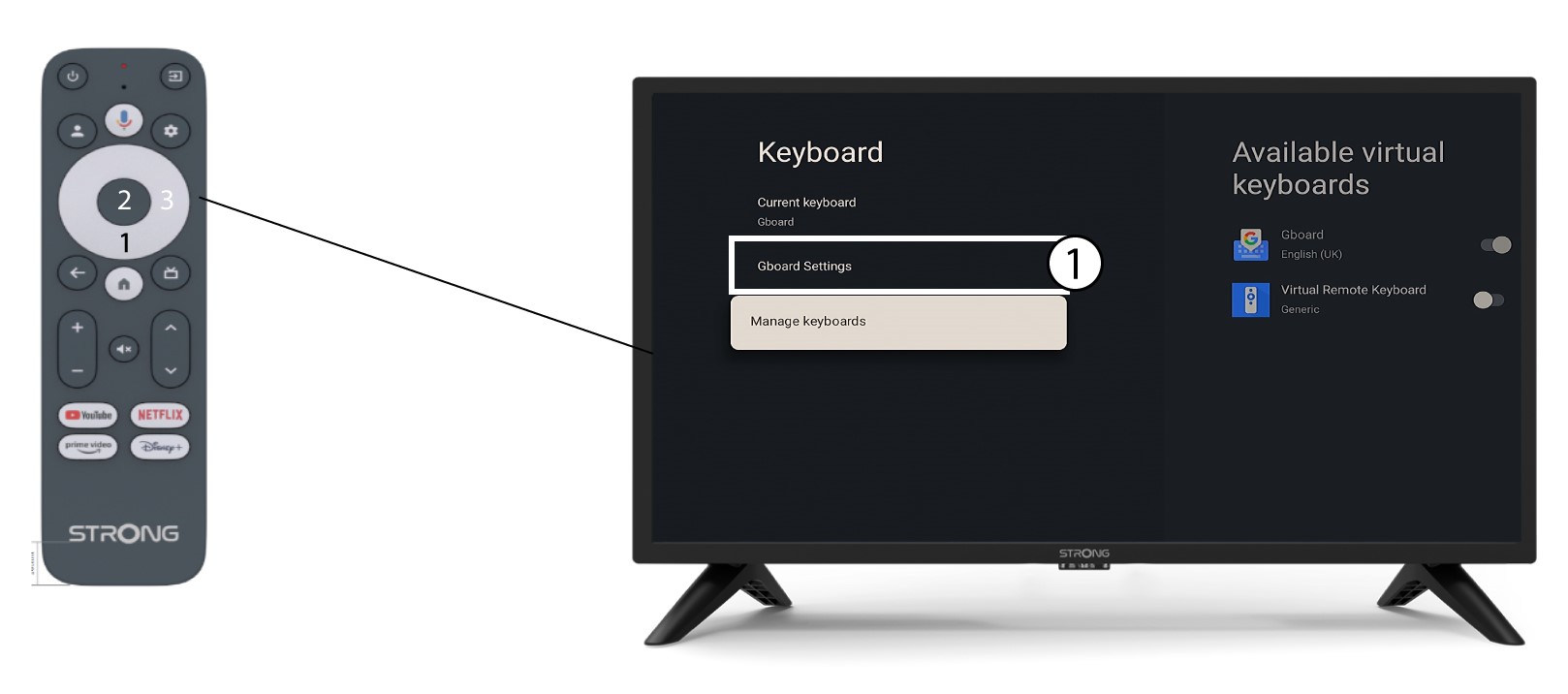
4ManageKeyboard
Натисніть «Керування клавіатурою». Потім натисніть кнопку перемикання, щоб вимкнути цю функцію.
Налаштування 5Gboard
Натисніть «Налаштування Gboard » і натисніть «ОК».
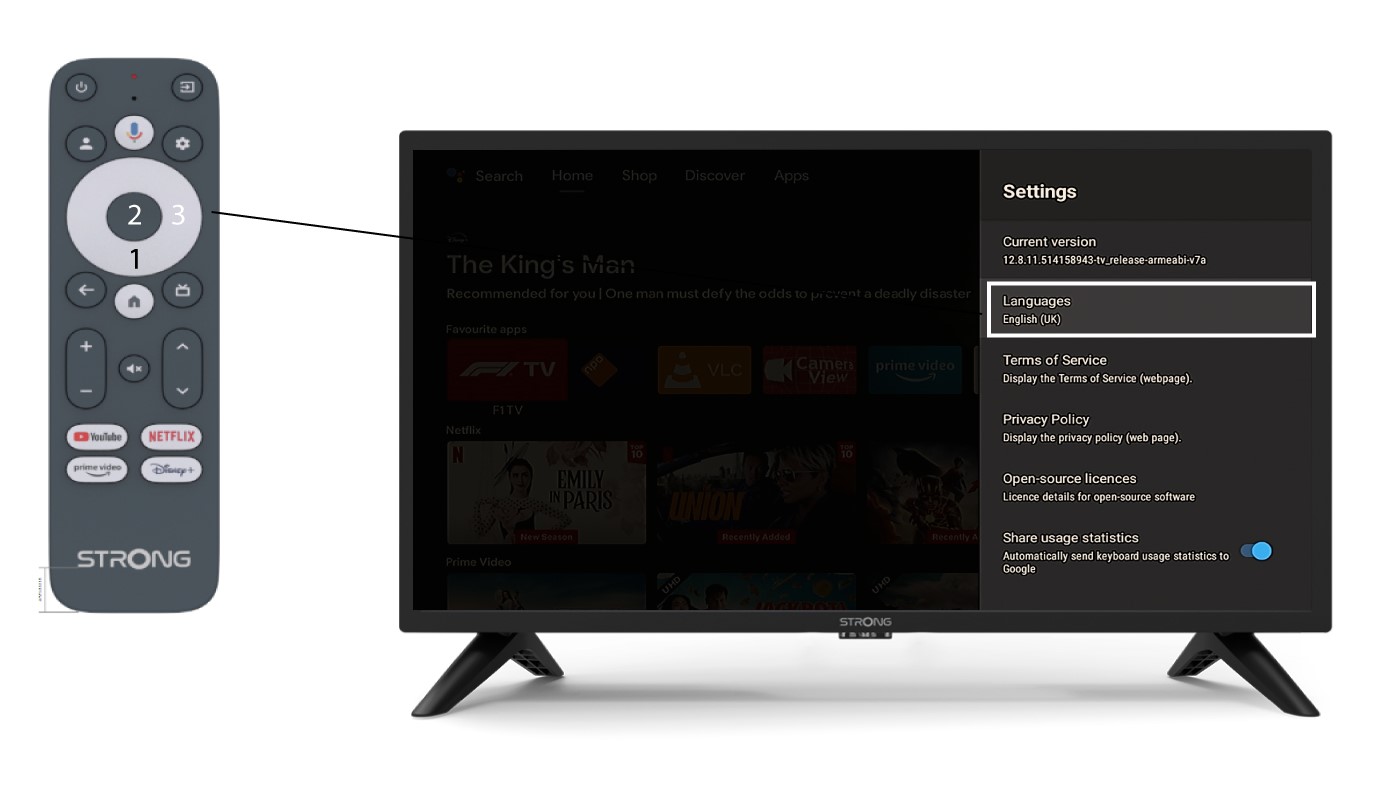
6. Налаштування мови
Натисніть кнопку «Мови» та натисніть «ОК» на пульті дистанційного керування. Потім виберіть мову.