
Портативна точка доступу 4G 150
Усі питання
Портативна точка доступу 4G 150
Що означають різні статуси SIM-карт у веб-інтерфейсі користувача?

Попередження: Перед підключенням до веб-інтерфейсу переконайтеся, що SIM-картка вставлена правильно, а PIN-код вимкнено або введено код «
».
1. Стан SIM-карти
Ви можете переглянути стан своєї SIM-картки на екрані пристрою 4G PORTABLE HOTSPOT 150:
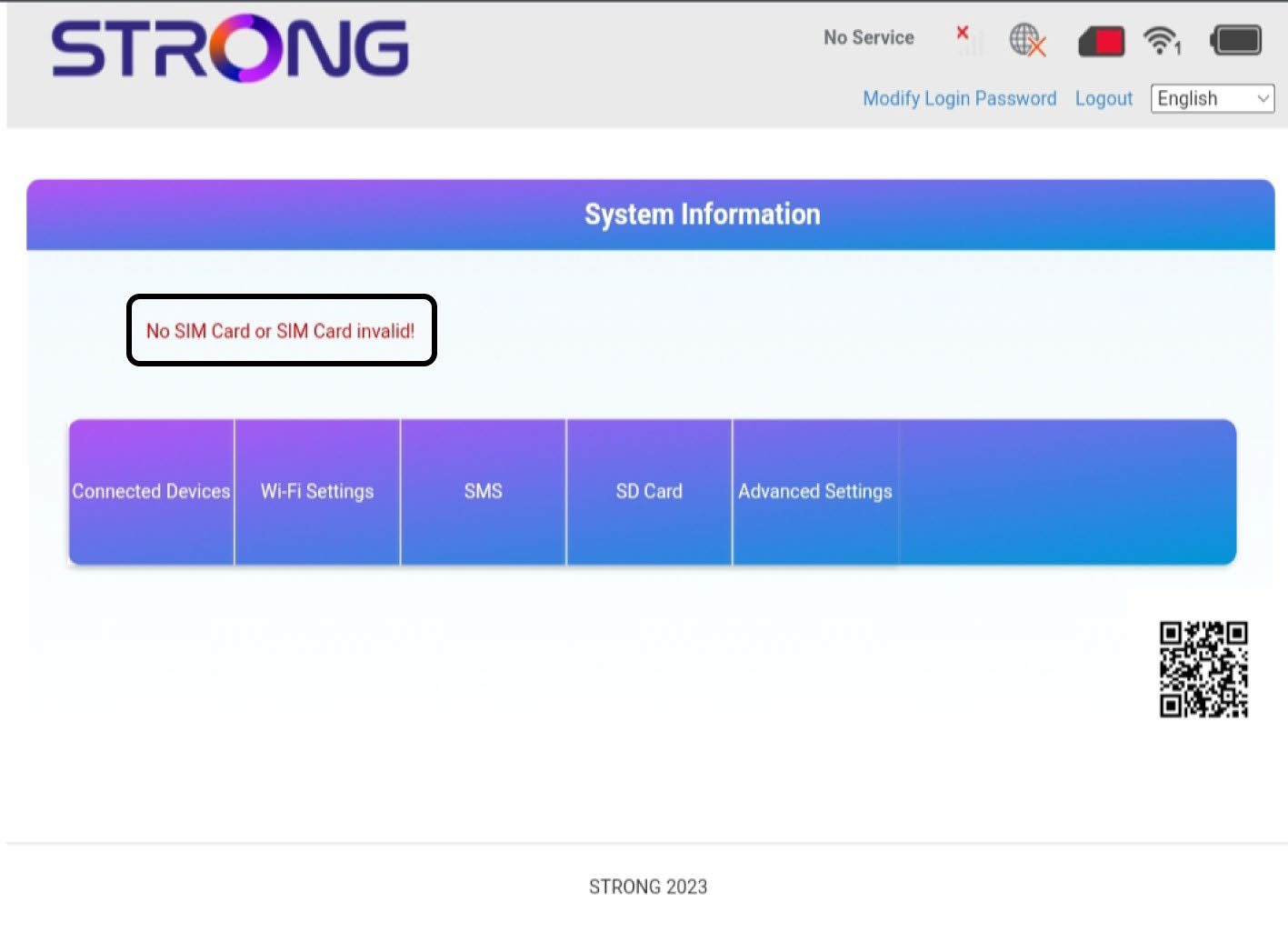
Перейшовши до веб-інтерфейсу, ви побачите, що поруч із рядком стану SIM-карти можуть відображатися різні статуси:
SIM-картка відсутня або SIM-картка недійсна: SIM-картка вставлена і розпізнана, але не працює через PIN-код.  SIM-картка неправильно вставлена впристрій, або в слот не вставлена SIM-картка.
2Статус: Нормальний
Нормальний стан: SIM-картка правильно вставлена в пристрій і розблокована. Ви бачите головну сторінку веб-інтерфейсу.

Попередження:
• Якщо SIM-картка заблокована PIN-кодом, необхідно підключитися до веб-інтерфейсу, щоб ввести його та розблокувати SIM-картку.
• Якщо SIM-картка не розпізнається, переконайтеся, що золотиста сторона не видна, коли SIM-картка вставлена в слот.
• Якщо SIM-картка встановлена неправильно, встановіть її знову в гніздо та переконайтеся, що SIM-картка щільно сидить в адаптері.