
4G+ AIRSPOT 510 Wi-Fi рутер
Не са намерени никакви елементи.
Не са намерени никакви елементи.
Всички въпроси
4G+ AIRSPOT 510 Wi-Fi рутер
Не са намерени никакви елементи.
Не са намерени никакви елементи.
Как да вляза в уеб интерфейса за първи път?
За да получите достъп до уеб интерфейса, трябва да сте свързани към Wi-Fi мрежата на вашето устройство „4G PORTABLE HOTSPOT 900 WITH A DISPLAY“, след като поставите SIM-картата в слота.
1. Свържете сес Wi-Fi мрежата на рутера
За да направите това, въведете SSID (името на Wi-Fi мрежата) и паролата за Wi-Fi на рутера във вашето устройство.

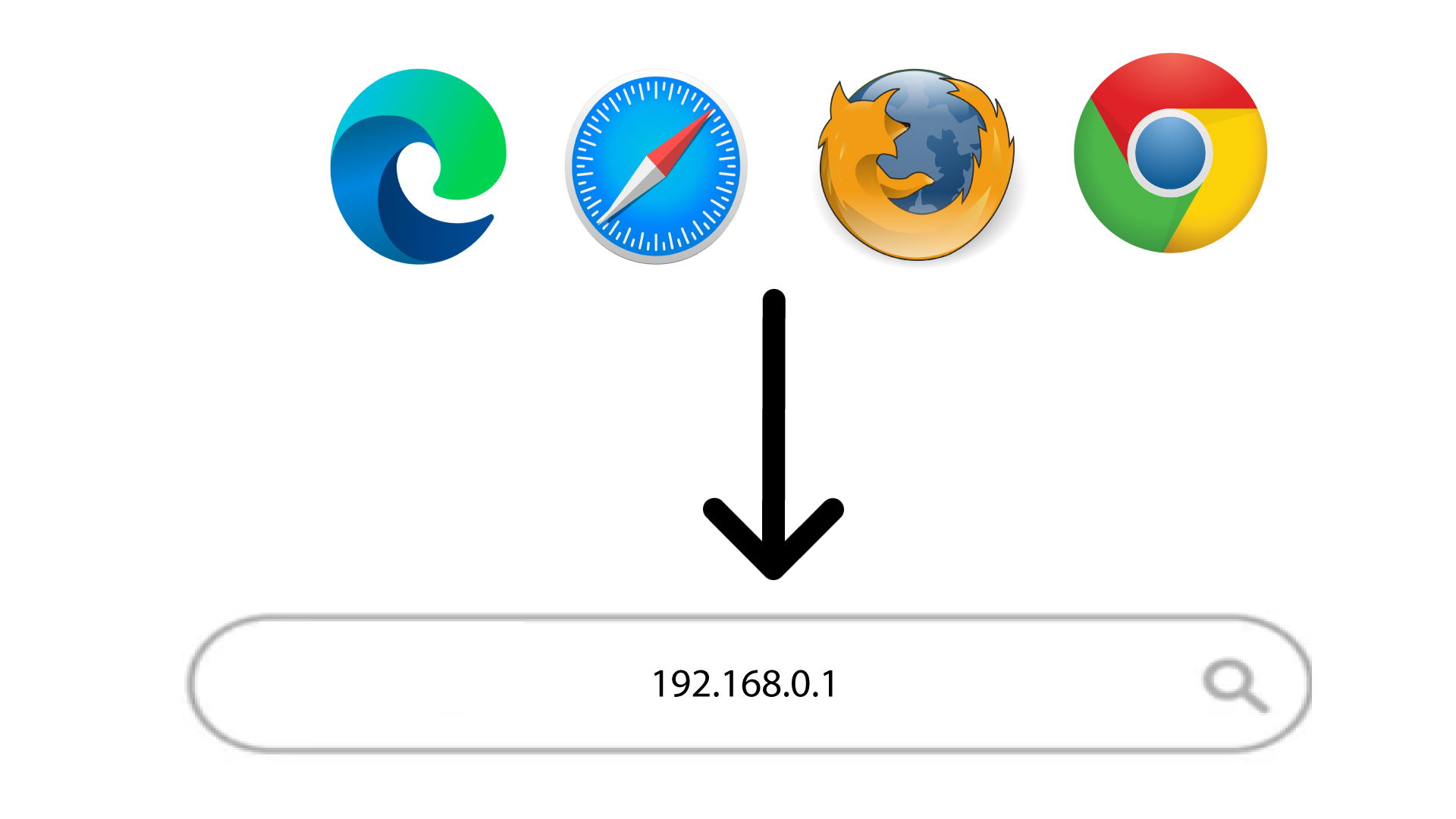
2. Отворетестраницата за вход в уеб интерфейса
След това въведете следния IP адрес в браузъра си: 168.0.1
3.Настройте паролата си за администратор
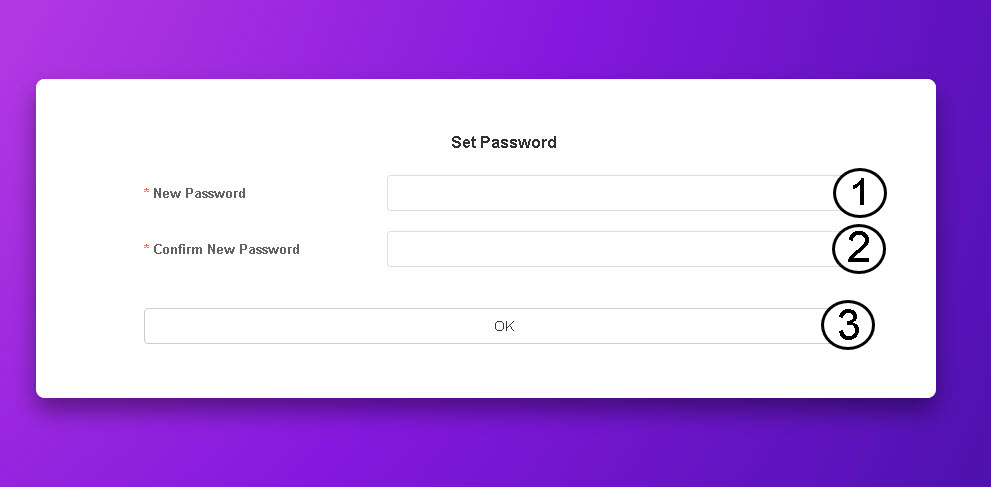
След като отворите страницата на този IP адрес, трябва да зададете паролата си за администратор. За да зададете новата парола, въведете следната информация, преди да натиснете „OK“:
- Нова парола: Въведете парола, която съдържа най-малко 8 символа и включва комбинация от главни и малки букви, цифри и специални символи. Допускат се само следните специални символи: @$%*&.
- Потвърдете новата парола: Въведете същата парола, както в предходното поле.
СЪВЕТ: За да видите паролата си, кликнете върху иконата с окото.