PLW600MDUO
Всички въпроси
Как да конфигурирате новите продукти за Powerline с високо ниво на сигурност 2 във вашата съществуваща Powerline мрежа?
If you want to add more than one new powerline product, each product must be configured one after the other by following the same process, not simultaneously. Typically, powerline adapters are paired in sets of two, so if you need to add new powerline products to your network that is configured with High Security Level 2, follow the steps below.
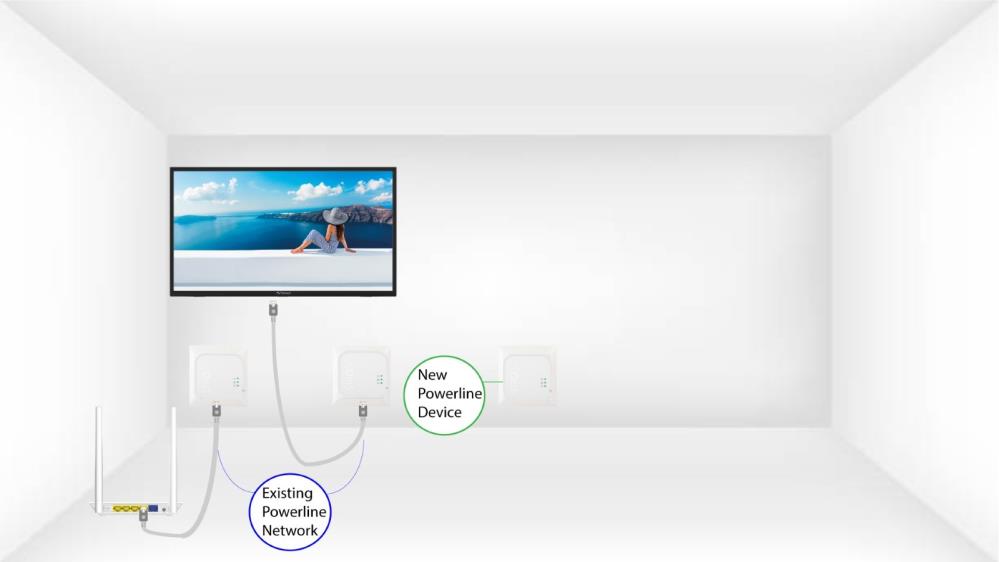
1Plug in the new adapter
Plug the additional device(s) into a power socket.
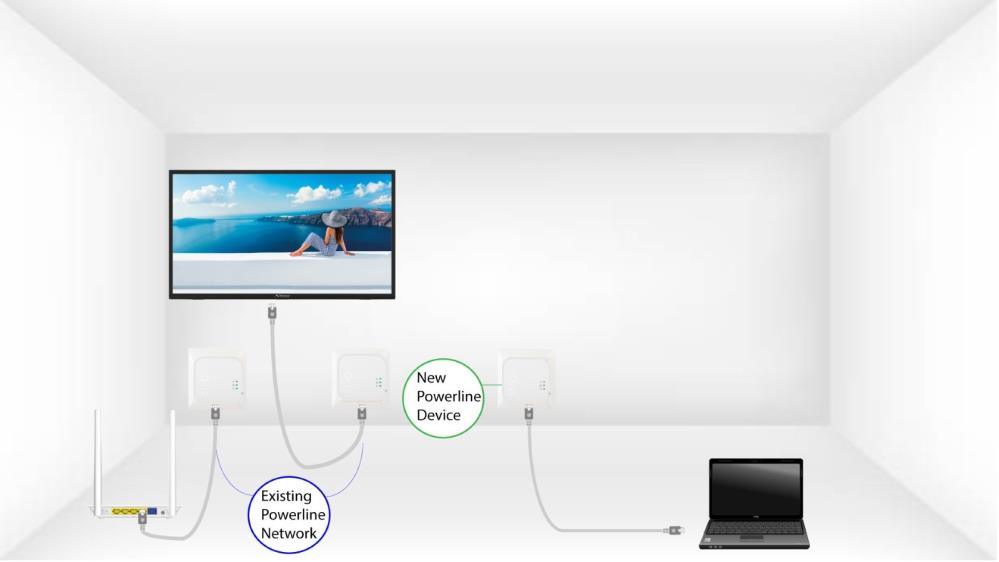
2. Свържетеновото устройство с интернет
Connect the device to an Internet router/gateway with an RJ45 cable.
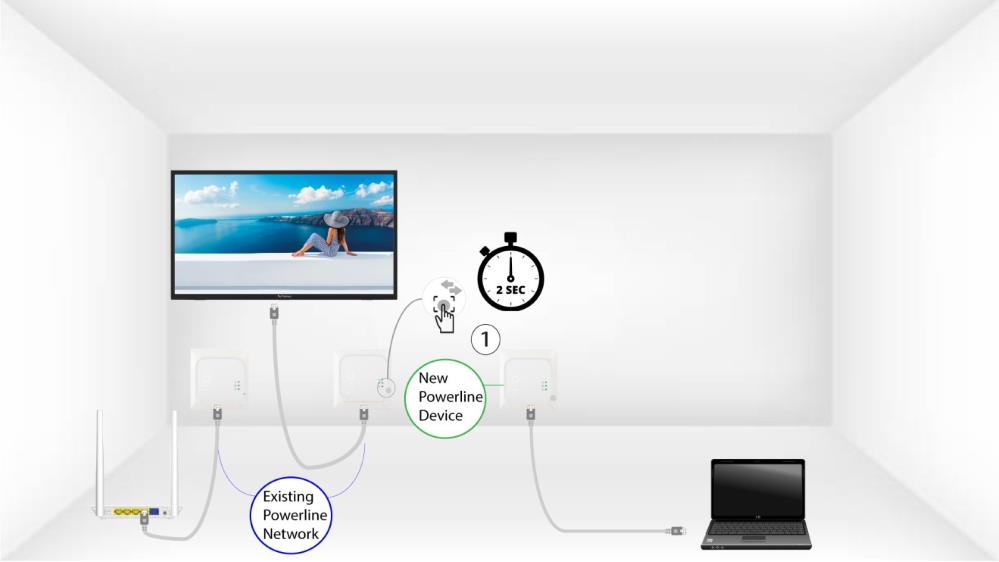
3Натиснетебутона „Свързване и защита“ (за вече съществуващо устройство)
Press the Connect & Secure button on one of the existing devices of the network for two seconds.
4Натиснетебутона „Свързване и защита“ (ново устройство)
Then, press the Connect & Secure button on the new device for two seconds to add it to the network. You have up to two minutes to press the button.
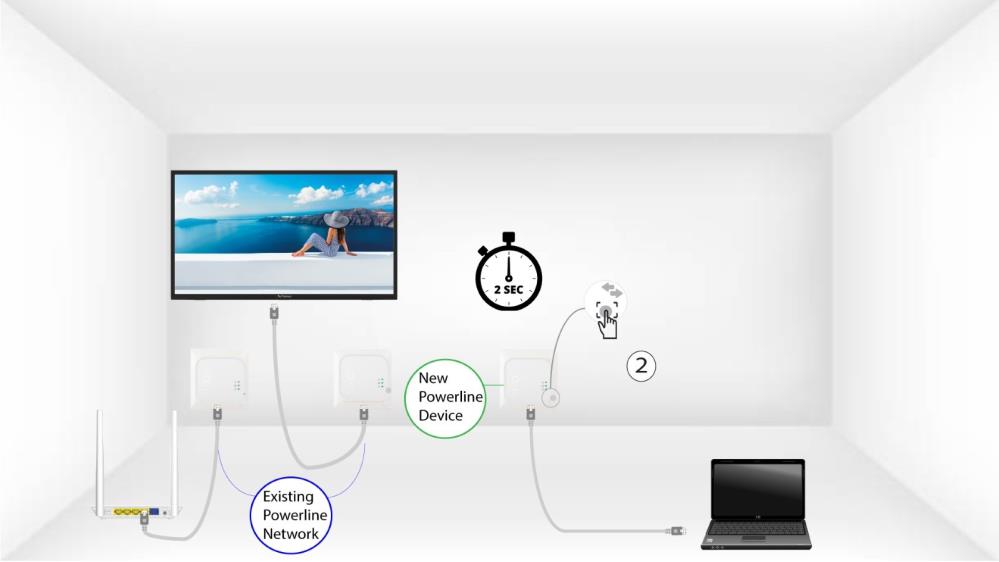
5The home LED blinks
The home LED should start blinking.
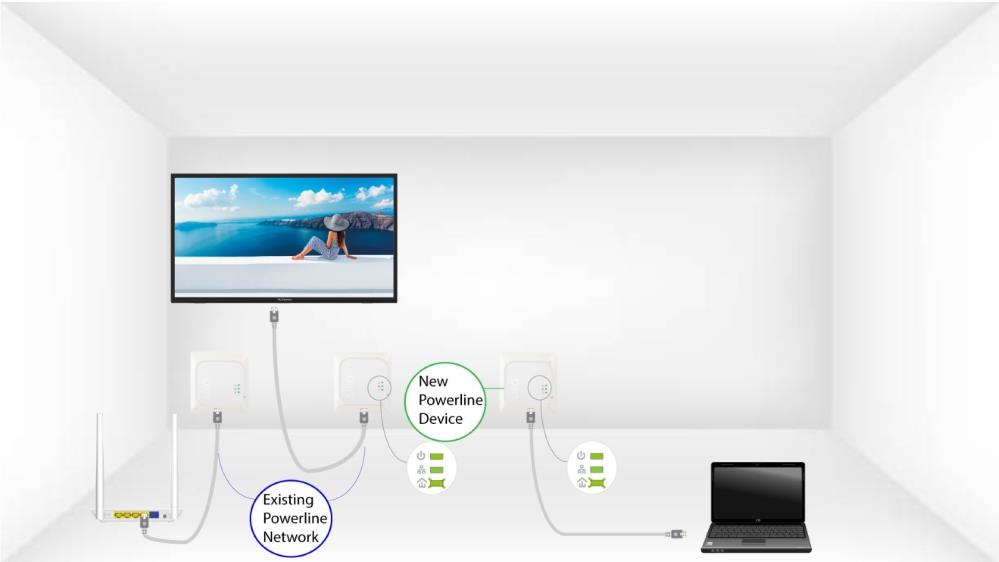
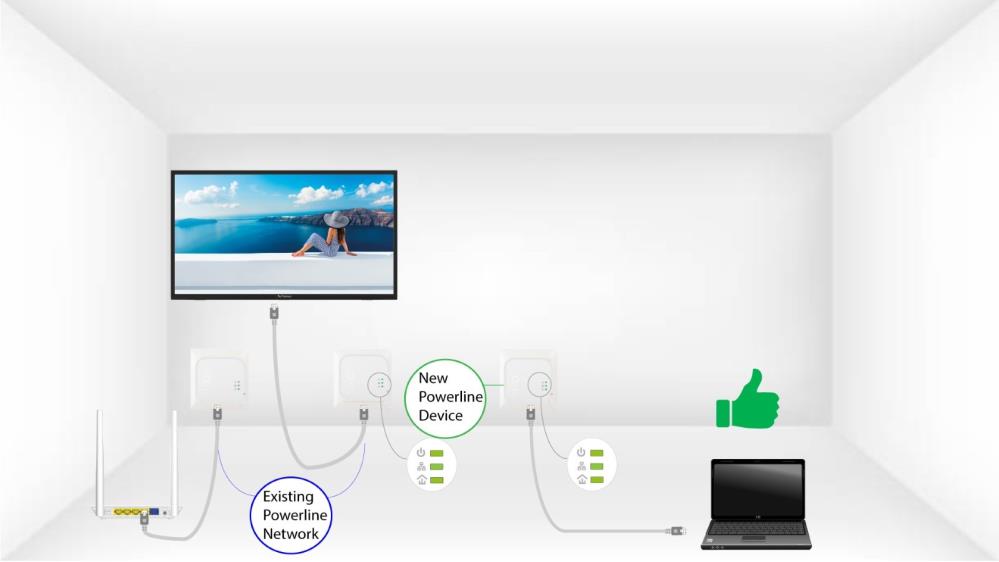
6The LEDs are green
След добавянето на новото устройство светодиодите за „Дом“ трябва да светят в зелено и на двете устройства.
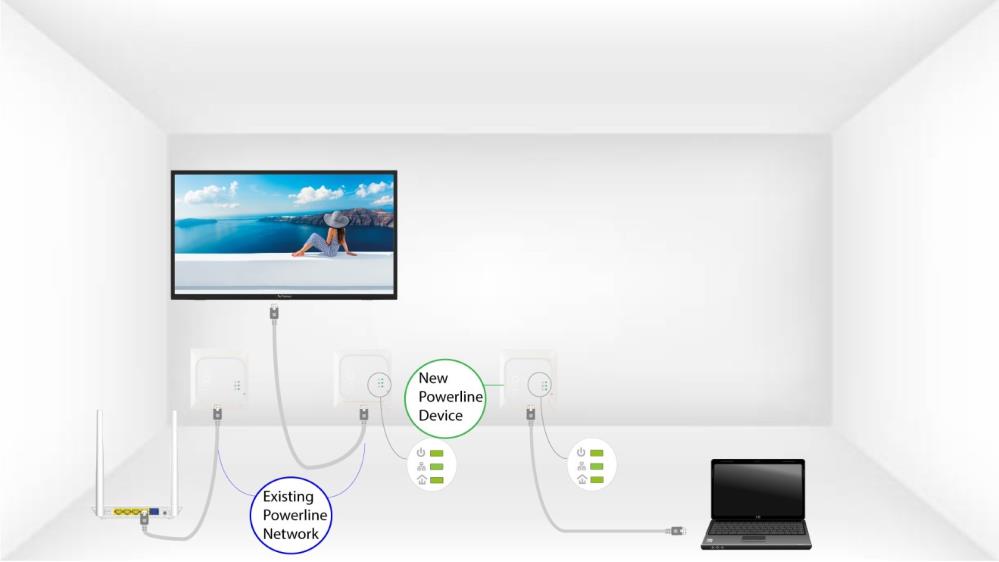
7Ключътза криптиране е зададен
Вашият нов уникален ключ за криптиране е зададен на устройството, което току-що конфигурирахте.