
PLW600MDUO
Всички въпроси
Нямам достъп до интернет и/или светодиодът на иконата „Начало“ не свети.
Трябва да възстановите фабричните настройки на адаптерите. За да възстановите фабричните настройки на адаптерите, моля, следвайте стъпките по-долу.
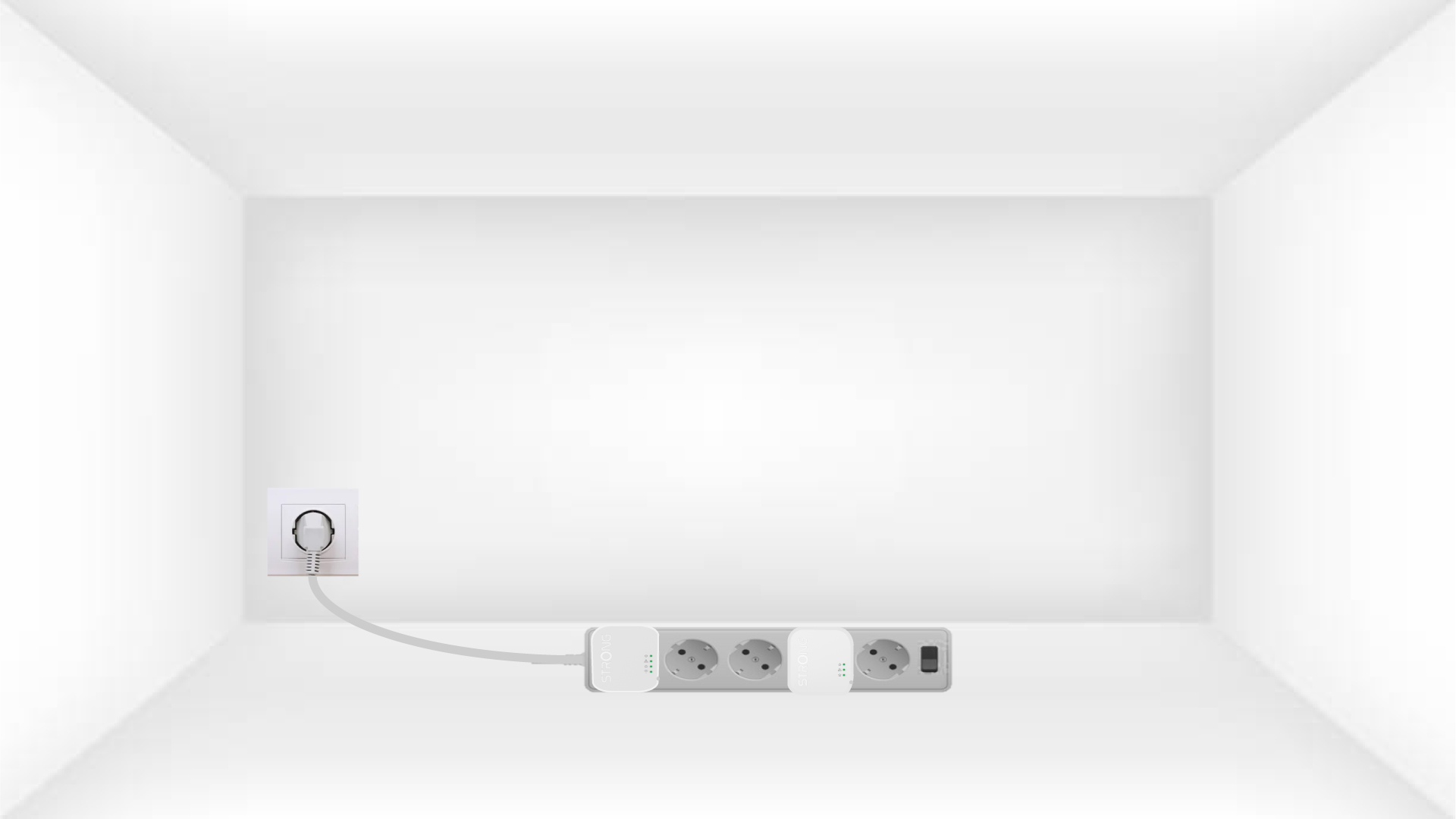
1Plug the adapters into a power strip
Свържете адаптерите един след друг към разклонителя.
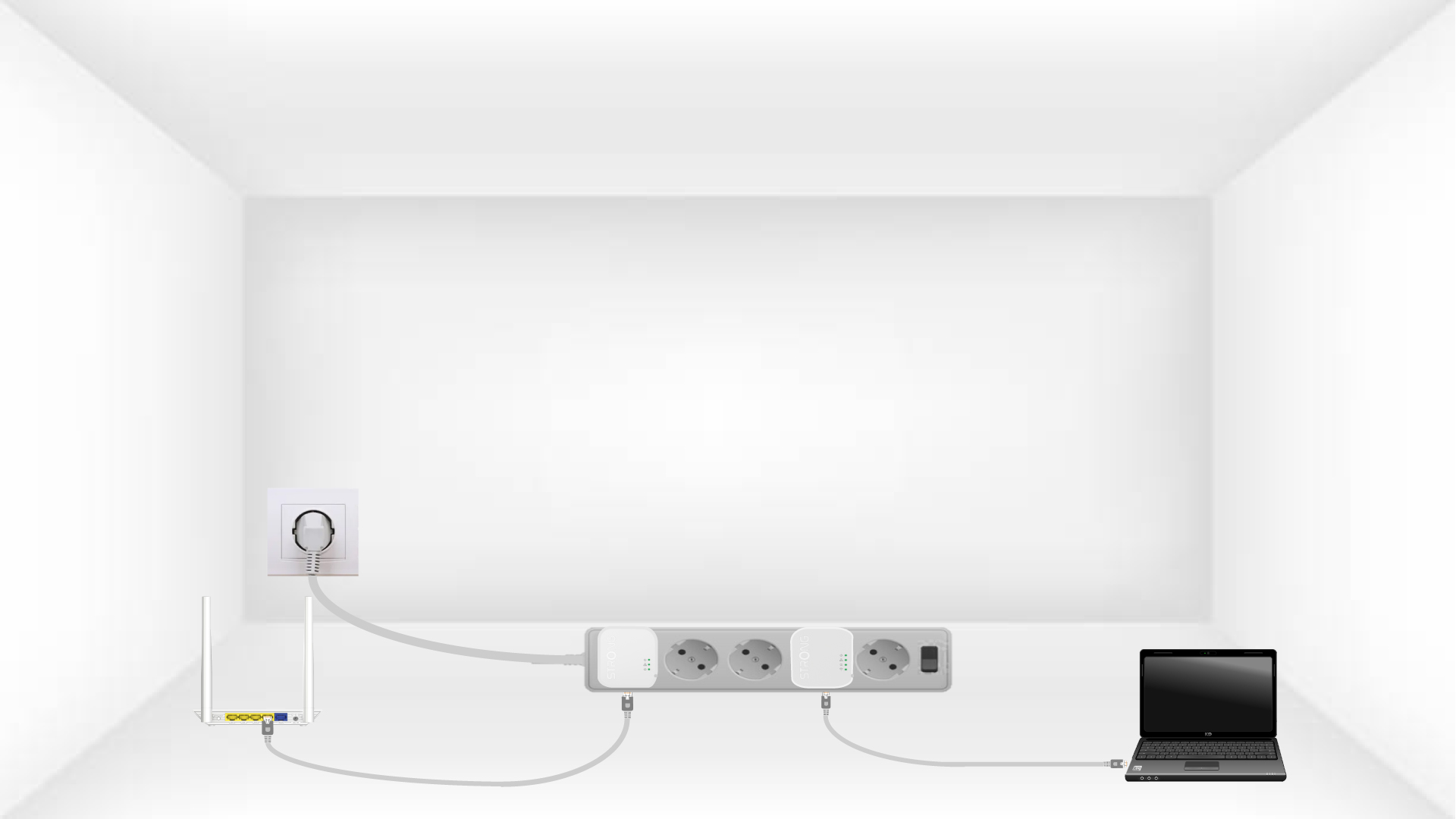
2. Свържетеадаптерите с интернет
Connect each adapter to a working device (Internet router/gateway, Android box, Smart TV, computer, etc.) with an Ethernet cable. There must be communication between the devices, otherwise the adapter will automatically go into standby mode.
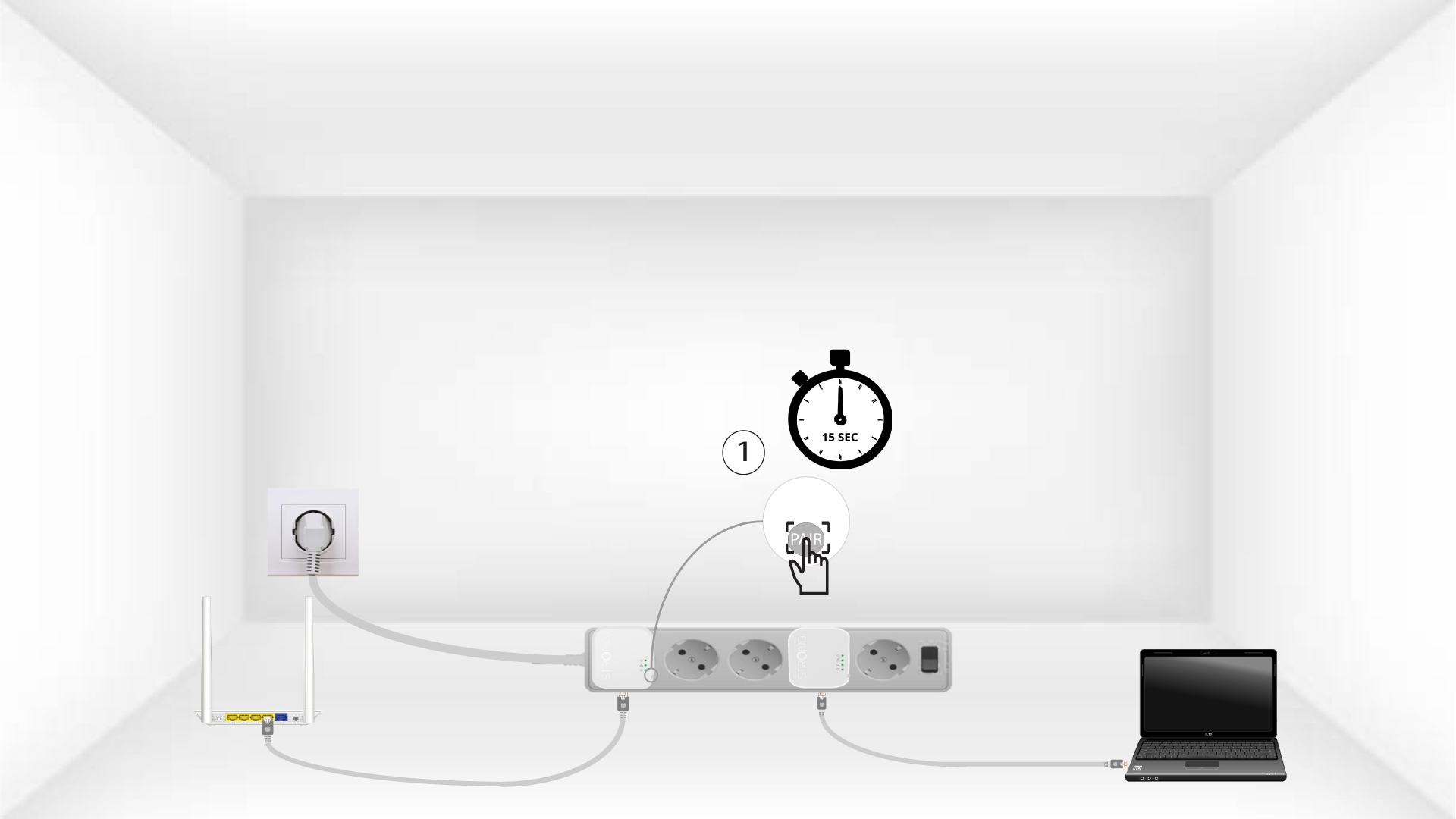
3Натиснетебутона „Connect & Secure“ (първият адаптер)
Once the adapter is plugged in and connected to the Ethernet, press the Connect & Secure button on the right side of the device for 15 seconds.
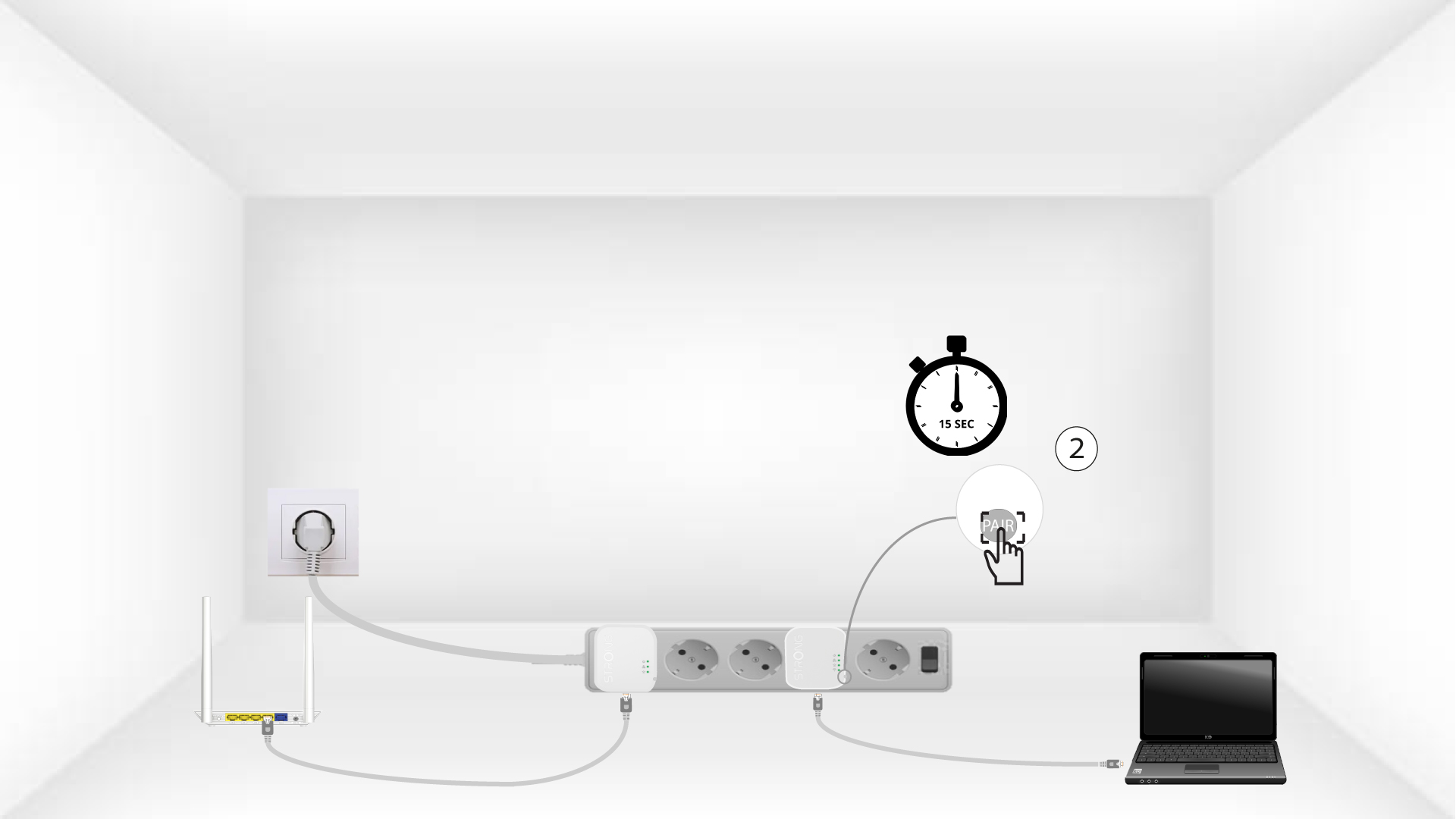
4Натиснетебутона „Connect & Secure“ (вторият адаптер)
Press the Connect & Secure button on the right side of the second device for 15 seconds.
5The home LEDs blink
Домашните светодиоди трябва да започнат да мигат.
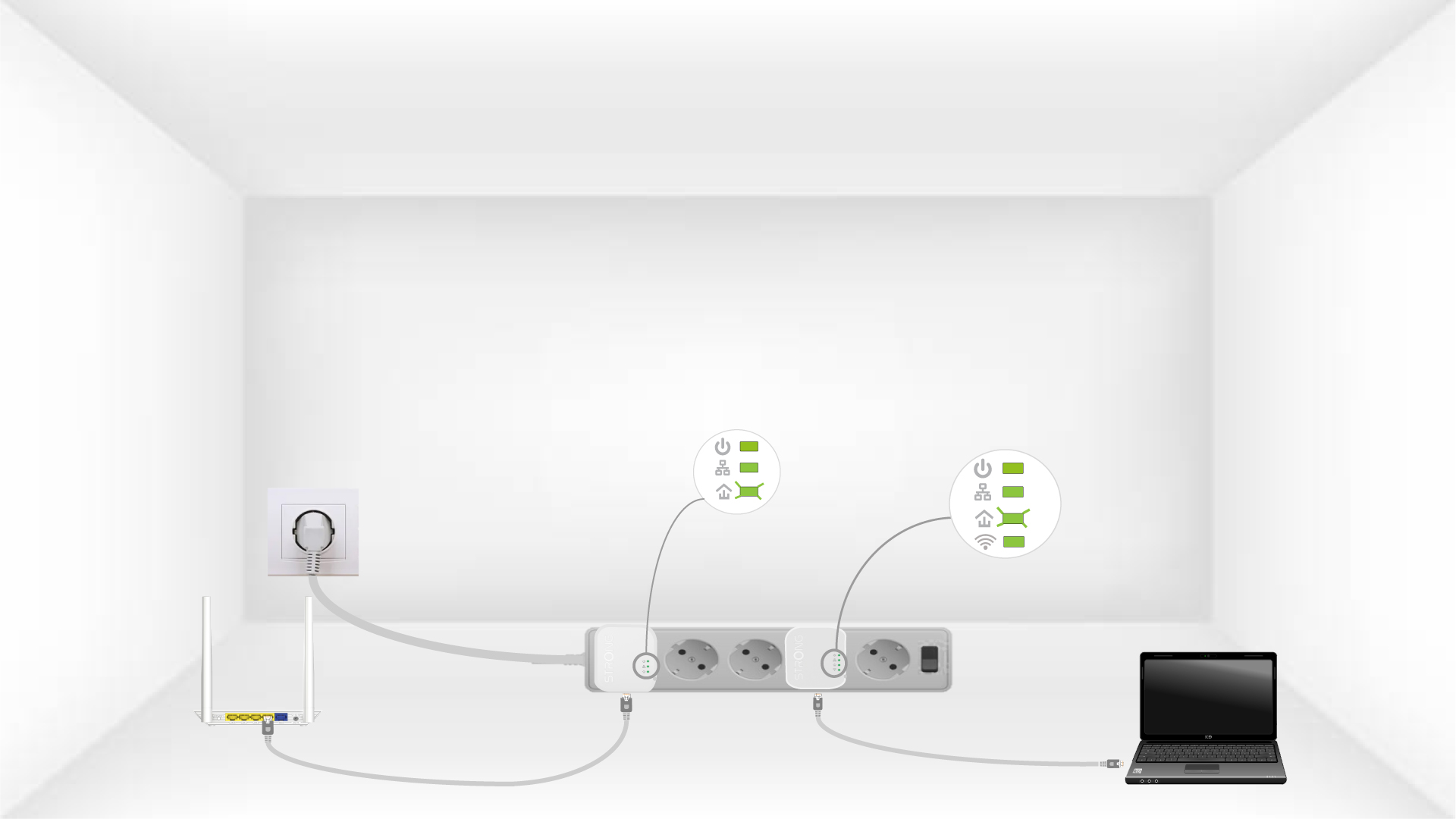
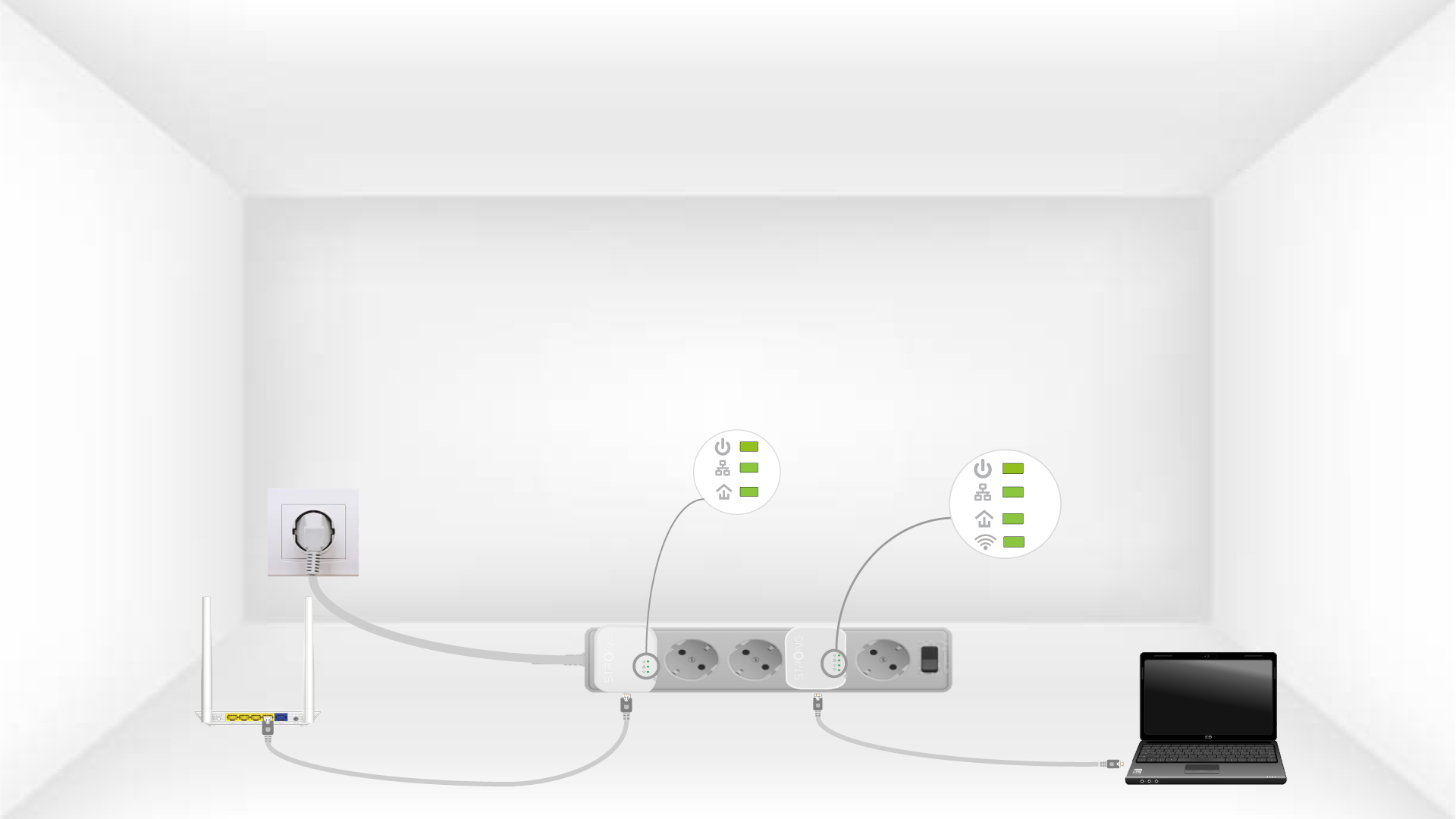
6The devices are reset
All the LEDs must be green at the end of the operation.
Repeat the same operation for a third powerline. You can have up to eight Powerline 600 Mini adapters on the same electrical installation. After resetting all the devices, you can put them in the rooms where you need them.