Univerzální Repeater 300S
Nebyly nalezeny žádné položky.
Nebyly nalezeny žádné položky.
Všechny otázky
Univerzální Repeater 300S
Nebyly nalezeny žádné položky.
Nebyly nalezeny žádné položky.
Jak se dostanu do webového uživatelského rozhraní?
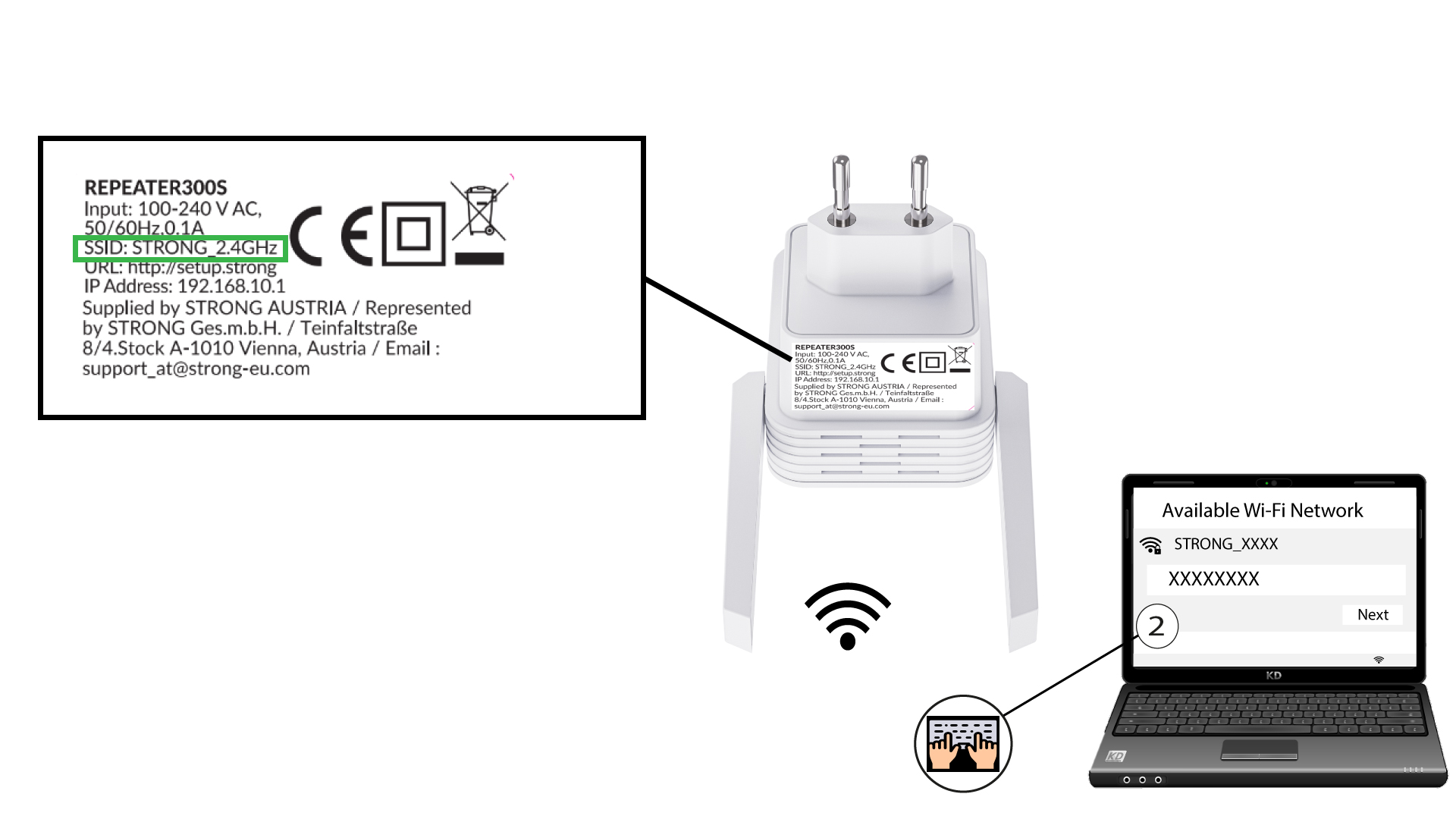
1. Připojte sek síti Wi-Fi zařízení repeater
Připojte se k síti Wi-Fi zařízení „ repeater “ podle pokynů uvedených na štítku umístěném na spodní straně zařízení.
2Přejdětena adresu URL webového uživatelského rozhraní
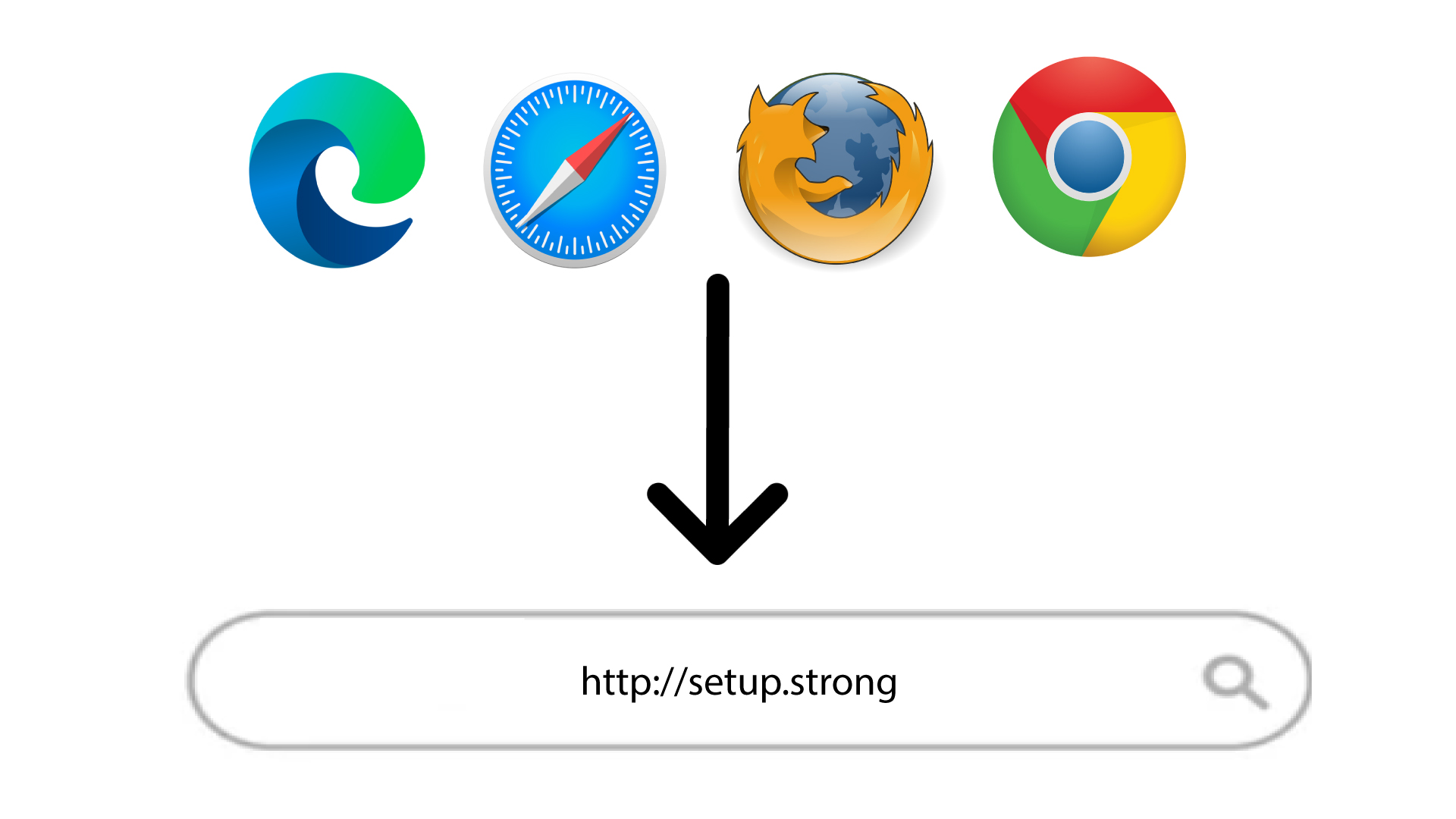
Otevřete webové rozhraní na adrese: http://setup.strong
3. Vytvořtesi heslo pro správce
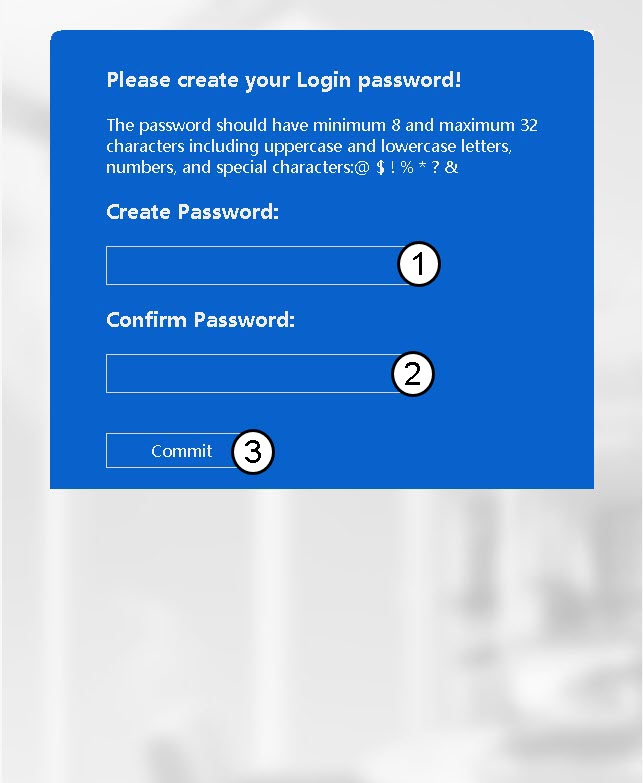
Před kliknutím na tlačítko „Commit“ zadejte následující údaje:
- Vytvořit heslo: Zadejte heslo.
- Potvrďte heslo: Zadejte stejné heslo.
Heslo musí obsahovat 8 až 32 znaků (malá písmena, velká písmena, speciální znaky). Jsou povoleny následující speciální znaky: @ ! § ?* % &
4Zadejtesvé přihlašovací údaje
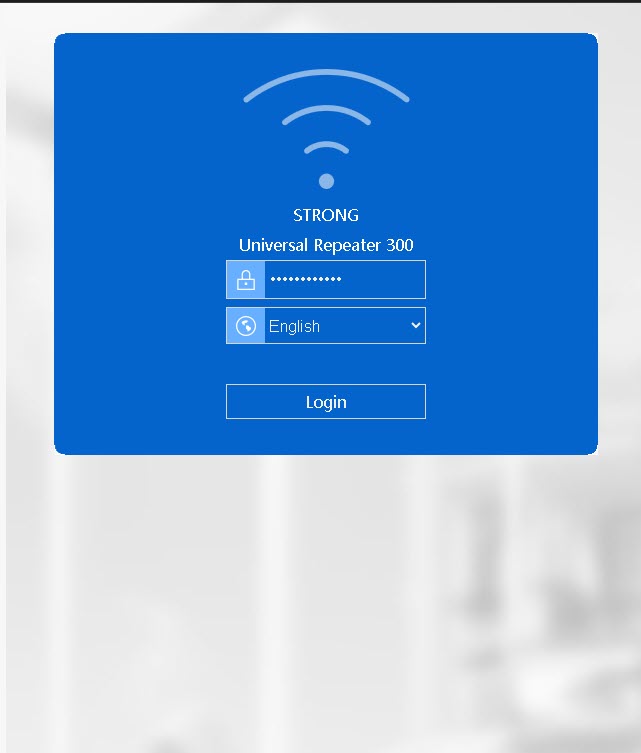
Zadejte heslo, které jste si vytvořili, a klikněte na „Přihlásit se“.