4G AIRSPOT 220 Mobil Wi-Fi med Display
Ingen varer fundet.
Ingen varer fundet.
Alle spørgsmål
4G AIRSPOT 220 Mobil Wi-Fi med Display
Ingen varer fundet.
Ingen varer fundet.
Hvordan ændrer jeg administratoradgangskoden?
1Åbnwebgrænsefladen
For at oprette forbindelse til webgrænsefladen skal du følge vejledningen i: Hvordan får jeg adgang til webgrænsefladen?
2Skiftadgangskode
Når dette er gjort, skal du klikke på »Rediger login-adgangskode« i den øverste bjælke.
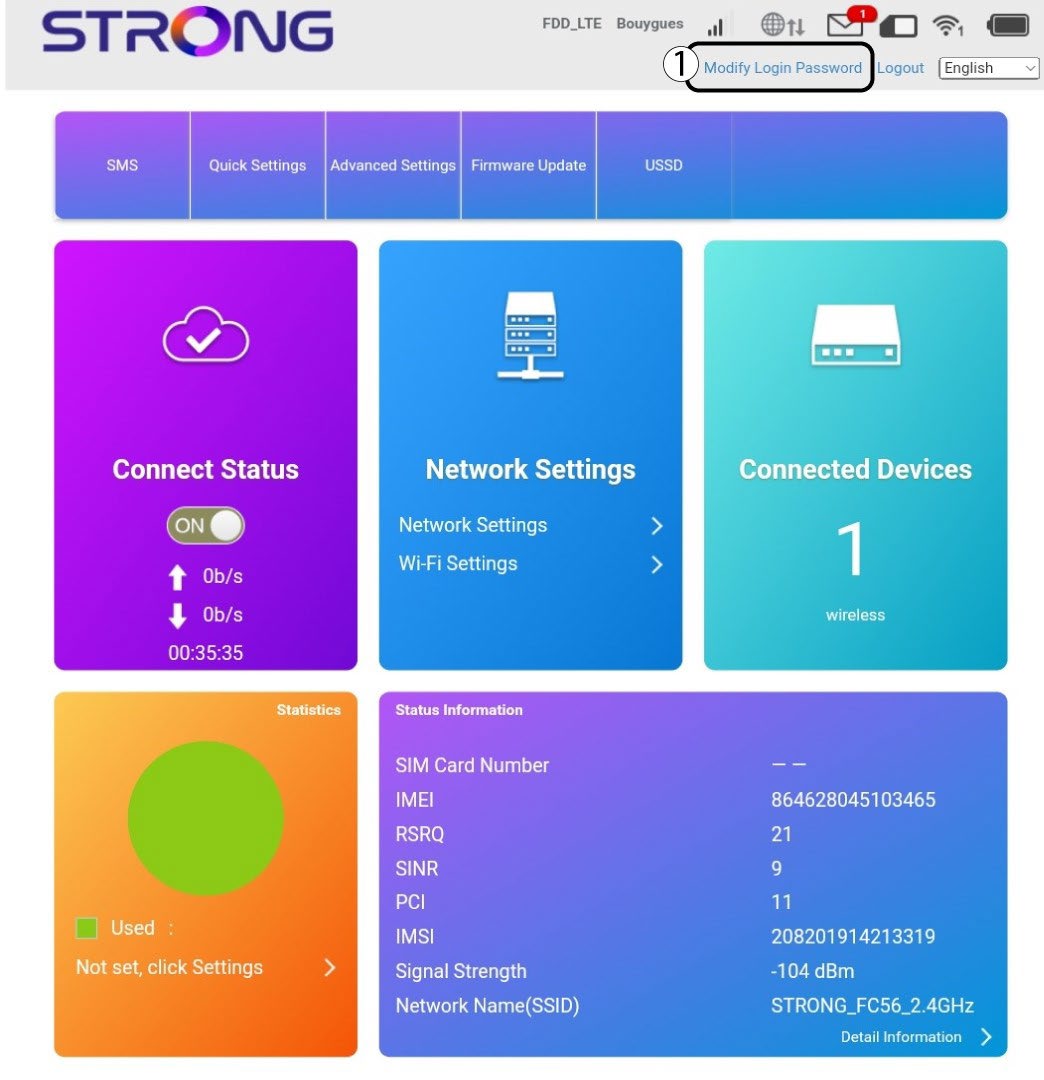
3Indtastde nye oplysninger
Indtast følgende oplysninger, inden du klikker på »Anvend«:
· Nuværende adgangskode: Indtast den nuværende adgangskode.
· New Password: Enter the new password. The new password can contain up to 32 characters including numbers, lower case, upper case, and special characters (! # $ * + , - . % : = ? @ [ ] ^ _ { | } ~).
· Bekræft ny adgangskode: Indtast den samme adgangskode som i det forrige felt.
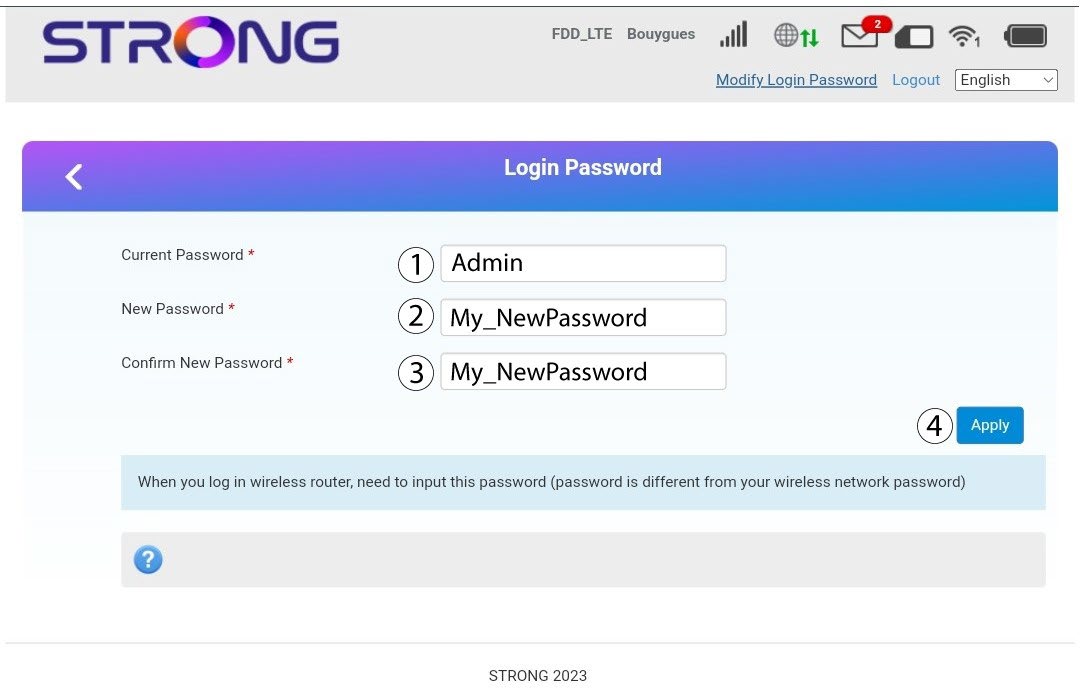
4Gemoplysningerne
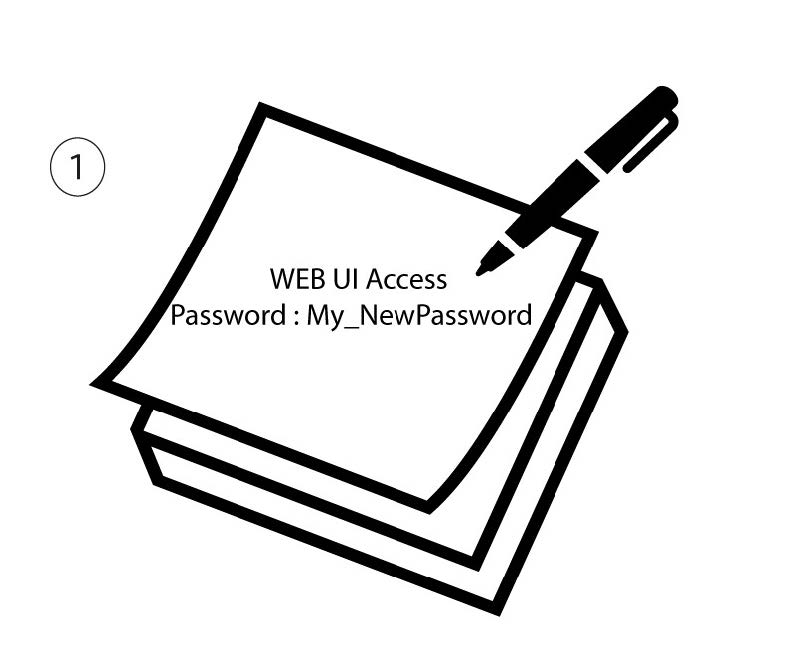
Skriv den nye adgangskode ned, så du kan få adgang til webgrænsefladen.