4G+ AIRSPOT 520 Mobil Wi-Fi med Touchscreen
Ingen varer fundet.
Ingen varer fundet.
Alle spørgsmål
4G+ AIRSPOT 520 Mobil Wi-Fi med Touchscreen
Ingen varer fundet.
Ingen varer fundet.
Hvordan nulstiller jeg min router til fabriksindstillingerne? (Mi-Fi-skærm)
Du kan nulstille din enhed til fabriksindstillingerne direkte fra skærmen.
1.Tænd for enheden
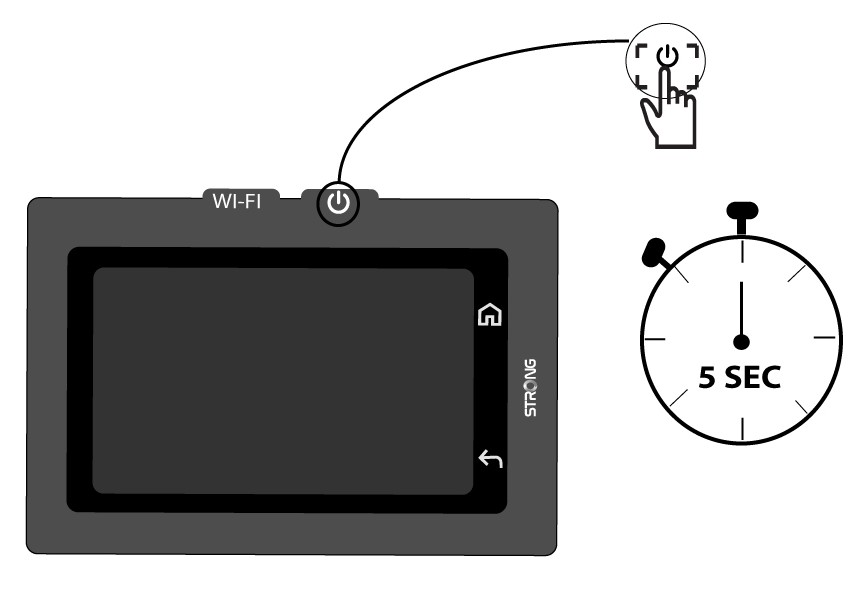
Tænd for din enhed ved at trykke på tænd/sluk-knappen i 5 sekunder.
2Åbnsystemmenuen
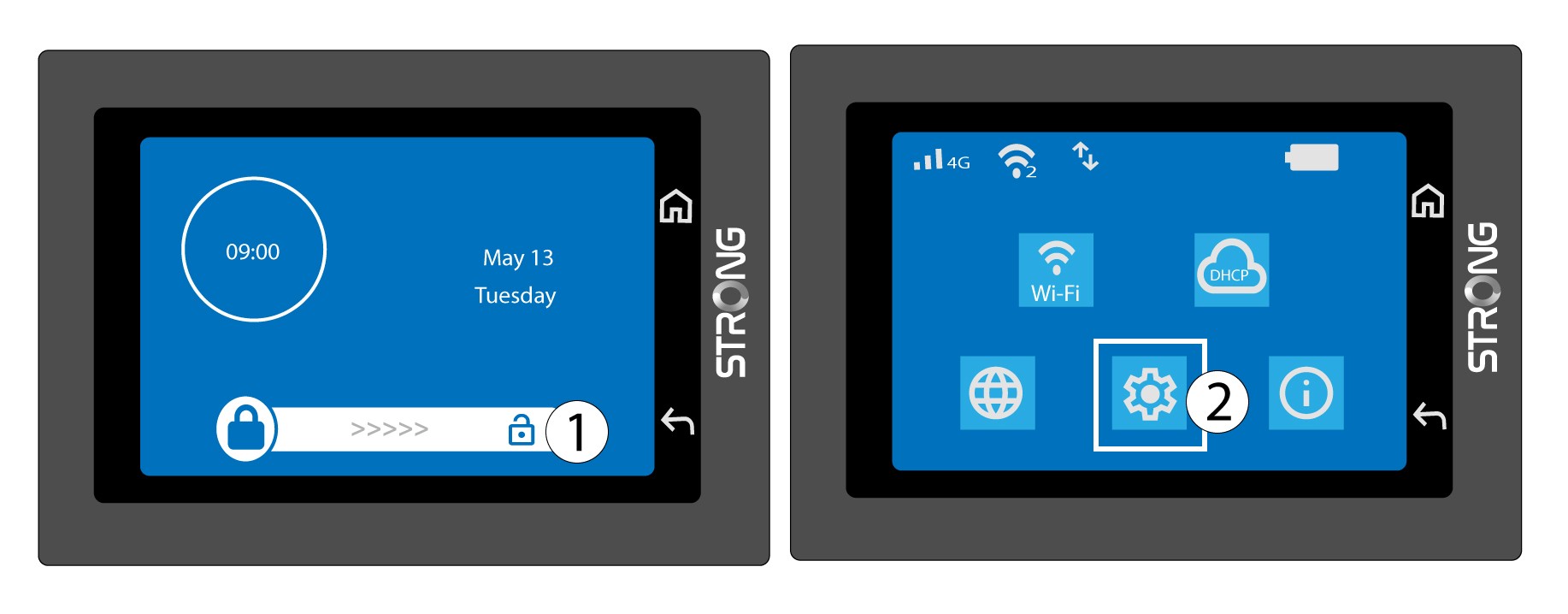
Lås derefter skærmen op, og tryk på systemikonet.
3Vælggenoprettelsesindstillingen
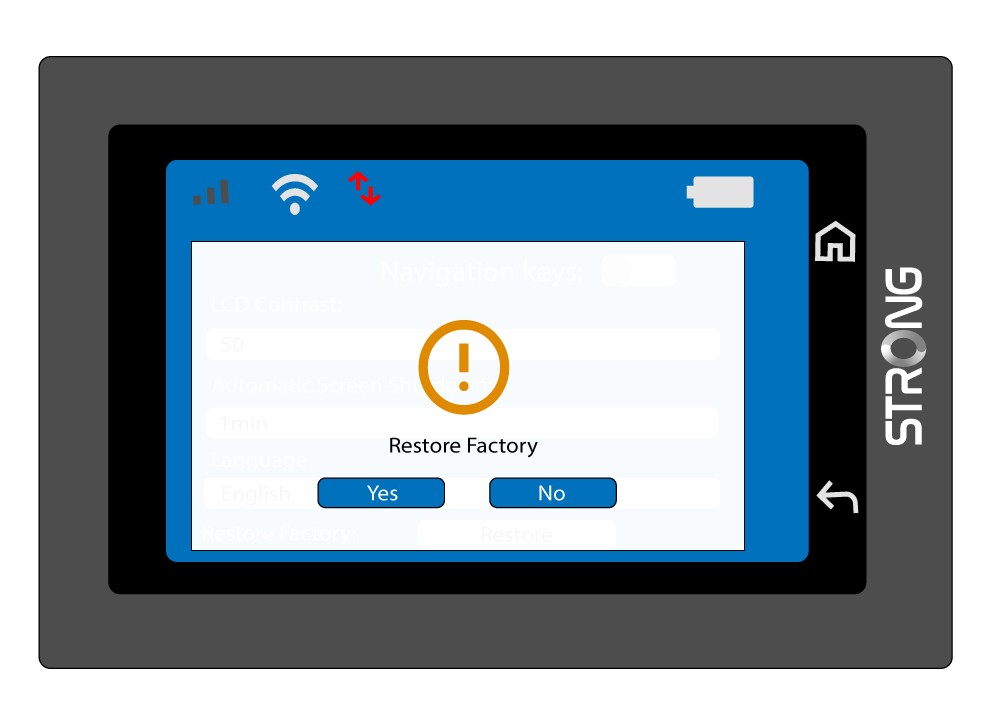
Rul ned i menuen for at trykke på »Gendan«.

4. Bekræftfabriksindstillingerne
Tryk på Ja.