Powerline 600 Duo Wi-Fi UK V2
Ingen varer fundet.
Ingen varer fundet.
Alle spørgsmål
Powerline 600 Duo Wi-Fi UK V2
Ingen varer fundet.
Ingen varer fundet.
Hvordan tilføjer man et nyt Strong Powerline-produkt til sit eksisterende Powerline-Wi-Fi-netværk med sikkerhedsniveau 1?
Da dit eksisterende netværk er konfigureret med sikkerhedsniveau 1, foregår tilslutningen af et nyt produkt helt enkelt via Plug & Play. Der skal ikke foretages noget på selve produktet. Du skal blot tilslutte det nye Powerline-produkt, hvorefter det automatisk tilføjes til netværket.
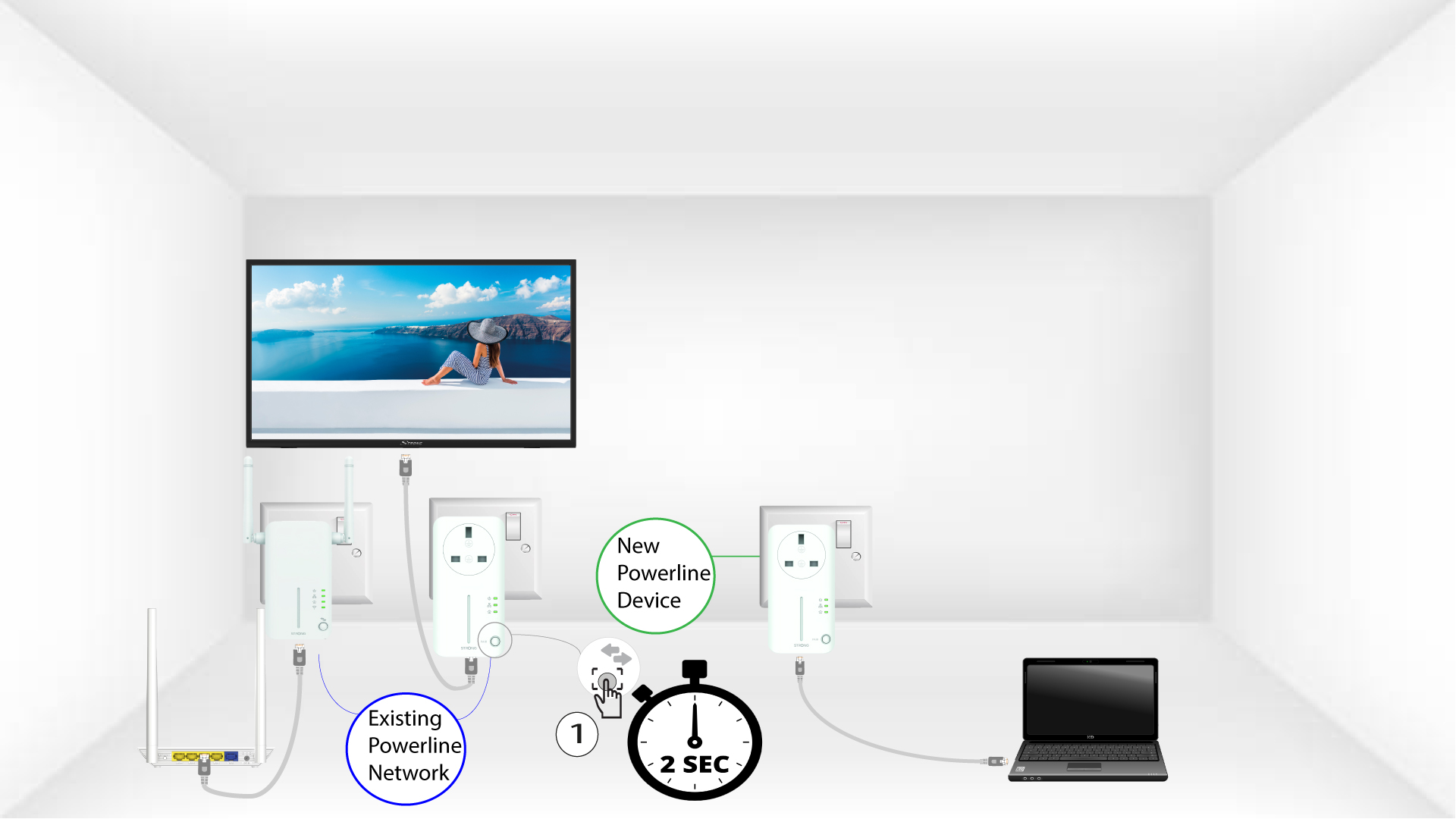
Powerline-adaptere parres typisk i sæt af to eller tre, så hvis du har brug for at tilføje yderligere Powerline-produkter til dit netværk, der er konfigureret med sikkerhedsniveau 1, skal du følge nedenstående trin.
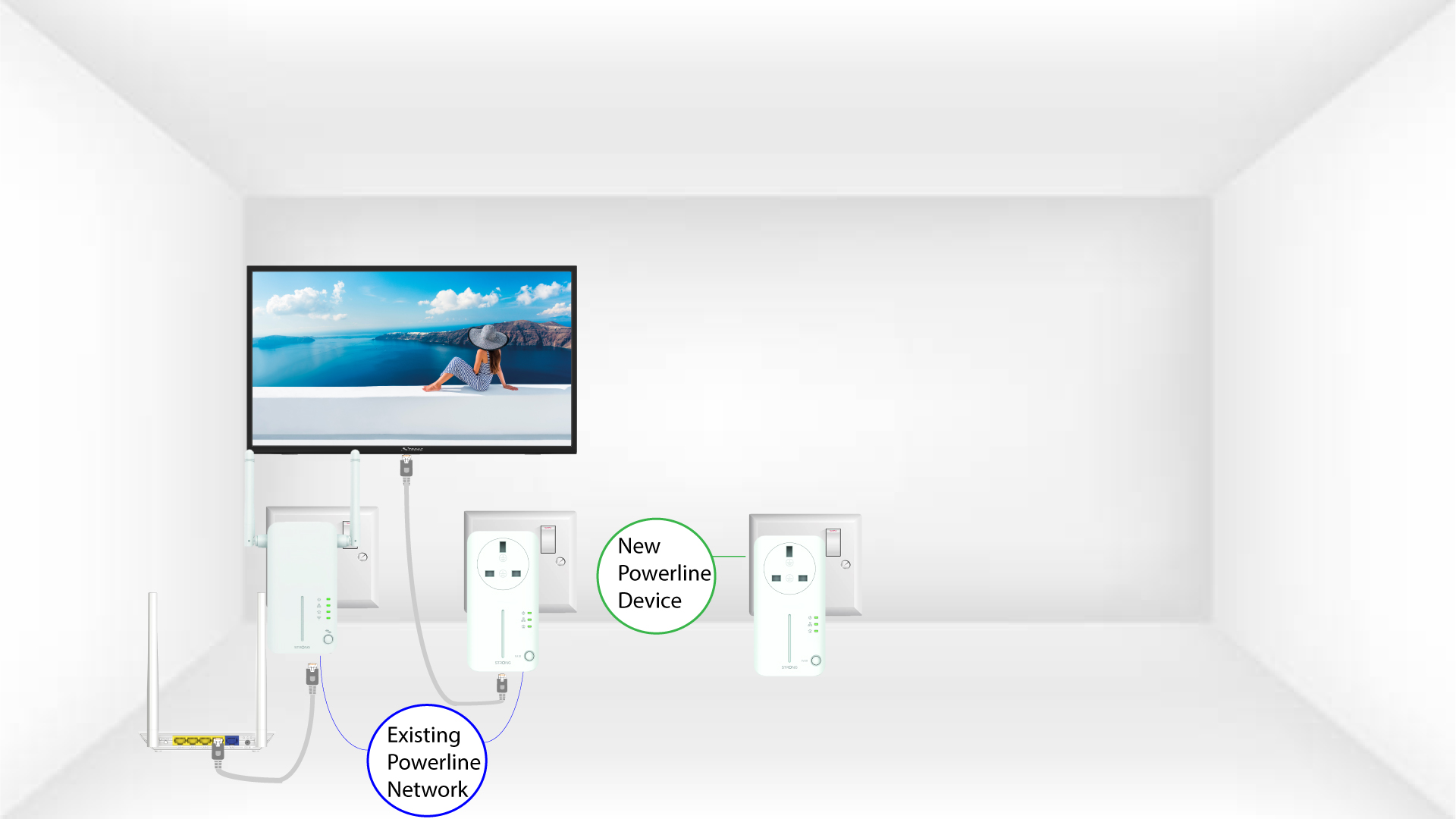
1. Sætadapteren i en stikkontakt
Sæt den eller de ekstra enheder i en stikkontakt.
2. Tilslutadapteren til internettet
Tilslut enheden til en internetrouter/gateway via et RJ45-stik.
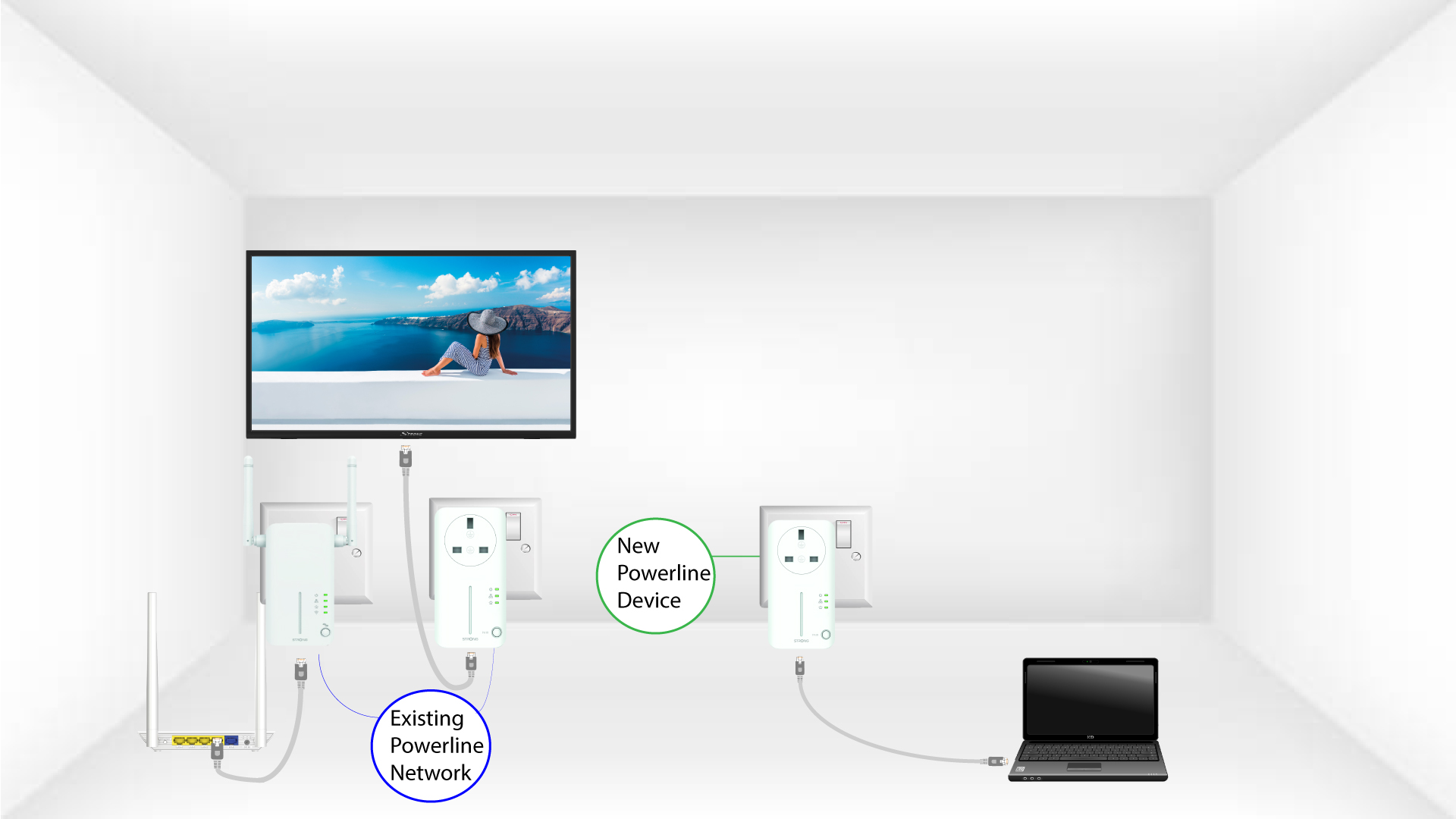
De 3 lysdioderlyser grønt
Når den nye enhed er tilsluttet, lyser alle LED’erne grønt på alle enhederne.