Powerline 500 Wi-Fi-tredobbeltpakke
Ingen varer fundet.
Ingen varer fundet.
Alle spørgsmål
Powerline 500 Wi-Fi-tredobbeltpakke
Ingen varer fundet.
Ingen varer fundet.
LED-lampen med hjem-ikonet lyser på Wi-Fi-adapteren, men jeg kan ikke oprette forbindelse til Powerline 500’s Wi-Fi-netværk.
1. Opret forbindelsetil Wi-Fi’et
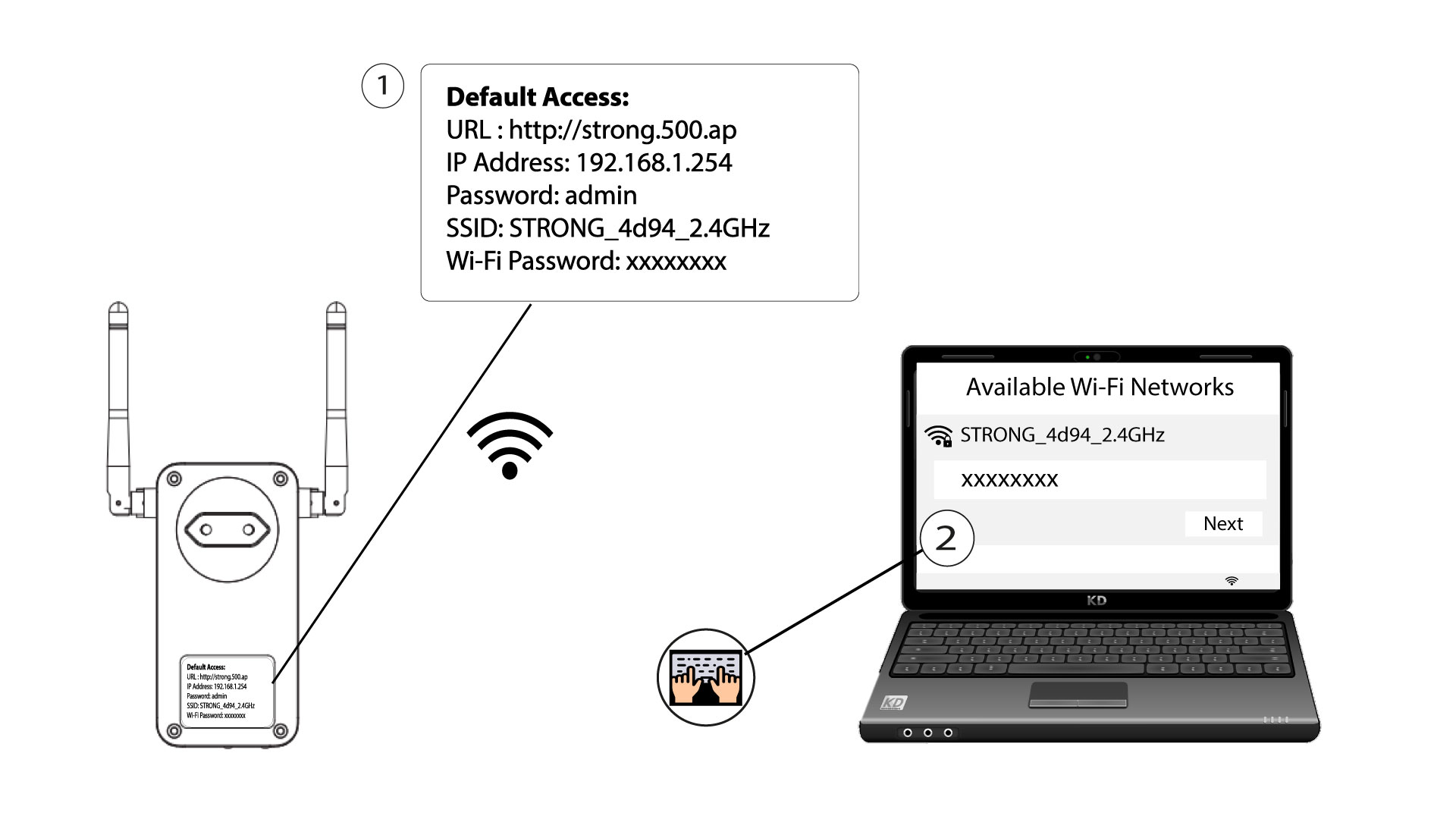
For at oprette forbindelse til din Powerlines Wi-Fi-netværk for første gang skal du oprette forbindelse til det SSID, der er angivet på bagsiden af produktet, og bruge den Wi-Fi-adgangskode, der også er angivet der.
Vær opmærksom på, at det lille »l« kan forveksles med det store »i«, så prøv venligst de forskellige muligheder
2NulstilWi-Fi-adapteren
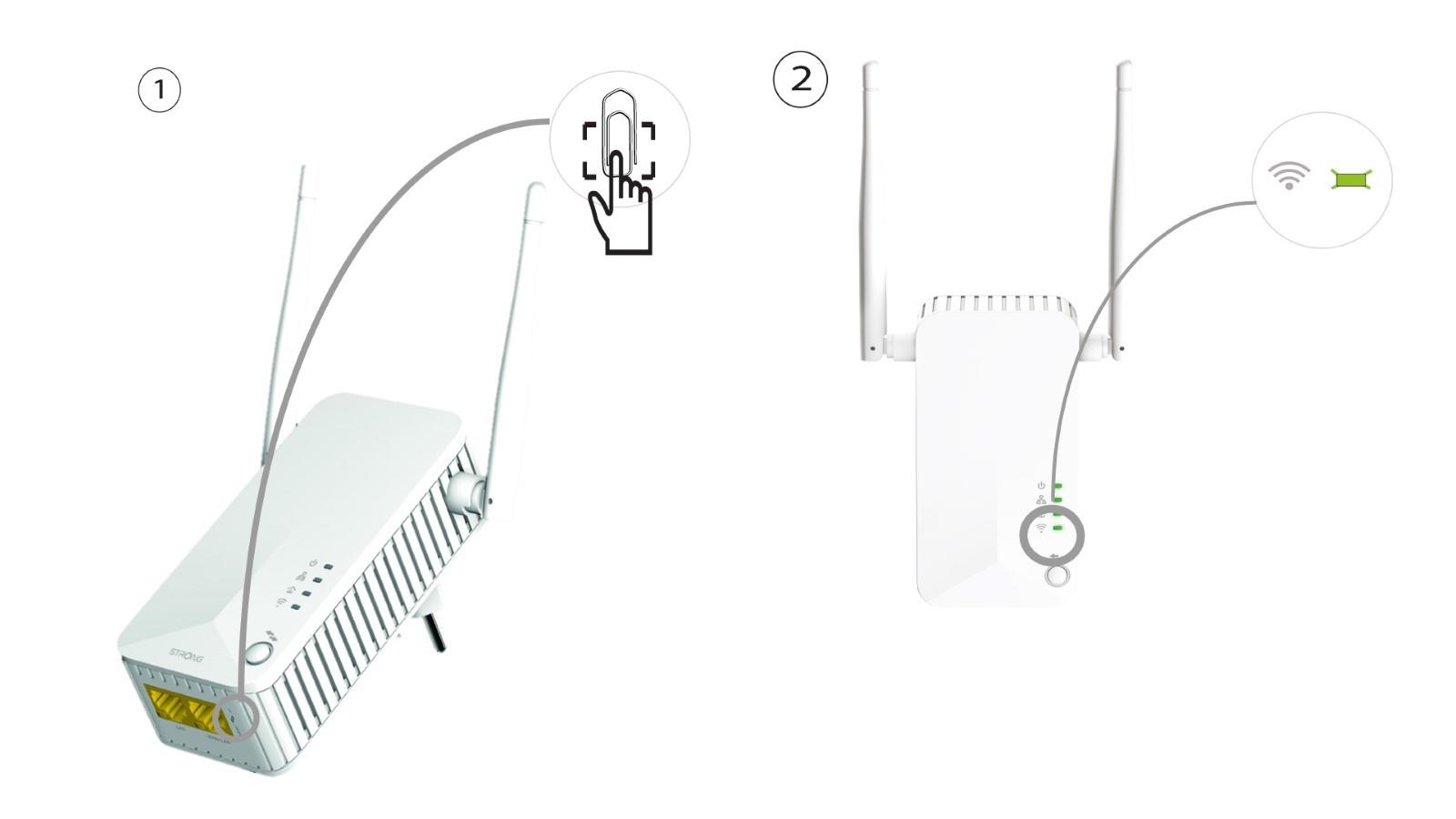
Hvis du stadig ikke kan oprette forbindelse til Powerline 500 Wi-Fi, skal du nulstille Powerline Wi-Fi ved at trykke en papirclips ind i hullet under enheden, indtil LED’erne blinker.