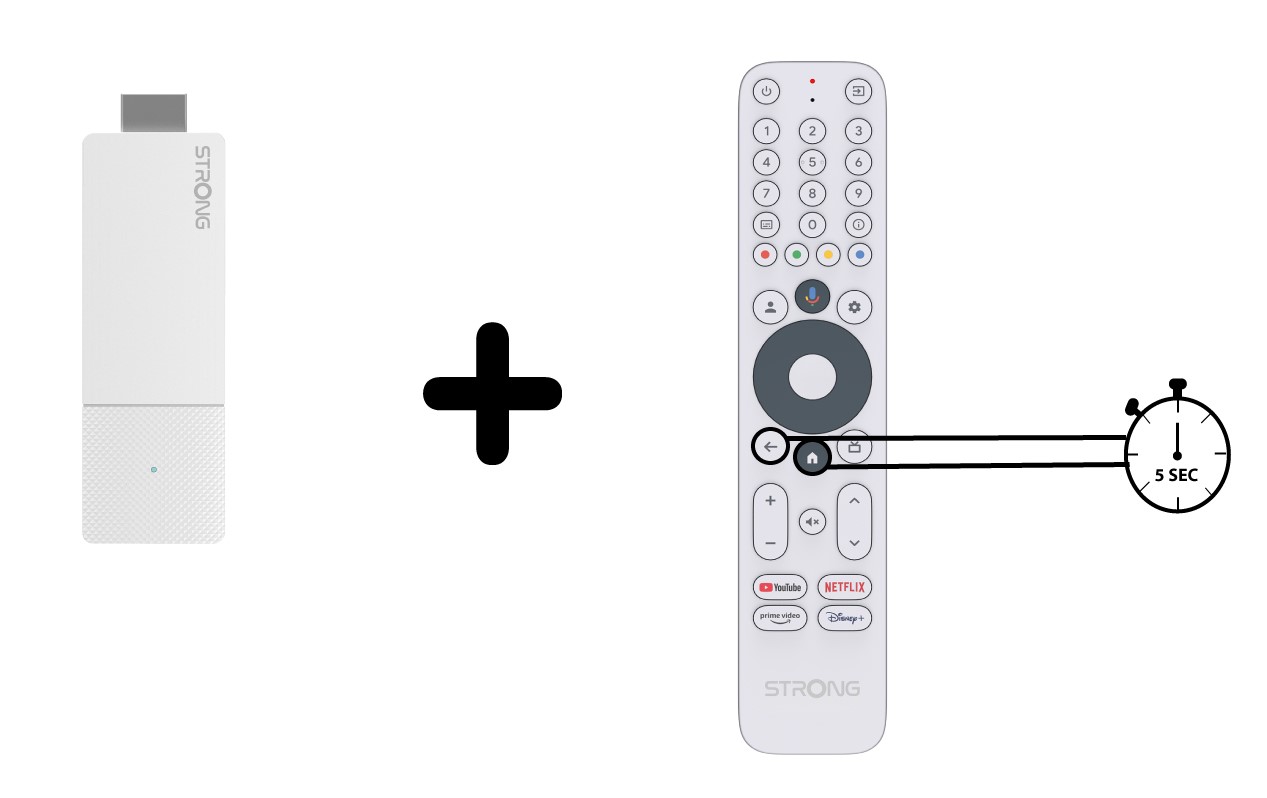
Ingen varer fundet.
LEAP AIR | 4K Google TV med HDR10+
Ingen varer fundet.
Alle spørgsmål
Ingen varer fundet.
LEAP AIR | 4K Google TV med HDR10+
Ingen varer fundet.
Fjernbetjeningen virker ikke, selvom jeg har tjekket batterierne. Hvorfor?
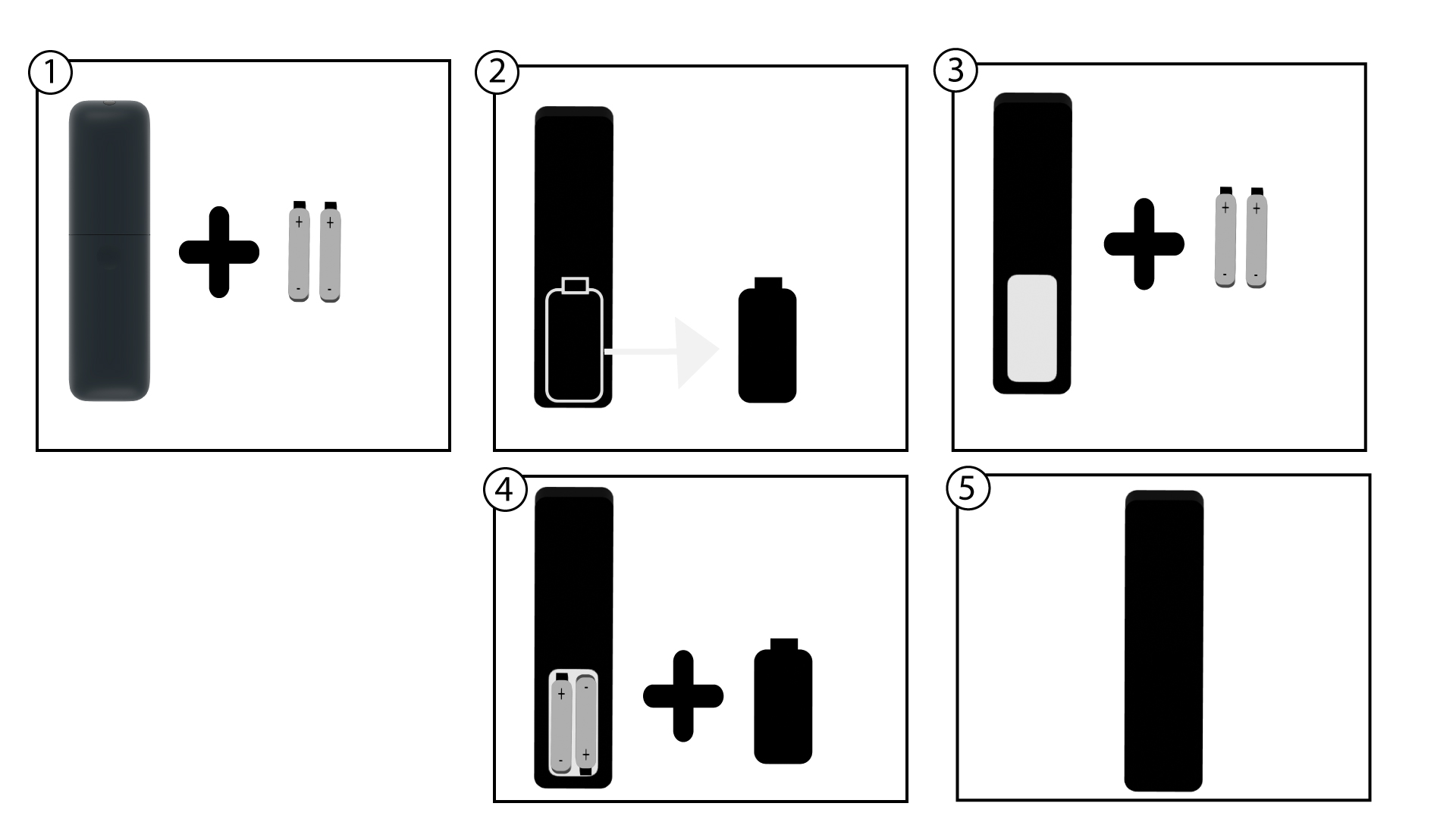
1Skiftbatterierne
Det kan være, at batterierne ikke længere virker. Skift venligst batterierne.
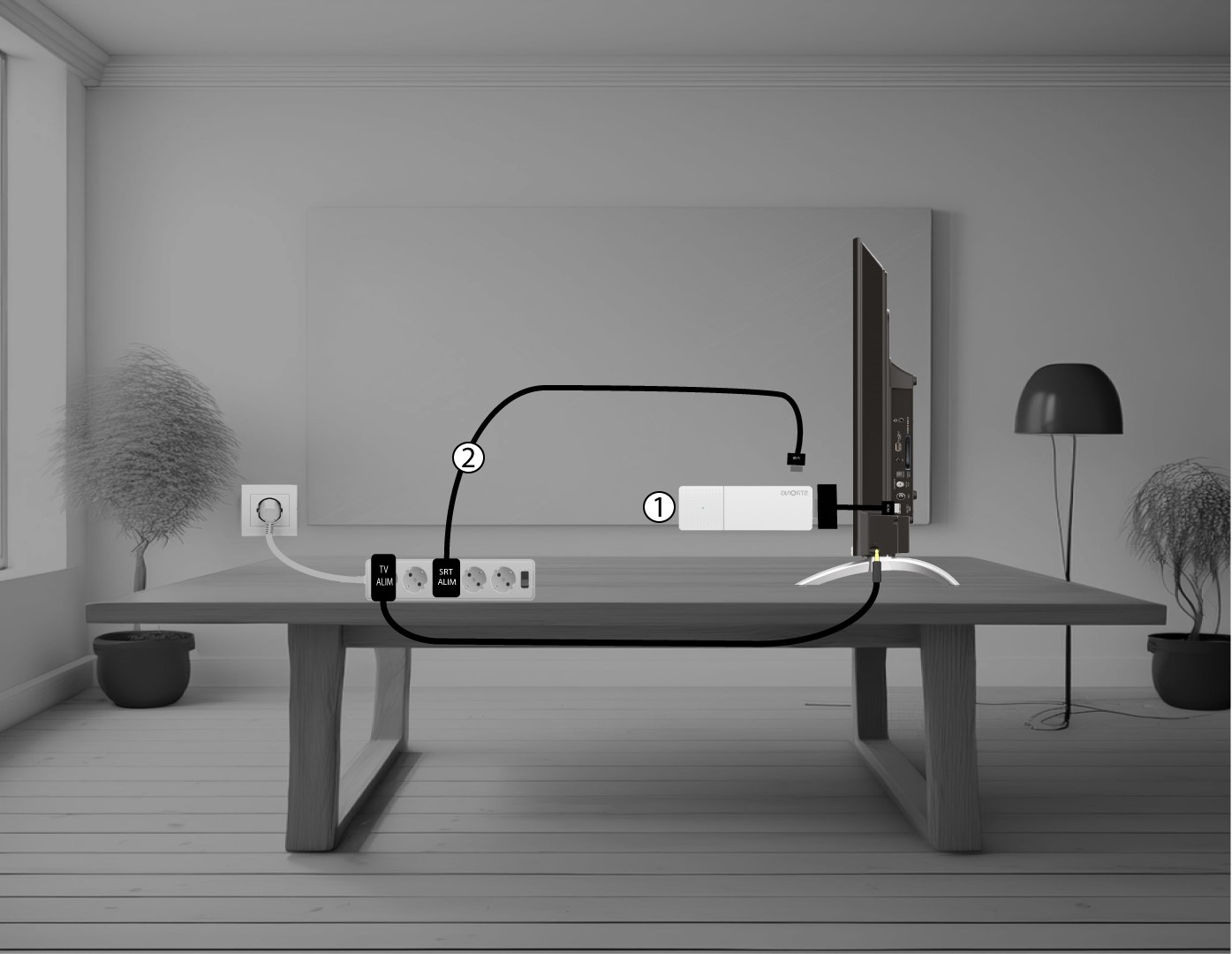
2. GenstartLEAP AIR
Genstart LEAP AIR ved at trække strømkablet ud, som sidder på enhedens højre side.
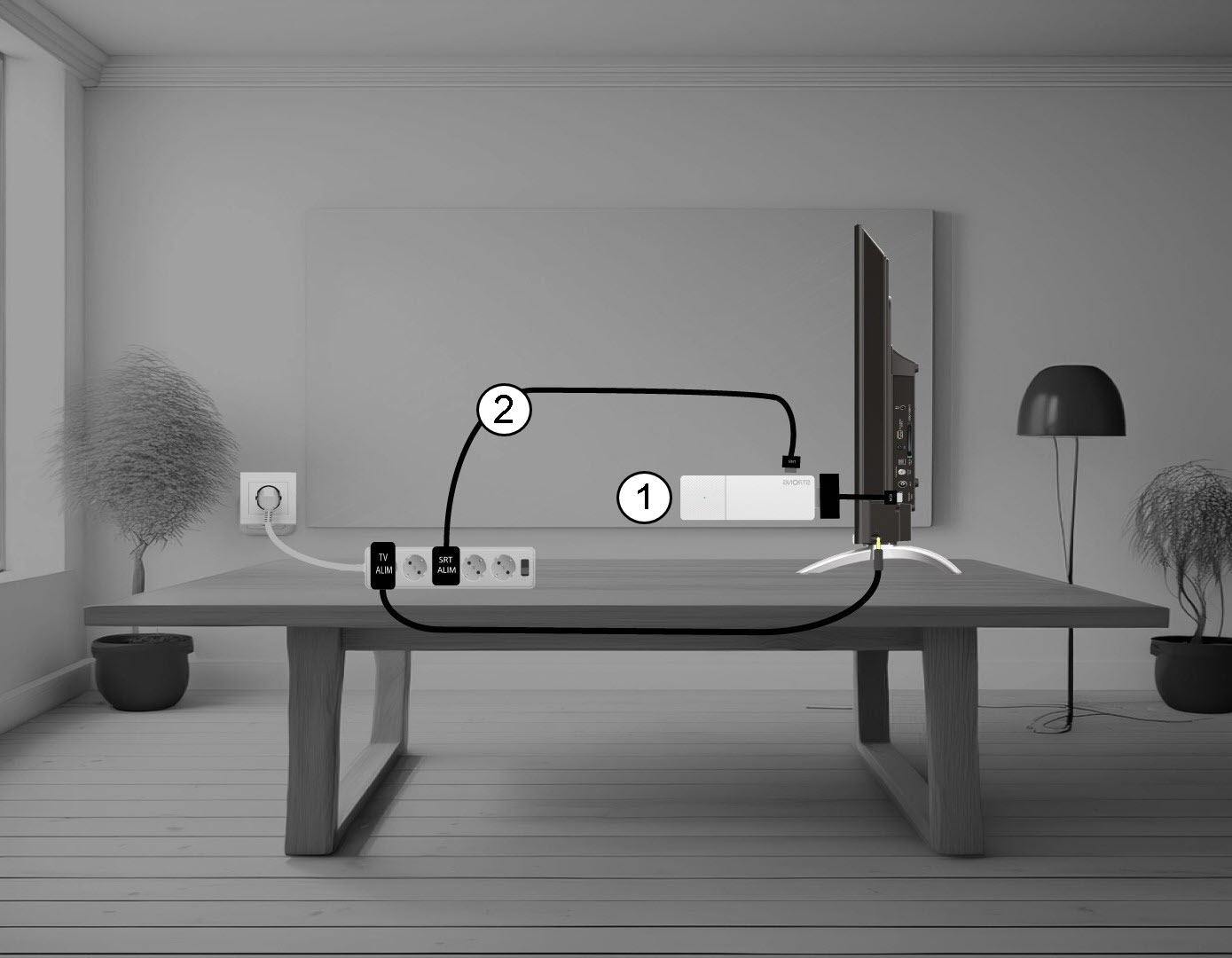
3. Sæt stikketpå LEAP AIR
Tilslut derefter kablet, og tænd for enheden.
4. Parfjernbetjeningen
Du skal parre fjernbetjeningen med enheden igen efter genstart. Det gør du ved at trykke på Return- og Home-knapperne samtidigt i 20 sekunder.