
Keine Artikel gefunden.
Keine Artikel gefunden.
2K+ SMART HOME KAMERA
Alle Fragen
Keine Artikel gefunden.
Keine Artikel gefunden.
2K+ SMART HOME KAMERA
Wie führe ich einen Hard-Reset an meiner Kamera durch (ohne die App zu verwenden)?
Falls Sie die App nicht nutzen können, können Sie die Kamera über die Taste am Gerät zurücksetzen.
Dazu müssen Sie die folgenden Schritte befolgen.
1. Suchen Siedie Reset-Taste
Drehen Sie das Kameraobjektiv, um die Reset-Taste zu finden.
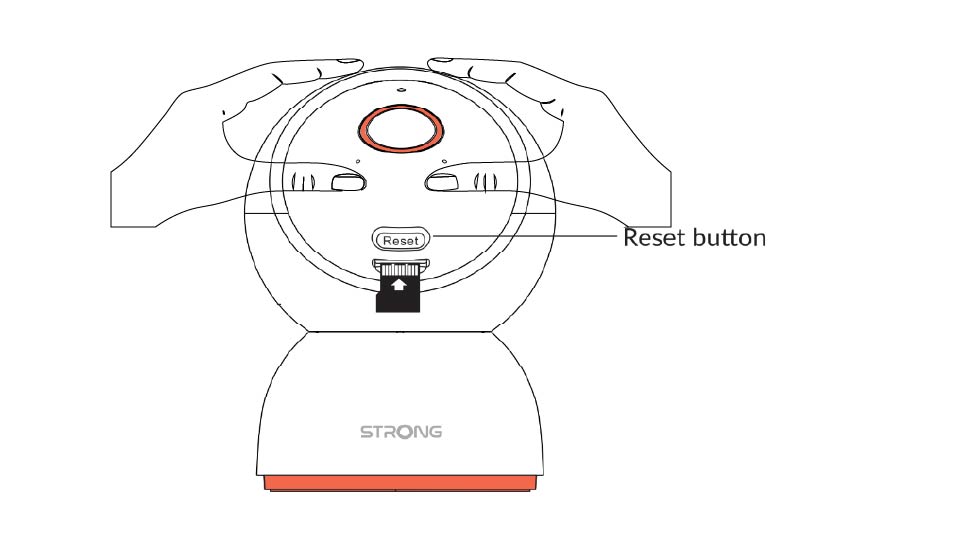
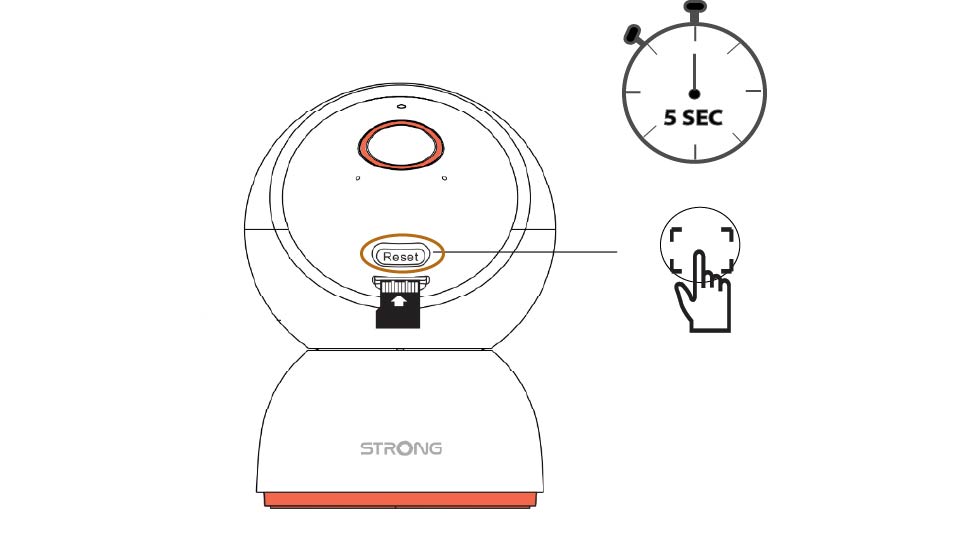
2Drücken Siedie Reset-Taste
Halten Sie die Taste 5 Sekunden lang gedrückt.
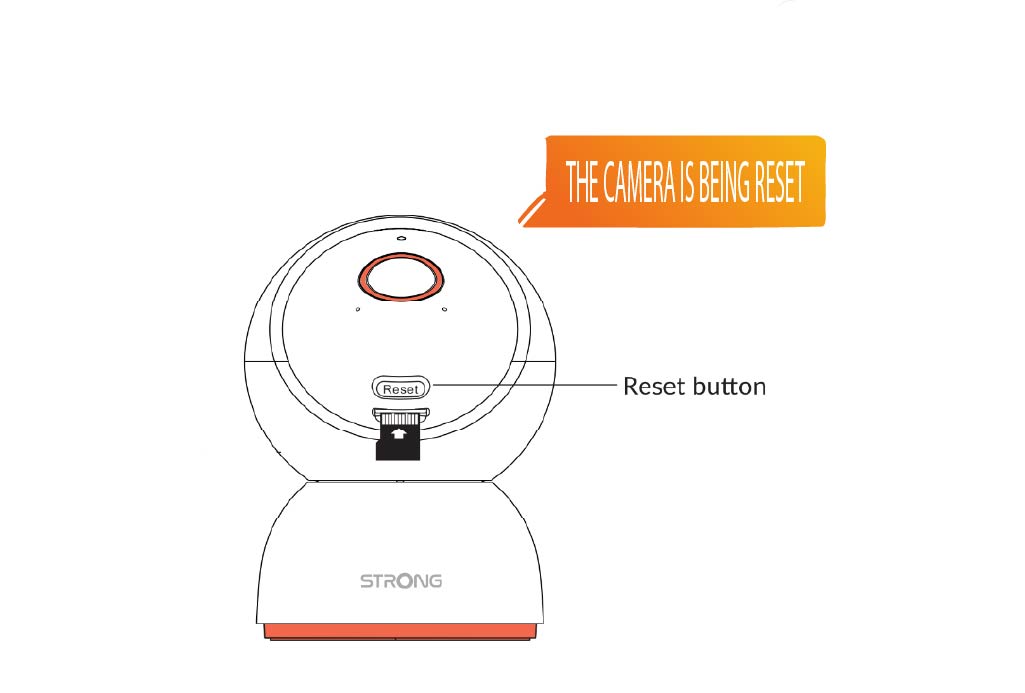
3. Warten Sieauf die Reset-Meldung
Sobald Sie diesen Schritt abgeschlossen haben, hören Sie die Ansage: „Die Kamera wird zurückgesetzt.“ Die Kamera wird anschließend automatisch neu gestartet.
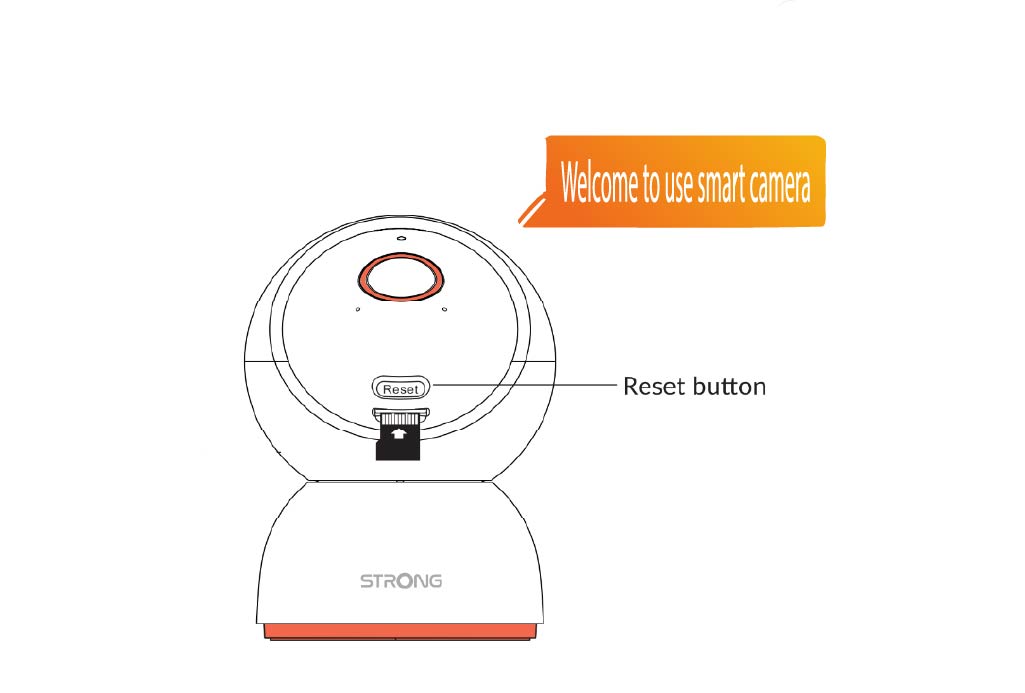
4Begrüßungsbotschaft
Sobald es bereit ist, erscheint die Meldung: „Willkommen bei der Smart-Kamera.“
TIPP: Öffnen Sie nach Abschluss des Zurücksetzvorgangs die App und fügen Sie die Kamera erneut hinzu.