
ATRIA Wi-Fi 5 Mesh 1200 (add-on)
Alle Fragen
ATRIA Wi-Fi 5 Mesh 1200 (add-on)
Wie soll ich meine „ Mesh “-Einheiten benennen?
Sie können die folgenden Schritte ausführen, um die Namen Ihrer „ mesh “-Geräte festzulegen, damit Sie diese leicht identifizieren können.
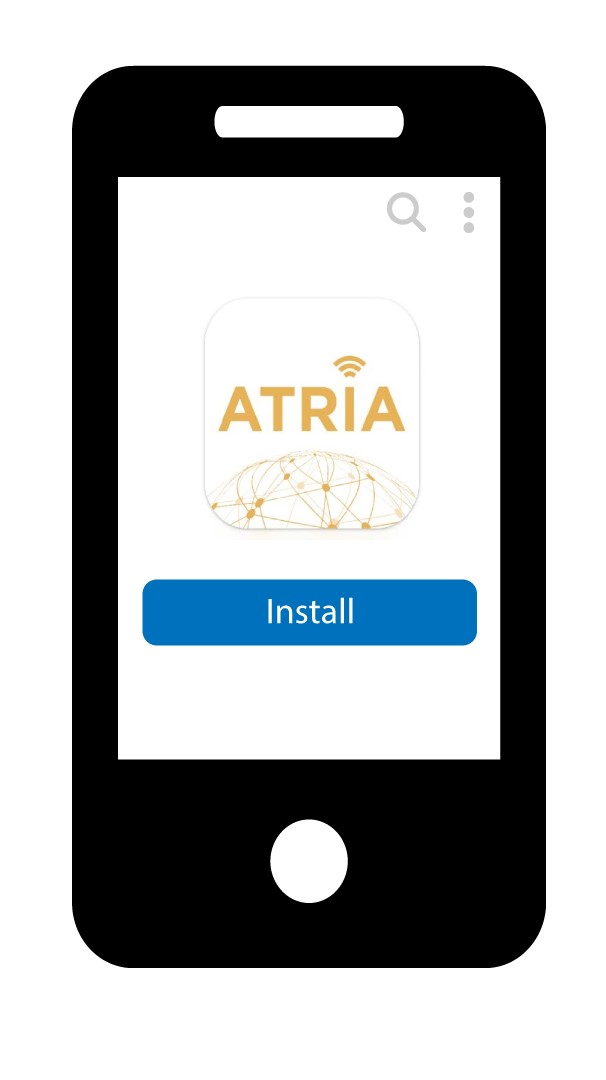
1. Laden Siedie App herunter
Laden Sie die Atria-App „ Mesh “ herunter.
2. Stellen Sie eine Verbindungzum WLAN des mesh
Stellen Sie eine Verbindung zum WLAN Ihres „ mesh “-Geräts her.

3Mit der App verbinden
Geben Sie den Benutzernamen und das Passwort ein, bevor Sie auf „Anmelden“ klicken.

4MeinNetzwerk
Klicken Sie auf „Mein Netzwerk“

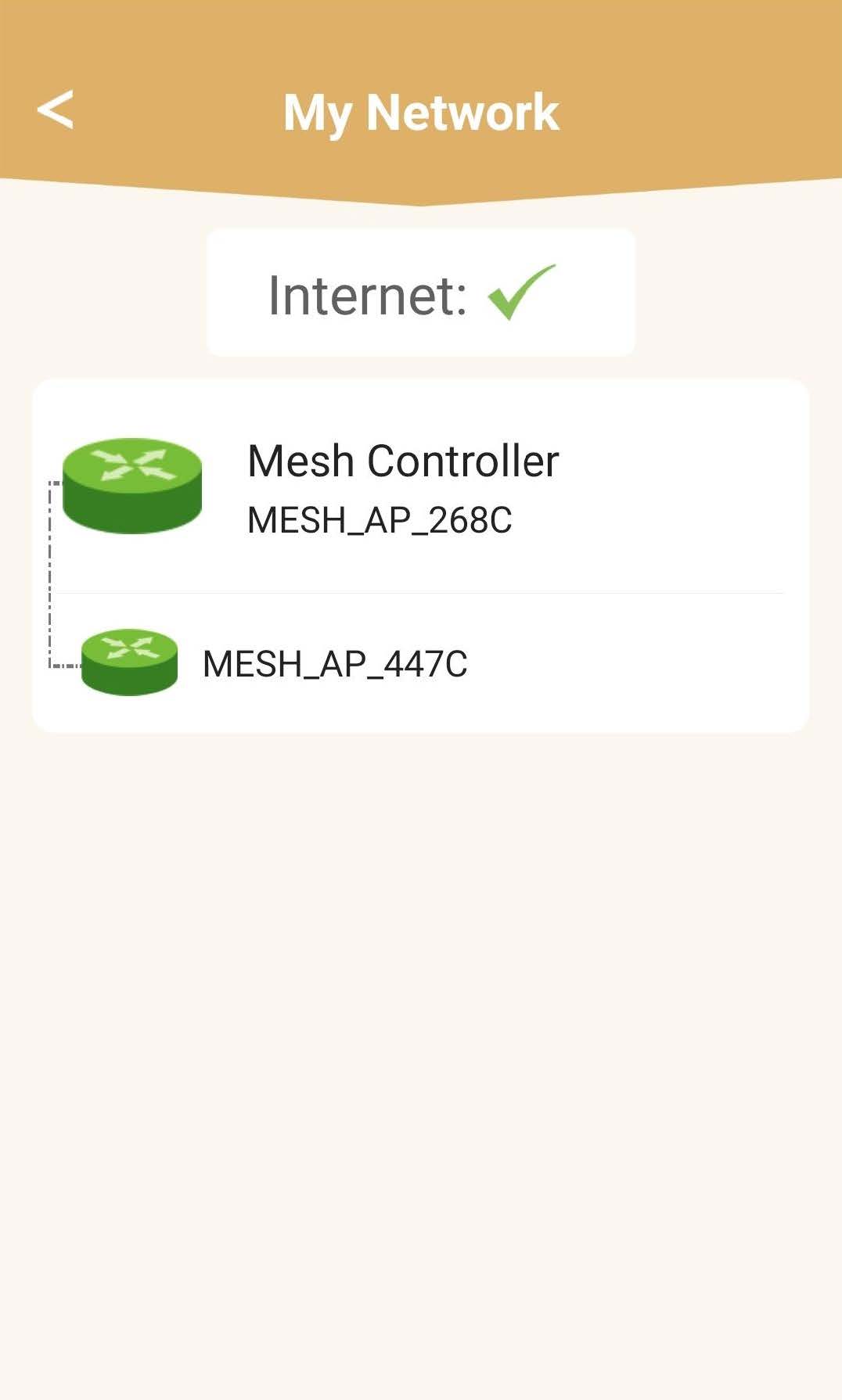
5Mesh Netzwerkstatus
Sie sehen den Status der von Ihren „ mesh “-Geräten bereitgestellten Abdeckung.
Bitte beachten Sie: Wenn die „ mesh “-Geräte grau angezeigt werden, reicht die von dem Gerät gebotene Reichweite nicht aus. In diesem Fall müssen Sie die Position Ihres „ mesh “-Geräts ändern.
Wenn die „ mesh “-Geräte grün angezeigt werden, bedeutet dies, dass sie ordnungsgemäß funktionieren und eine ausreichende Abdeckung bieten.
6Haupt mesh seinheit
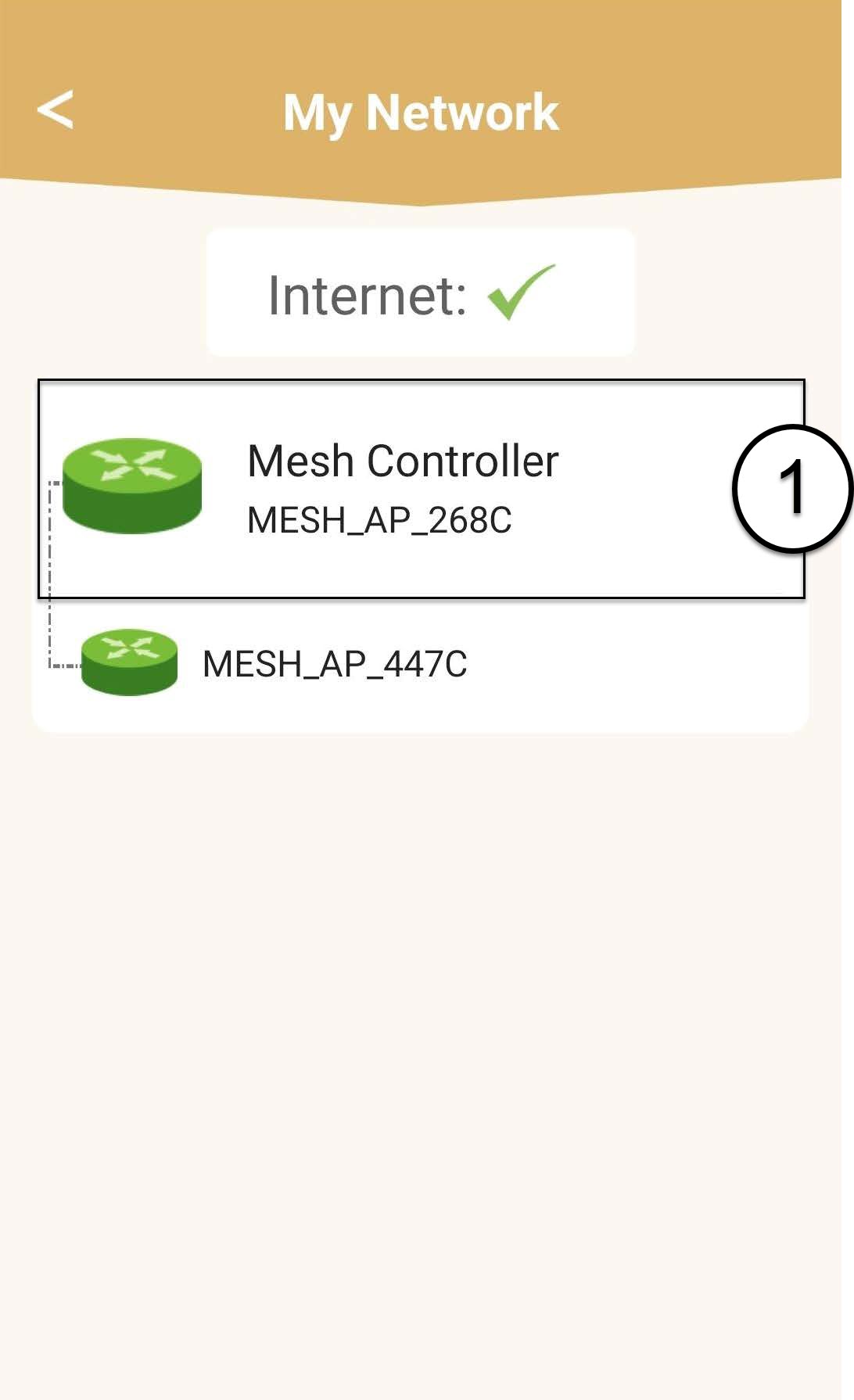
Klicken Sie auf den Namen der „ mesh “-Einheit, um die entsprechenden Informationen aufzurufen.
7. Den Namen der Haupt mesh seinheit bearbeiten
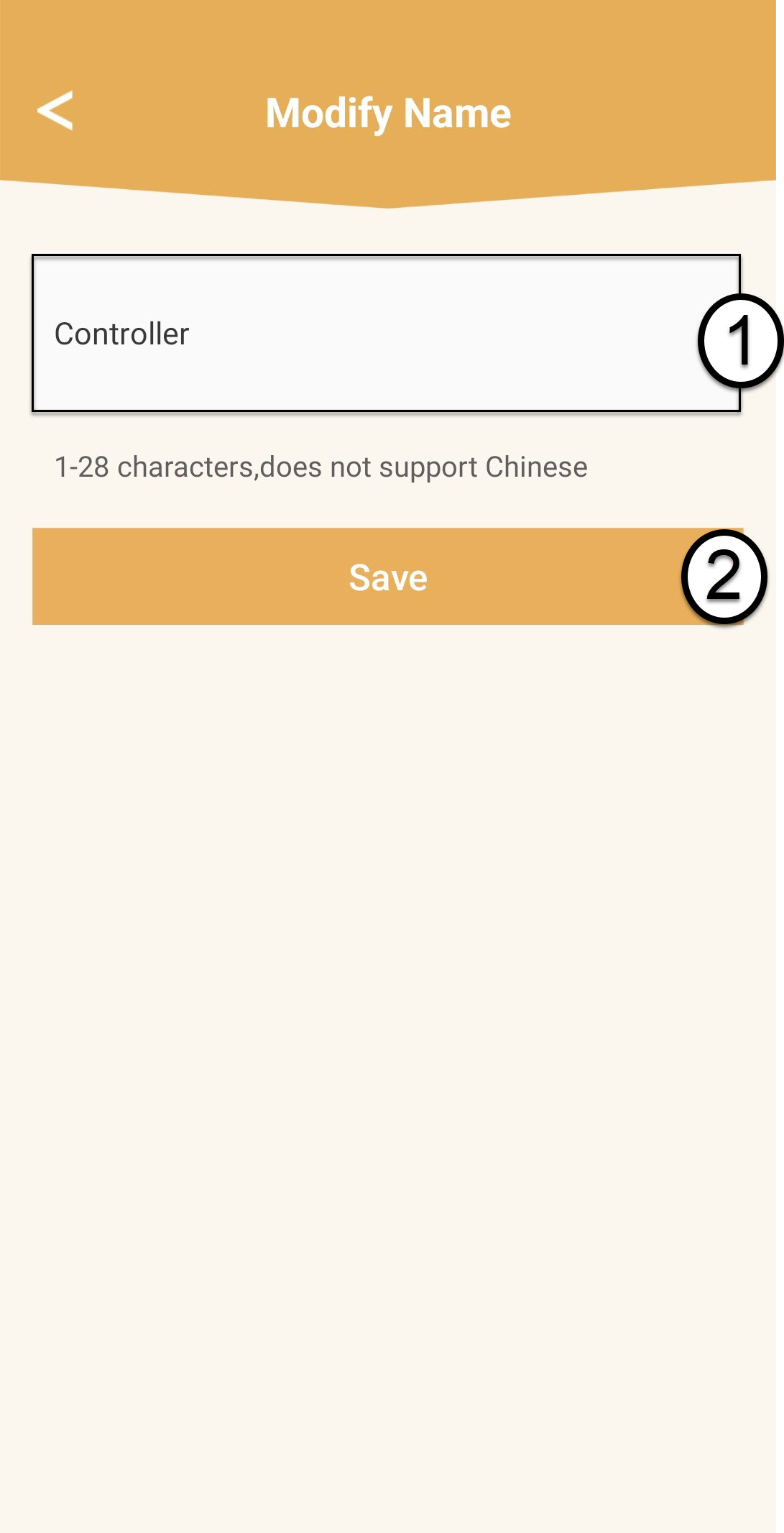
Geben Sie einen neuen Namen ein und klicken Sie auf „Speichern“.
Der „ mesh “-Controller sollte wie folgt benannt werden: Mesh1200-Main-
Name des RaumsDie „ mesh “-Agenten sollten wie folgt benannt werden: Mesh1200-Name des Raums
8Sekundäre„ mesh “-Einheit
Bei den anderen „ mesh “-Einheiten klicken Sie auf den jeweiligen Namen, um die Informationen aufzurufen. Geben Sie anschließend einen neuen Namen ein und klicken Sie auf „Speichern“.