ATRIA kit Mesh kit | MESHKIT1200
Όλες οι ερωτήσεις
ATRIA kit Mesh kit | MESHKIT1200
Πώς μπορώ να ρυθμίσω/εκχωρήσω μια στατική διεύθυνση IP στη συσκευή μου Atria Mesh 1200; (Εφαρμογή)
Μπορεί να είναι χρήσιμο να ορίσετε μια στατική IP για τον ελεγκτή σας mesh , ώστε να έχετε ευκολότερη πρόσβαση στο περιβάλλον εργασίας χρήστη (Web UI)
μέσα από το δίκτυό σας στην εφαρμογή Atria Mesh .
Μπορείτε επίσης να εκχωρήσετε αποκλειστικές διευθύνσεις IP στις συσκευές που είναι συνδεδεμένες στο δίκτυό σας mesh μέσω του περιβάλλοντος εργασίας χρήστη (Web UI)
.
1 Συνδέσουστο Wi-Fi του mesh
Για να το κάνετε αυτό, συνδεθείτε στο Wi-Fi του δικτύου σας mesh .

2. Πρόσβασηστην εφαρμογή
Συνδεθείτε με την εφαρμογή Atria « Mesh ».

3Network
Κάντε κλικ στην επιλογή «Το δίκτυό μου».

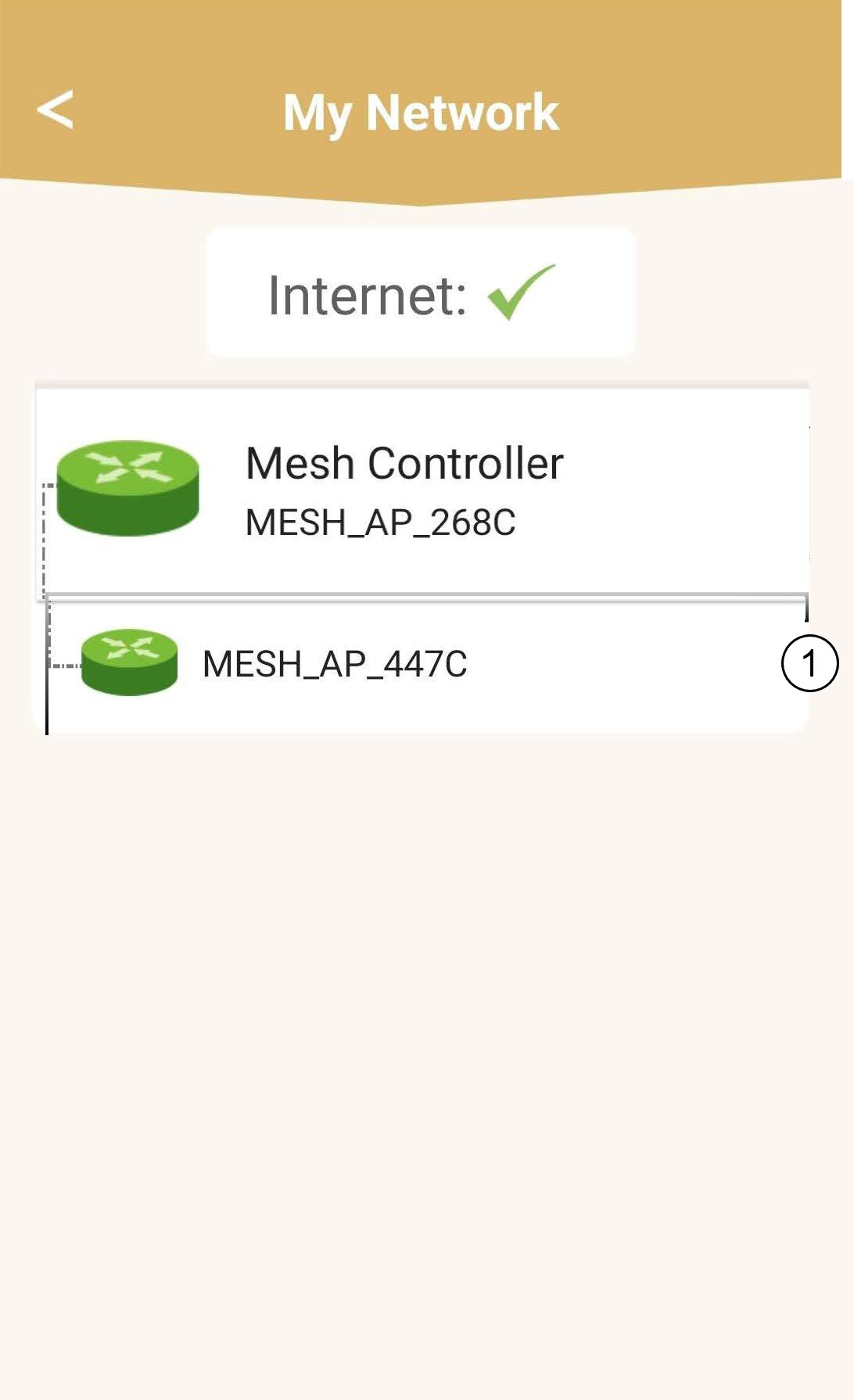
4Επιλέξτετην κύρια μονάδα mesh
Κάντε κλικ στο όνομα του πράκτορα « Mesh » στη λίστα.
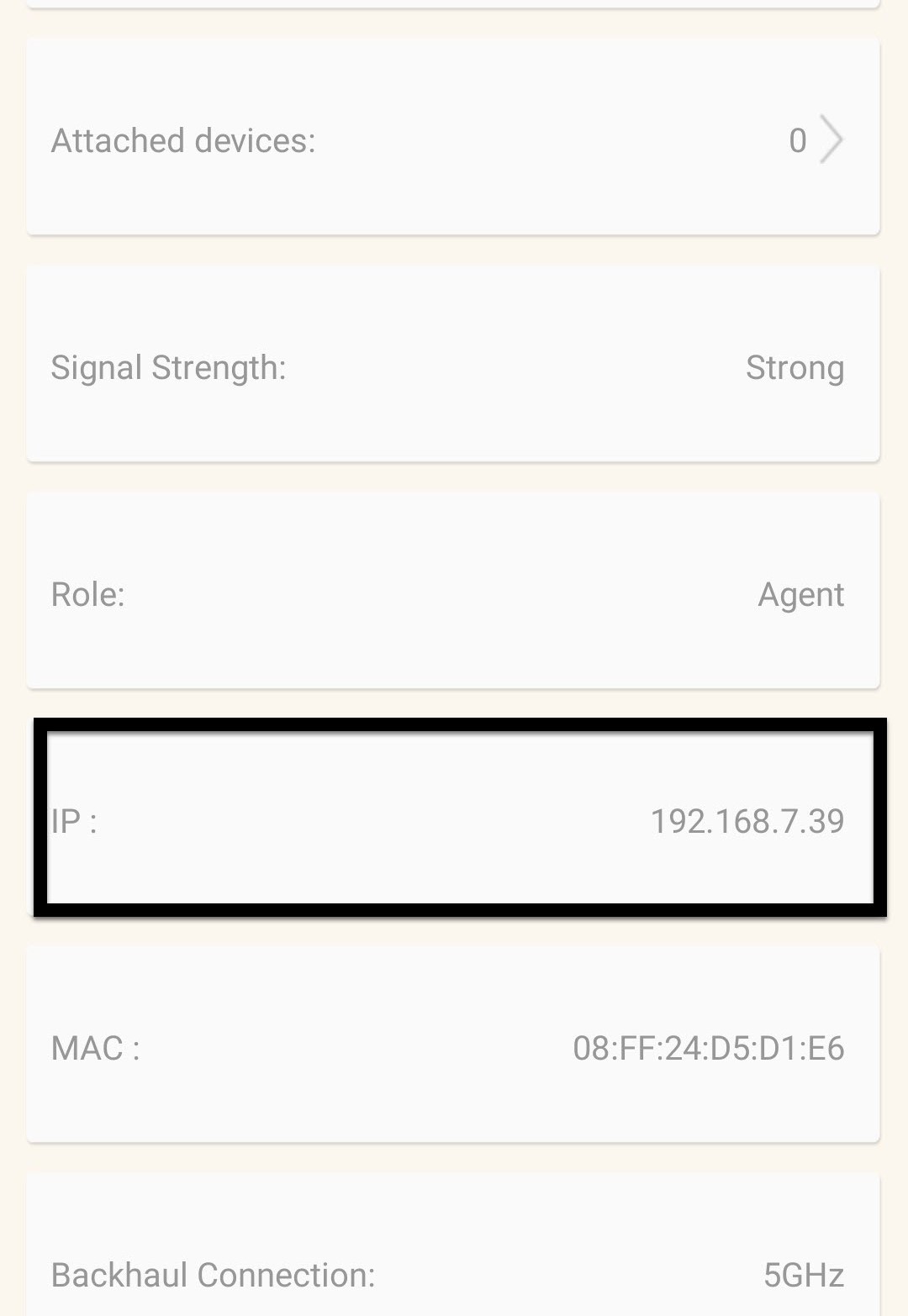
5. Βρείτετη διεύθυνση IP
Προσδιορίστε τη διεύθυνση IP και τη διεύθυνση MAC της συσκευής.
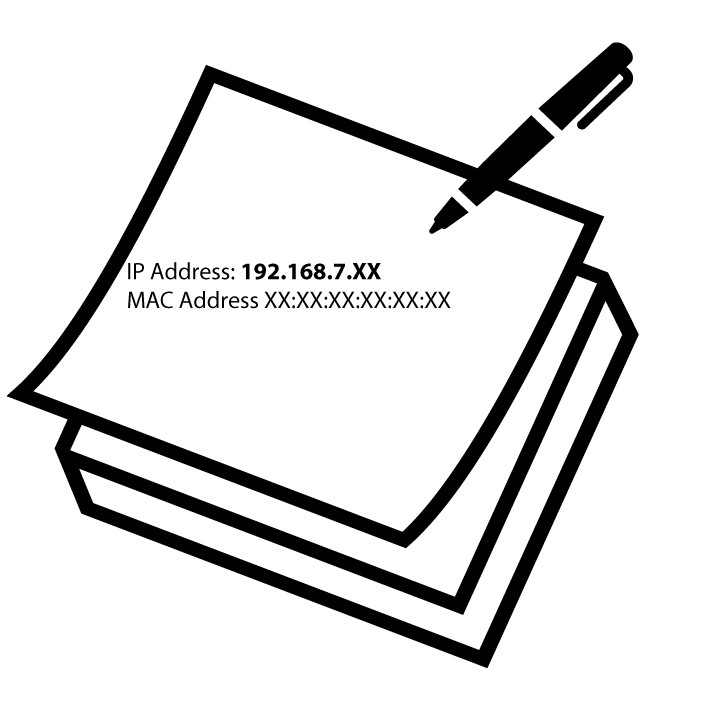
6. Καταγράψτετη διεύθυνση IP
Σημειώστε τη διεύθυνση IP και τη διεύθυνση MAC.
7. Ρυθμίσεις Διαδικτύου
Κάντε κλικ στην επιλογή «Ρυθμίσεις Internet».
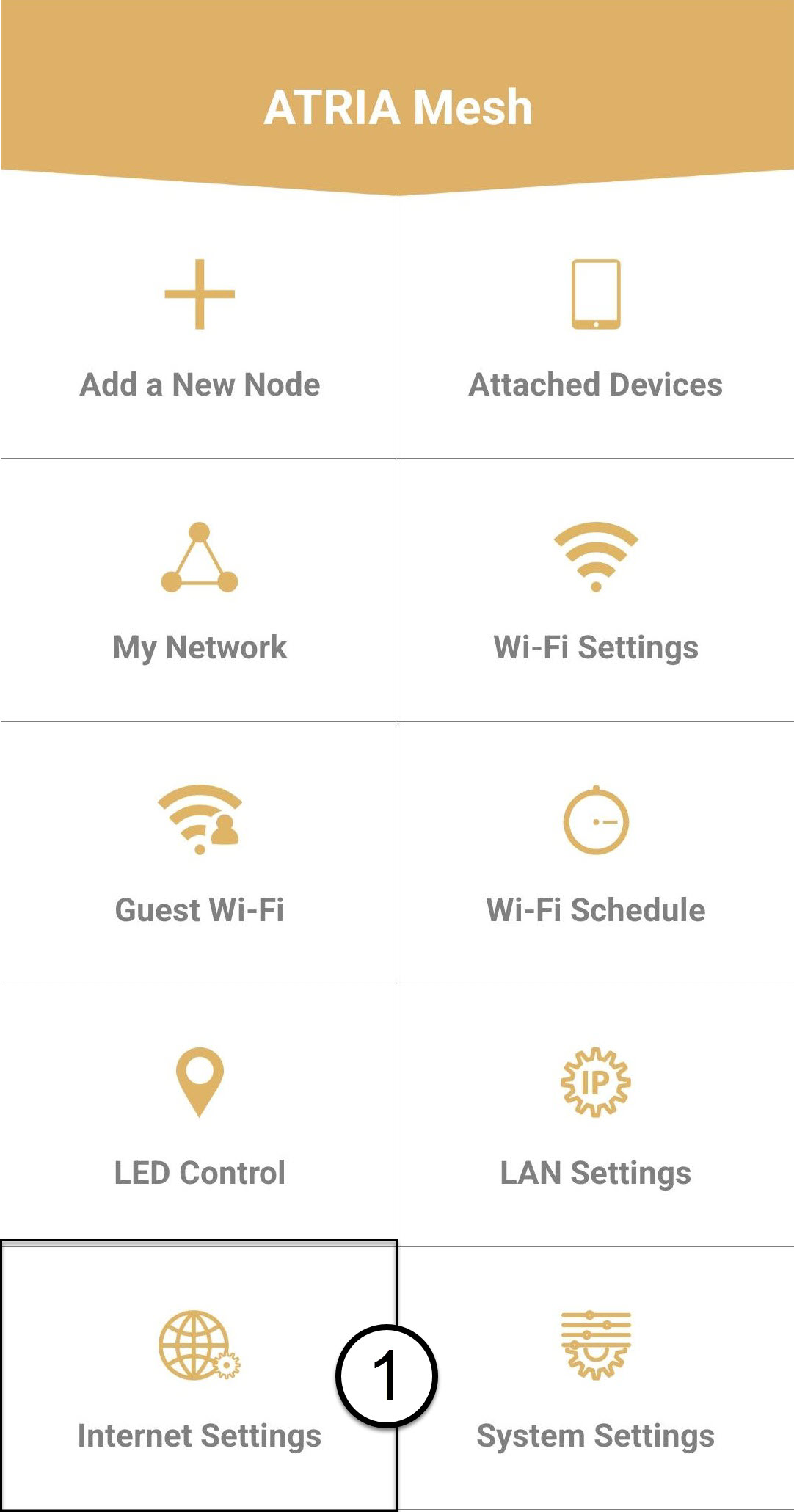
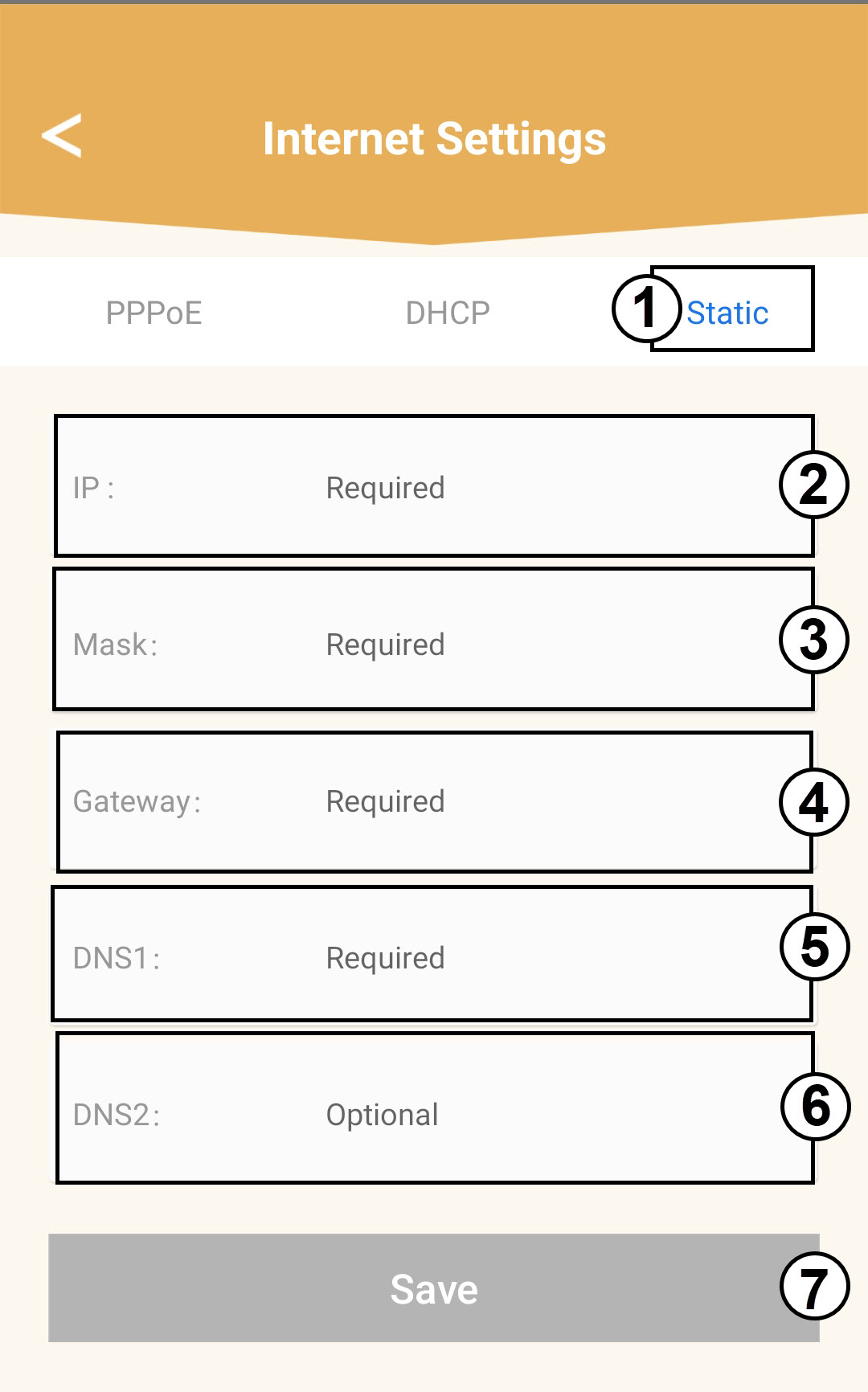
8 ΣτατικήIP
Επιλέξτε «Στατική IP». Εισαγάγετε τις ακόλουθες πληροφορίες πριν κάνετε κλικ στο «Αποθήκευση»:
o IP: Εισαγάγετε τη διεύθυνση IP του Agent
o Μάσκα: Το πεδίο συμπληρώνεται αυτόματα με την κατάλληλη τιμή
o Πύλη: Το πεδίο συμπληρώνεται αυτόματα με την κατάλληλη τιμή
o DNS1: Εισαγάγετε την κύρια διεύθυνση DNS (μπορείτε να βρείτε αυτή την πληροφορία στο Web UI:
Δίκτυο > LAN -> Ενεργοποίηση χειροκίνητου DNS)
o DNS2: Εισαγάγετε τη δευτερεύουσα διεύθυνση DNS (μπορείτε να βρείτε αυτή την πληροφορία στο Web UI
: Δίκτυο > LAN -> Ενεργοποίηση χειροκίνητου DNS)