
4G+ AIRSPOT 510 Wi-Fi
Δεν βρέθηκαν αντικείμενα.
Δεν βρέθηκαν αντικείμενα.
Όλες οι ερωτήσεις
4G+ AIRSPOT 510 Wi-Fi
Δεν βρέθηκαν αντικείμενα.
Δεν βρέθηκαν αντικείμενα.
Πώς μπορώ να αποκτήσω πρόσβαση στο περιβάλλον χρήστη ιστού για πρώτη φορά;
Για να αποκτήσετε πρόσβαση στο περιβάλλον χρήστη του ιστού, πρέπει να είστε συνδεδεμένοι στο Wi-Fi του 4G PORTABLE HOTSPOT 900 WITH A DISPLAY, αφού τοποθετήσετε την κάρτα SIM στην υποδοχή.
1. Συνδεθείτεστο δίκτυο Wi-Fi του δρομολογητή
Για να το κάνετε αυτό, εισαγάγετε το SSID (όνομα δικτύου Wi-Fi) και τον κωδικό πρόσβασης Wi-Fi του δρομολογητή στη συσκευή σας.

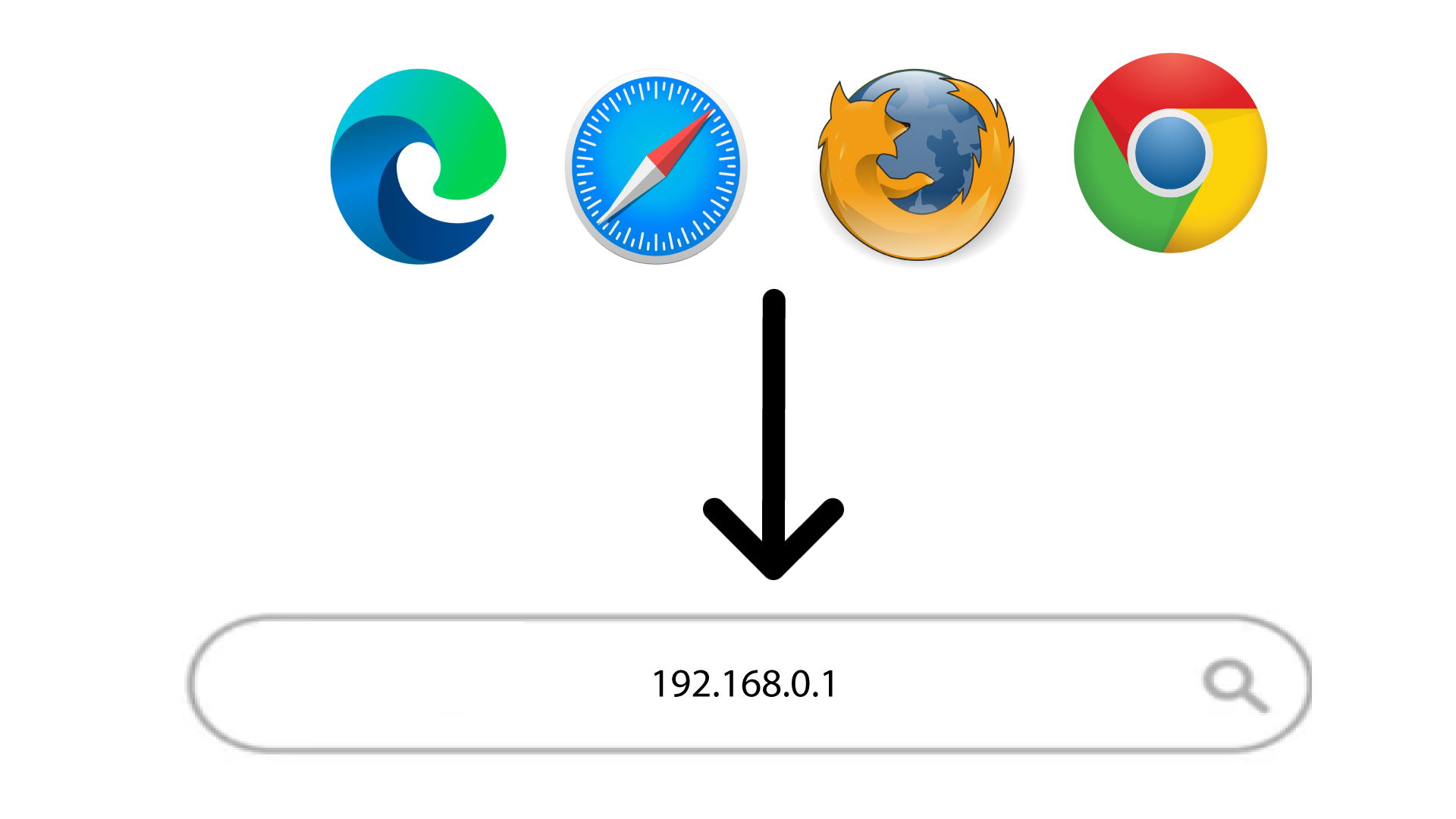
2. Άνοιξετη σελίδα σύνδεσης του περιβάλλοντος χρήστη ιστού
Στη συνέχεια, πληκτρολογήστε την ακόλουθη διεύθυνση IP στον περιηγητή σας: 168.0.1
3.Ρύθμιση του κωδικού πρόσβασης διαχειριστή
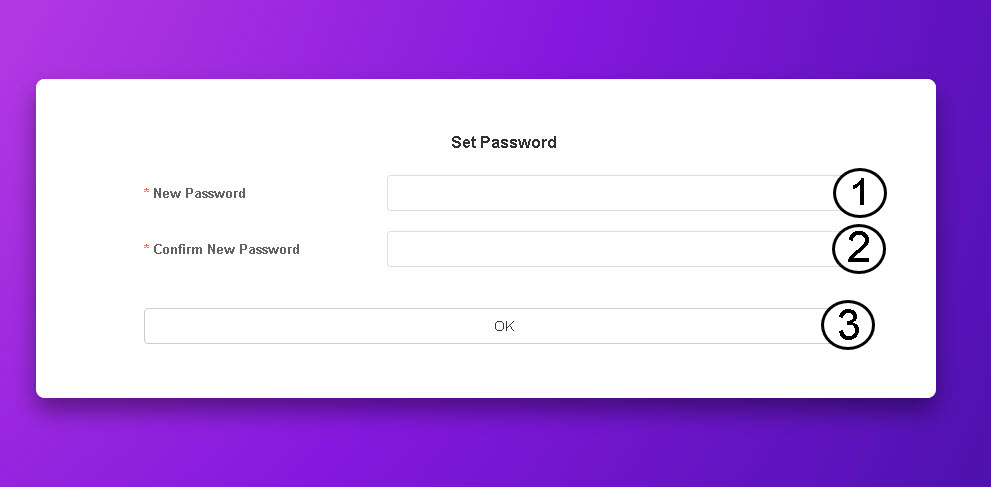
Αφού μεταβείτε στη συγκεκριμένη διεύθυνση IP, πρέπει να ορίσετε τον κωδικό πρόσβασης διαχειριστή. Για να ορίσετε τον νέο κωδικό πρόσβασης, εισαγάγετε τα ακόλουθα στοιχεία πριν κάνετε κλικ στο «OK»:
- Νέος κωδικός πρόσβασης: Εισάγετε έναν κωδικό πρόσβασης που να περιέχει τουλάχιστον 8 χαρακτήρες και να περιλαμβάνει συνδυασμό κεφαλαίων, μικρών γραμμάτων, αριθμών και ειδικών χαρακτήρων. Επιτρέπονται μόνο οι ακόλουθοι ειδικοί χαρακτήρες: @$%*&.
- Επιβεβαίωση νέου κωδικού πρόσβασης: Πληκτρολογήστε τον ίδιο κωδικό πρόσβασης με αυτόν που πληκτρολογήσατε στο προηγούμενο πεδίο.
ΣΥΜΒΟΥΛΗ: Για να εμφανίσετε τον κωδικό πρόσβασής σας, κάντε κλικ στο εικονίδιο με το μάτι.