
Δεν βρέθηκαν αντικείμενα.
Δεν βρέθηκαν αντικείμενα.
SMART HOME ΚΆΜΕΡΑ 2K+
Όλες οι ερωτήσεις
Δεν βρέθηκαν αντικείμενα.
Δεν βρέθηκαν αντικείμενα.
SMART HOME ΚΆΜΕΡΑ 2K+
Πώς μπορώ να κάνω hard reset στη φωτογραφική μου μηχανή (χωρίς να χρησιμοποιήσω την εφαρμογή);
Αν δεν μπορείτε να χρησιμοποιήσετε την εφαρμογή, μπορείτε να επαναφέρετε τη φωτογραφική μηχανή χρησιμοποιώντας το κουμπί που βρίσκεται στη συσκευή.
Για να το κάνετε αυτό, πρέπει να ακολουθήσετε τα παρακάτω βήματα.
1. Βρείτετο κουμπί επαναφοράς
Γυρίστε το φακό της κάμερας για να βρείτε το κουμπί επαναφοράς.
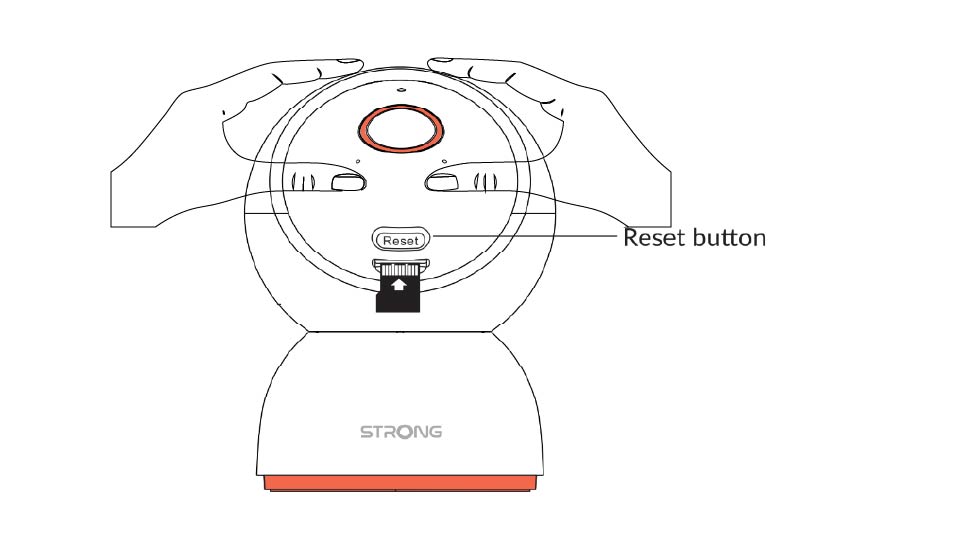
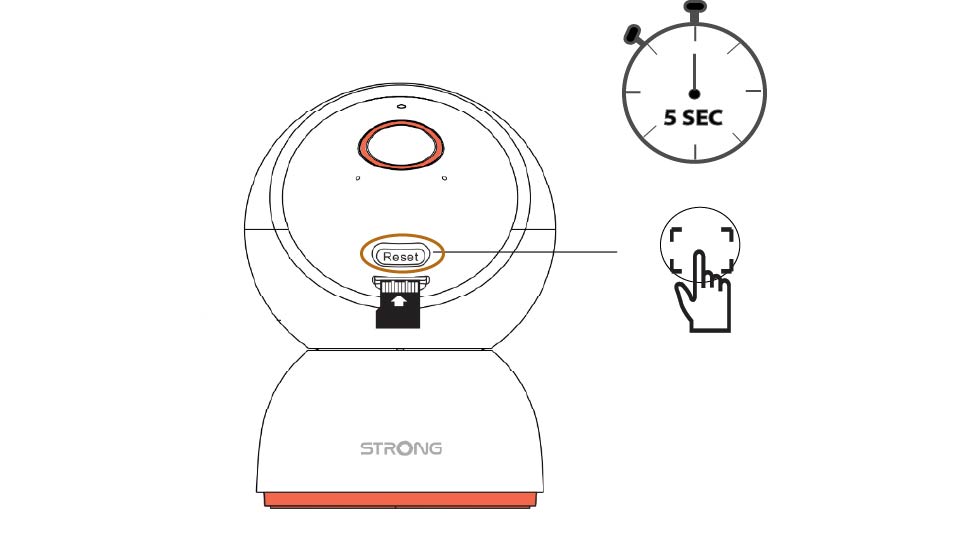
2 Πατήστετο κουμπί επαναφοράς
Πατήστε και κρατήστε πατημένο το κουμπί για 5 δευτερόλεπτα.
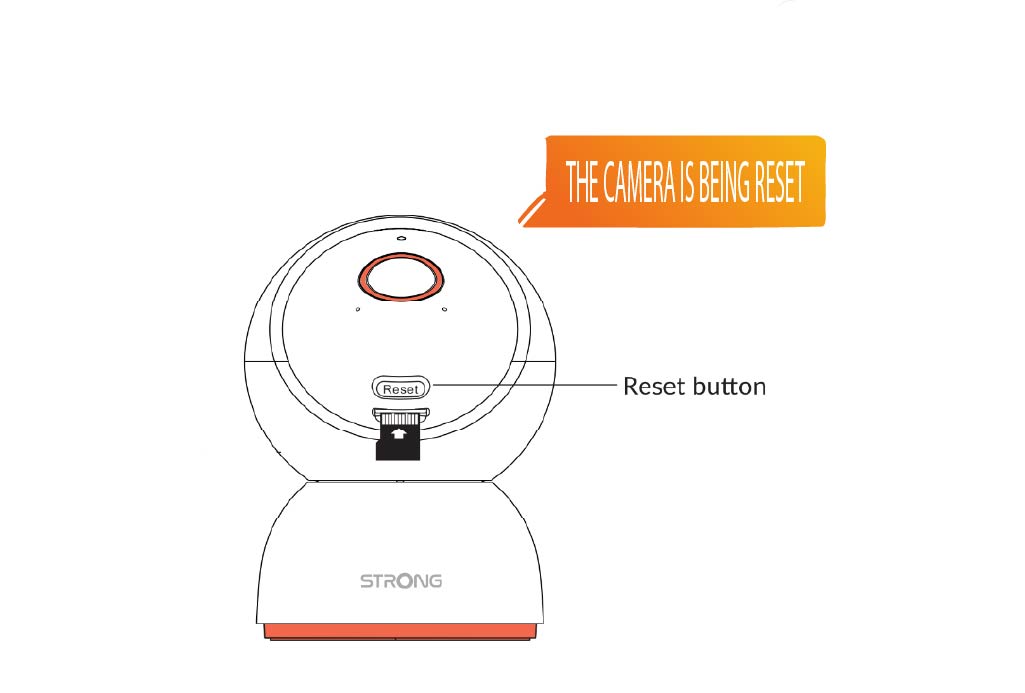
3. Περιμένετετο μήνυμα επαναφοράς
Μόλις ολοκληρώσετε αυτό το βήμα, θα ακούσετε το εξής μήνυμα: «Η κάμερα επαναρυθμίζεται». Στη συνέχεια, η κάμερα θα επανεκκινήσει αυτόματα.
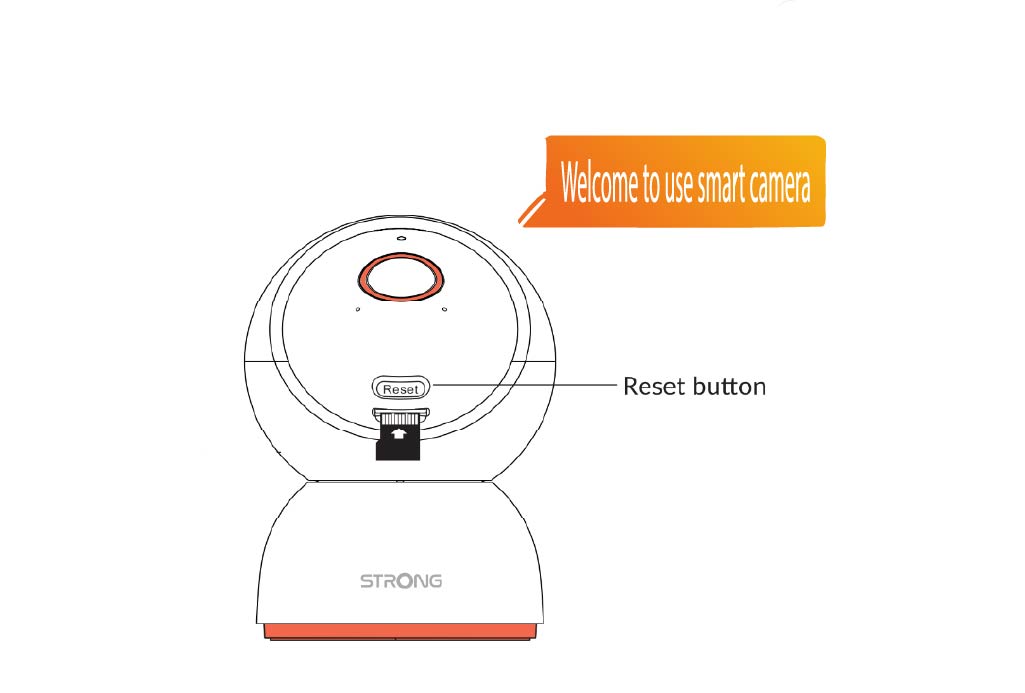
4 Μήνυμα καλωσορίσματος
Όταν είναι έτοιμο, θα εμφανιστεί το μήνυμα: «Καλώς ήρθατε στη χρήση της έξυπνης κάμερας».
ΣΥΜΒΟΥΛΗ: Μόλις ολοκληρωθεί η επαναφορά, ανοίξτε την εφαρμογή και προσθέστε ξανά την κάμερα.