Powerline 600 Duo Wi-Fi UK V2
Όλες οι ερωτήσεις
Powerline 600 Duo Wi-Fi UK V2
Πώς να προσθέσετε ένα νέο προϊόν Powerline της Strong στο υπάρχον δίκτυο Wi-Fi Powerline σας με επίπεδο ασφάλειας 1;
Δεδομένου ότι το υπάρχον δίκτυό σας έχει ρυθμιστεί με τη διαμόρφωση «Υψηλό Επίπεδο Ασφάλειας 1», η προσθήκη ενός προϊόντος γίνεται απλά με τη μέθοδο «Plug & Play». Δεν απαιτείται καμία ενέργεια από την πλευρά του προϊόντος. Απλώς συνδέστε το νέο προϊόν Powerline και θα προστεθεί αυτόματα στο δίκτυο.
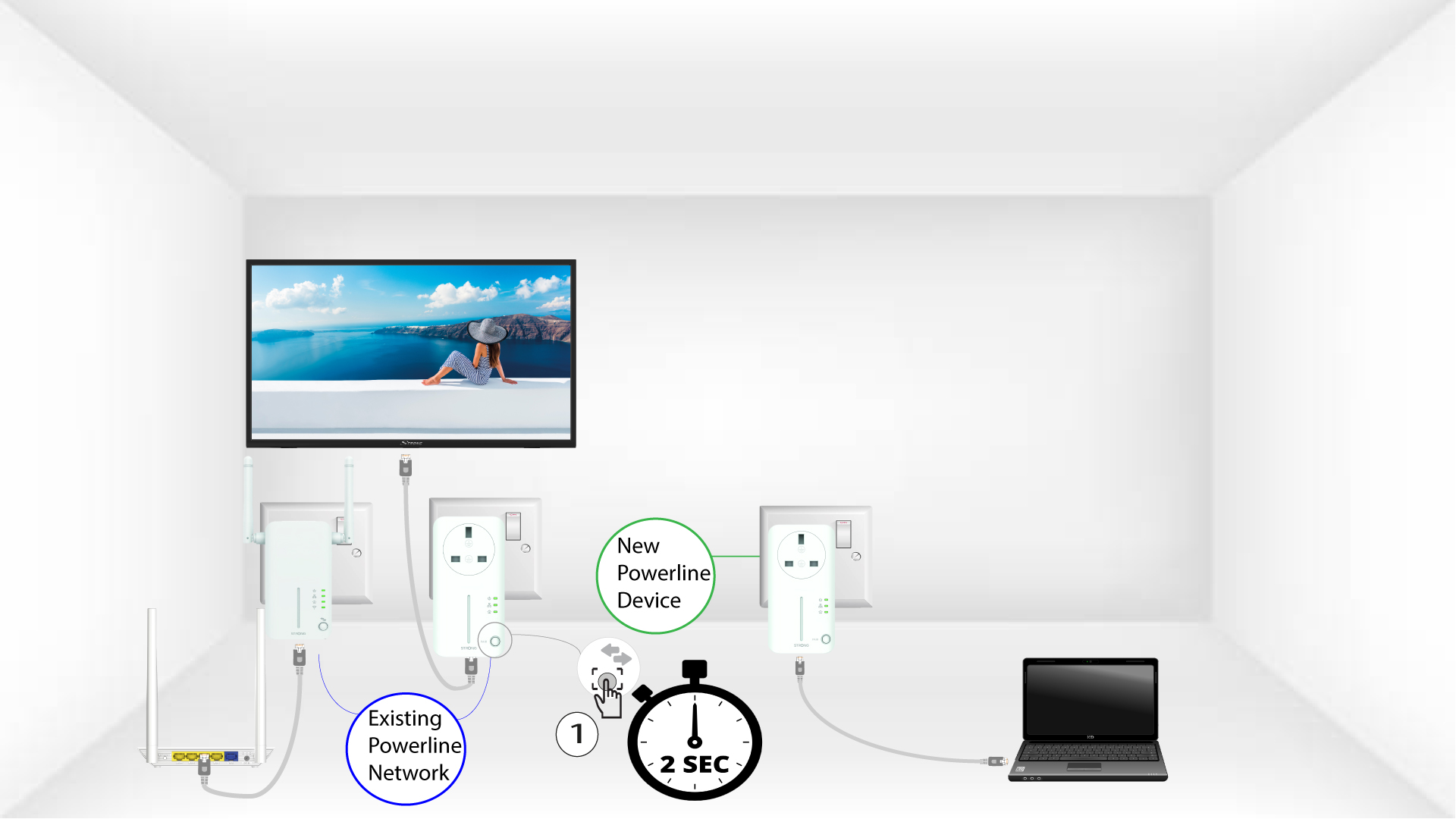
Συνήθως, οι προσαρμογείς Powerline συνδυάζονται σε ζεύγη των δύο ή τριών, οπότε αν χρειαστεί να προσθέσετε επιπλέον προϊόντα Powerline στο δίκτυό σας που έχει ρυθμιστεί με το «Υψηλό Επίπεδο Ασφάλειας 1», πρέπει να ακολουθήσετε τα παρακάτω βήματα.
1 Συνδέστετον προσαρμογέα σε μια πρίζα
Συνδέστε την/τις επιπλέον συσκευή/συσκευές σε μια πρίζα.
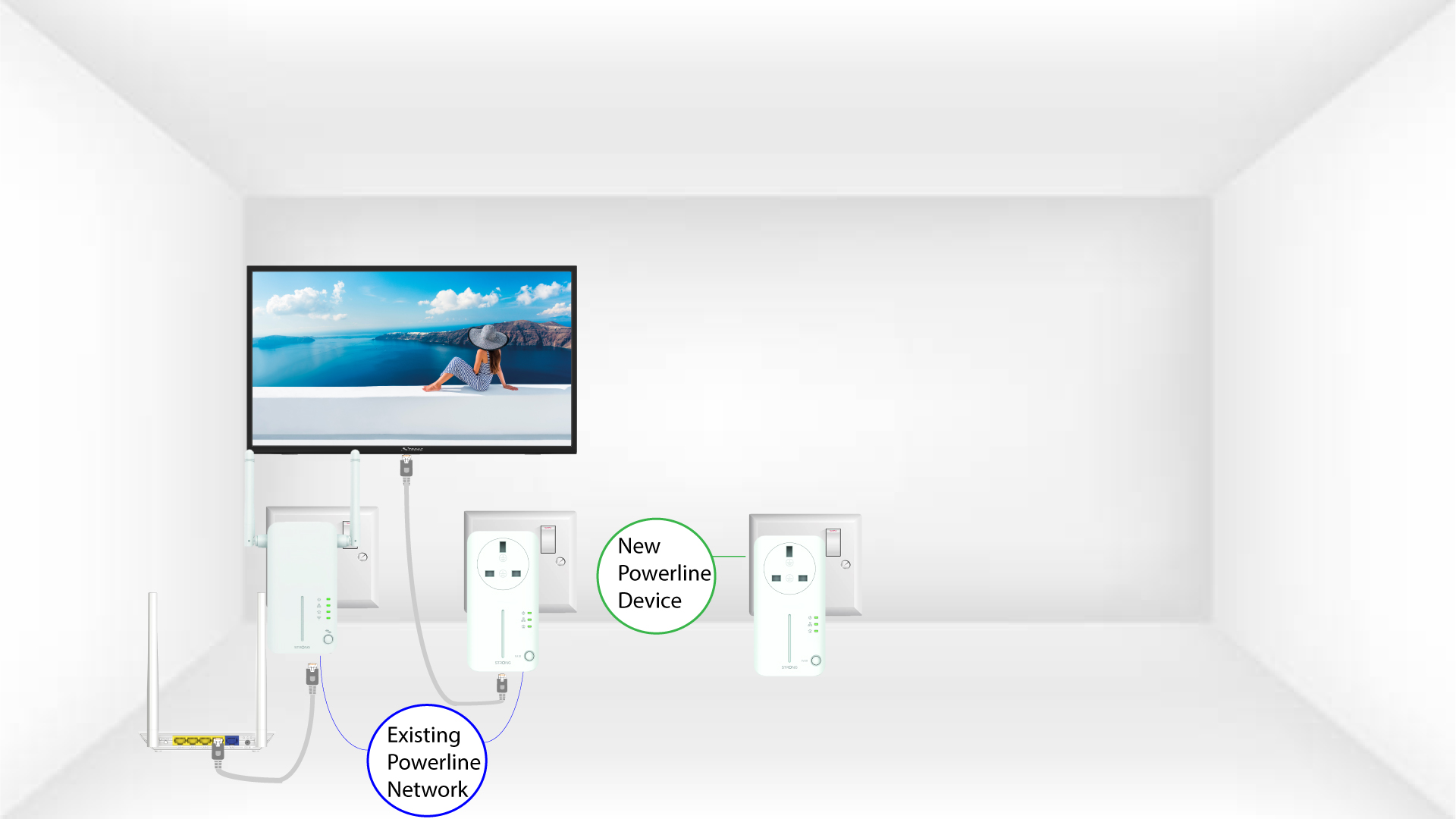
2. Συνδέστετον προσαρμογέα στο Διαδίκτυο
Συνδέστε τη συσκευή σε έναν δρομολογητή/πύλη πρόσβασης στο Διαδίκτυο μέσω RJ45.
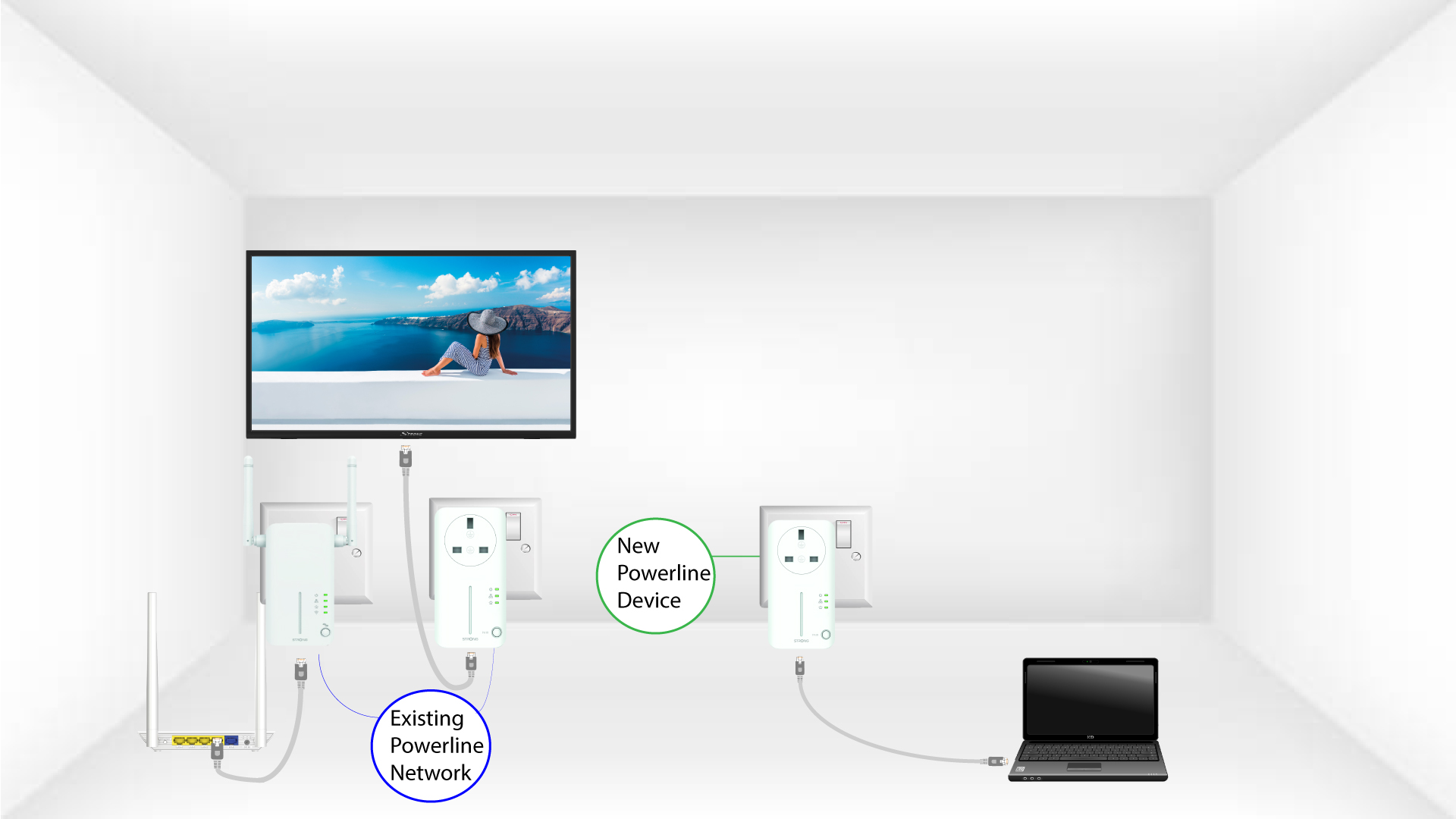
Τα 3 LEDείναι πράσινα
Αφού συνδέσετε τη νέα συσκευή, όλα τα LED σε όλες τις συσκευές ανάβουν με πράσινο χρώμα.