Powerline 1000 Duo Wi-Fi EU V2
Όλες οι ερωτήσεις
Powerline 1000 Duo Wi-Fi EU V2
Πώς να προσθέσετε ένα νέο προϊόν Powerline της Strong στο υπάρχον δίκτυο Wi-Fi Powerline σας με επίπεδο ασφάλειας 1;
Δεδομένου ότι το υπάρχον δίκτυό σας έχει ρυθμιστεί με τη διαμόρφωση «Υψηλό Επίπεδο Ασφάλειας 1», η προσθήκη ενός προϊόντος γίνεται απλά με τη μέθοδο «Plug & Play». Δεν απαιτείται καμία ενέργεια από την πλευρά του προϊόντος. Απλώς συνδέστε το νέο προϊόν Powerline και θα προστεθεί αυτόματα στο δίκτυο.
Συνήθως, οι προσαρμογείς Powerline συνδυάζονται σε ζεύγη των δύο ή τριών, οπότε αν χρειαστεί να προσθέσετε επιπλέον προϊόντα Powerline στο δίκτυό σας που έχει ρυθμιστεί με το «Υψηλό Επίπεδο Ασφάλειας 1», πρέπει να ακολουθήσετε τα παρακάτω βήματα.
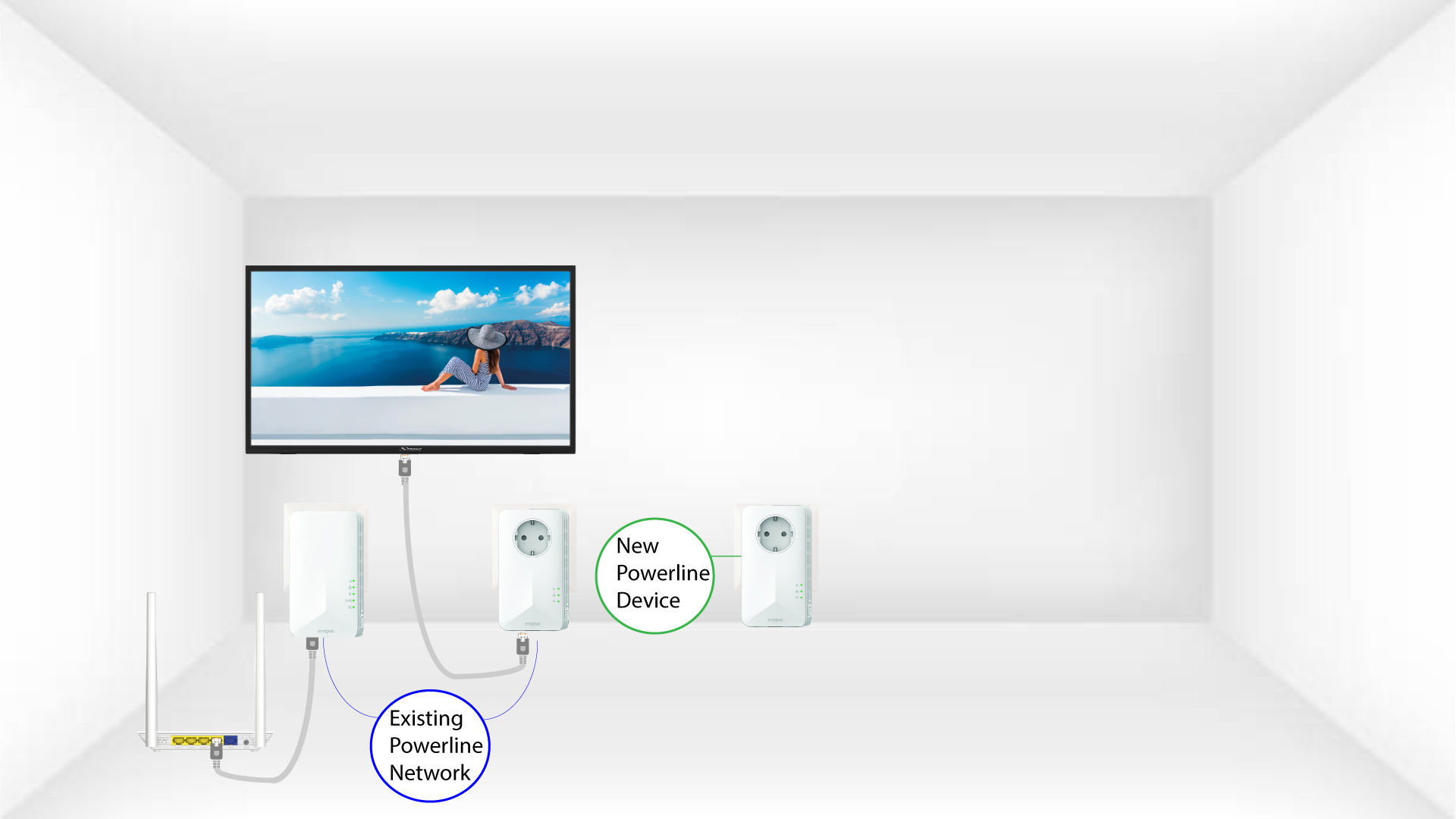
1. Συνδέστετο νέο προσαρμογέα σε μια πρίζα
Συνδέστε την/τις επιπλέον συσκευή/συσκευές σε μια πρίζα.
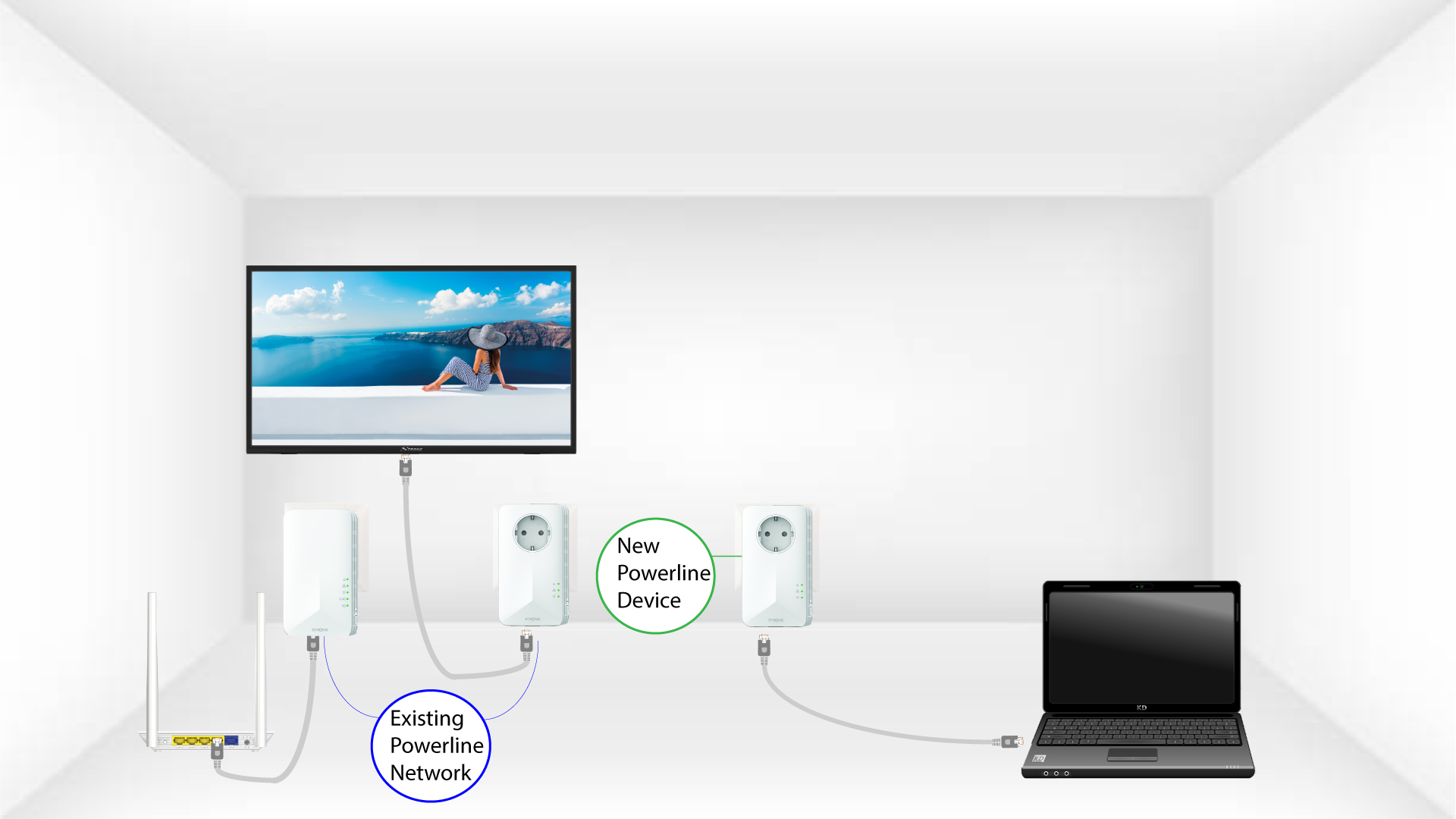
2. Συνδέστετον προσαρμογέα στο Διαδίκτυο
Συνδέστε τη συσκευή σε έναν δρομολογητή/πύλη πρόσβασης στο Διαδίκτυο μέσω RJ45.
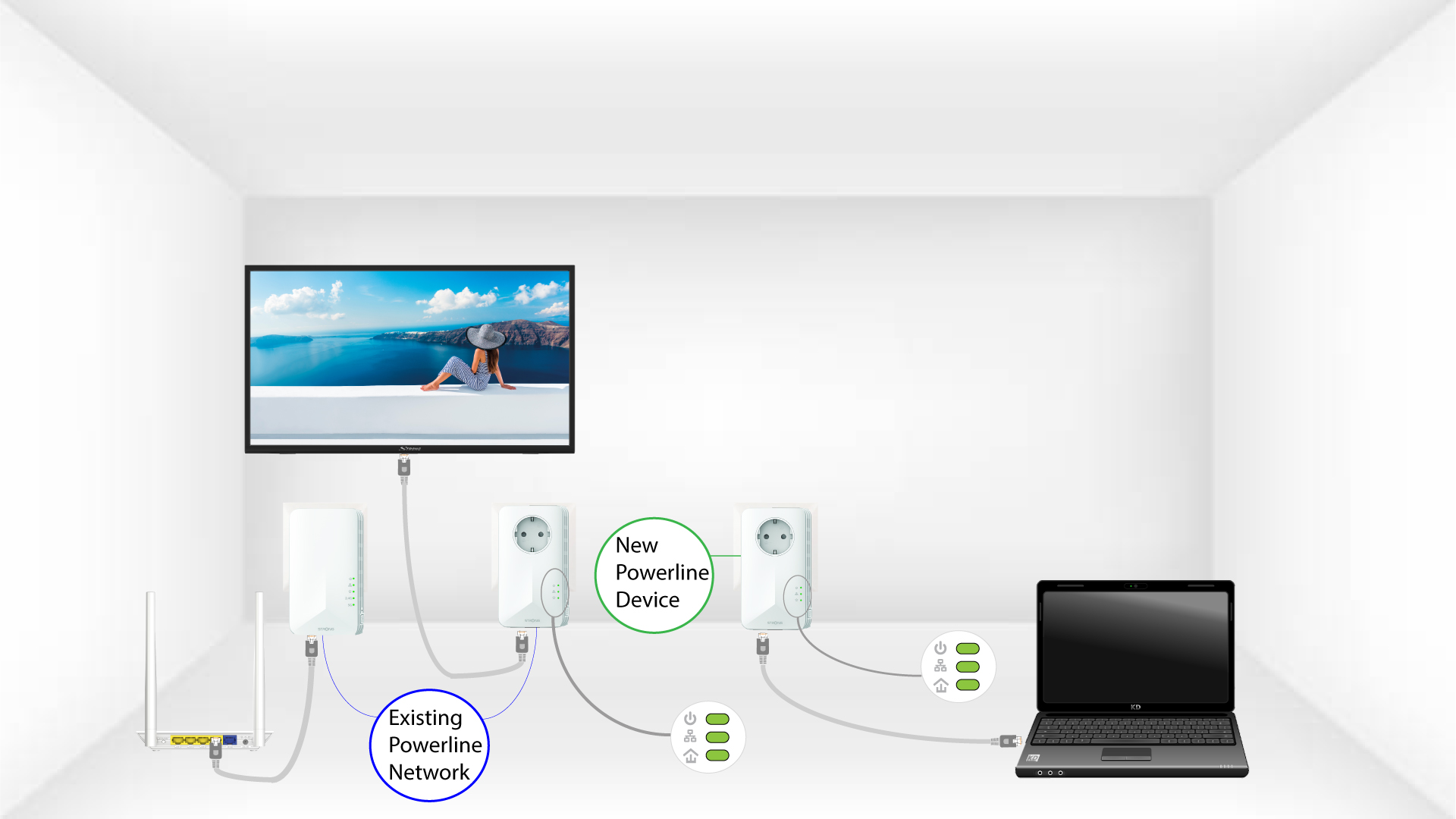
3 Οπροσαρμογέας έχει τοποθετηθεί
Αφού συνδέσετε τη νέα συσκευή, όλα τα LED σε όλες τις συσκευές ανάβουν με πράσινο χρώμα.