PL600SDUOEU
Όλες οι ερωτήσεις
PL600SDUOEU
Πώς να ρυθμίσετε νέα προϊόντα Powerline με υψηλό επίπεδο ασφάλειας 2 στο υπάρχον δίκτυο Powerline σας;
Λάβετε υπόψη ότι, εάν θέλετε να προσθέσετε περισσότερα από ένα νέα προϊόντα Powerline, κάθε προϊόν πρέπει να διαμορφωθεί το ένα μετά το άλλο, ακολουθώντας την ίδια διαδικασία. Και όχι ταυτόχρονα. Συνήθως, οι προσαρμογείς Powerline συνδυάζονται σε ζεύγη, οπότε εάν πρέπει να προσθέσετε νέα προϊόντα Powerline στο δίκτυό σας, το οποίο έχει διαμορφωθεί με υψηλό επίπεδο ασφάλειας 2, πρέπει να ακολουθήσετε τα παρακάτω βήματα.
1 Συνδέστετους προσαρμογείς σε μια πρίζα
Συνδέστε την/τις επιπλέον συσκευή/συσκευές σε μια πρίζα.
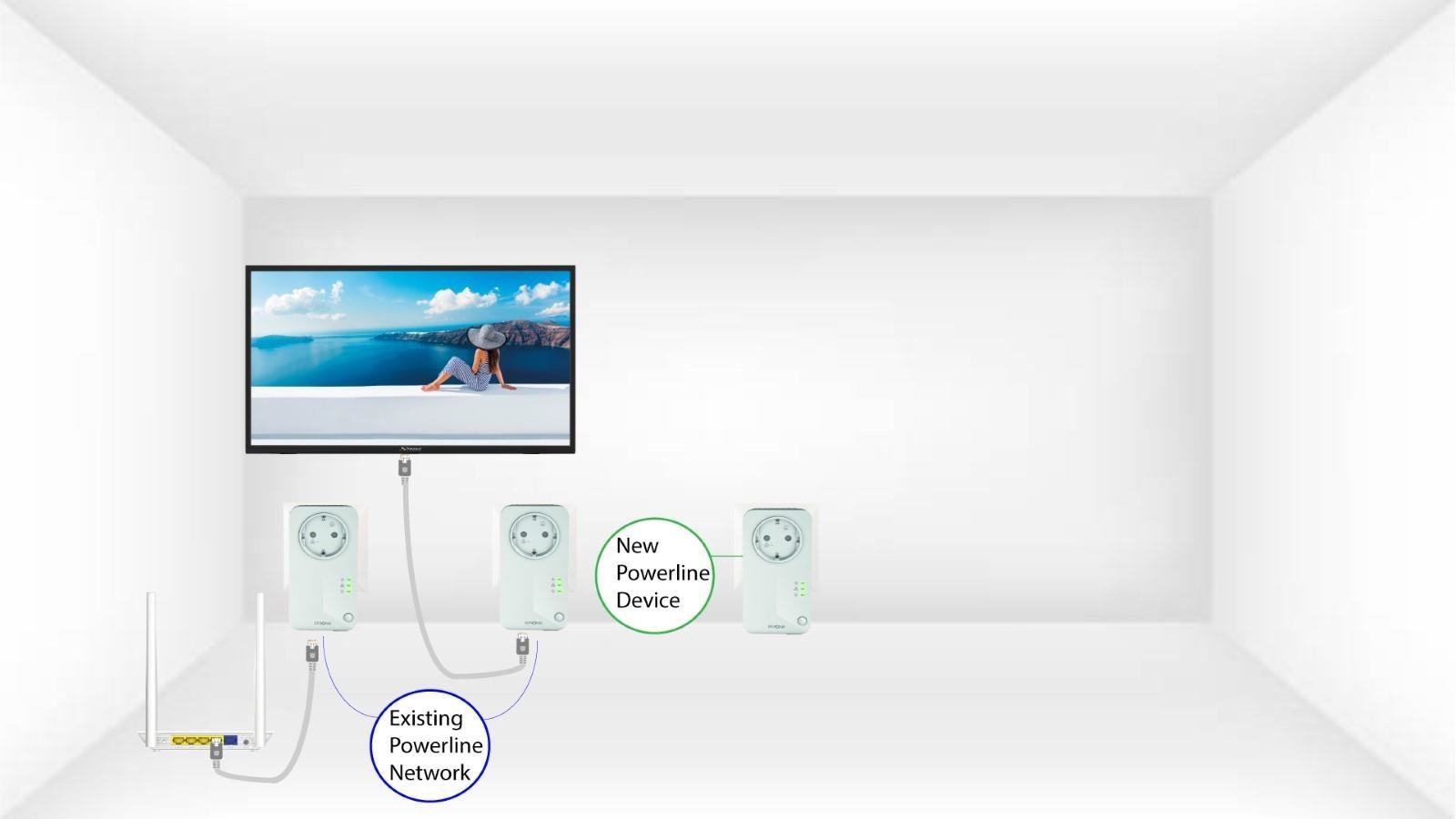
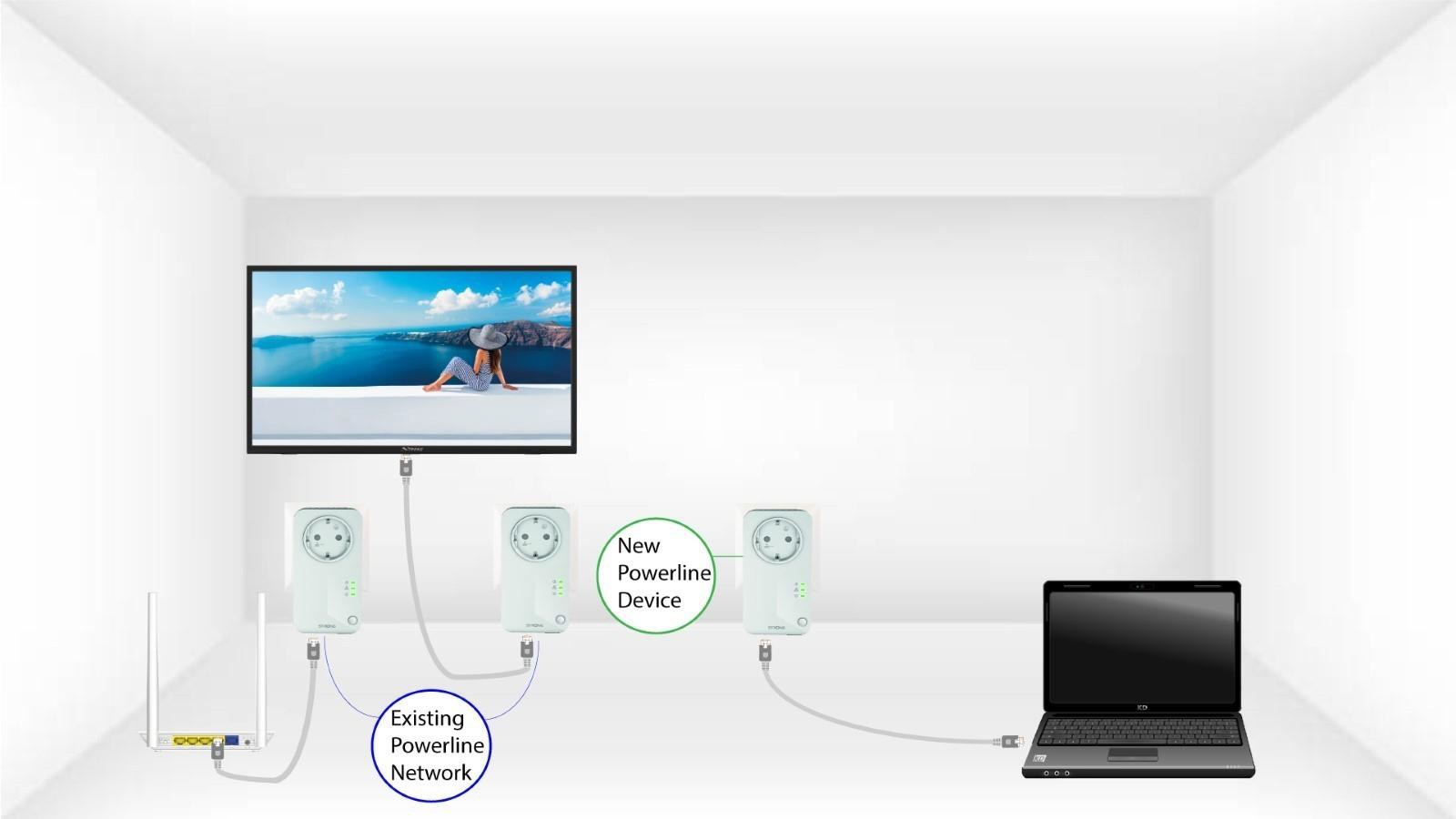
2. Συνδέστετους προσαρμογείς στο Διαδίκτυο
Συνδέστε τη συσκευή σε έναν δρομολογητή/πύλη πρόσβασης στο Διαδίκτυο μέσω RJ45.
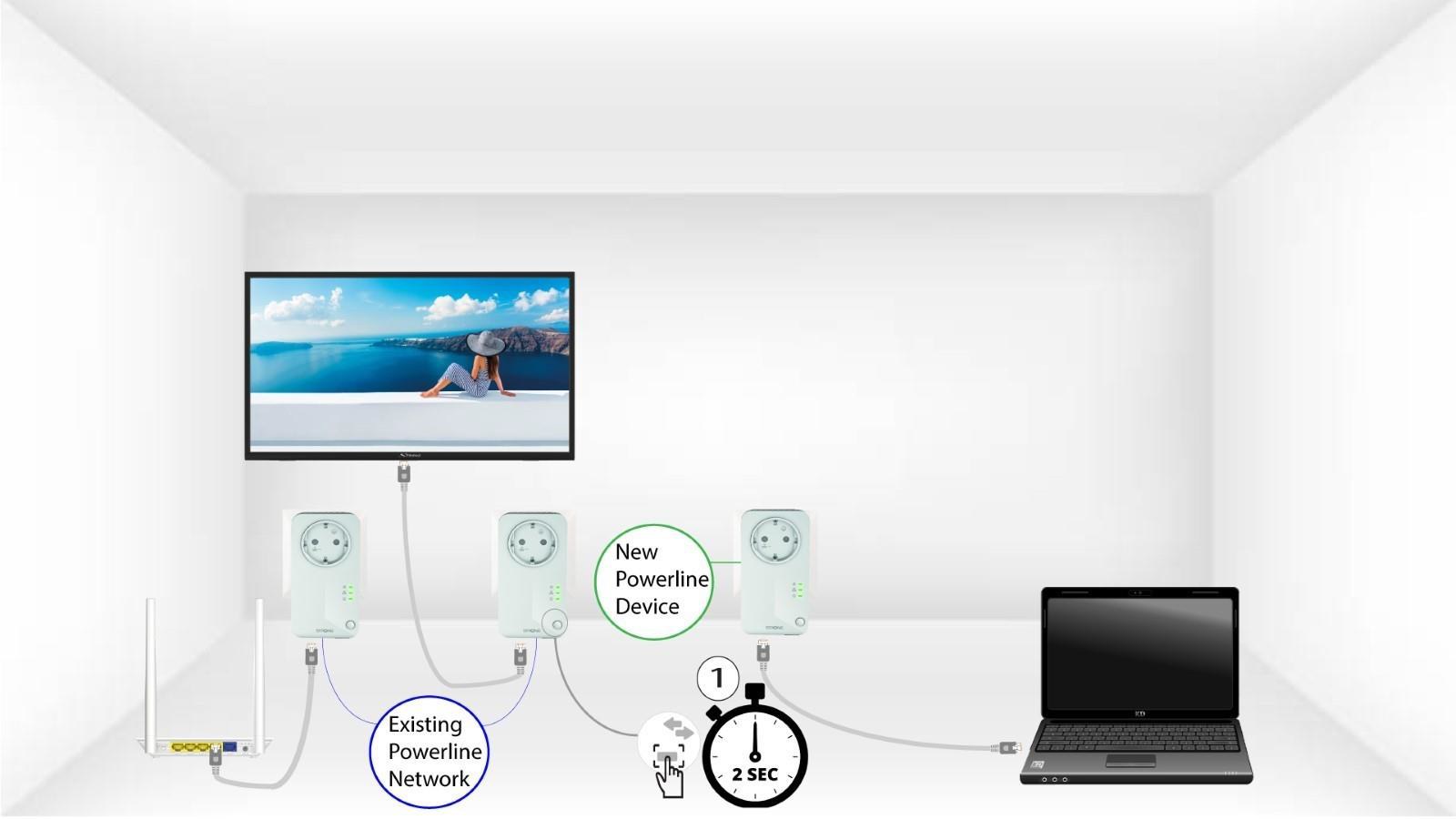
3Πατήστετο κουμπί «Σύνδεση & Ασφάλεια» (υπάρχουσα συσκευή)
Πατήστε το κουμπί «CONNECT & SECURE» σε μία από τις υπάρχουσες συσκευές του δικτύου για δύο δευτερόλεπτα.
4Πατήστετο κουμπί «Σύνδεση & Ασφάλεια» (νέα συσκευή)
Lorem ipsum dolor sit amet, consectetur adipisicing elit. Culpa enim esse excepturi nemo nesciunt officia officiis optio.
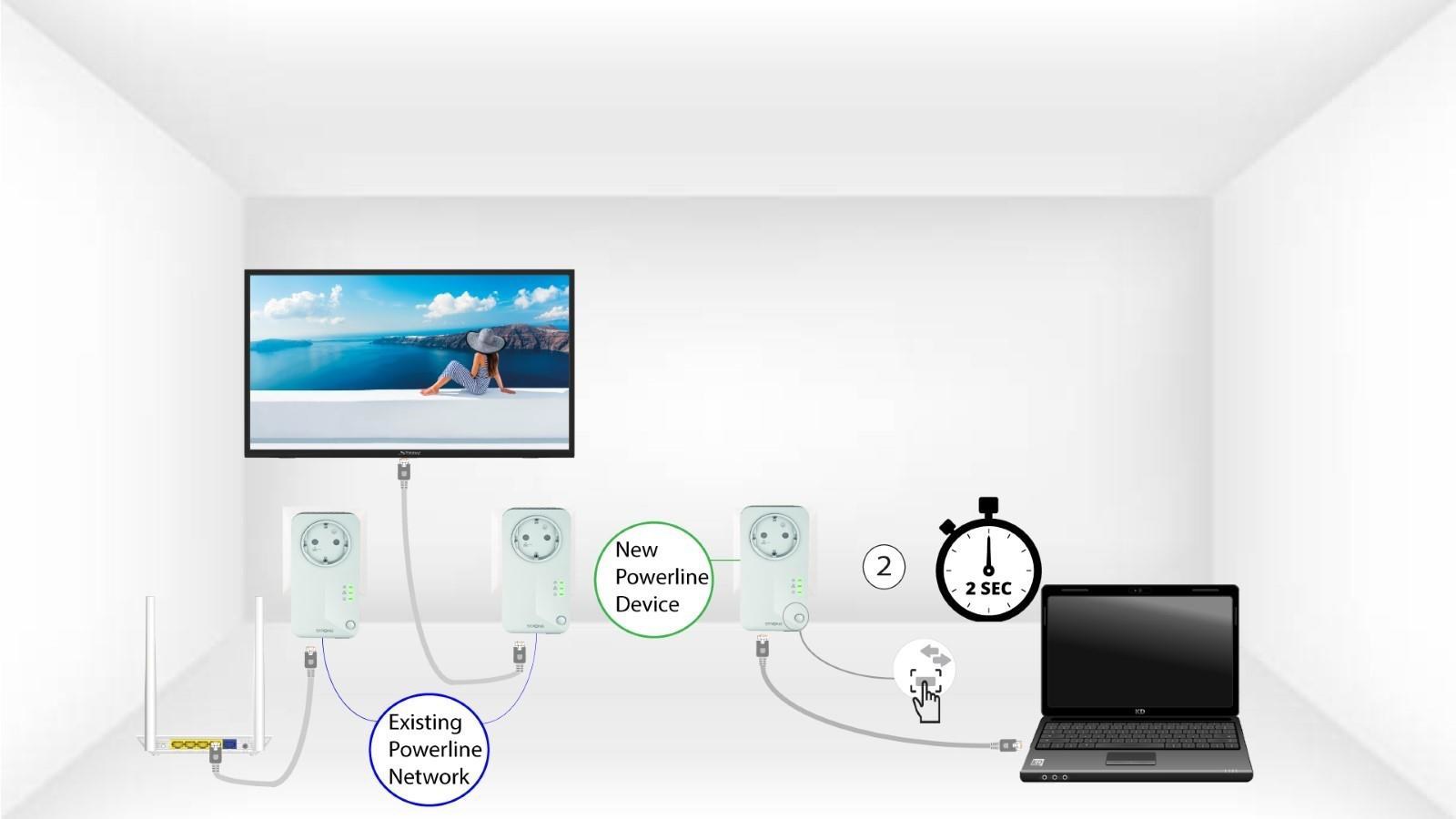
5Ηλυχνία LED της αρχικής οθόνηςαναβοσβήνει
Στη συνέχεια, πατήστε το κουμπί «CONNECT & SECURE» της νέας συσκευής για δύο δευτερόλεπτα, για να την προσθέσετε στο δίκτυο. Έχετε στη διάθεσή σας έως και δύο λεπτά για να πατήσετε το κουμπί.
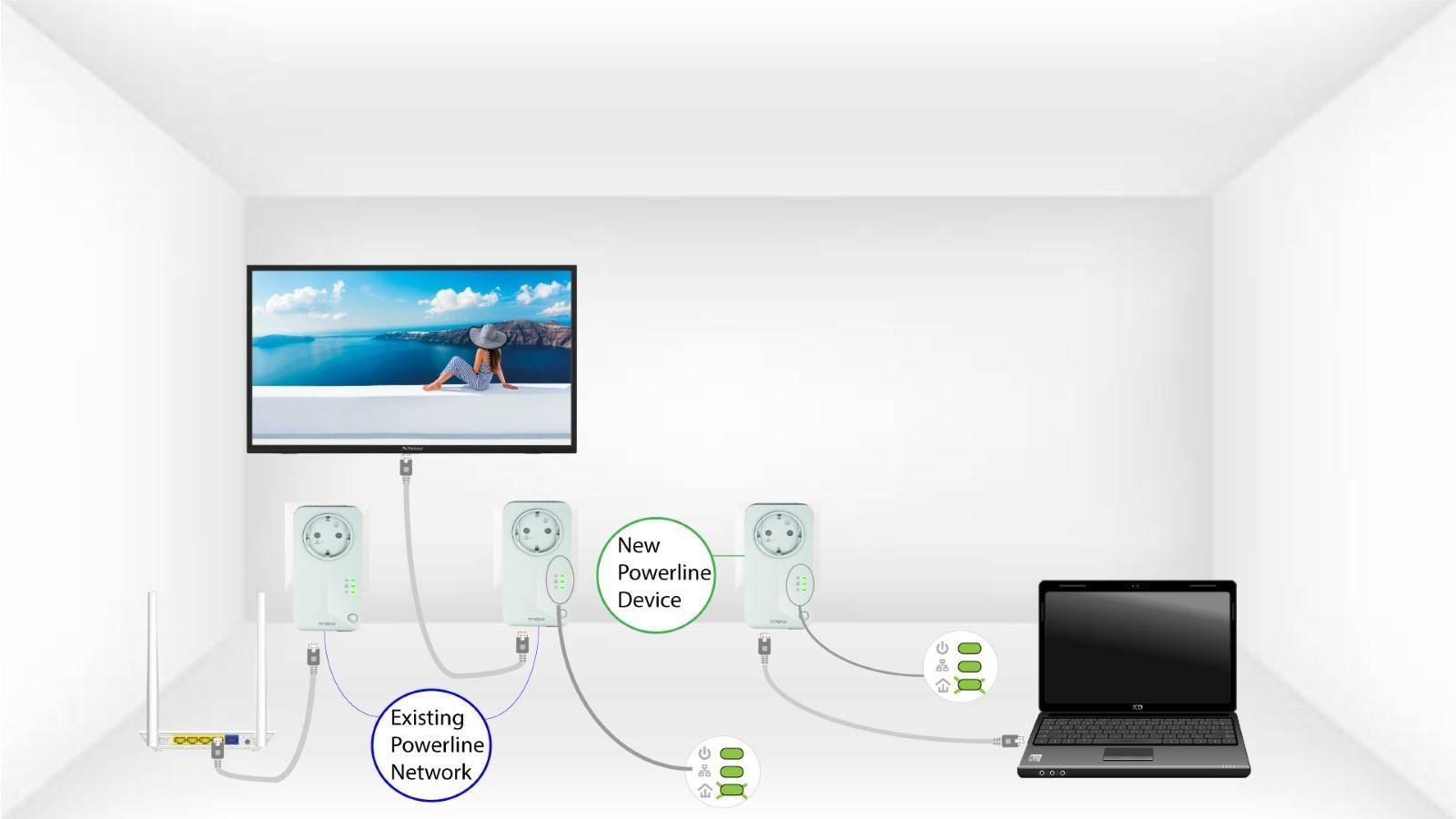
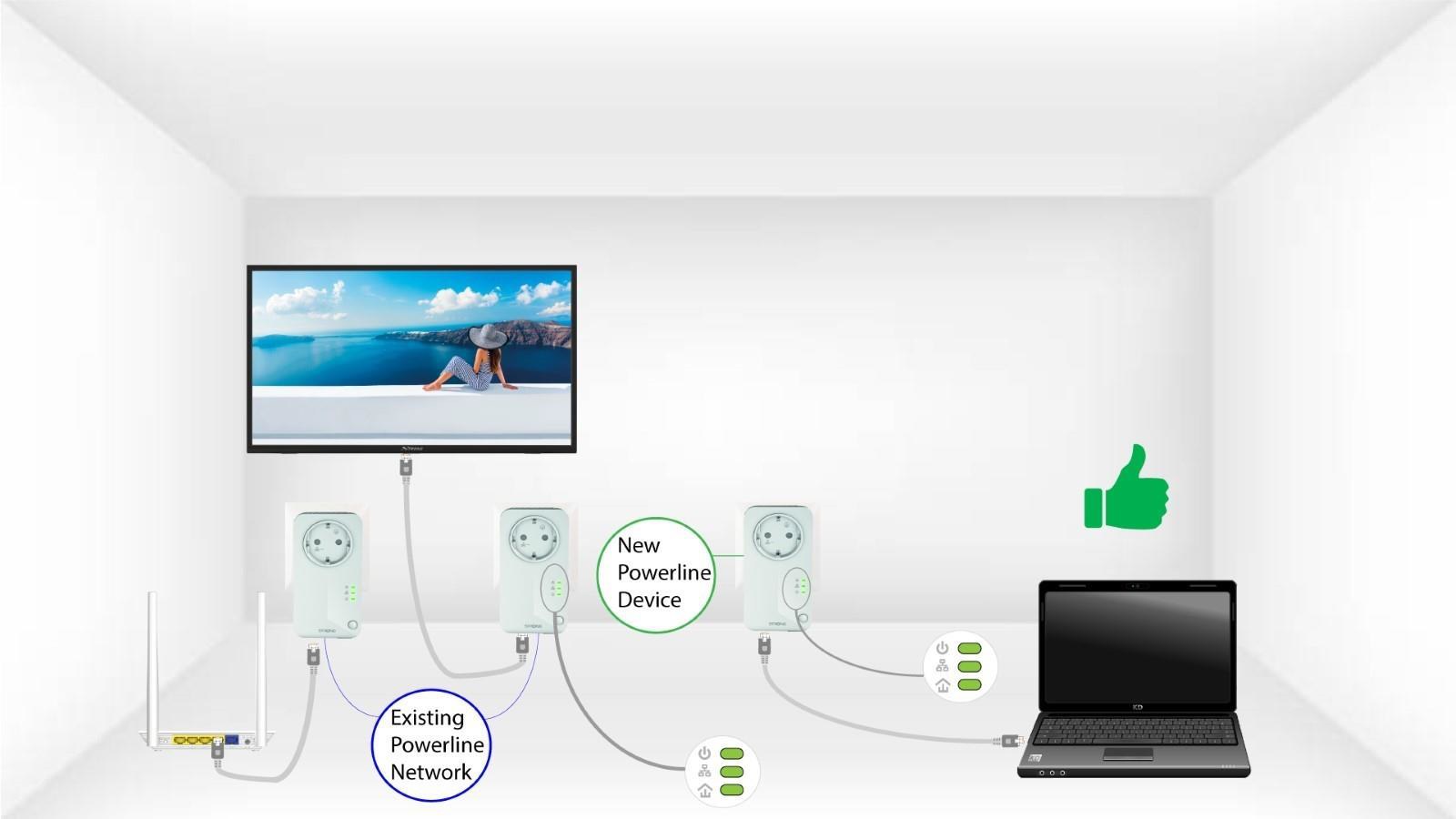
6 Όλατα LED είναι πράσινα
Μετά την προσθήκη της νέας συσκευής, τα LED «home» θα πρέπει να ανάβουν με πράσινο χρώμα και στις δύο συσκευές.
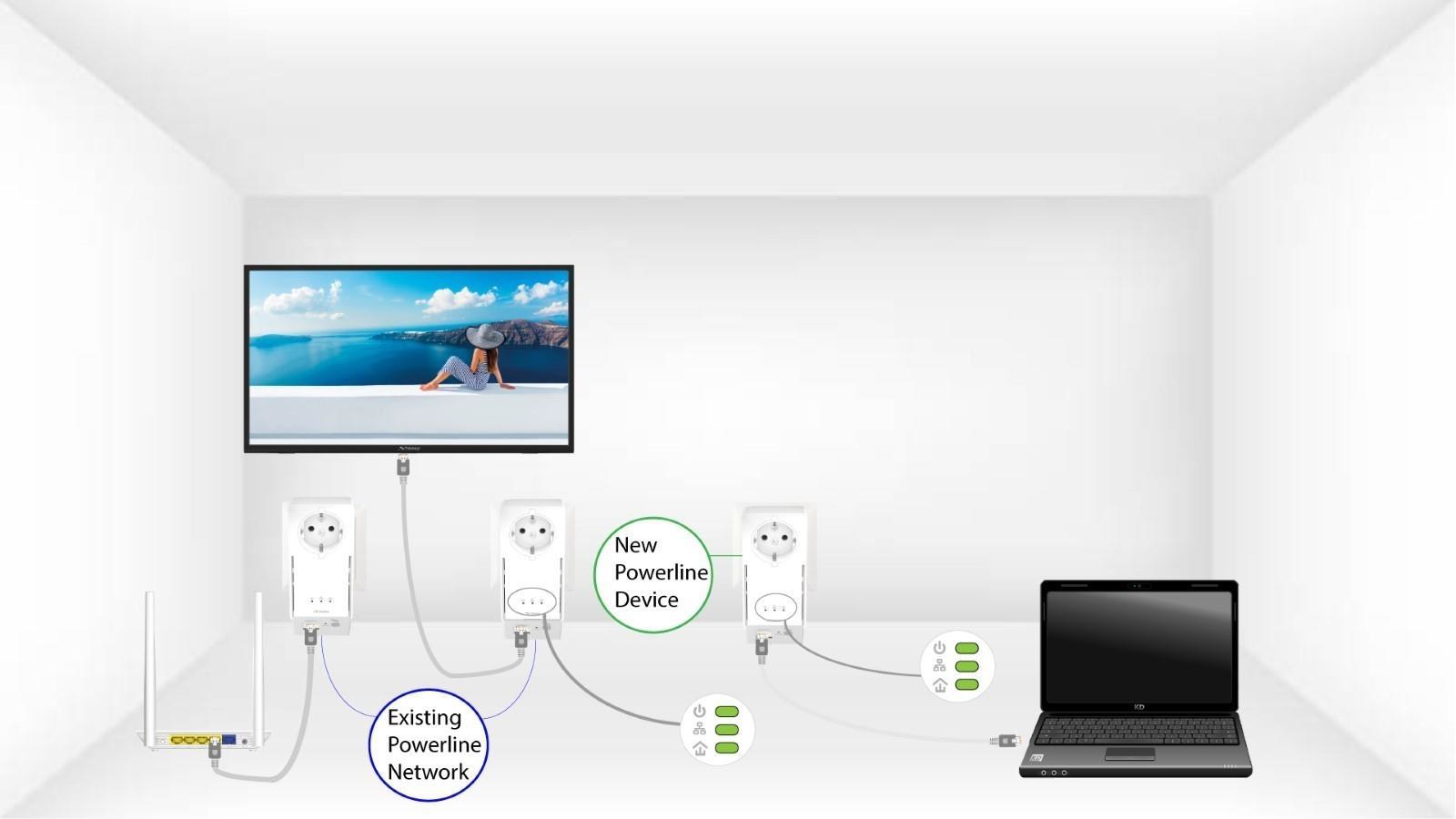
7Ορίστηκε νέοκλειδί κρυπτογράφησης
Το νέο, μοναδικό κλειδί κρυπτογράφησης έχει οριστεί στη συσκευή που μόλις διαμορφώσατε.