CPL 600 Duo Wi-Fi FR V2
Όλες οι ερωτήσεις
CPL 600 Duo Wi-Fi FR V2
Δεν έχω πρόσβαση στο Διαδίκτυο και/ή η λυχνία LED του εικονιδίου «home» δεν ανάβει.
Πρέπει να επαναφέρετε τους προσαρμογείς στις εργοστασιακές τους ρυθμίσεις. Για να επαναφέρετε τους προσαρμογείς, ακολουθήστε τα παρακάτω βήματα.
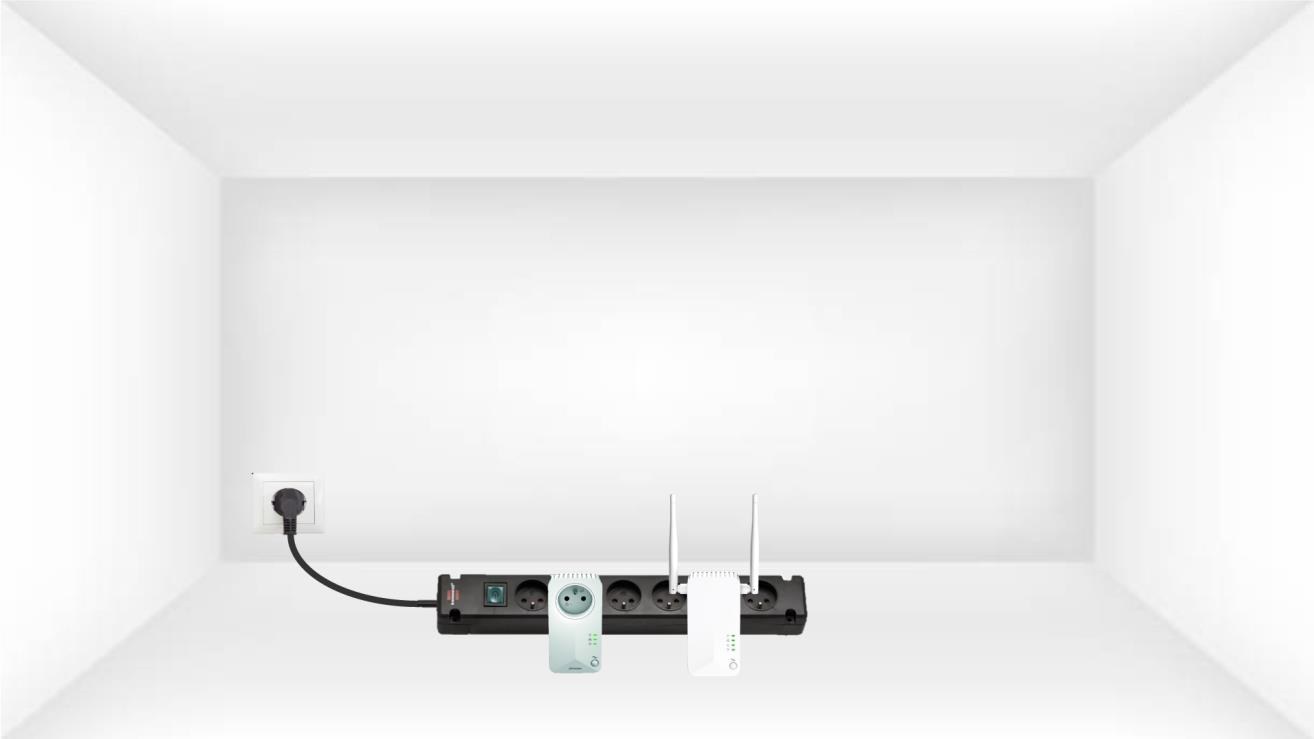
1. Συνδέστετους προσαρμογείς σε ένα πολύπριζο
Συνδέστε τους προσαρμογείς ο ένας μετά τον άλλο σε ένα πολύπριζο.
2. Συνδέστετους προσαρμογείς στο Διαδίκτυο
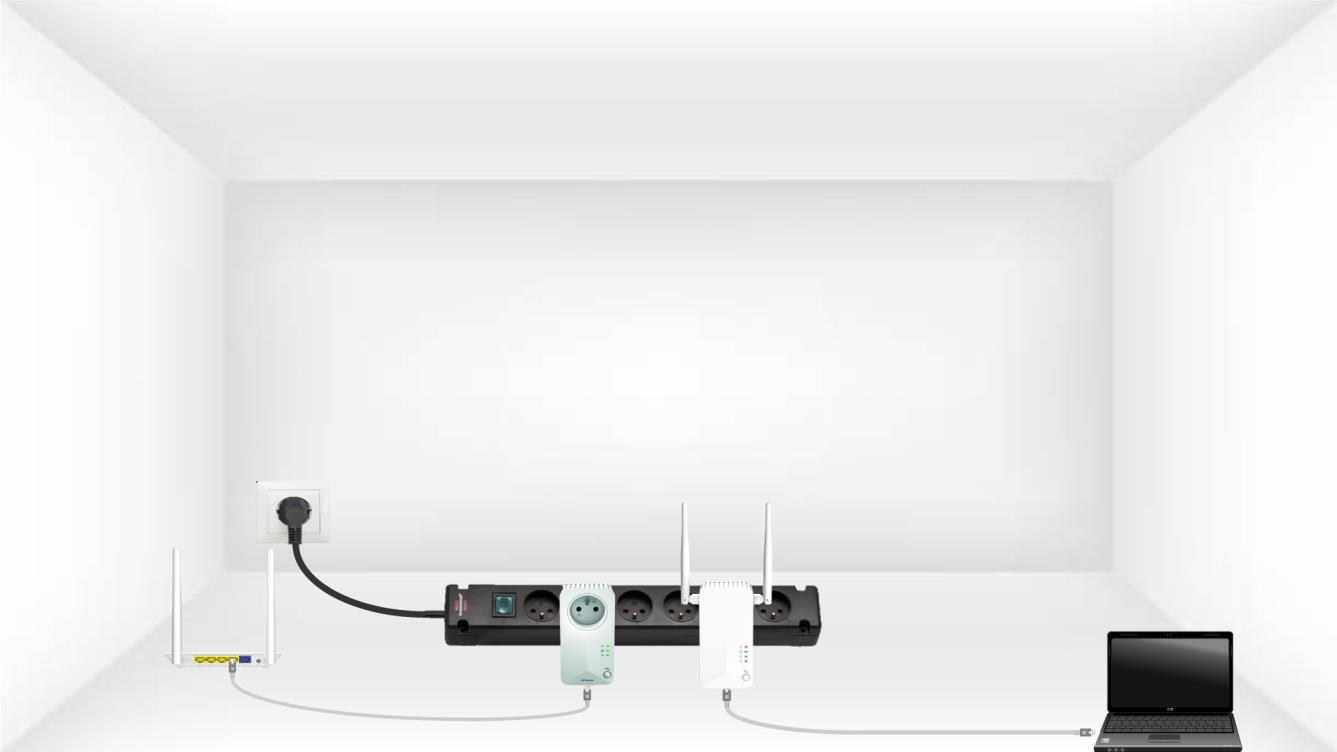
Συνδέστε κάθε προσαρμογέα σε μια συσκευή που λειτουργεί (δρομολογητής/πύλη διαδικτύου, συσκευή Android, Smart TV, υπολογιστή κ.λπ.) με καλώδιο Ethernet. Πρέπει να υπάρχει επικοινωνία μεταξύ των συσκευών, διαφορετικά ο προσαρμογέας θα μεταβεί αυτόματα σε κατάσταση αναμονής.
3Πατήστετο κουμπί «Σύνδεση & Ασφάλεια» (πρώτη συσκευή)
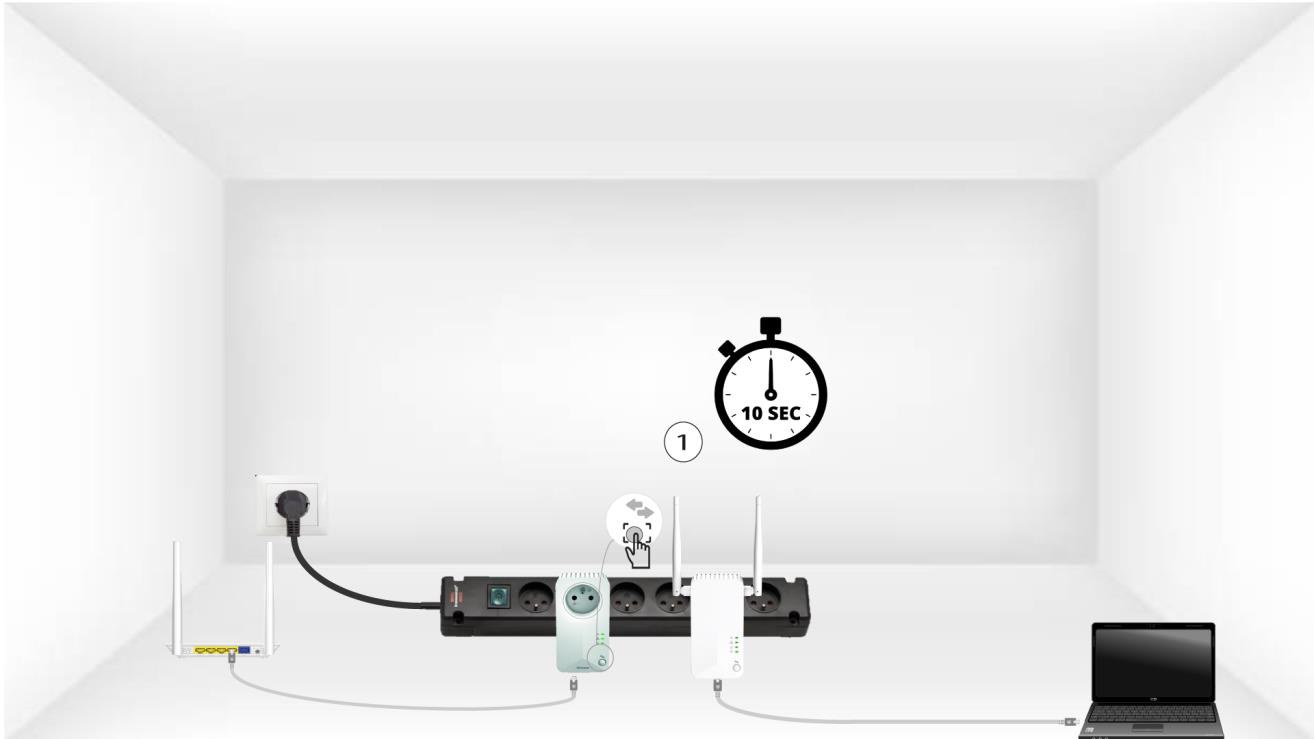
Μόλις συνδέσετε τον προσαρμογέα στην πρίζα και στο δίκτυο Ethernet, απλώς πατήστε το κουμπί «Connect & Secure» στον μπροστινό πίνακα για 10 δευτερόλεπτα.
4Πατήστετο κουμπί «Σύνδεση & Ασφάλεια» (δεύτερη συσκευή)
Πατήστε το κουμπί «Connect & Secure» στο μπροστινό πλαίσιο της δεύτερης συσκευής για 10 δευτερόλεπτα. Έχετε στη διάθεσή σας έως και δύο λεπτά για να το κάνετε.
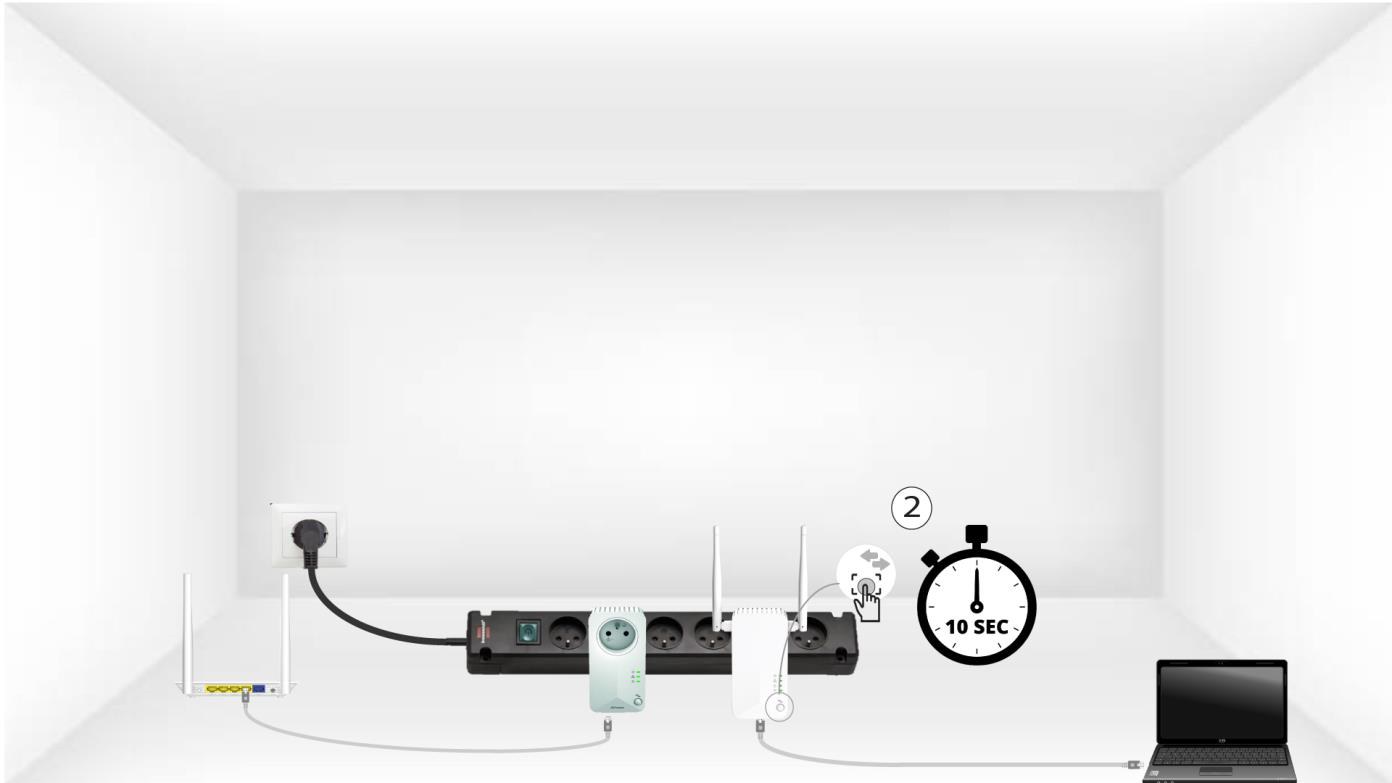
5Ηλυχνία LED της αρχικής οθόνηςαναβοσβήνει
Τα LED του σπιτιού θα αρχίσουν να αναβοσβήνουν.
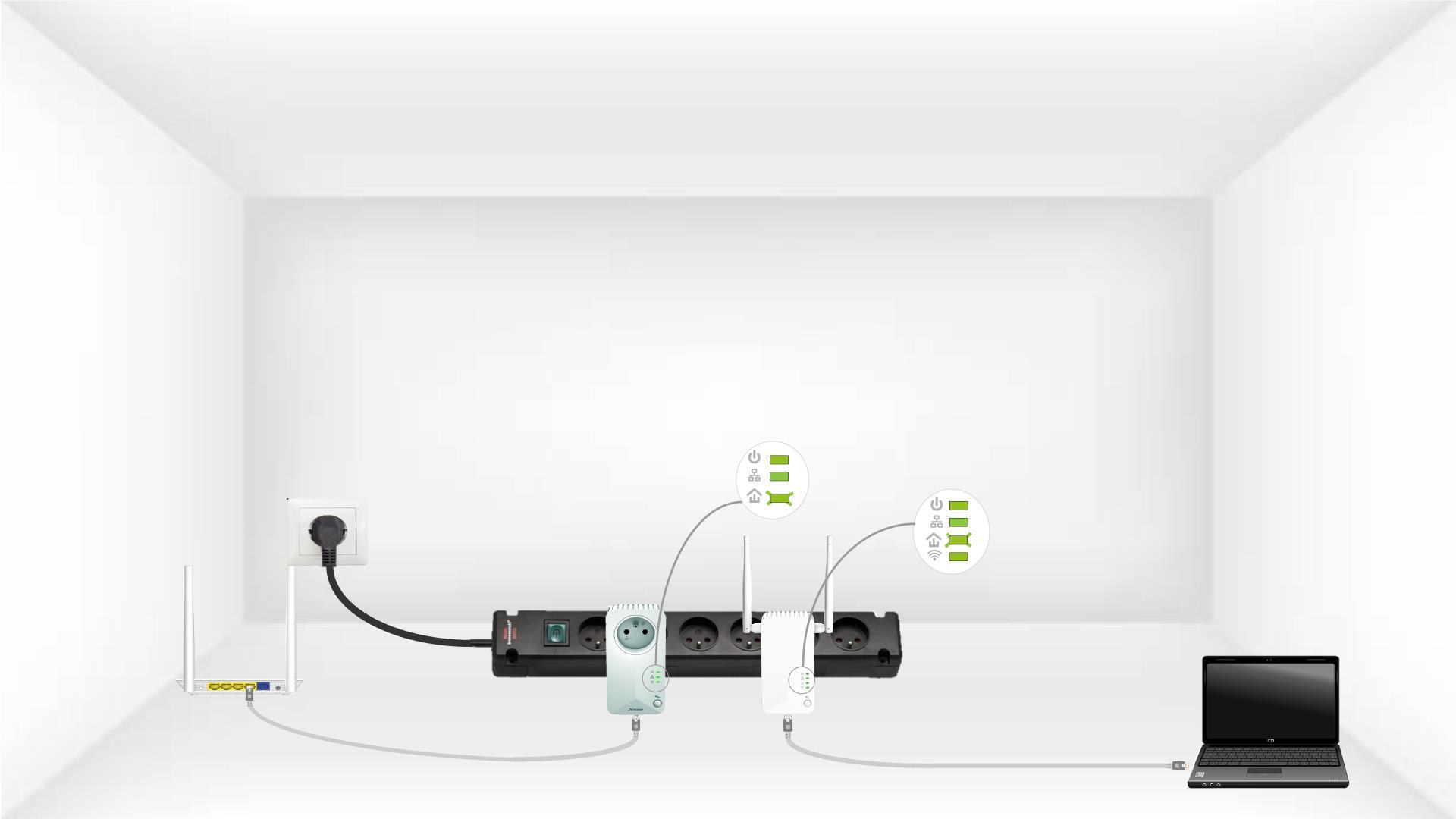
6Οπροσαρμογέας έχει επαναρυθμιστεί
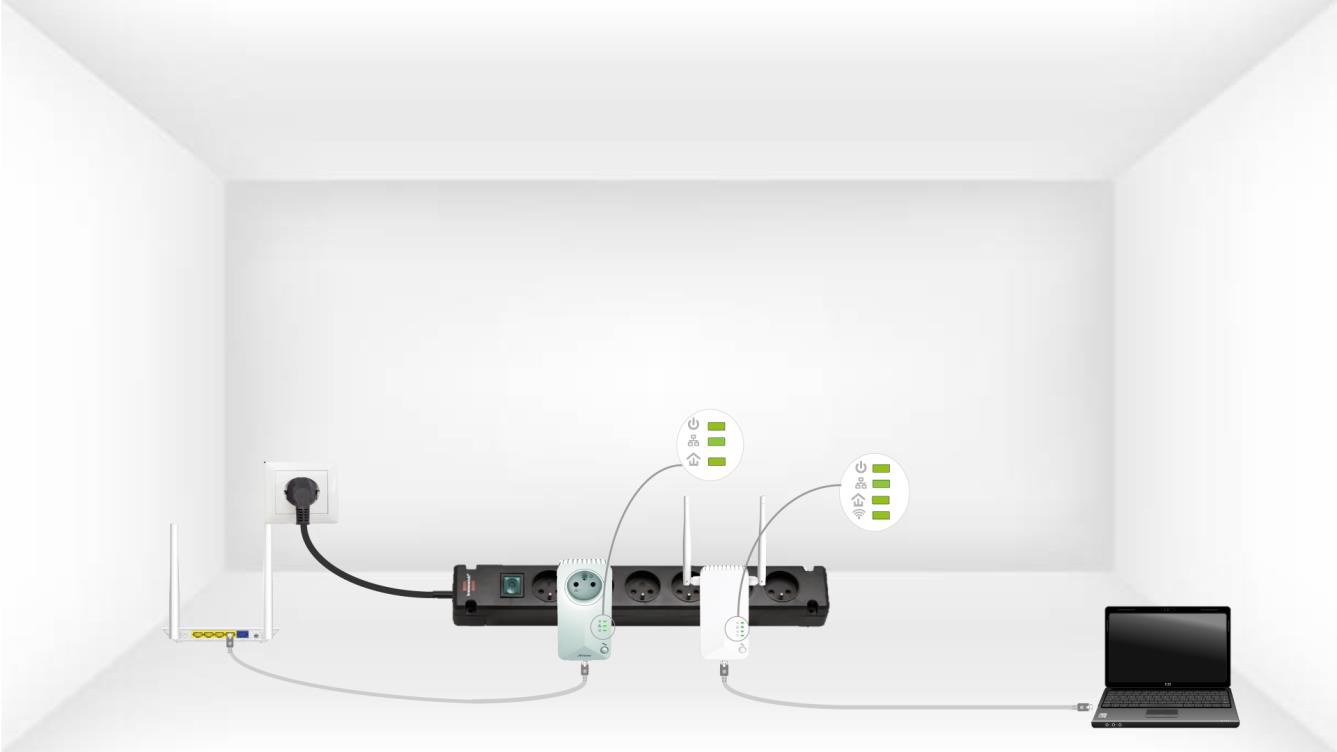
Όλα τα LED πρέπει να είναι πράσινα στο τέλος των λειτουργιών