ATRIA kit extensor de Mesh 1200 UK
Todas las preguntas
ATRIA kit extensor de Mesh 1200 UK
¿Cómo puedo configurar o asignar una dirección IP estática a mi unidad Atria Mesh 1200? (Aplicación)
Puede resultar interesante configurar una dirección IP estática para tu controlador mesh , a fin de facilitar el acceso a la interfaz de usuario web
de tu red en la aplicación Atria Mesh .
También puedes asignar direcciones IP dedicadas a los dispositivos conectados a tu red mesh a través de
, en la interfaz de usuario web.
1. Conéctatea la red Wi-Fi de tu mesh
Para ello, conéctate a la red Wi-Fi de tu mesh .

2. Accedea la aplicación
Conéctate a la aplicación « Mesh » de Atria.

3Network
Haz clic en «Mi red».

4. Seleccionala unidad principal de « mesh »
Haz clic en el nombre del agente de « Mesh » que aparece en la lista.
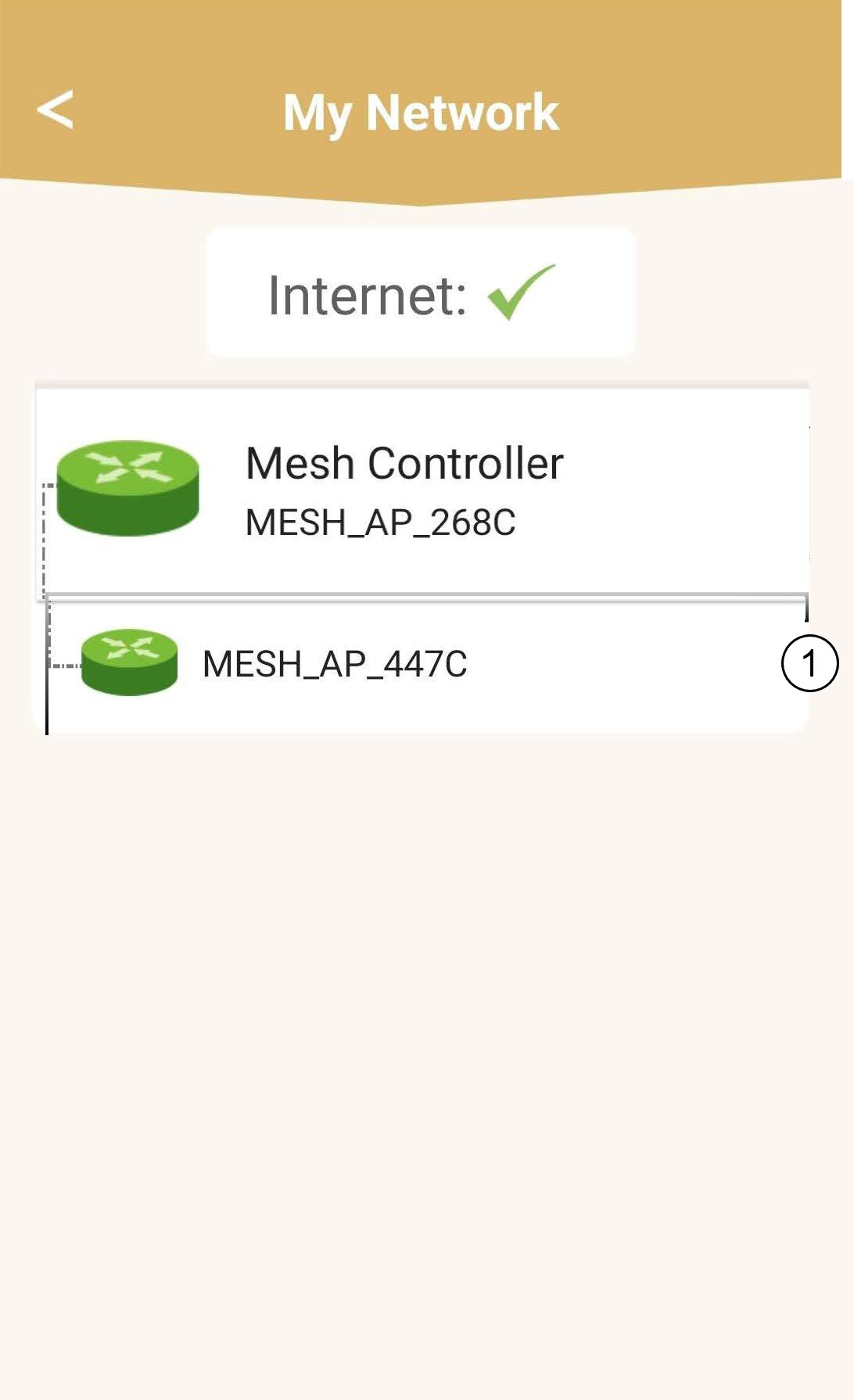
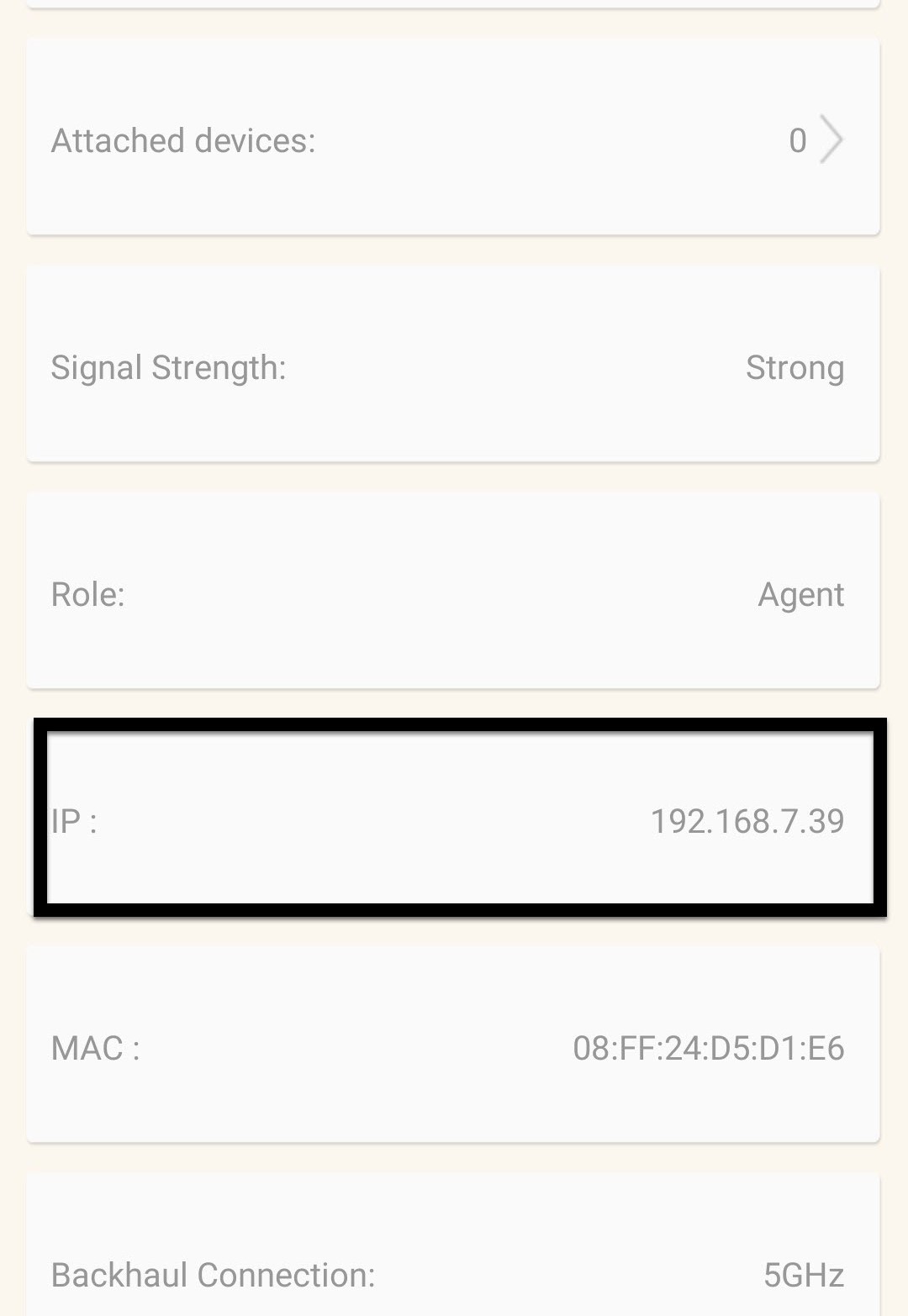
5. Averiguala dirección IP
Identifica su dirección IP y su dirección MAC.
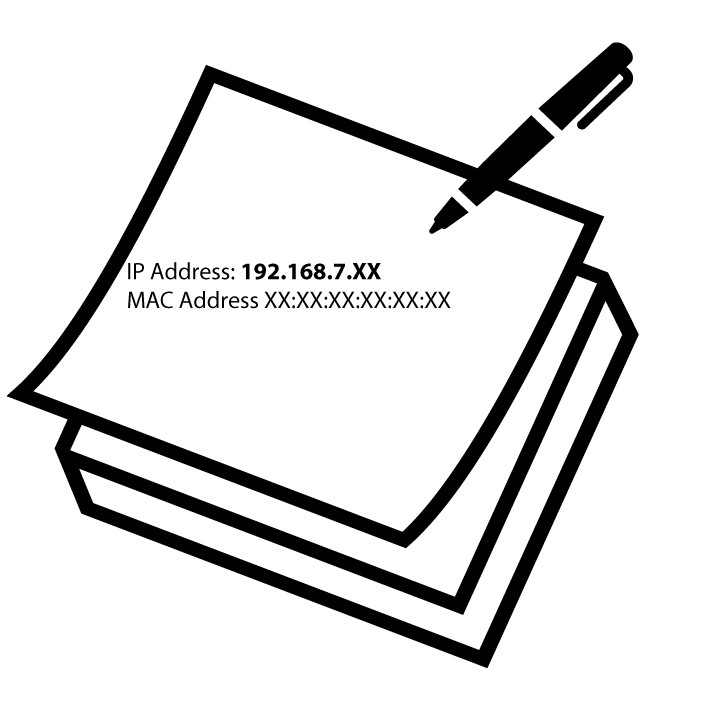
6. Anota la dirección IP
Anota la dirección IP y la dirección MAC.
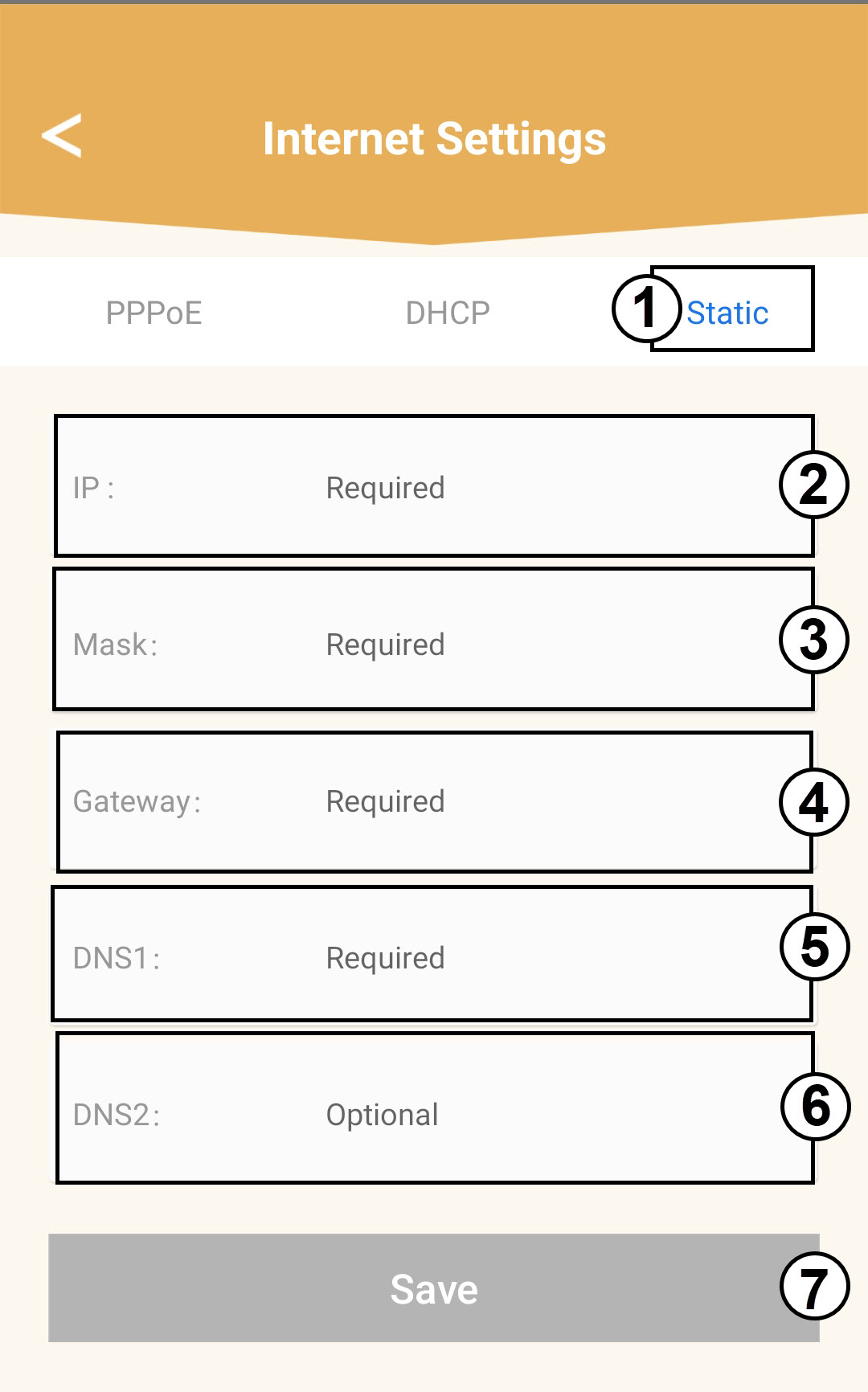
7. Configuración de Internet
Haz clic en «Configuración de Internet».
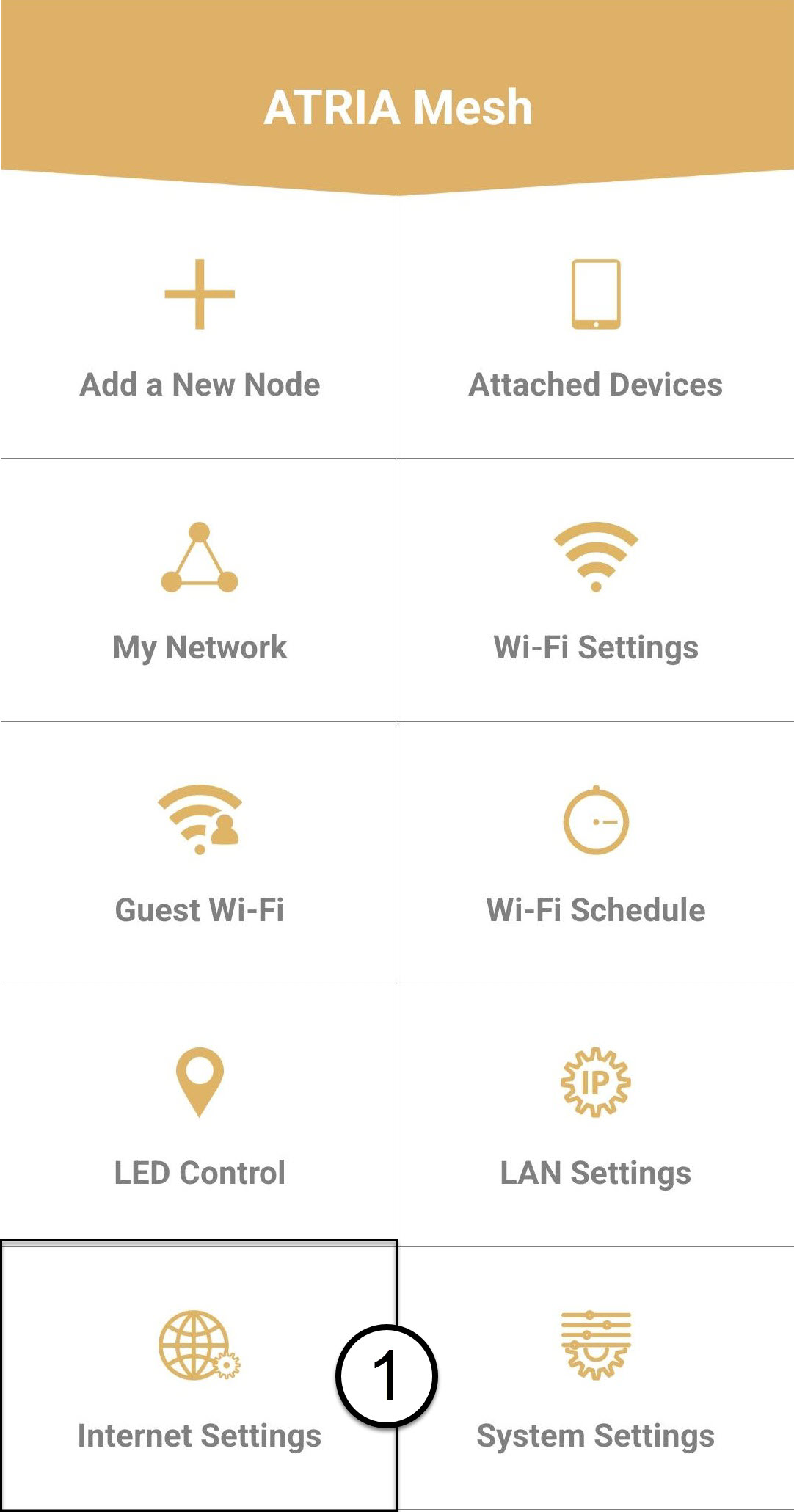
8. Dirección IP estática
Selecciona «IP estática». Introduce la siguiente información antes de hacer clic en «Guardar»:
o IP: Introduce la dirección IP del agente
o Máscara: El campo se rellena automáticamente con el valor adecuado
o Puerta de enlace: El campo se rellena automáticamente con el valor adecuado
o DNS1: Introduce la dirección DNS principal (puedes encontrar esta información en la interfaz de usuario web:
Red > LAN -> Activar DNS manual)
o DNS2: Introduce la dirección DNS secundaria (puedes encontrar esta información en la interfaz de usuario web
: Red > LAN -> Activar DNS manual)