No se han encontrado artículos.
LEAP AIR | Google TV 4K con HDR10+
No se han encontrado artículos.
Todas las preguntas
No se han encontrado artículos.
LEAP AIR | Google TV 4K con HDR10+
No se han encontrado artículos.
¿Cómo reinicio mi LEAP AIR?
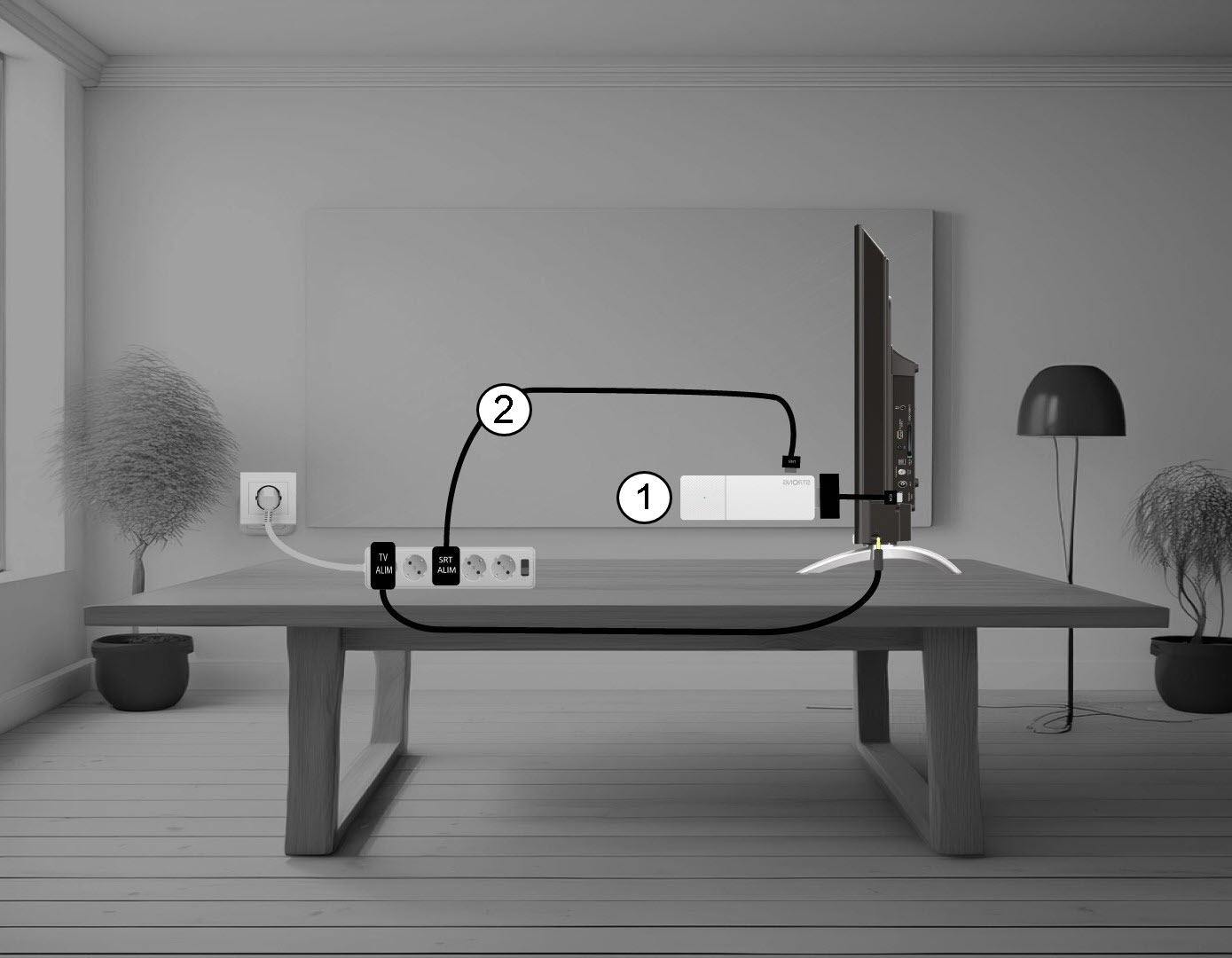
1. Desconectael LEAP AIR del televisor.
Desconecta el cable HDMI Stick del televisor (1) y el cable USB del LEAP AIR (2).
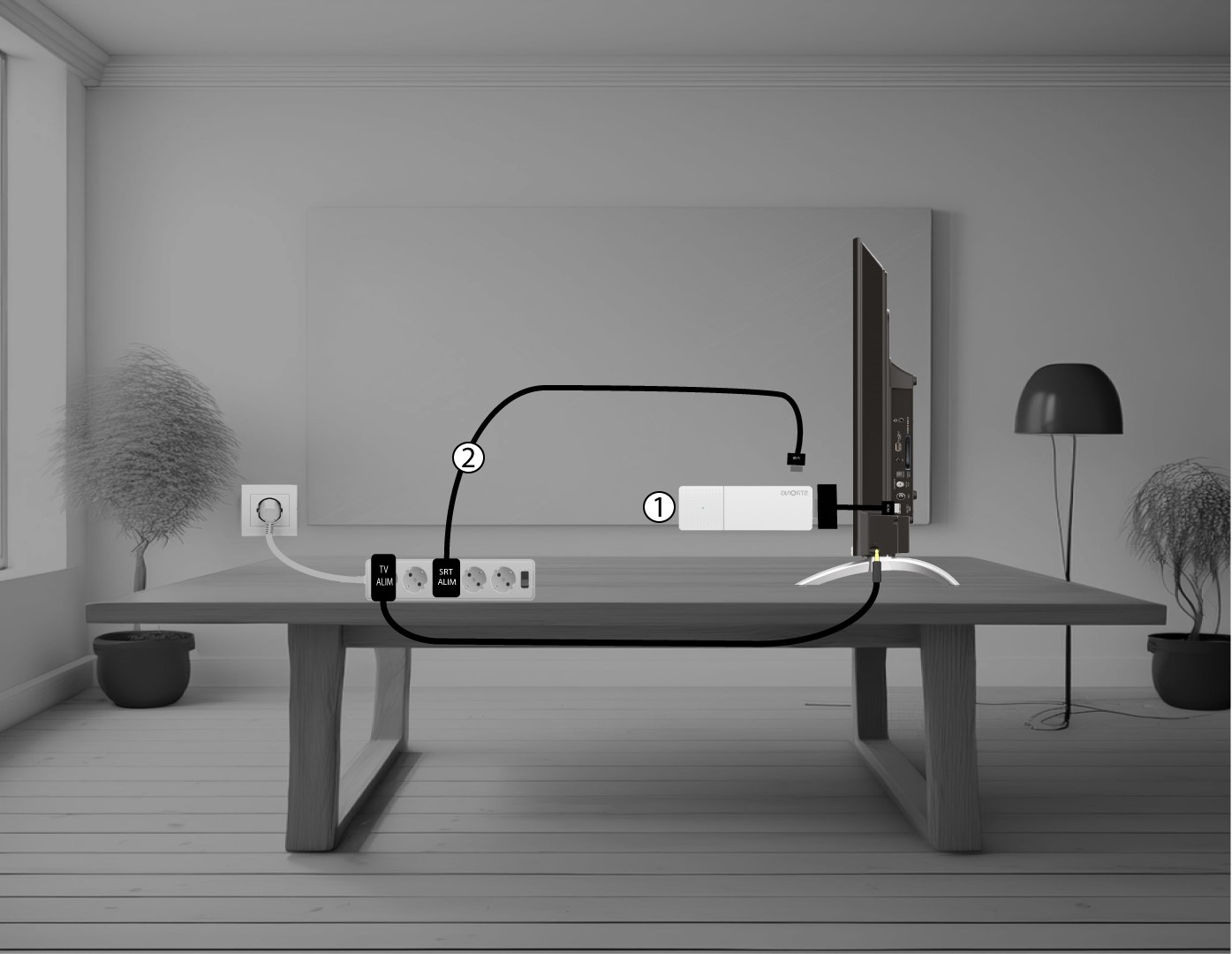
2. Conectael LEAP AIR a tu televisor
Vuelve a conectar el adaptador HDMI stick al televisor (1) y el cable USB (2). A continuación, enchufa el televisor.