
Powerline 600 Triple UK V2
Todas las preguntas
Powerline 600 Triple UK V2
No tengo acceso a Internet y/o el LED del icono «Inicio» no se enciende.
Debes restablecer los adaptadores a su configuración de fábrica. Para restablecer los adaptadores, sigue los pasos que se indican a continuación.
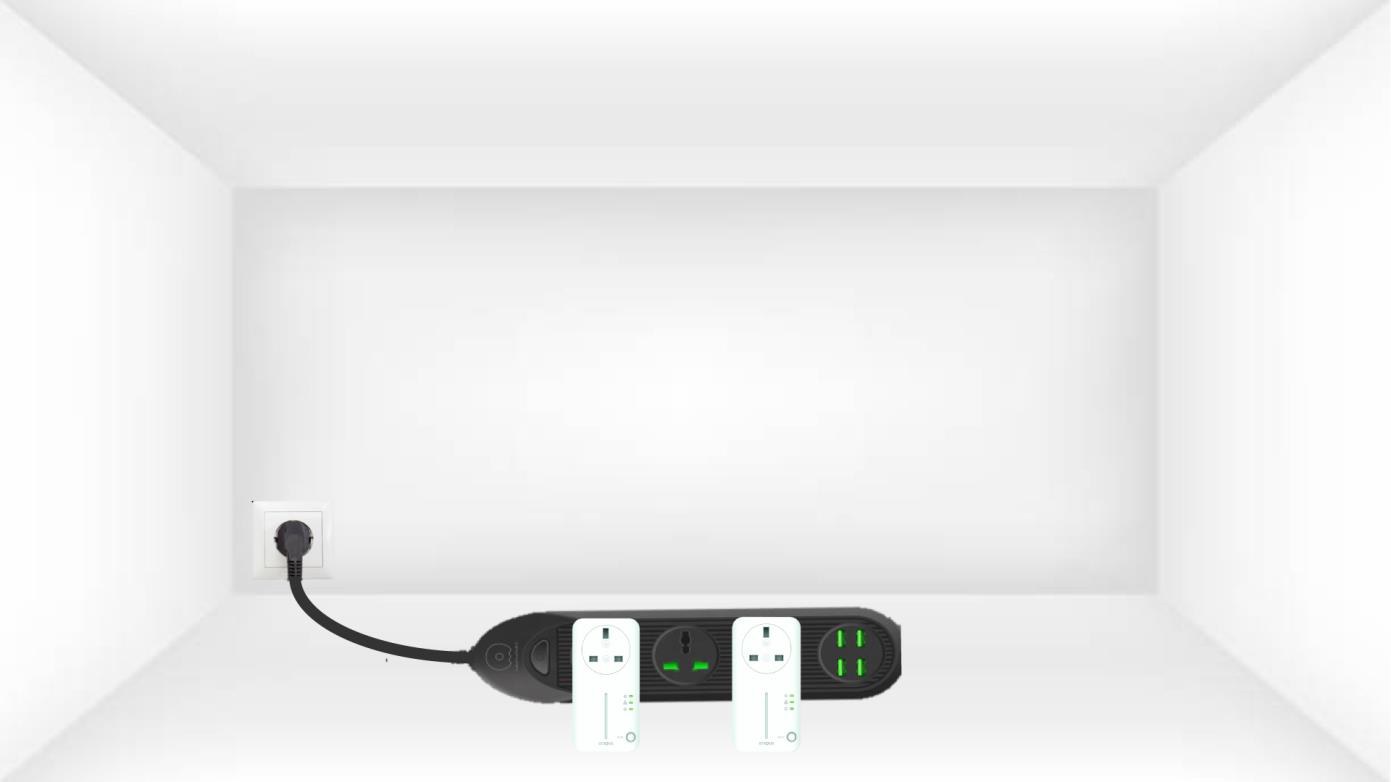
1. Conectalos adaptadores a una regleta eléctrica.
Conecta los adaptadores uno tras otro a una regleta.
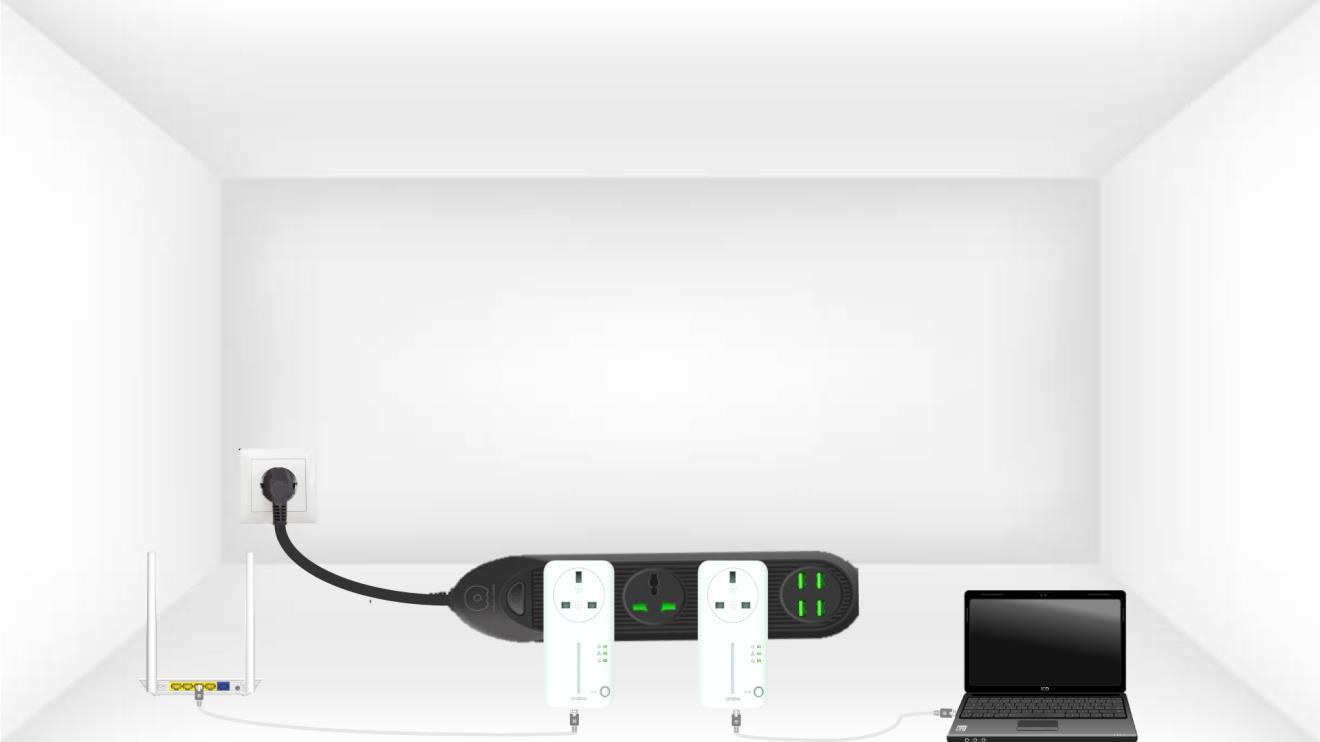
2. Conectalos adaptadores a Internet
Conecta cada adaptador a un dispositivo que funcione (router o puerta de enlace de Internet, Android box, Smart TV, ordenador, etc.) mediante un cable Ethernet. Debe haber comunicación entre los dispositivos; de lo contrario, el adaptador pasará automáticamente al modo de espera.
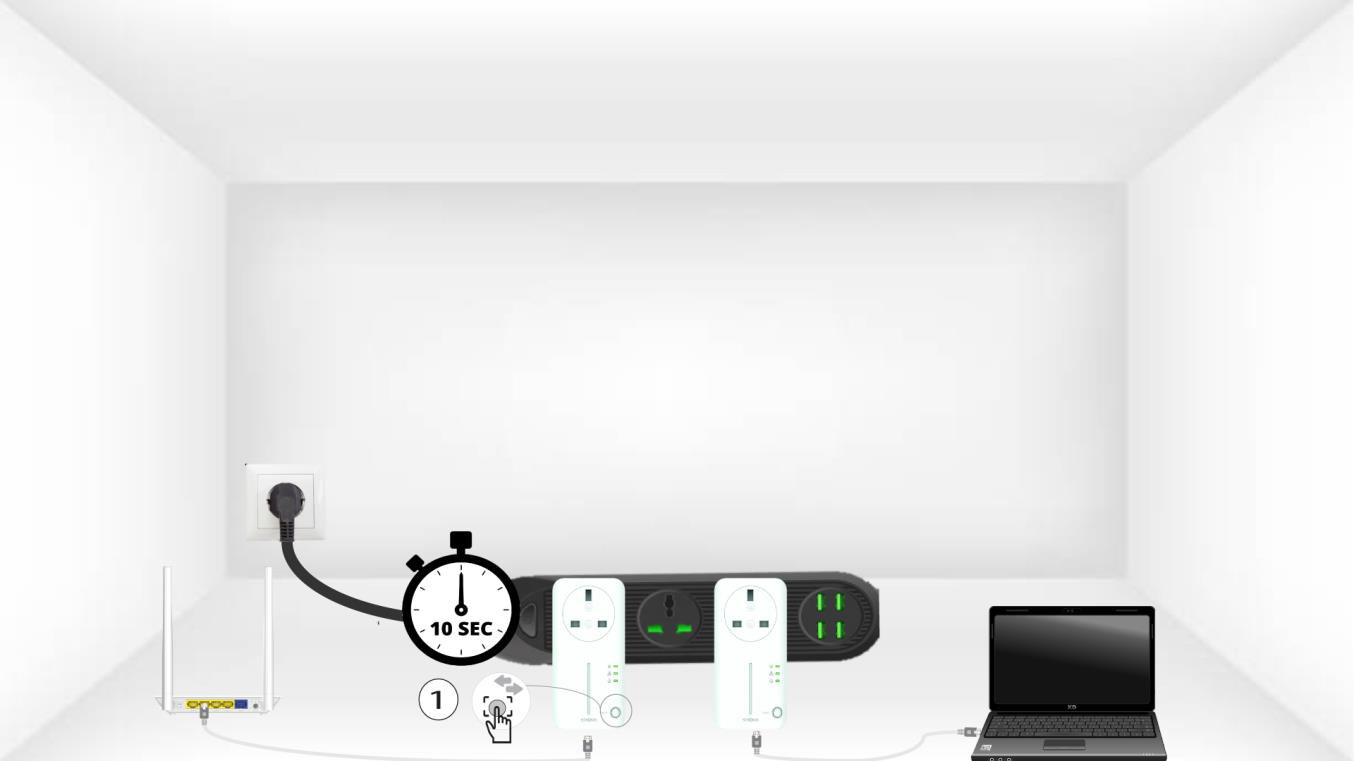
3. Pulsael botón «Connect & Secure» (primer adaptador)
A) Una vez que el adaptador esté enchufado y conectado a la red Ethernet, basta con pulsar el botón «Connect & Secure» del panel frontal durante 10 segundos.
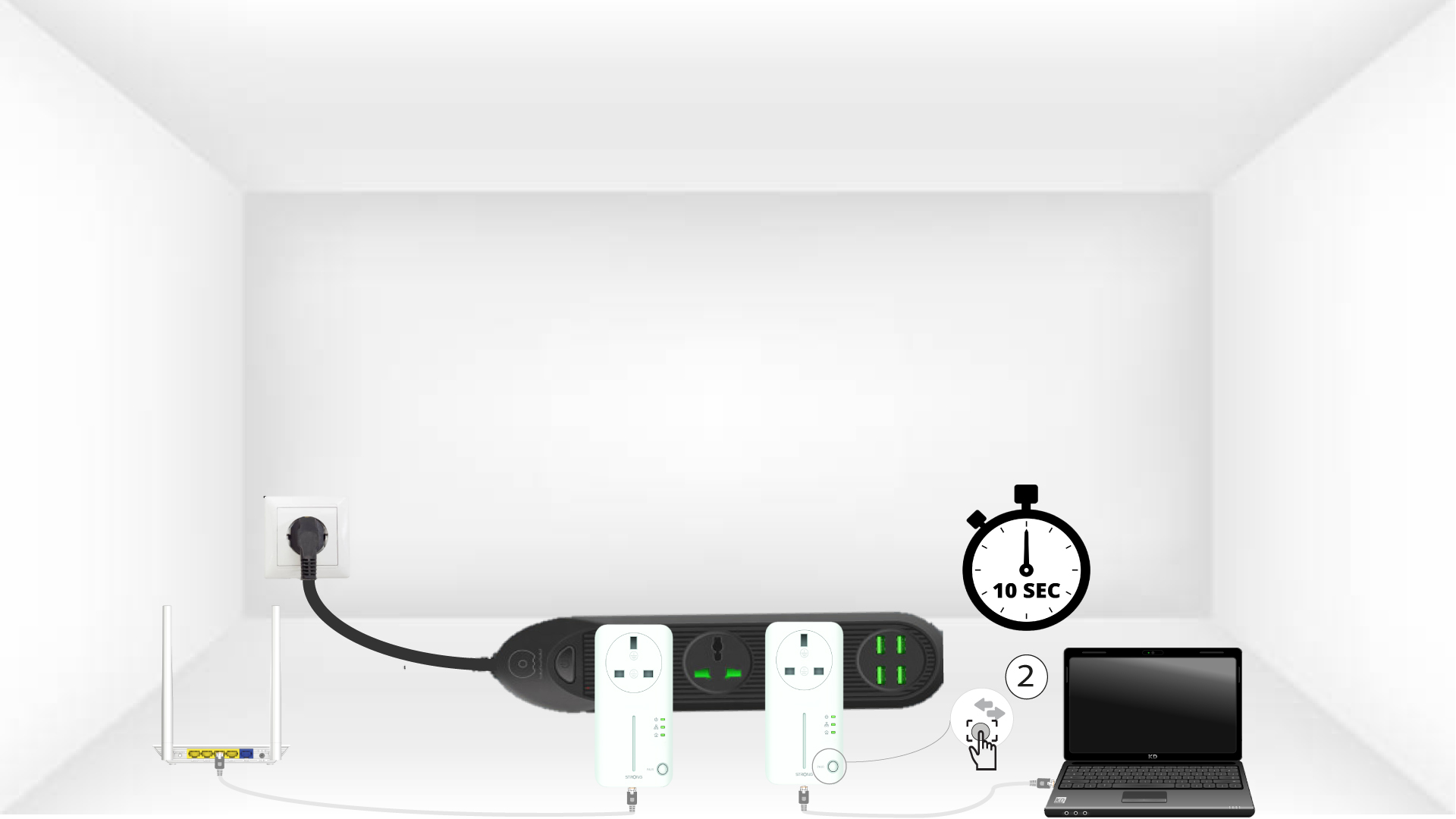
4. Pulsael botón «Connect & Secure» (segundo adaptador)
Pulsa el botón «Connect & Secure» situado en el panel frontal del segundo dispositivo durante 10 segundos. Tienes hasta dos minutos para pulsarlo.
5. El LED de «Inicio» parpadea
El LED con el icono de la casa debería empezar a parpadear en los dispositivos.
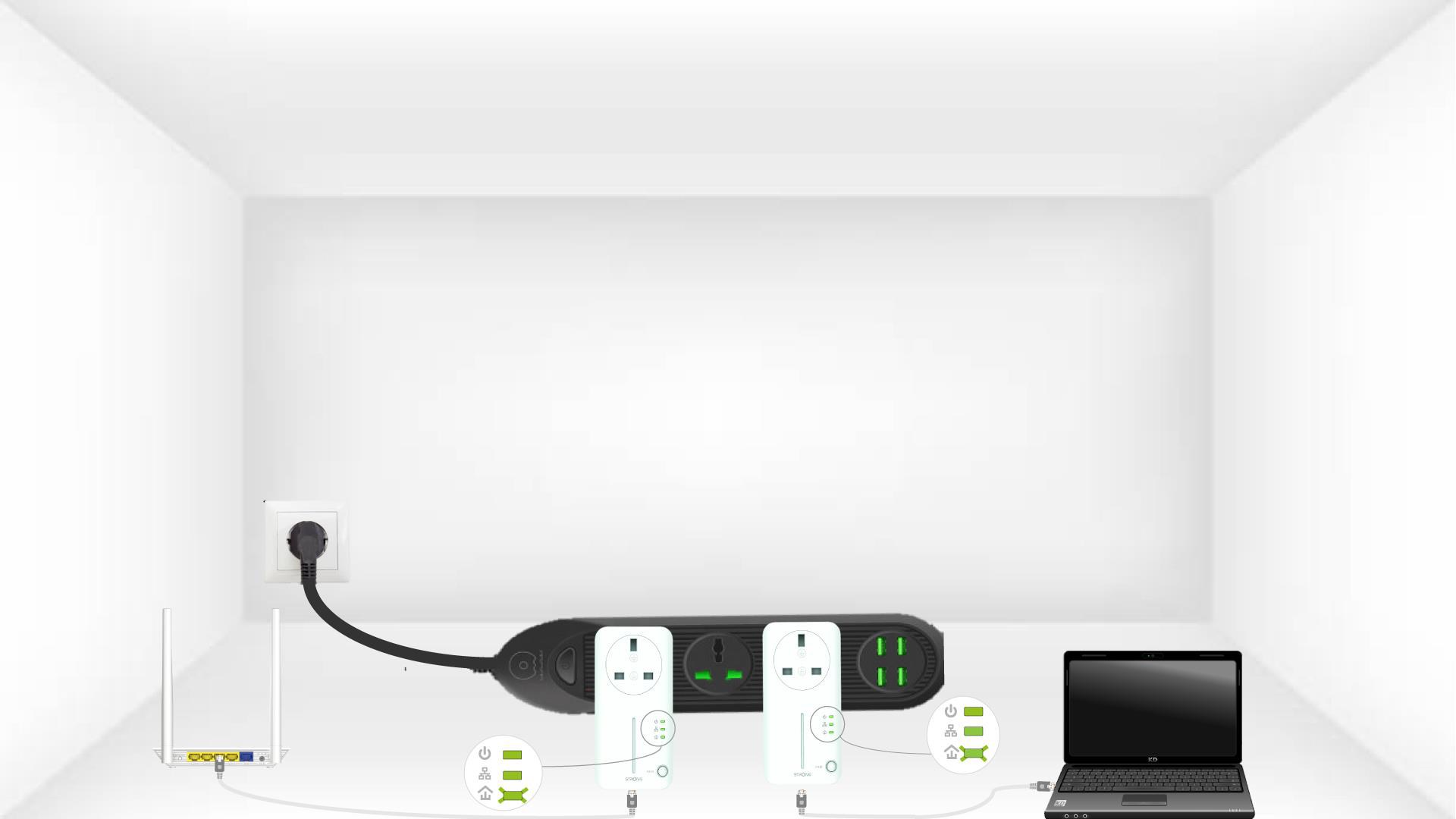
6. Se reinician los adaptadores
Al finalizar las operaciones, todos los LED deben estar en verde.
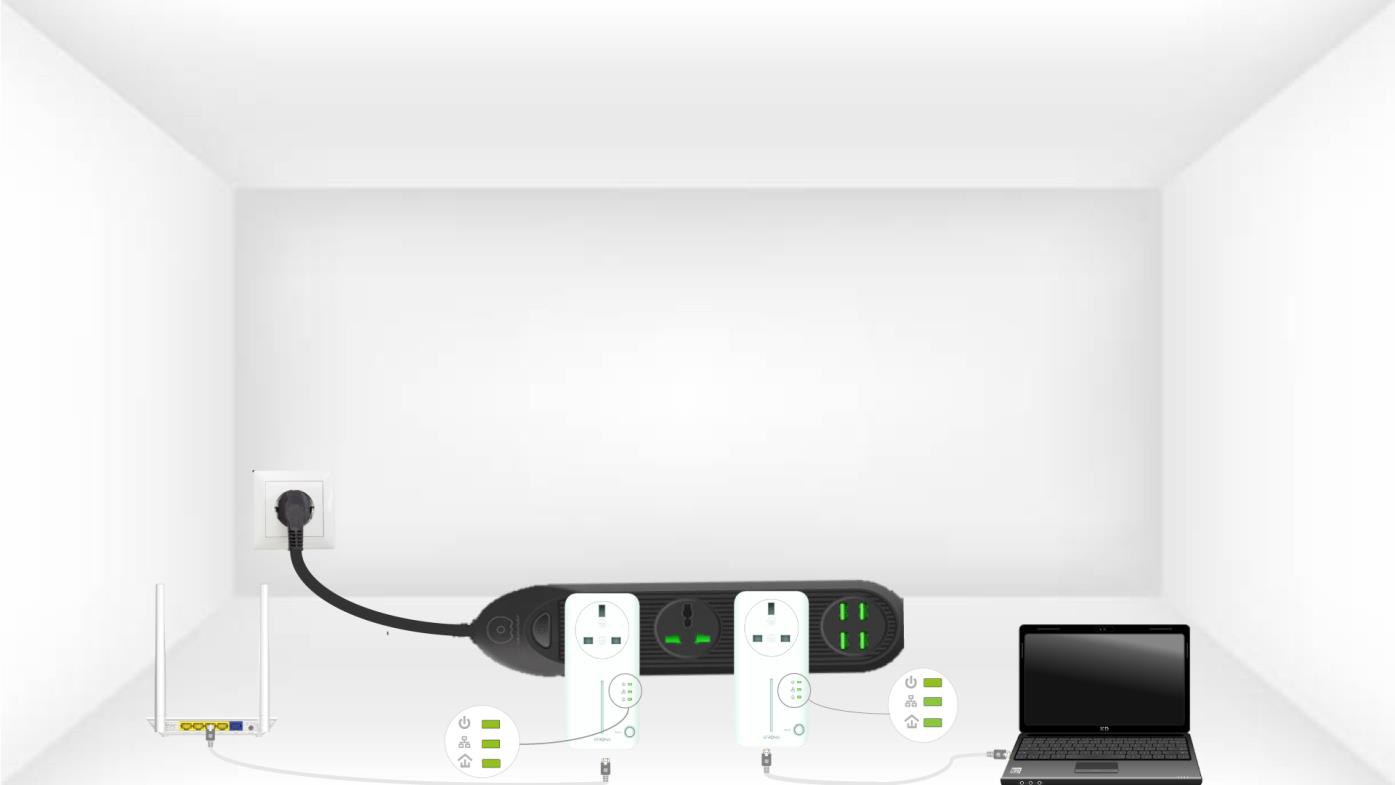
Repite la misma operación con un tercer powerline. Puedes tener hasta 8 Powerline 600 en la misma instalación eléctrica.
Una vez emparejados todos los dispositivos, puedes colocarlos en la habitación donde los necesites.