Pack de tres adaptadores Powerline Wi-Fi
No se han encontrado artículos.
No se han encontrado artículos.
Todas las preguntas
Pack de tres adaptadores Powerline Wi-Fi
No se han encontrado artículos.
No se han encontrado artículos.
El LED con el icono de la casa está encendido en el adaptador Wi-Fi, pero no consigo conectarme a la red Wi-Fi del Powerline 500.
1. Conéctatea la red Wi-Fi
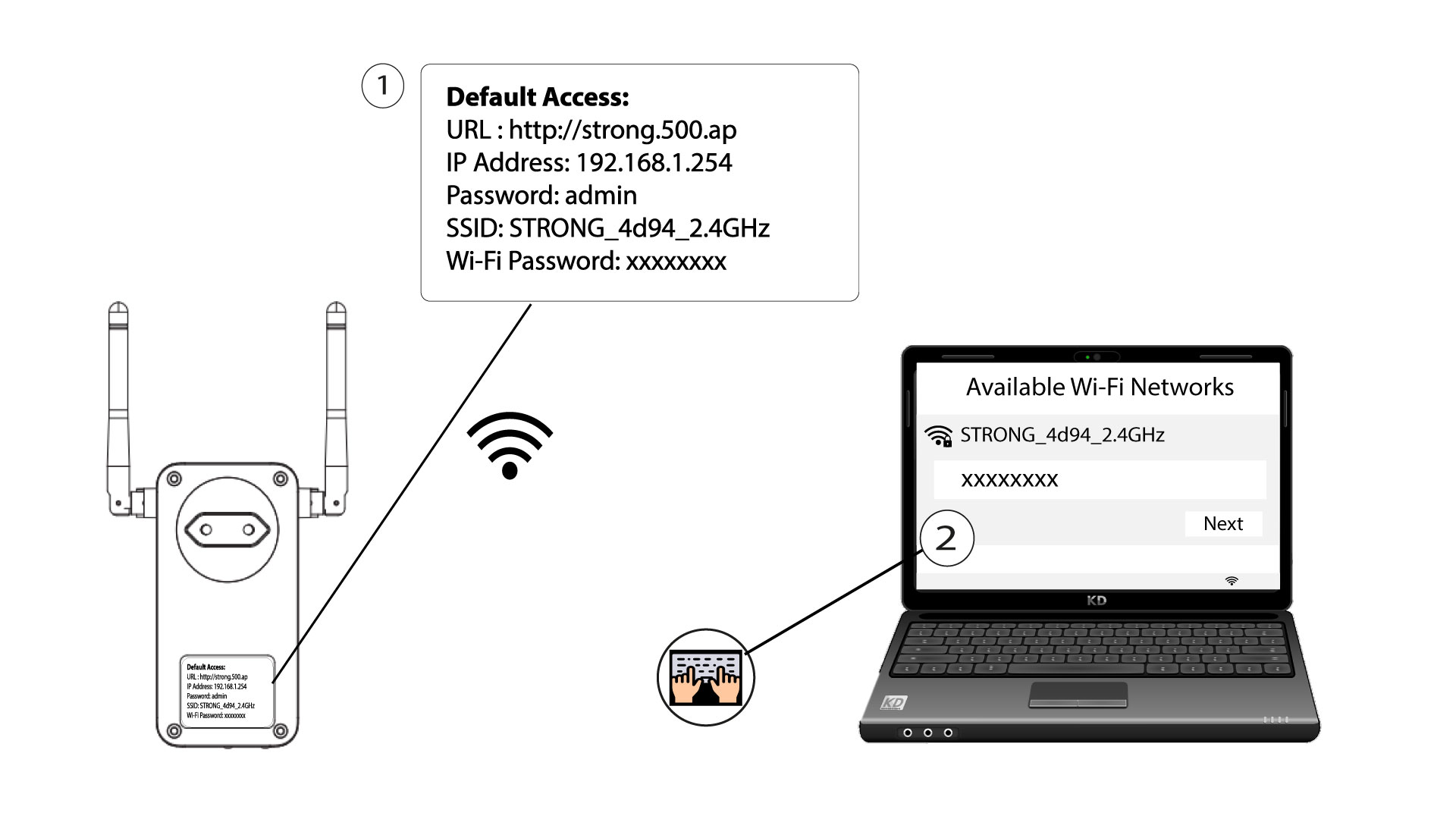
Para conectarte por primera vez a la red Wi-Fi de tu Powerline , debes conectarte al SSID que aparece en la parte trasera del producto y utilizar la contraseña de Wi-Fi que también se indica allí.
Ten en cuenta que la «L» minúscula puede confundirse con la «i» mayúscula, así que prueba las diferentes posibilidades.
2. Reiniciael adaptador Wi-Fi
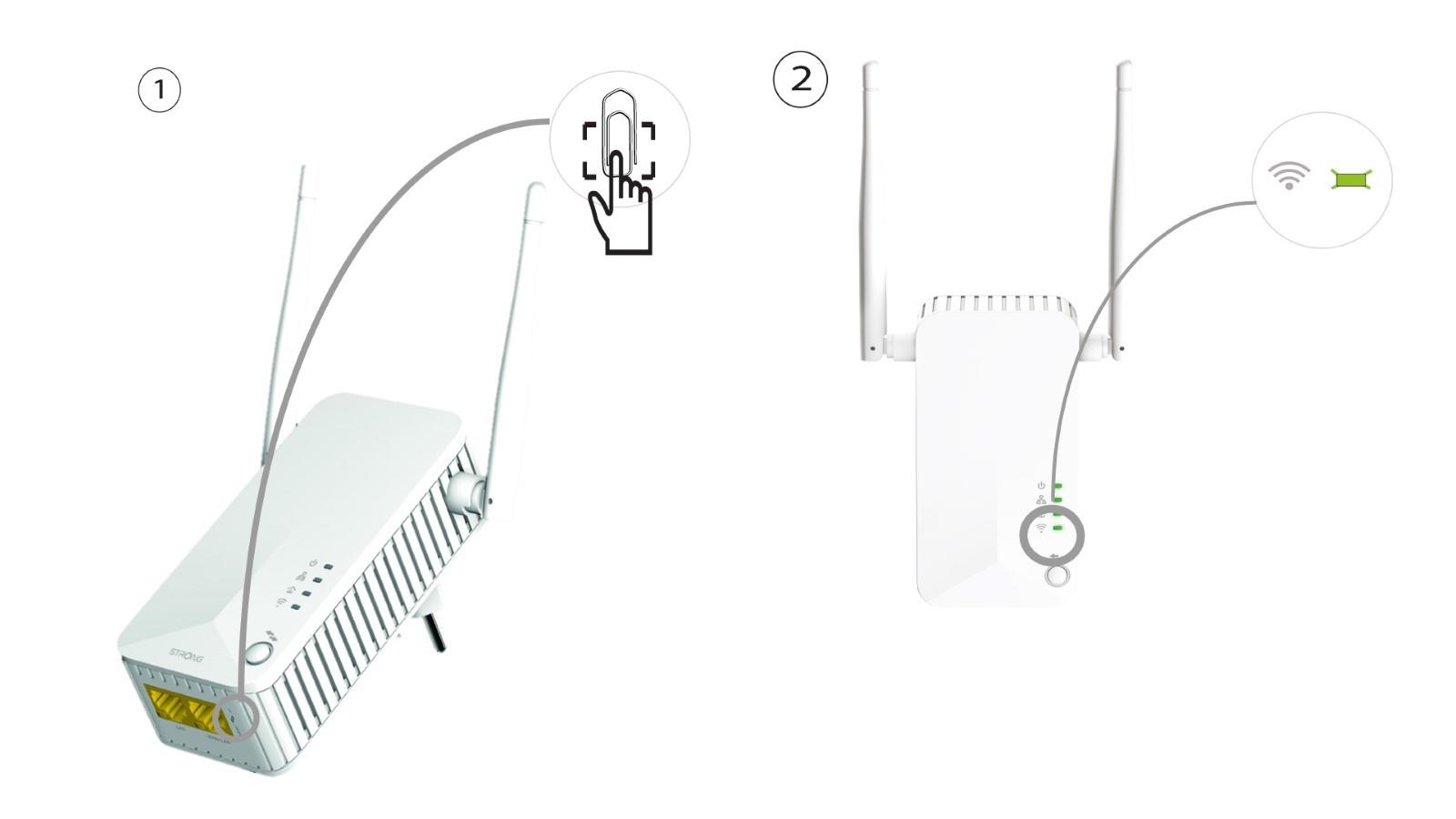
Si sigues sin poder conectarte a la red Wi-Fi de la impresora « Powerline 500», reinicia la red Wi-Fi de la impresora « Powerline » introduciendo un clip en el orificio situado debajo del dispositivo hasta que los LED empiecen a parpadear.