ATRIA Mesh add-on 1200 UK
No items found.
No items found.
All questions
ATRIA Mesh add-on 1200 UK
No items found.
No items found.
How can I add new Mesh units to the existing network I just configured? (CASE 2 : Atria Mesh App)
You can also add a Mesh node through the Atria Mesh App.
1Connect to the Wi-Fi of your mesh
To do so, connect to the Wi-Fi of the Mesh device that is connected to you router/modem.

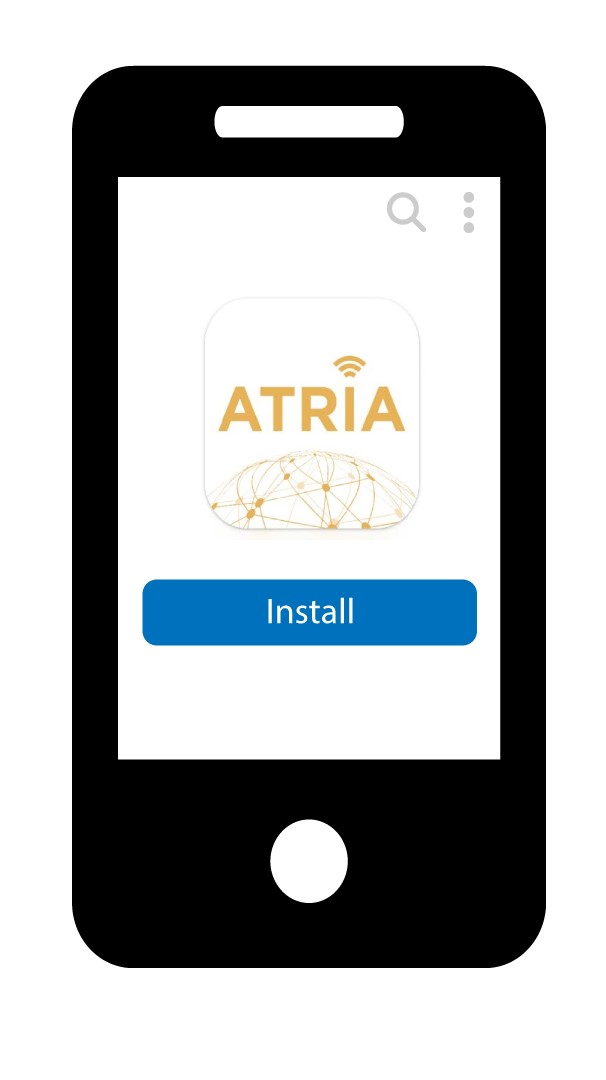
2Download the App
Then download the atria mesh app
3Enter your credentials
Enter the username and password (admin/admin) to connect.

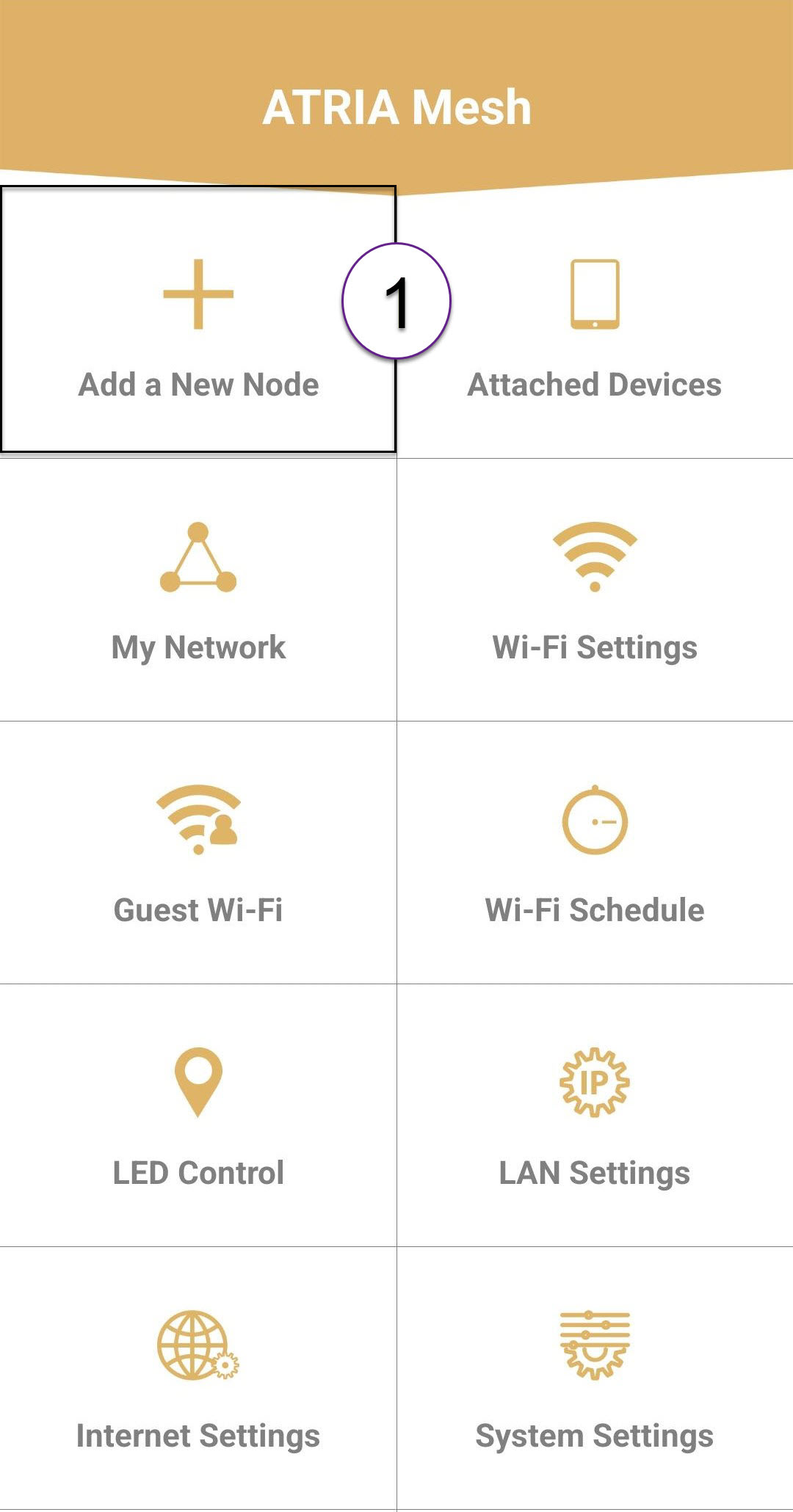
4Add Mesh Node
Click Add a New Mesh Node.
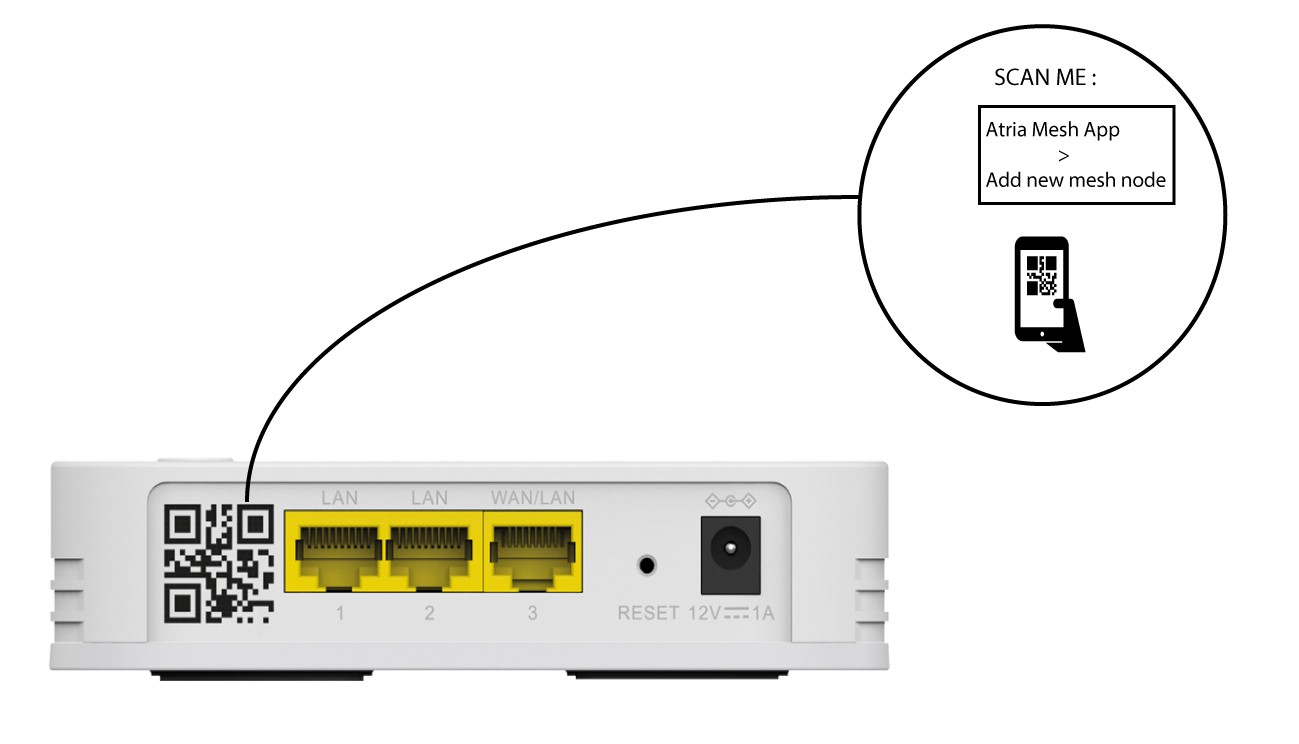
5Scan the QR code
Scan the QR Code located on the rear side of the mesh that you want to add.