4G LTE Router 300 UK
No items found.
No items found.
All questions
4G LTE Router 300 UK
No items found.
No items found.
How do I change the admin password and username?
1Access the Web UI
To connect to the Web UI, please follow the guidelines written in:
2System Settings
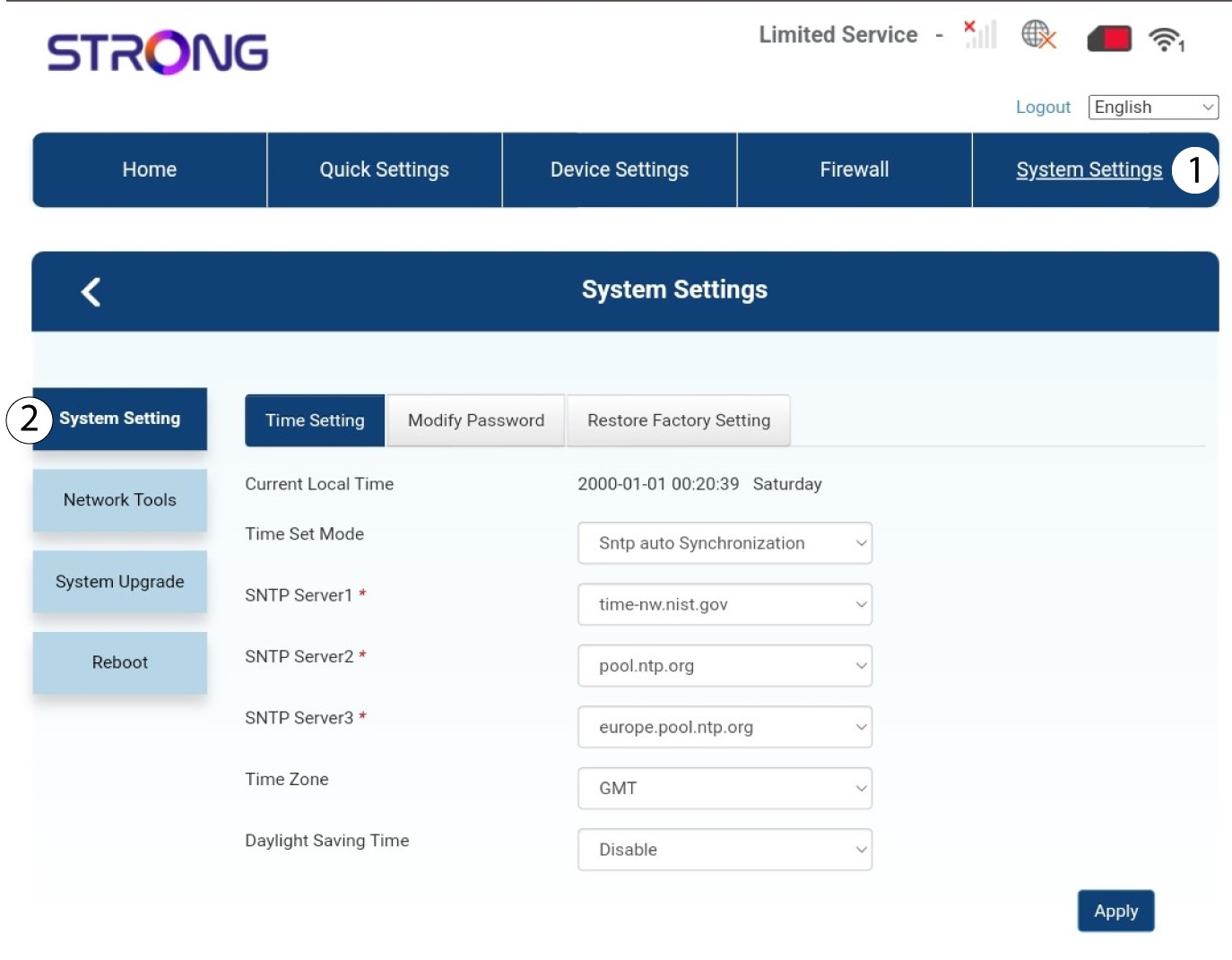
Once this is done, click the System Settings tab and select System Setting.
3Enter the new information
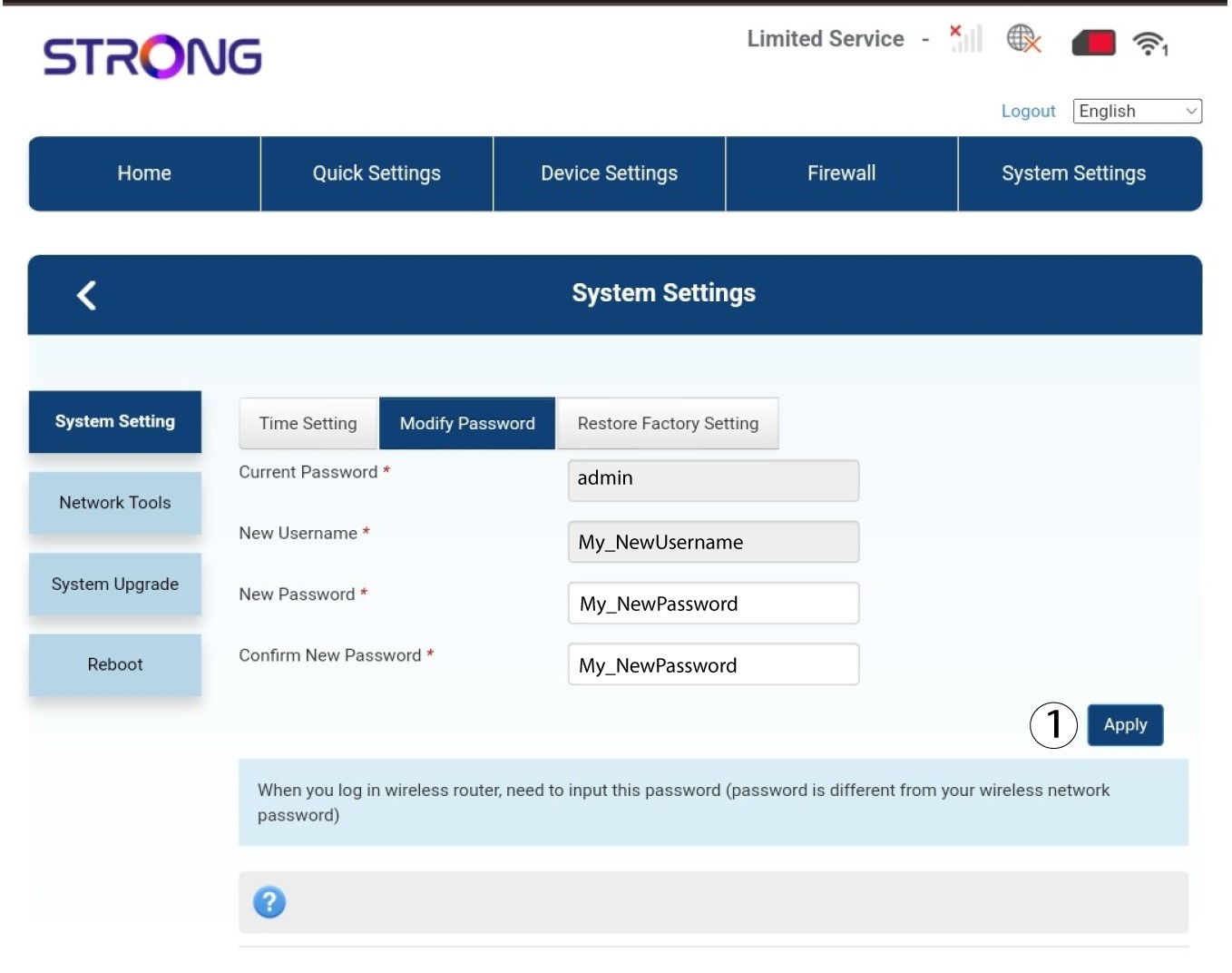
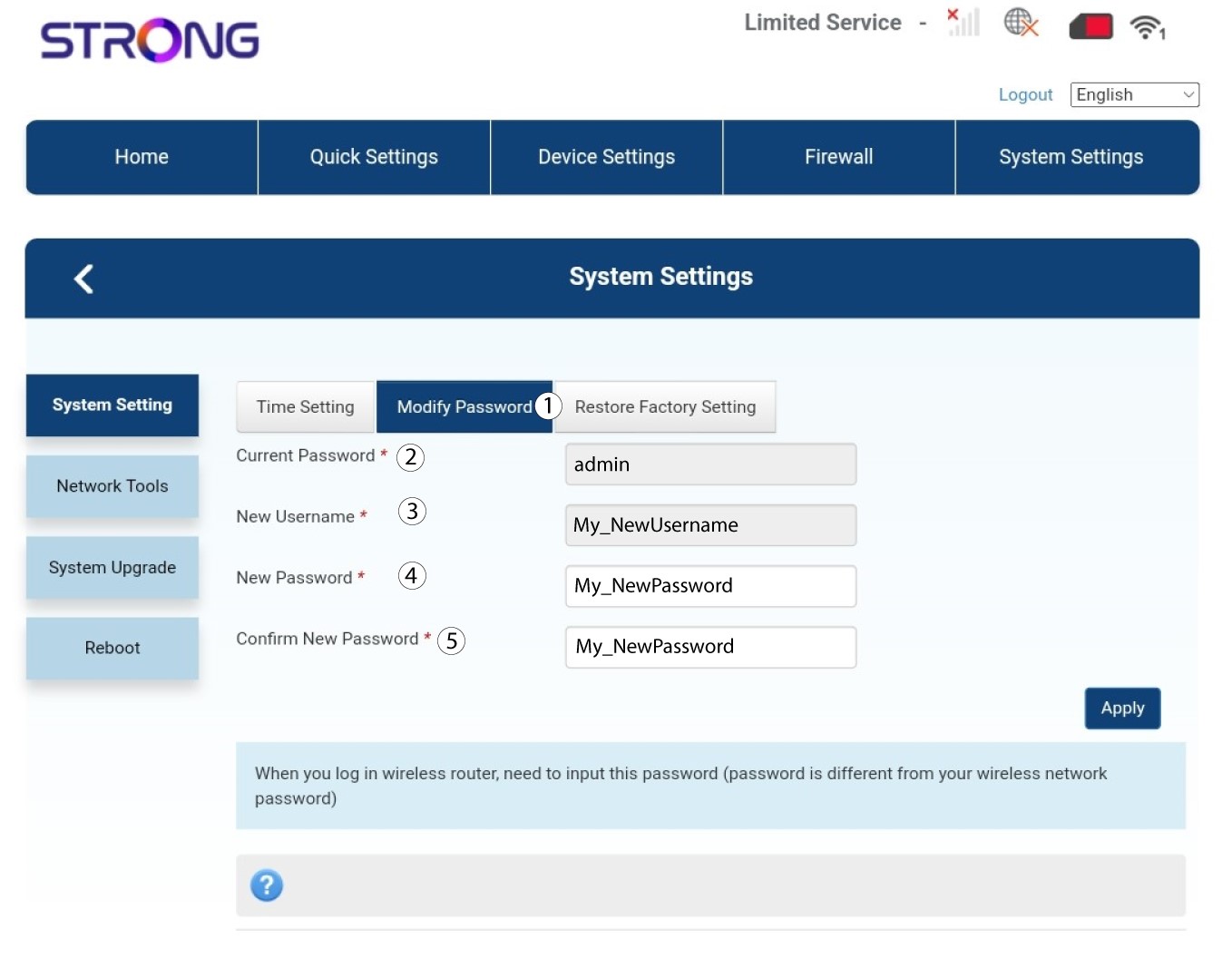
Click Modify Password and enter the following information:
• Current Password: Enter the current password.
• New Username: Enter the new username.
• New Password: Enter the new password.
• Confirm New Password: Enter the same password as in the previous field.
4Save the information
Click Apply.