
4G AIRHOME 210 UK with Fixed 4G antennas
All questions
Settings and features
How do I connect my devices with the WPS?

It is not possible to connect mobile phone by using the WPS. To connect your phone to the Wi-Fi easily, please scan the QR code located on the rear side of your router, it will automatically connect you to the network without entering the Wi-Fi Password.
1Activate the WPS
Press the WPS button located on the rear side of the router for 2 seconds to allow any compatible device in your home to automatically to connect to the Wi-Fi network of the router.

2Select the Wi-Fi Network in the list
Go to the Wi-Fi settings of your computer and click on the name of the router to select it.

3Connect to the Wi-Fi Network
Then, click the connect button.

How do I deactivate the Wi-Fi?
You can decide that you do not need to use the Wi-Fi of your router, if this is the case, you need to deactivate it in the Web UI.
1Connect to the Wi-Fi network of your router
To deactivate the Wi-Fi network of your router, you must connect to the Wi-Fi of your device.

2Browse to the Web UI IP Address
Then enter the following IP address: 192.168.188.1 in your browser.

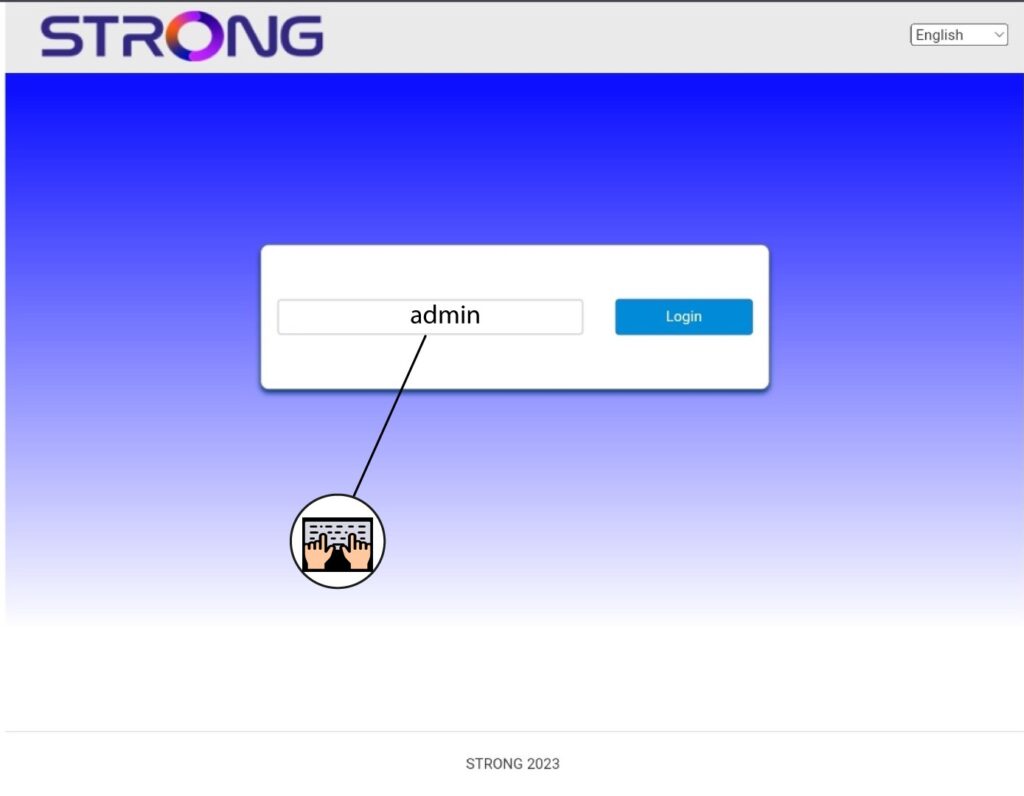
3Enter your credentials
You must enter the Password.
4Wi-Fi Settings
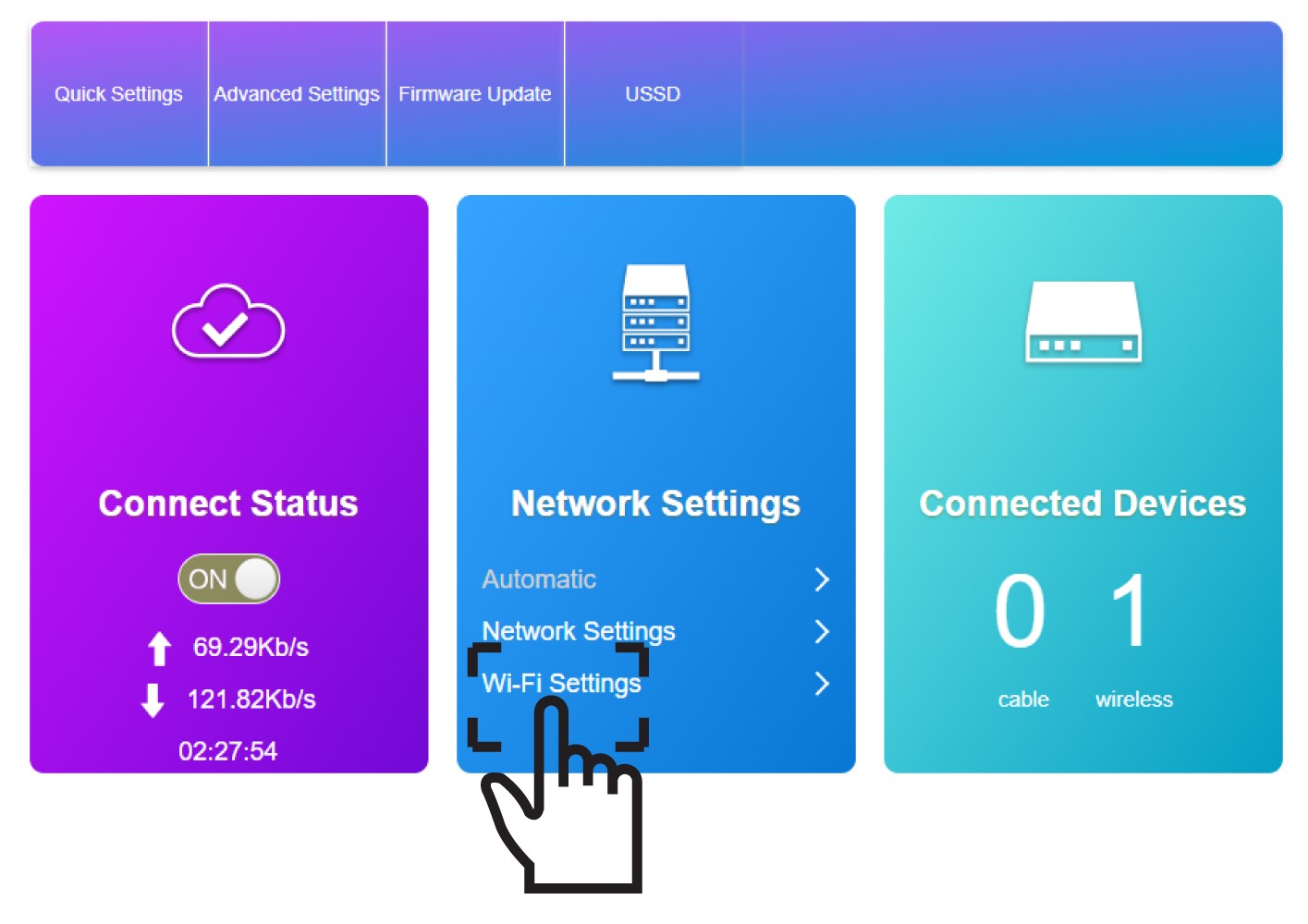
Click Wi-Fi Settings in the Network Settings Section.
5Deactivate Wi-Fi
Then, click Disable and Apply.
