ATRIAadd-on 1200 UK
Kaikki kysymykset
ATRIAadd-on 1200 UK
Miten voin määrittää/varata staattisen IP-osoitteen Atria Mesh 1200 -laitteelleni? (Sovellus)
Voi olla hyödyllistä määrittää staattinen IP-osoite mesh -ohjaimellesi, jotta pääset helpommin käsiksi verkossasi olevaan Web
-käyttöliittymään Atria Mesh -sovelluksessa.
Voit myös määrittää erillisiä IP-osoitteita mesh -verkkoon liitetyille laitteille
Web-käyttöliittymän kautta.
1Yhdistälaitteesi Wi-Fi-verkkoon mesh
Tätä varten muodosta yhteys mesh -verkon Wi-Fi-verkkoon.

2Avaasovellus
Yhdistä Atria- Mesh -sovellukseen.

3Network
Napsauta ”Oma verkko”.

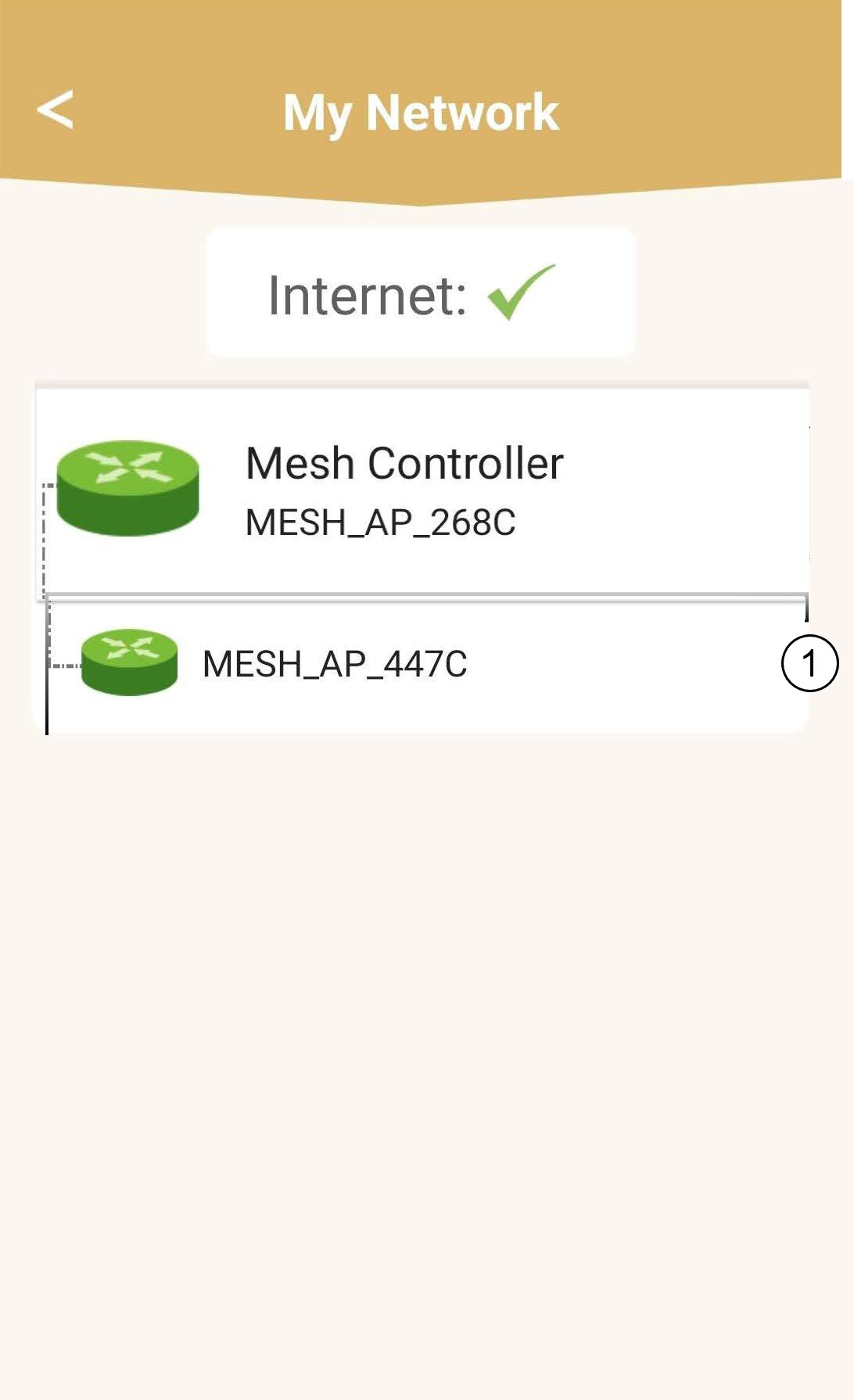
4Valitsepää mesh -yksikkö
Napsauta luettelossa olevaa ” Mesh ” -agentin nimeä.
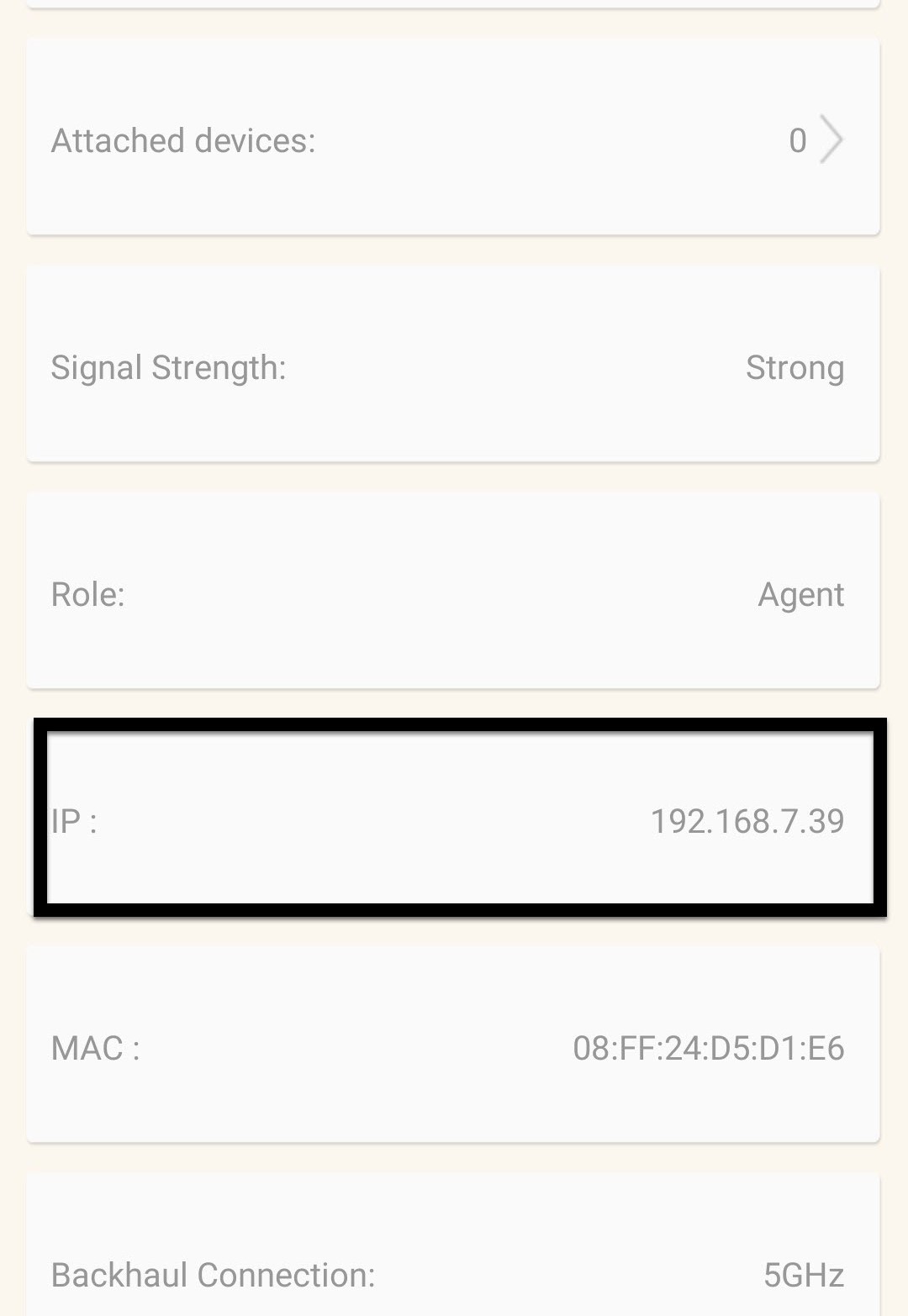
5. EtsiIP-osoite
Selvitä sen IP-osoite ja MAC-osoite.
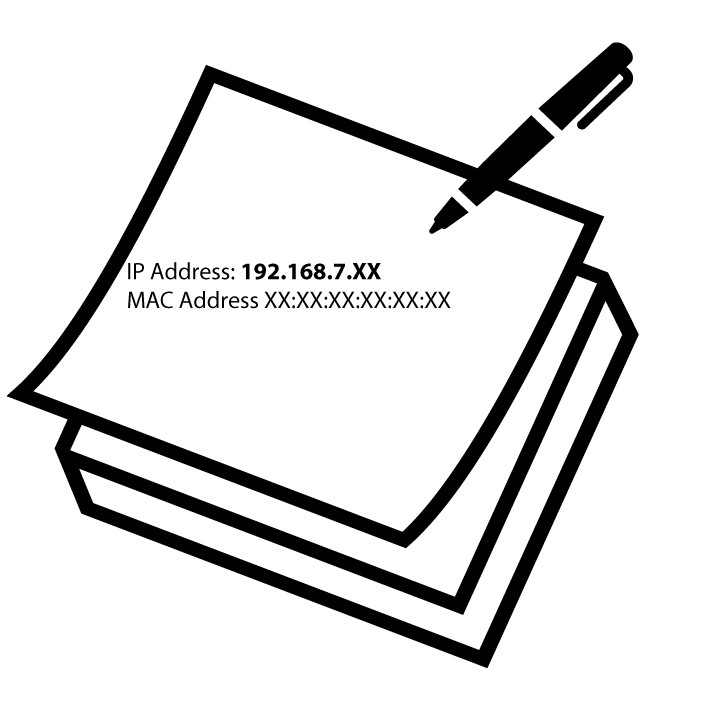
6. KirjoitaIP-osoite muistiin
Kirjoita IP-osoite ja MAC-osoite muistiin.
7. Internet-asetukset
Napsauta Internet-asetukset.
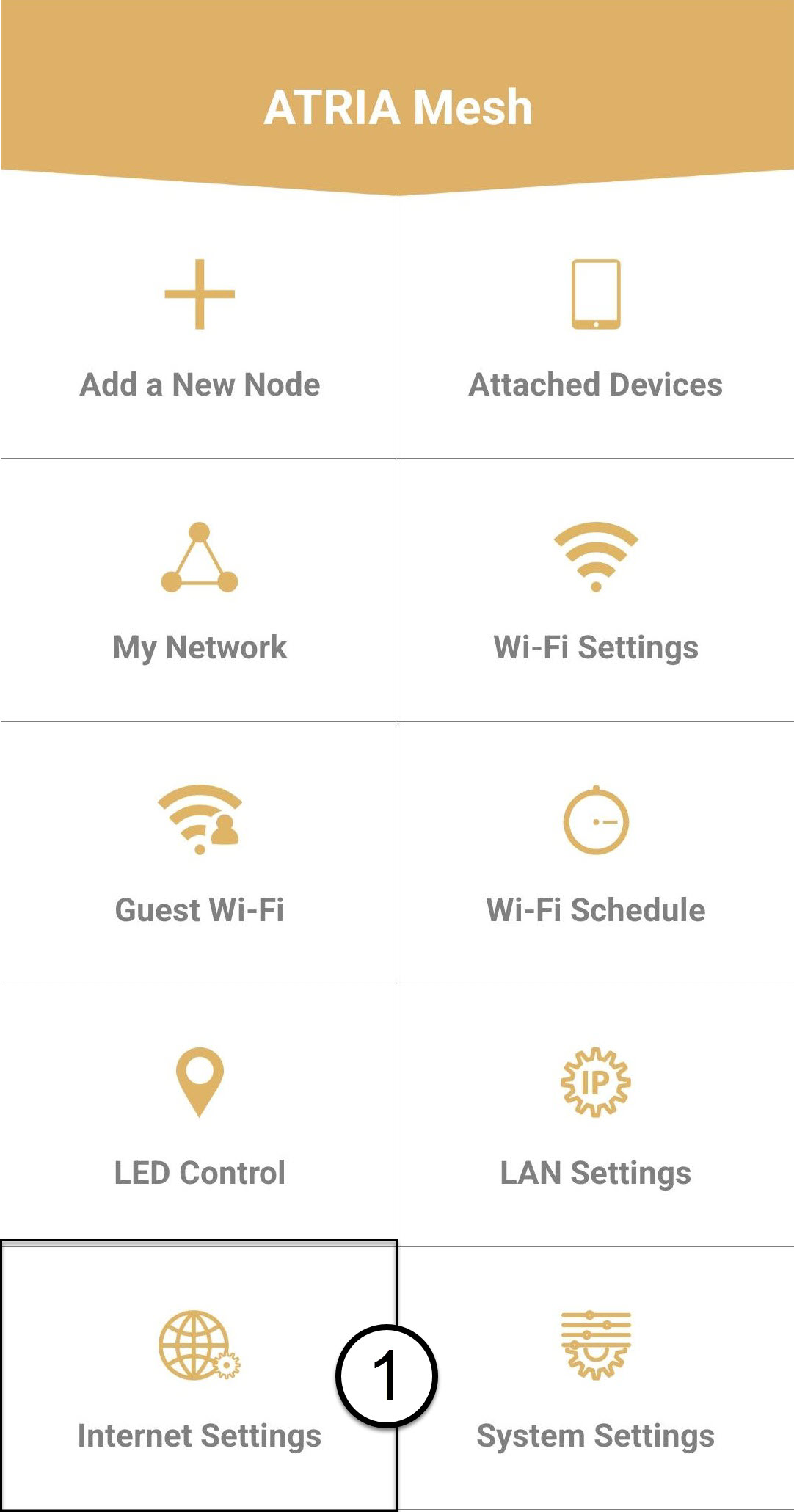
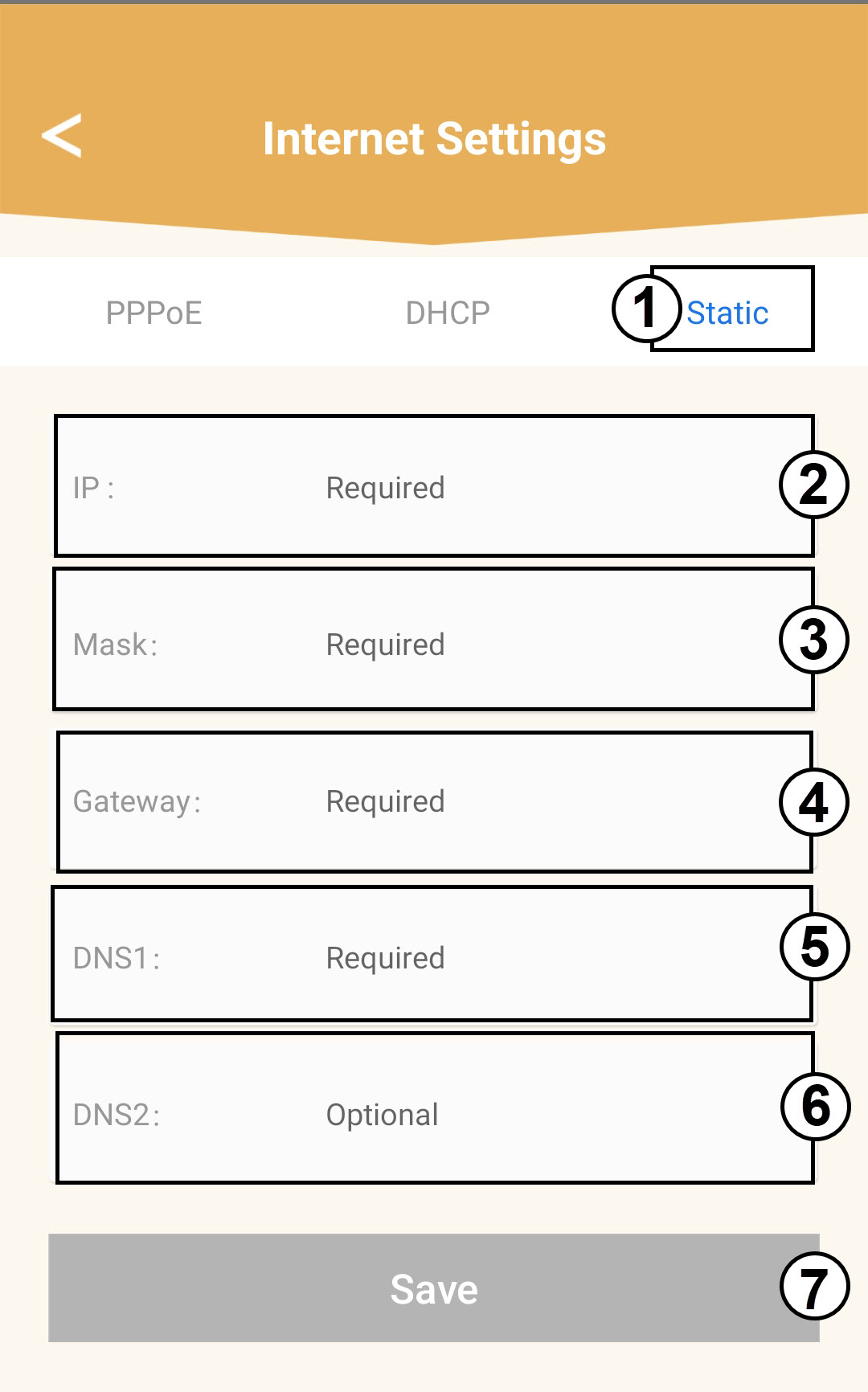
8KiinteäIP-osoite
Valitse Staattinen IP. Syötä seuraavat tiedot ennen kuin napsautat Tallenna:
o IP: Syötä agentin IP-osoite
o Maski: Kenttään täytetään automaattisesti oikea arvo
o Yhdyskäytävä: Kenttä täyttyy automaattisesti oikealla arvolla
o DNS1: Syötä ensisijainen DNS-osoite (löydät tämän tiedon verkkokäyttöliittymästä:
Verkko > LAN -> Ota manuaalinen DNS käyttöön)
o DNS2: Syötä toissijainen DNS-osoite (löydät tämän tiedon verkkokäyttöliittymästä
: Verkko > LAN -> Ota manuaalinen DNS käyttöön)