
4G AIRHOME 210 UK kiinteillä 4G-antenne UK
Ei löytynyt kohteita.
Ei löytynyt kohteita.
Kaikki kysymykset
4G AIRHOME 210 UK kiinteillä 4G-antenne UK
Ei löytynyt kohteita.
Ei löytynyt kohteita.
Miten vaihdan järjestelmänvalvojan salasanan?
1Siirryverkkokäyttöliittymään
Voit muodostaa yhteyden verkkokäyttöliittymään noudattamalla ohjeita, jotka löytyvät kohdasta: Miten pääsen verkkokäyttöliittymään?
2. Kirjautumissalasanan muuttaminen
Kun tämä on tehty, napsauta yläpalkissa olevaa ”Muokkaa kirjautumissalasanaa” -painiketta.
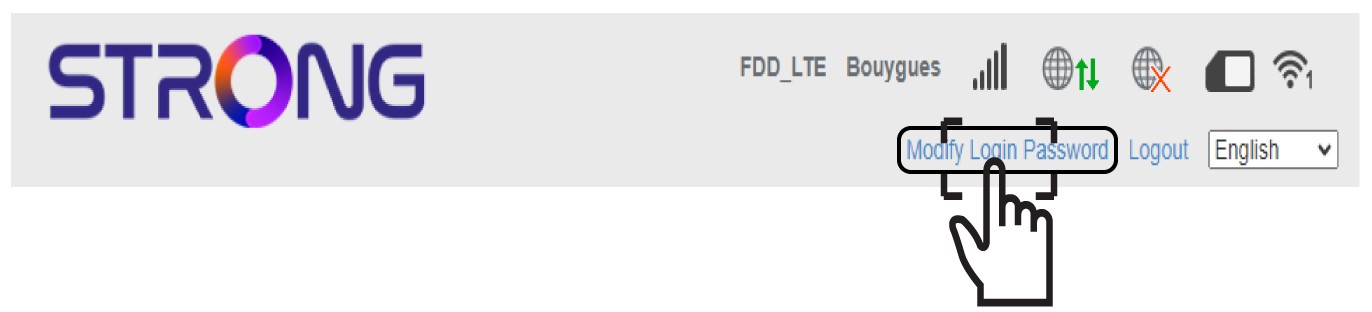
3Syötäuusi järjestelmänvalvojan salasana
Syötä seuraavat tiedot ennen kuin napsautat ”Käytä”-painiketta:
- Nykyinen salasana: Kirjoita nykyinen salasana.
- Uusi salasana: Kirjoita uusi salasana.
- Vahvista uusi salasana: Kirjoita sama salasana kuin edellisessä kentässä.

4Kirjoitauusi salasana muistiin
Kirjoita muistiin uusi salasana, jolla pääset verkkokäyttöliittymään.
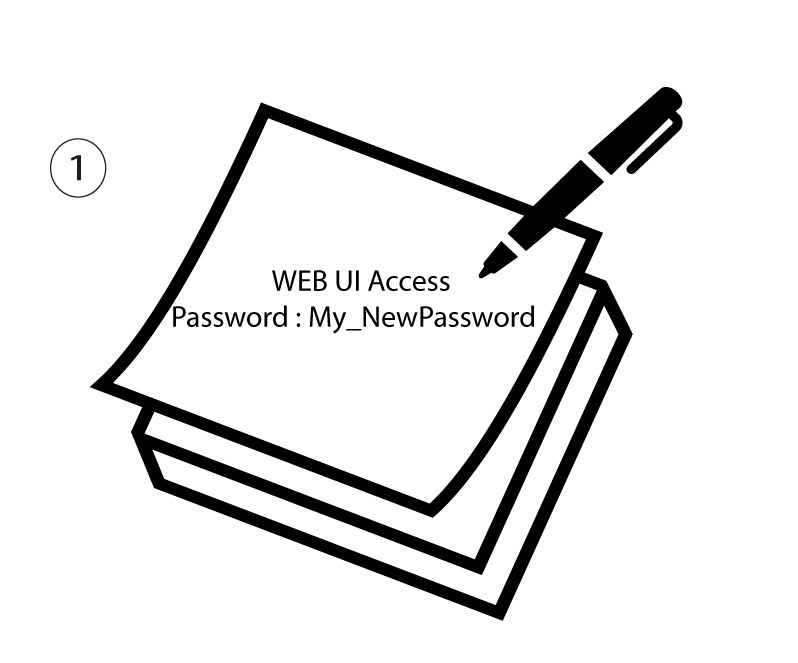
The new password can contain up to 32 characters including numbers, lower case, upper case, and special characters (! # $ * + , - . % : = ? @ [ ] ^ _ { | } ~).