4G AIRSPOT 220 mobiili Wi-Fi näytöllä
Ei löytynyt kohteita.
Ei löytynyt kohteita.
Kaikki kysymykset
4G AIRSPOT 220 mobiili Wi-Fi näytöllä
Ei löytynyt kohteita.
Ei löytynyt kohteita.
Miten vaihdan järjestelmänvalvojan salasanan?
1Siirryverkkokäyttöliittymään
Voit muodostaa yhteyden verkkokäyttöliittymään noudattamalla ohjeita, jotka löytyvät kohdasta: Miten pääsen verkkokäyttöliittymään?
2Vaihdasalasana
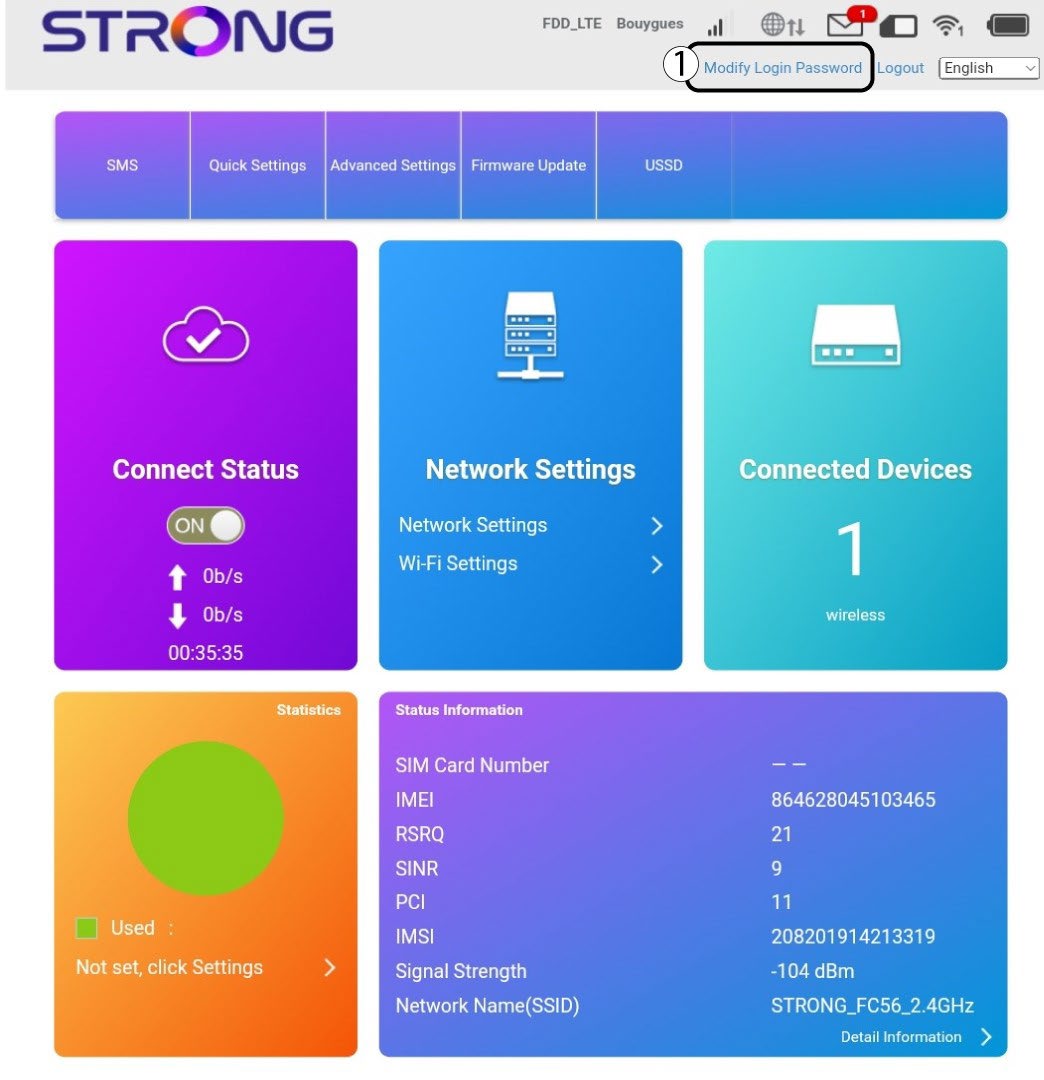
Kun tämä on tehty, napsauta yläpalkissa olevaa ”Muokkaa kirjautumissalasanaa” -painiketta.
3Syötäuudet tiedot
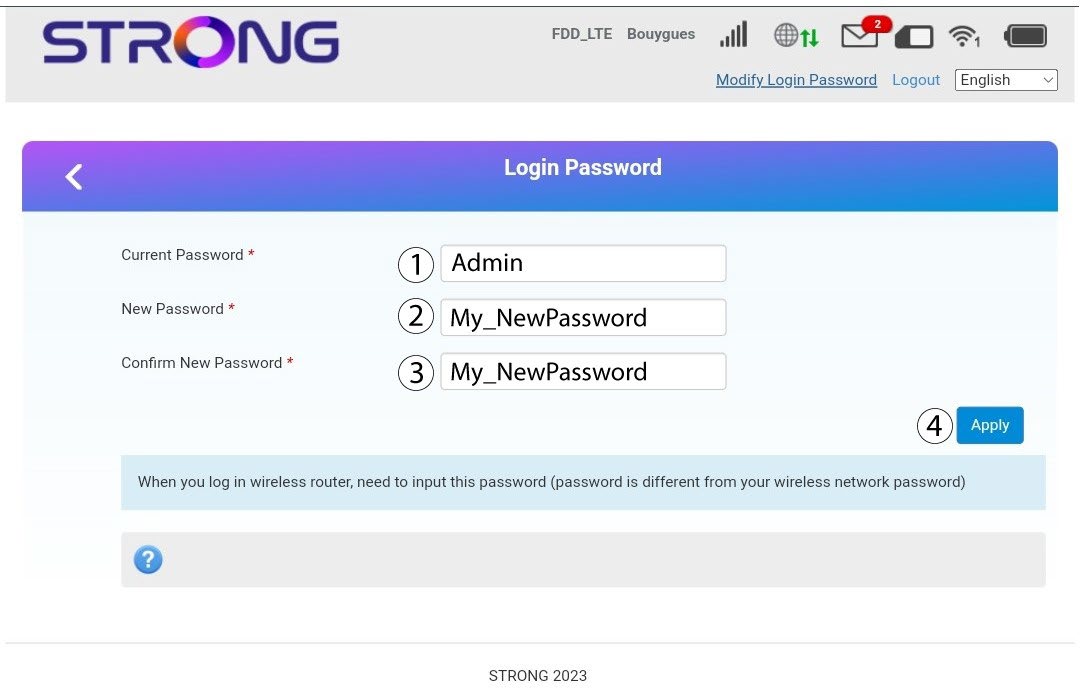
Syötä seuraavat tiedot ennen kuin napsautat ”Käytä”-painiketta:
· Nykyinen salasana: Kirjoita nykyinen salasana.
· New Password: Enter the new password. The new password can contain up to 32 characters including numbers, lower case, upper case, and special characters (! # $ * + , - . % : = ? @ [ ] ^ _ { | } ~).
· Vahvista uusi salasana: Kirjoita sama salasana kuin edellisessä kentässä.
4Tallennatiedot
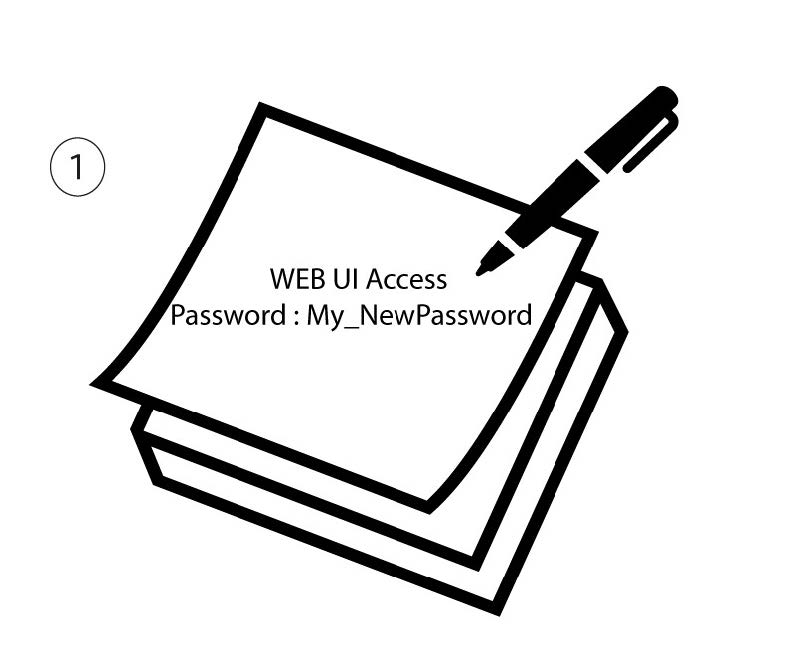
Kirjoita muistiin uusi salasana, jolla pääset verkkokäyttöliittymään.