Ei löytynyt kohteita.
LEAP 41 | 4K Google TV HDR10+ -tuella
Ei löytynyt kohteita.
Kaikki kysymykset
Ei löytynyt kohteita.
LEAP 41 | 4K Google TV HDR10+ -tuella
Ei löytynyt kohteita.
Miten voin poistaa sovelluksen?
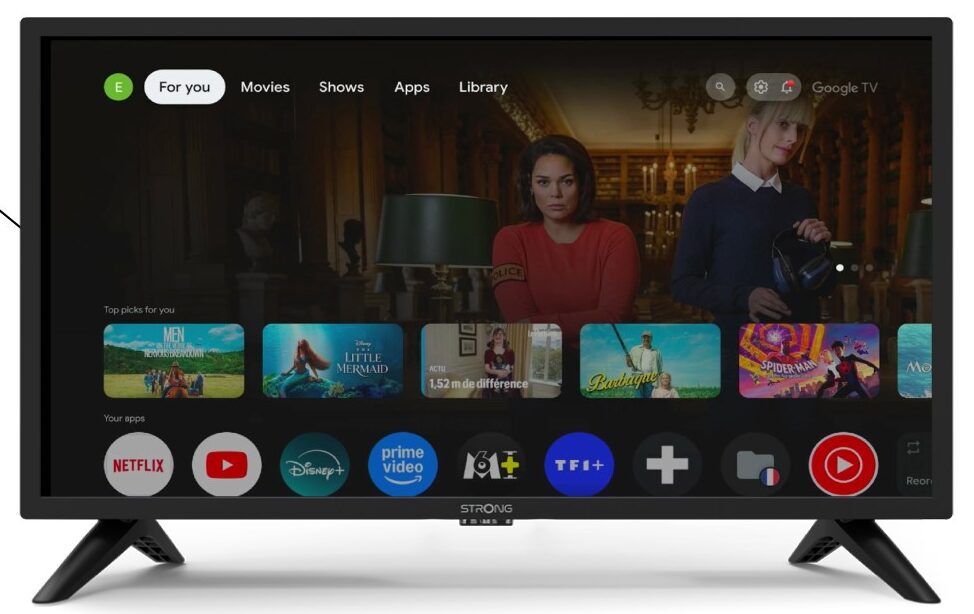
1Asetukset
Paina kaukosäätimen Asetukset-painiketta (hammasrataskuvake). Asetukset-valikko avautuu televisioruudulle.
2Apps
Valitse asetuksista ”Sovellukset”.

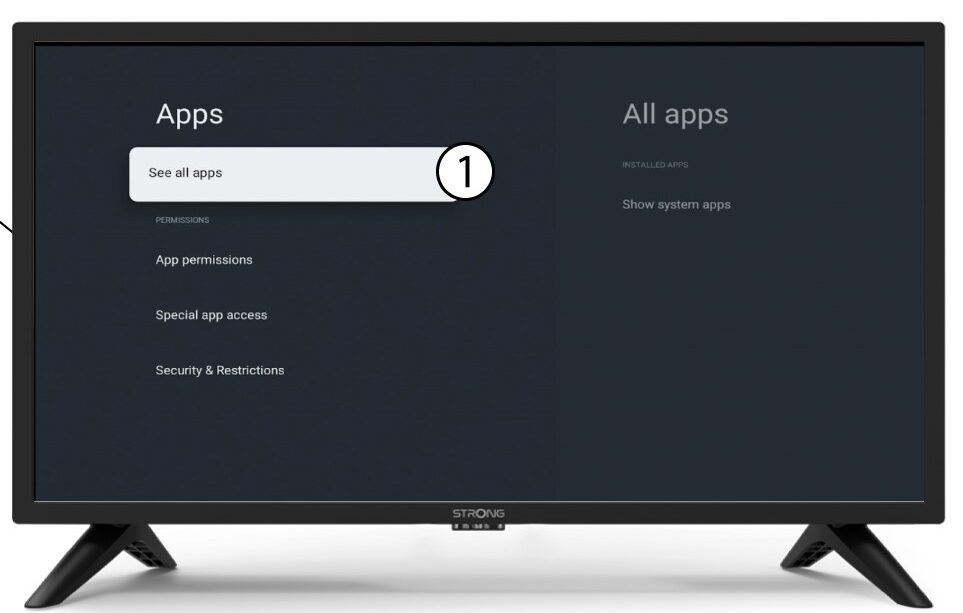
3Kaikkisovellukset
Valitse ”Näytä kaikki sovellukset”.
4Valitsepoistettava sovellus
Valitse sovellus luettelosta.
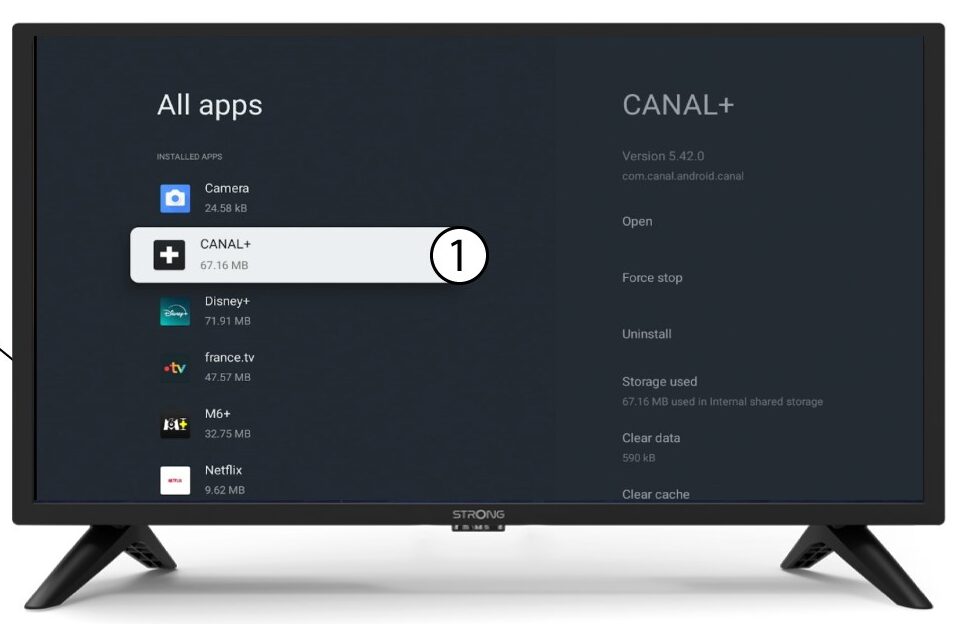
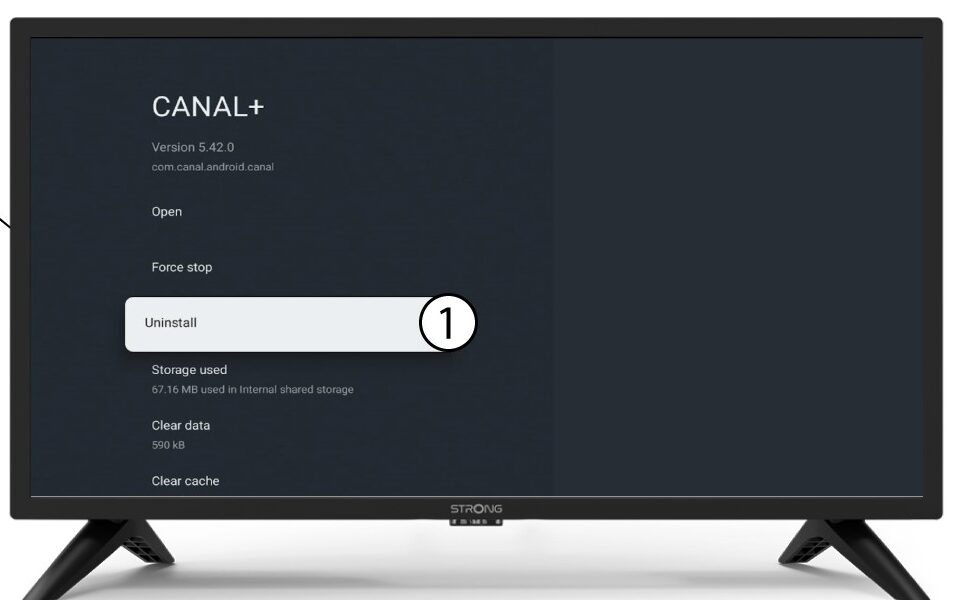
5Poistaasennus
Valitse Poista.
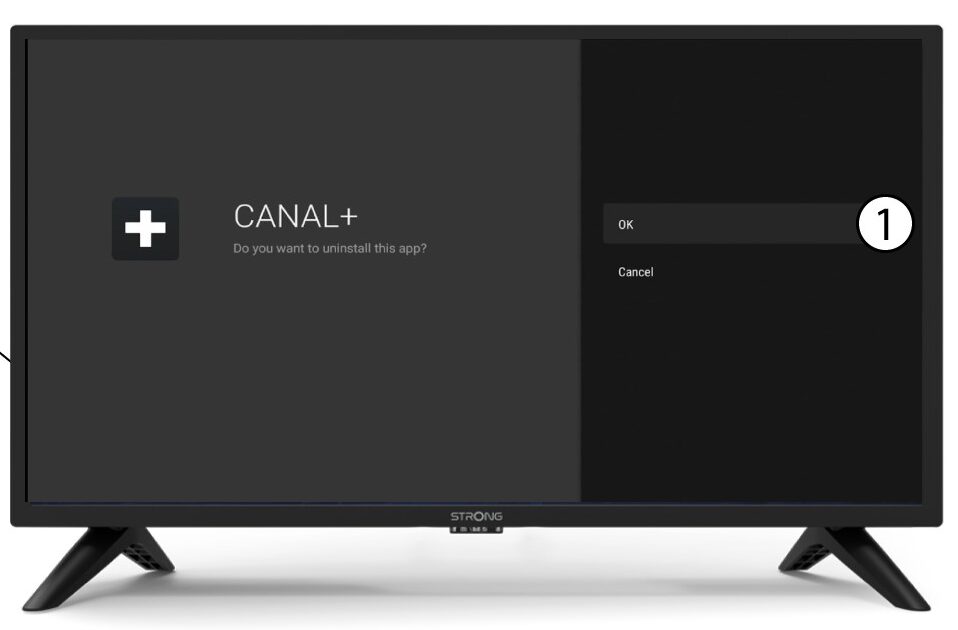
6Vahvistapoisto
Valitse OK.