Ei löytynyt kohteita.
LEAP 41 | 4K Google TV HDR10+ -tuella
Ei löytynyt kohteita.
Kaikki kysymykset
Ei löytynyt kohteita.
LEAP 41 | 4K Google TV HDR10+ -tuella
Ei löytynyt kohteita.
Miten päivitän laitteeni?
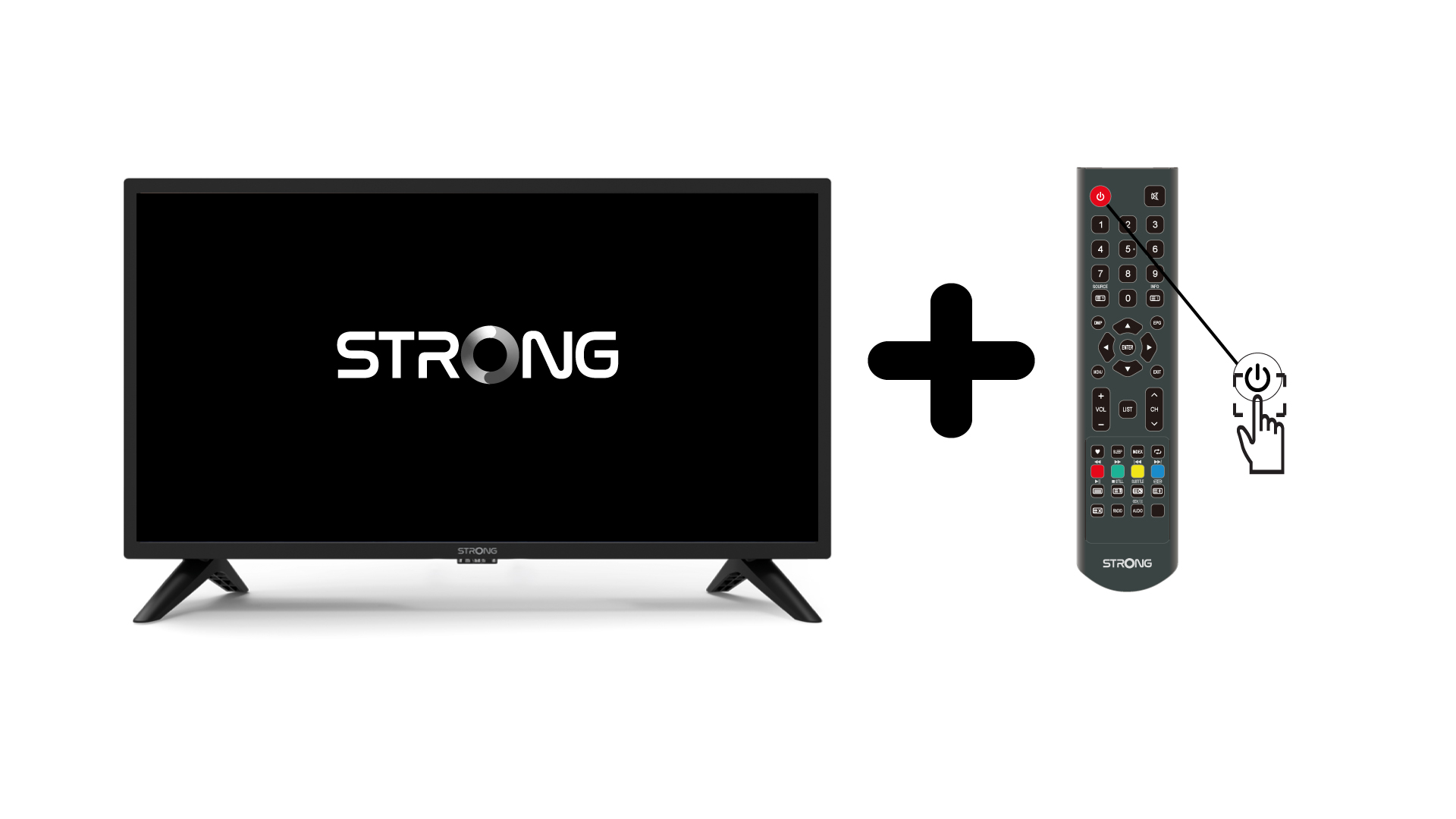
1. Kytketelevisio ja laite päälle
Käynnistä televisio ja laitteesi.
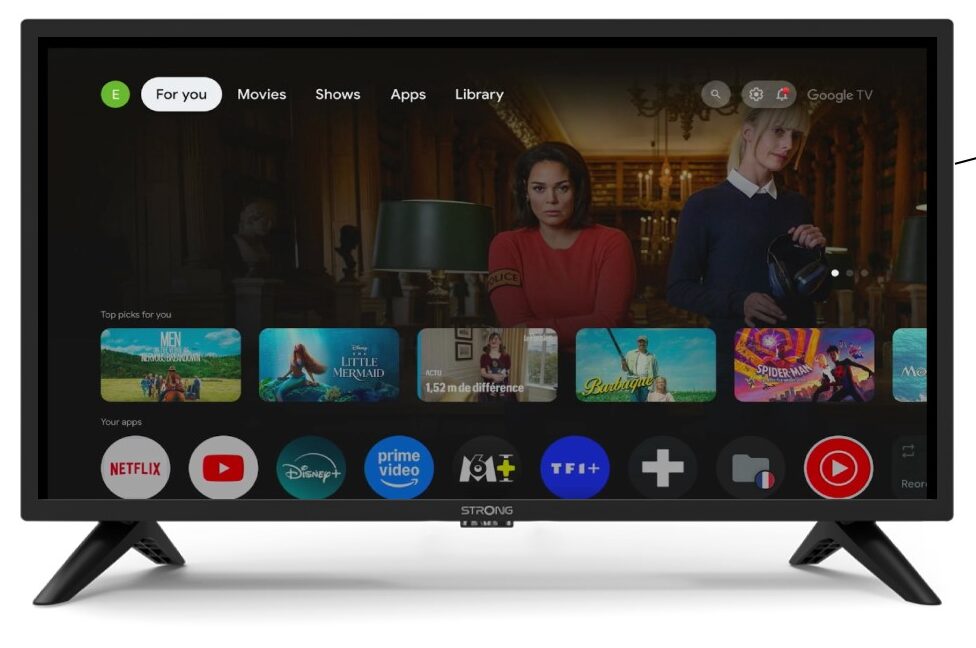
2Asetukset
Valitse Asetukset-sivulla kohta ”Kaukosäädin ja lisälaitteet”.
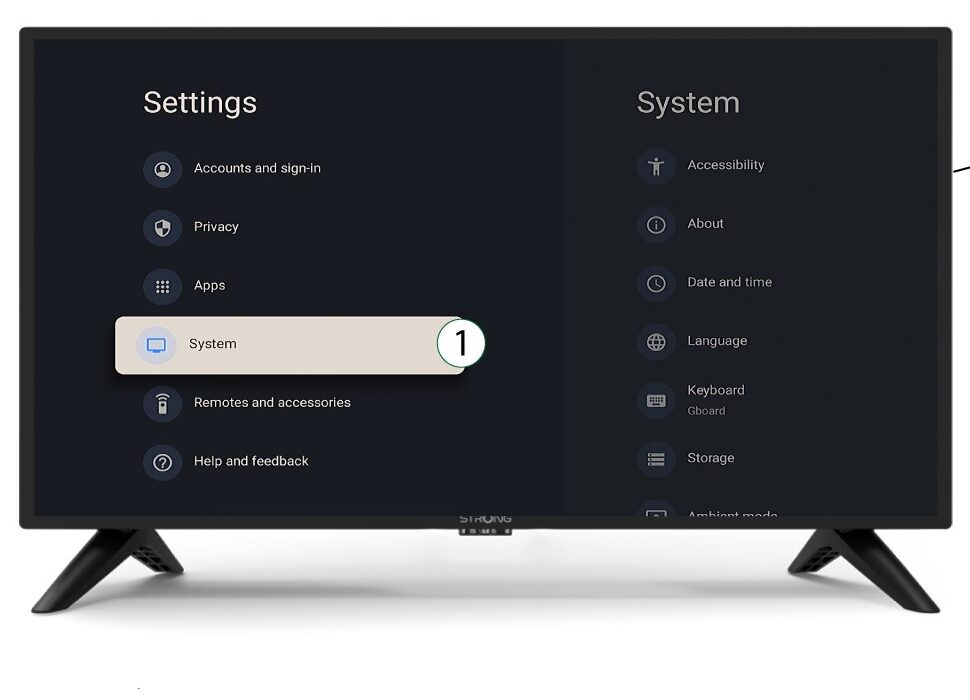
3System
Valitse Asetukset-valikosta Järjestelmä ja paina OK.
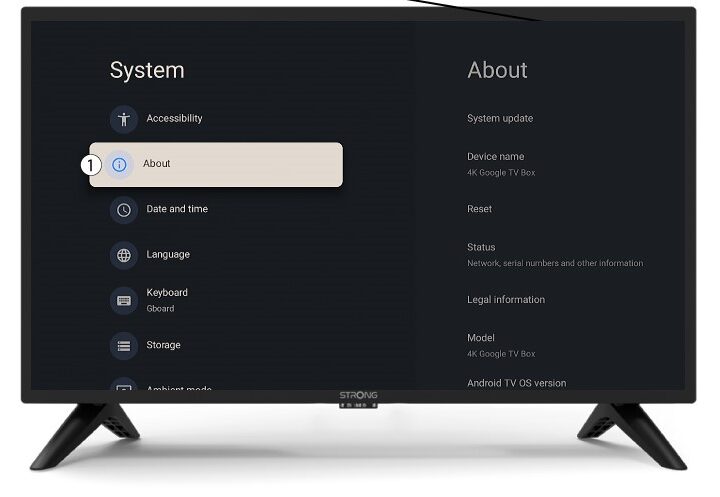
4Tietoja
Valitse järjestelmävalikosta ”Tietoja” ja paina OK.
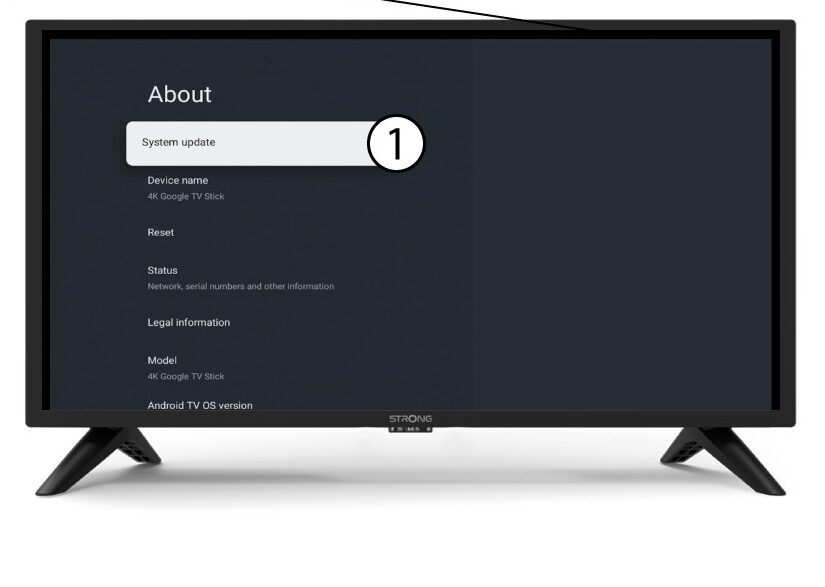
5Järjestelmänpäivitys
Valitse ”Järjestelmän päivitys”.
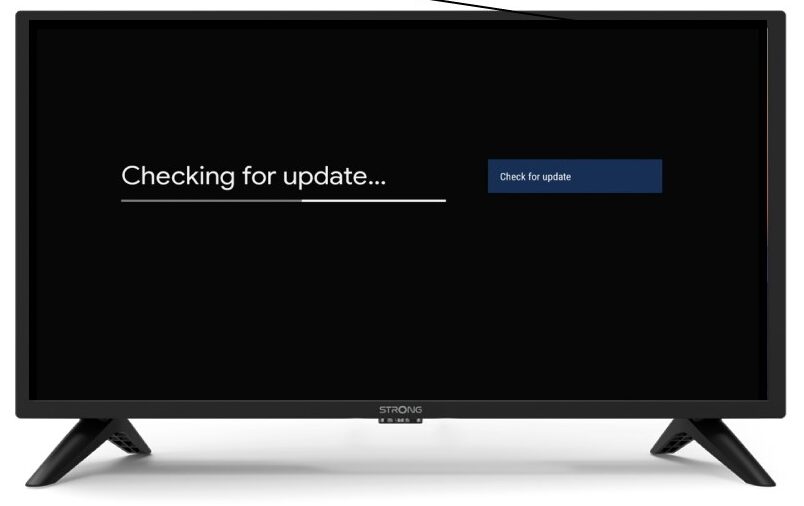
6Uuden ohjelmistoversion etsiminen
Järjestelmä tarkistaa, onko sinulla uusin päivitys. Odota, kunnes tarkistus on valmis. Uusi ohjelmistoversio ladataan automaattisesti.