
PLW600MDUO
Ei löytynyt kohteita.
Ei löytynyt kohteita.
Kaikki kysymykset
PLW600MDUO
Ei löytynyt kohteita.
Ei löytynyt kohteita.
Kuinka korkean turvatason 2 asetukset määritetään sähköverkkolaitteissa?
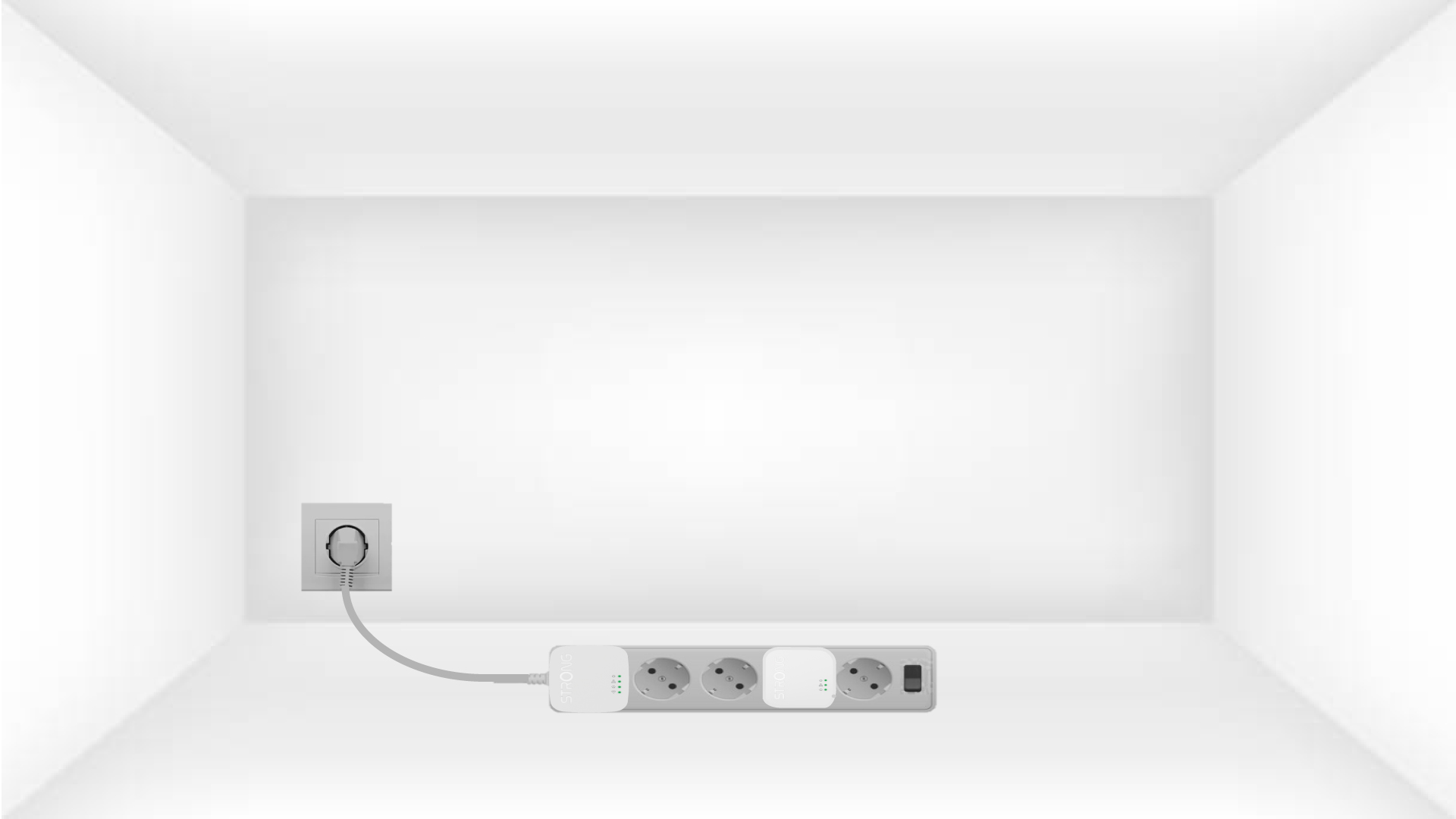
1. Liitäsovittimet pistorasiaan
Take a power strip and plug all the powerline adapters into it.
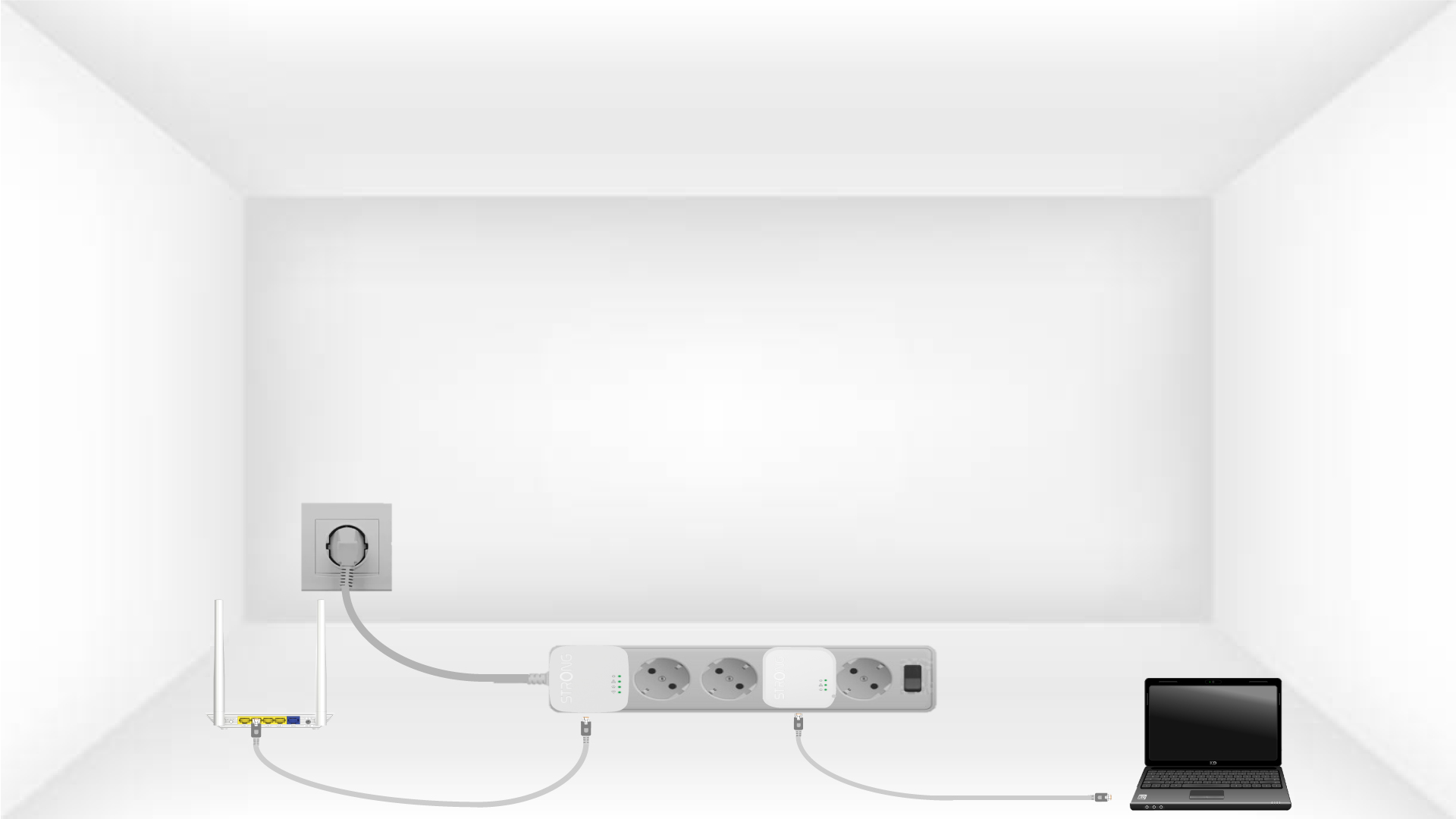
2. Liitäsovittimet Internetiin
Connect one of the powerline adapters to the Internet gateway/router with an RJ45 cable.
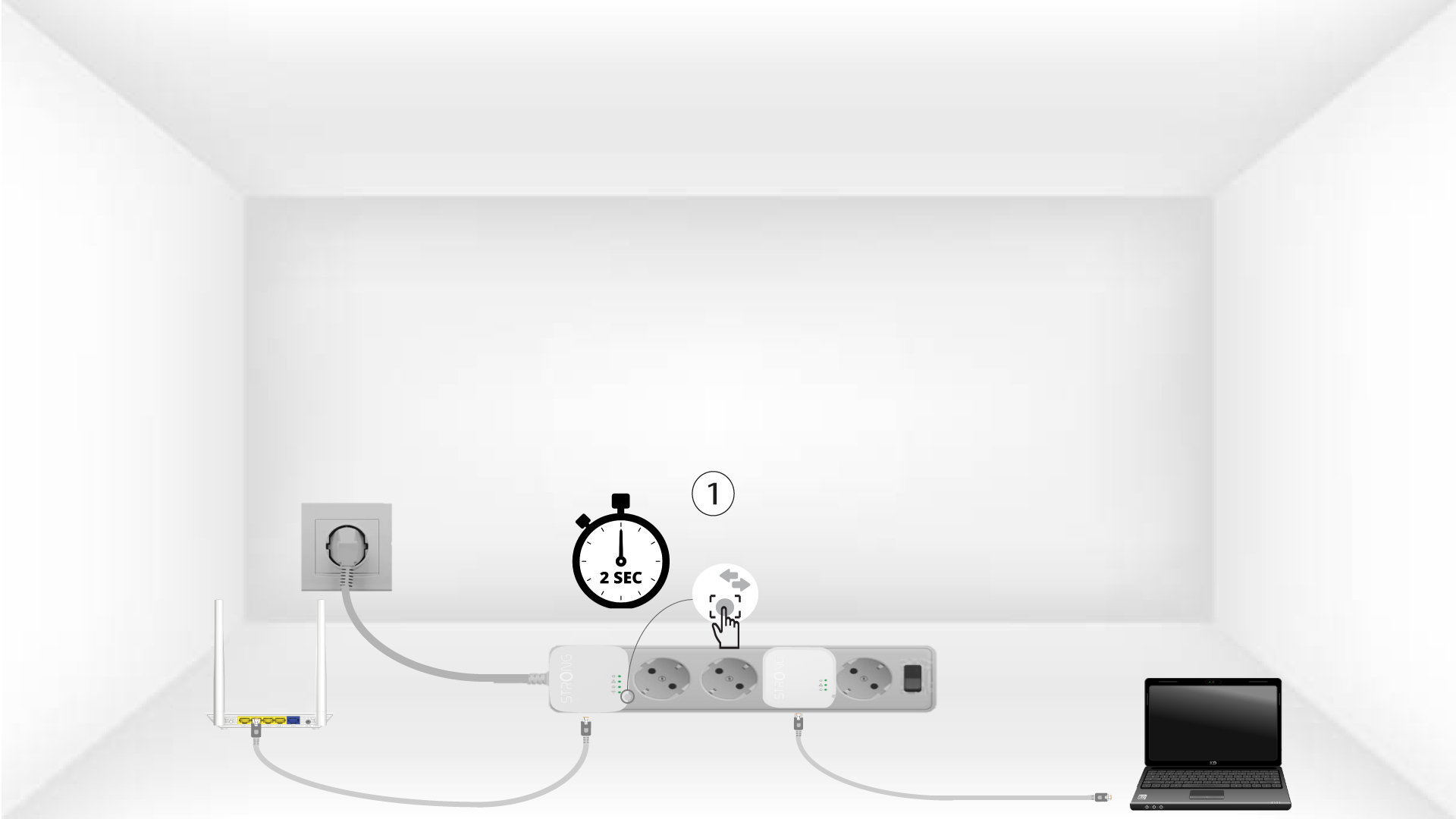
3PainaConnect & Secure -painiketta (ensimmäinen laite)
Press the Connect & Secure button on the first device for 2 seconds.
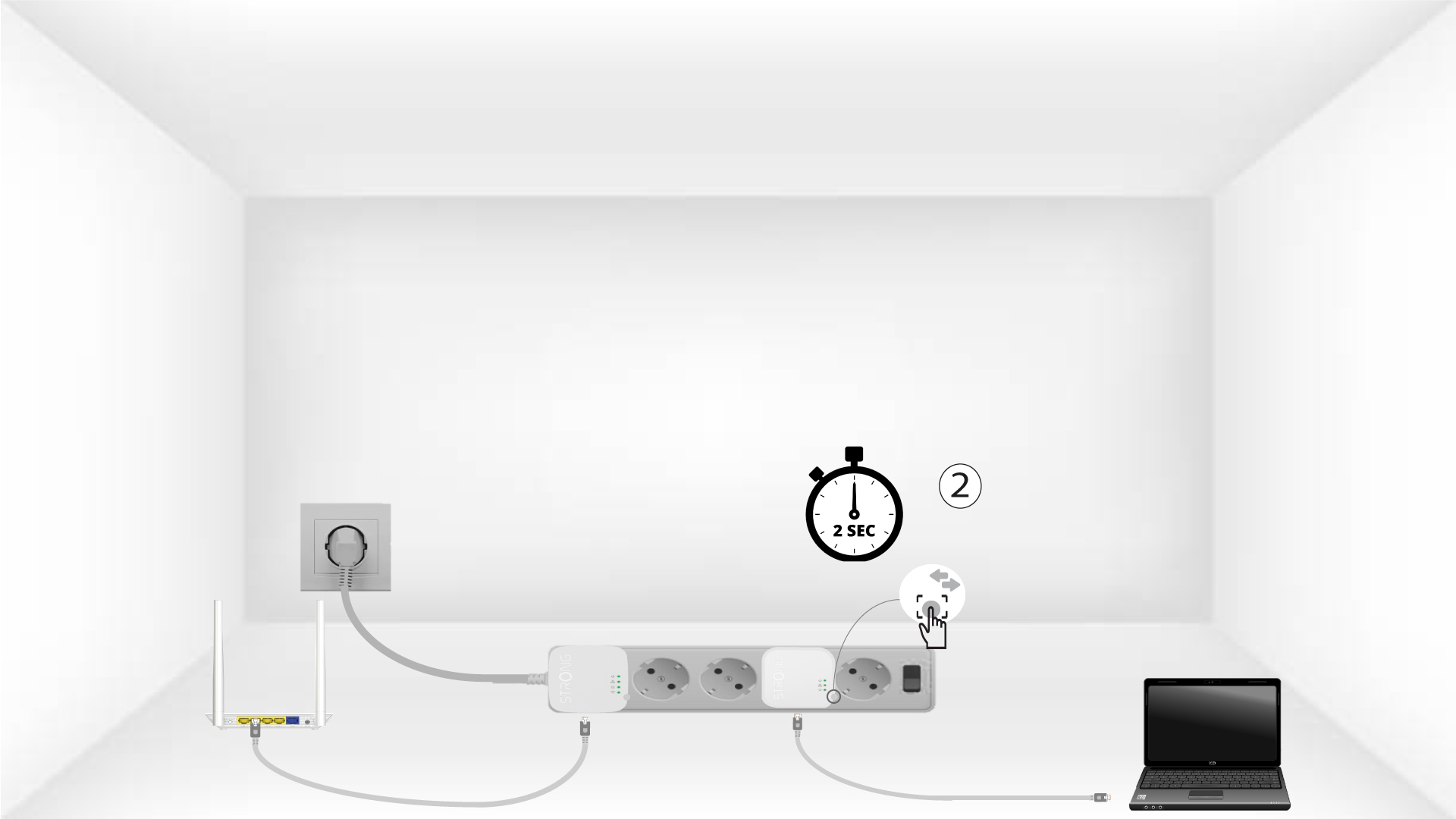
4. Paina”Yhdistä ja suojaa” -painiketta (toinen laite)
Press the Connect & Secure button on the second device for 2 seconds. You have up to two minutes to do it.
5The home LED blinks
The home LED should blink on both devices.
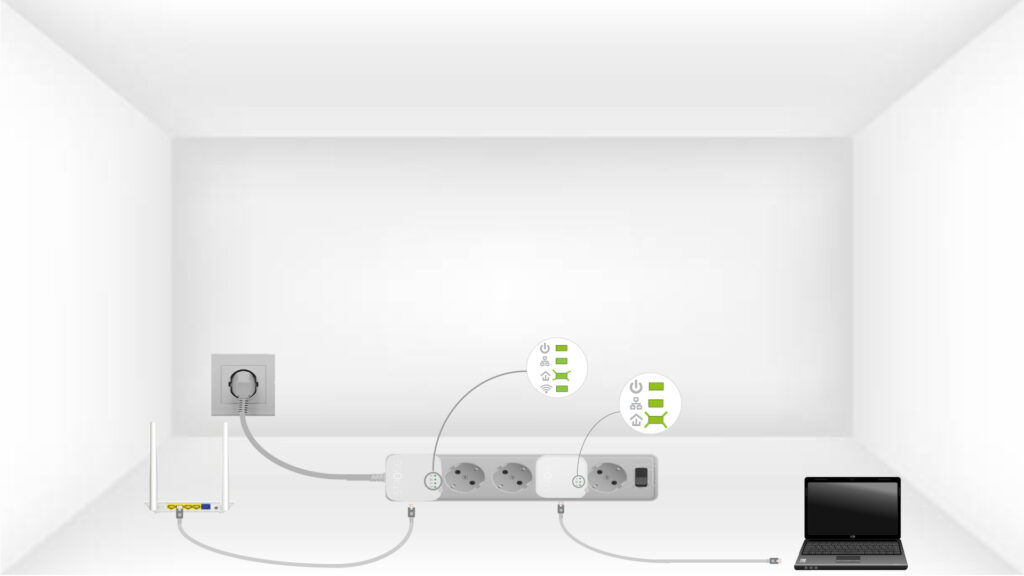
6Salausavainon määritetty
Ainutlaatuinen salausavaimesi on nyt määritetty, ja laitteiden kaikkien LED-merkkivalojen pitäisi palaa vihreänä.
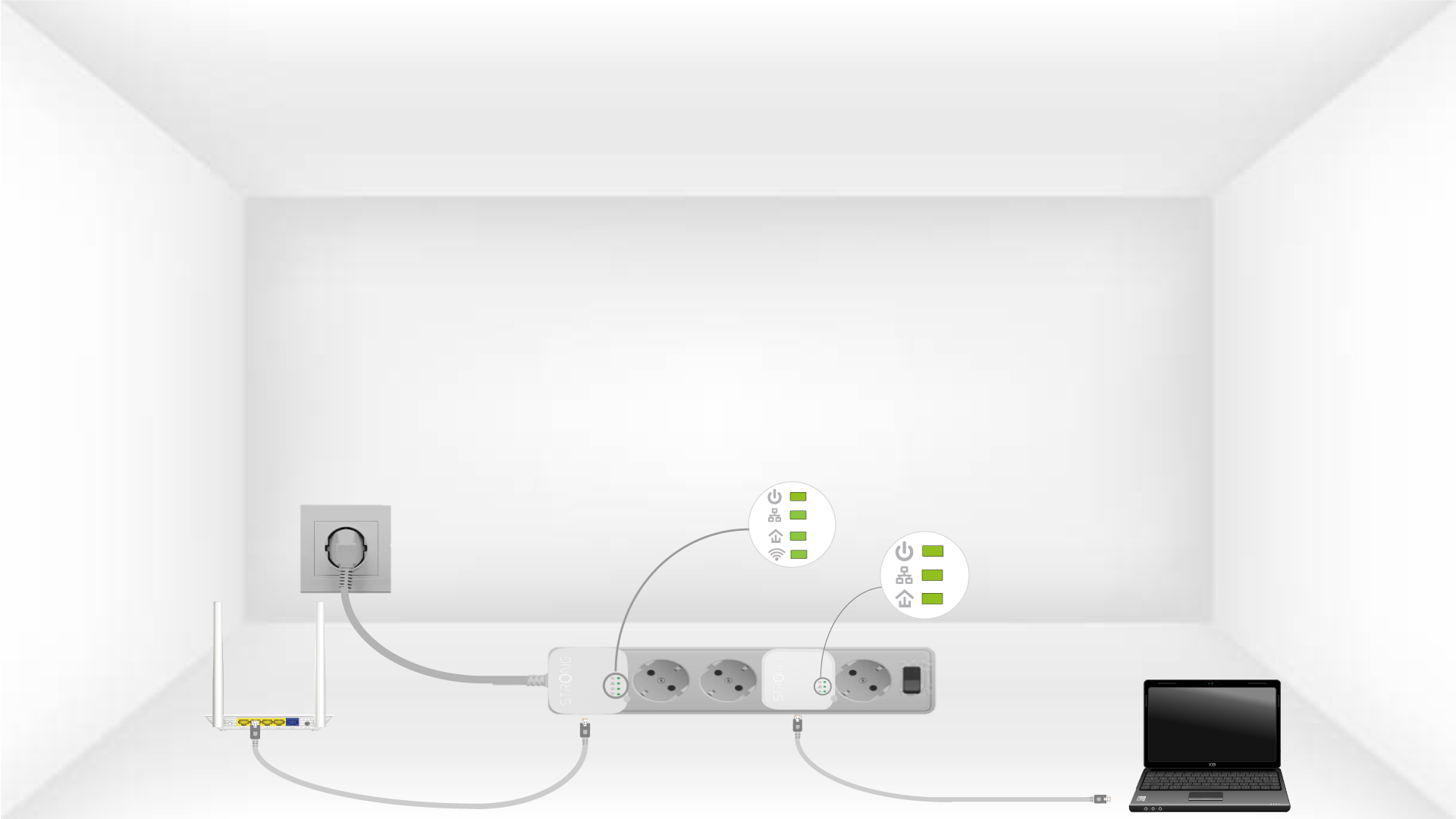
Now, install the adapters in the rooms where you need them. We strongly recommend not plugging the adapters into a power strip.