
4G AIRHOME 210 UK antennes 4G fixes
Toutes les questions
4G AIRHOME 210 UK antennes 4G fixes
Comment mettre à jour le micrologiciel de l'appareil ?
Une fois connecté à l'interface utilisateur Web, vous devez vérifier la version du micrologiciel de votre appareil à l'aide de l'option de mise à jour en ligne disponible dans l'interface utilisateur Web. Cela permettra d'installer la dernière version du micrologiciel. Si votre routeur n'est pas à jour, veuillez suivre la procédure ci-dessous pour mettre à jour son micrologiciel.
1. Connectez-vousau réseau Wi-Fi de votre routeur
Pour désactiver le réseau Wi-Fi de votre routeur, vous devez vous connecter au réseau Wi-Fi de votre appareil.

2Accédezà l'interface utilisateur Web via l'adresse IP
Saisissez ensuite l'adresse IP suivante : 192.168.188.1 dans votre navigateur.

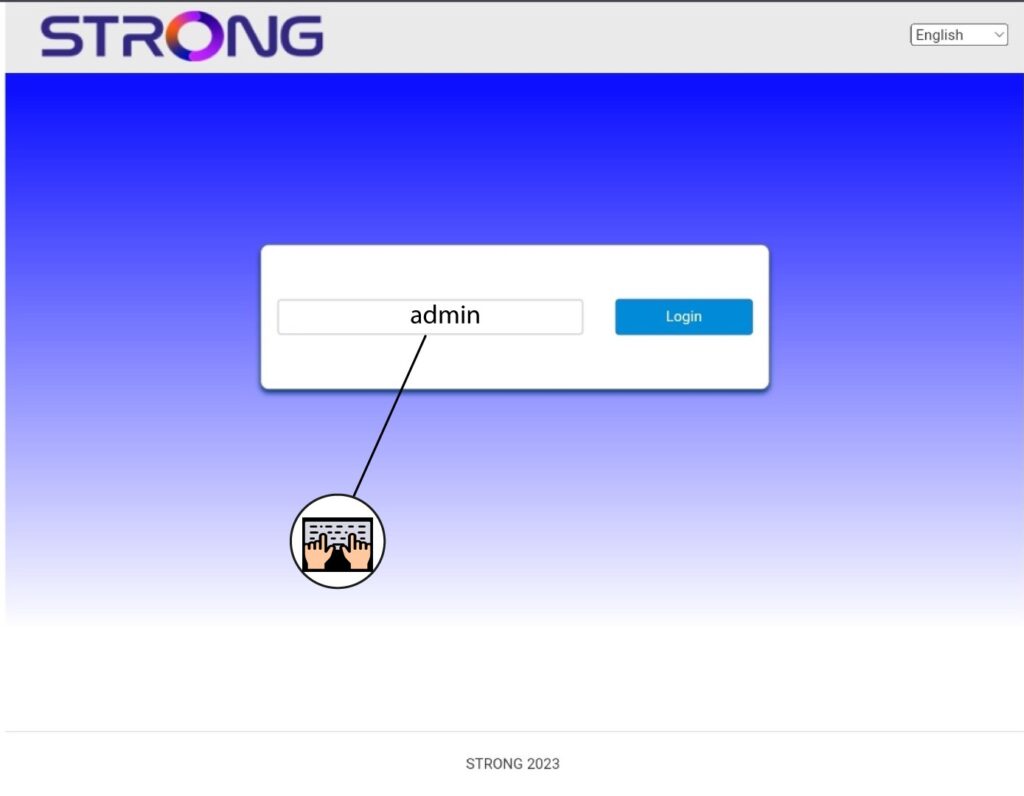
3. Saisissezvos identifiants
Vous devez saisir le mot de passe.
4. Mise à jour du micrologiciel
Cliquez sur « Mise à jour du micrologiciel ».

5. Mettez à jourvotre routeur
Cliquez sur « Vérifier » dans la section « Vérifier la nouvelle version ». La dernière version du logiciel sera automatiquement téléchargée, et vous devrez vous reconnecter au réseau Wi-Fi pour saisir votre code PIN.