ATRIA Wi-Fi 5 Mesh Sustav 2100 ( add-on )
Nema pronađenih stavki.
Nema pronađenih stavki.
Sva pitanja
ATRIA Wi-Fi 5 Mesh Sustav 2100 ( add-on )
Nema pronađenih stavki.
Nema pronađenih stavki.
Kako mogu dodati novo Mesh jedinice na postojeću mrežu koju sam upravo konfigurirao/la?
Vrlo je jednostavno dodati novo mesh jedinice na vaše postojeće Mesh mreža.
1 Slučaj 1: WPS tipka
Da biste to učinili, pritisnite gumb WPS 5 sekundi na Mesh jedinica koja je povezana s vašim
ruter/modem putem RJ45 .
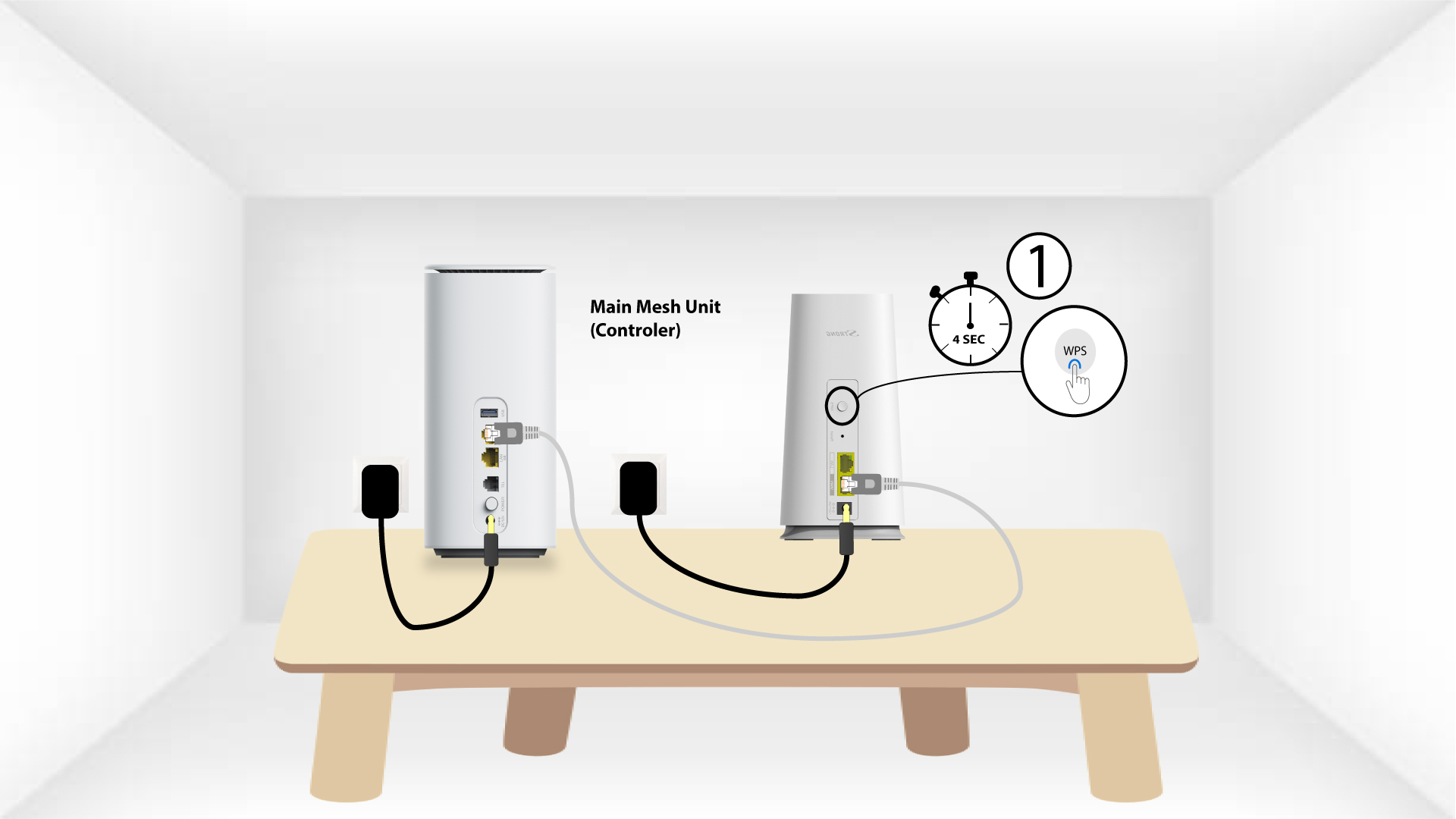
2 WPS drugog uređaja
Zatim pritisnite gumb WPS na novom uređaju 5 sekundi .
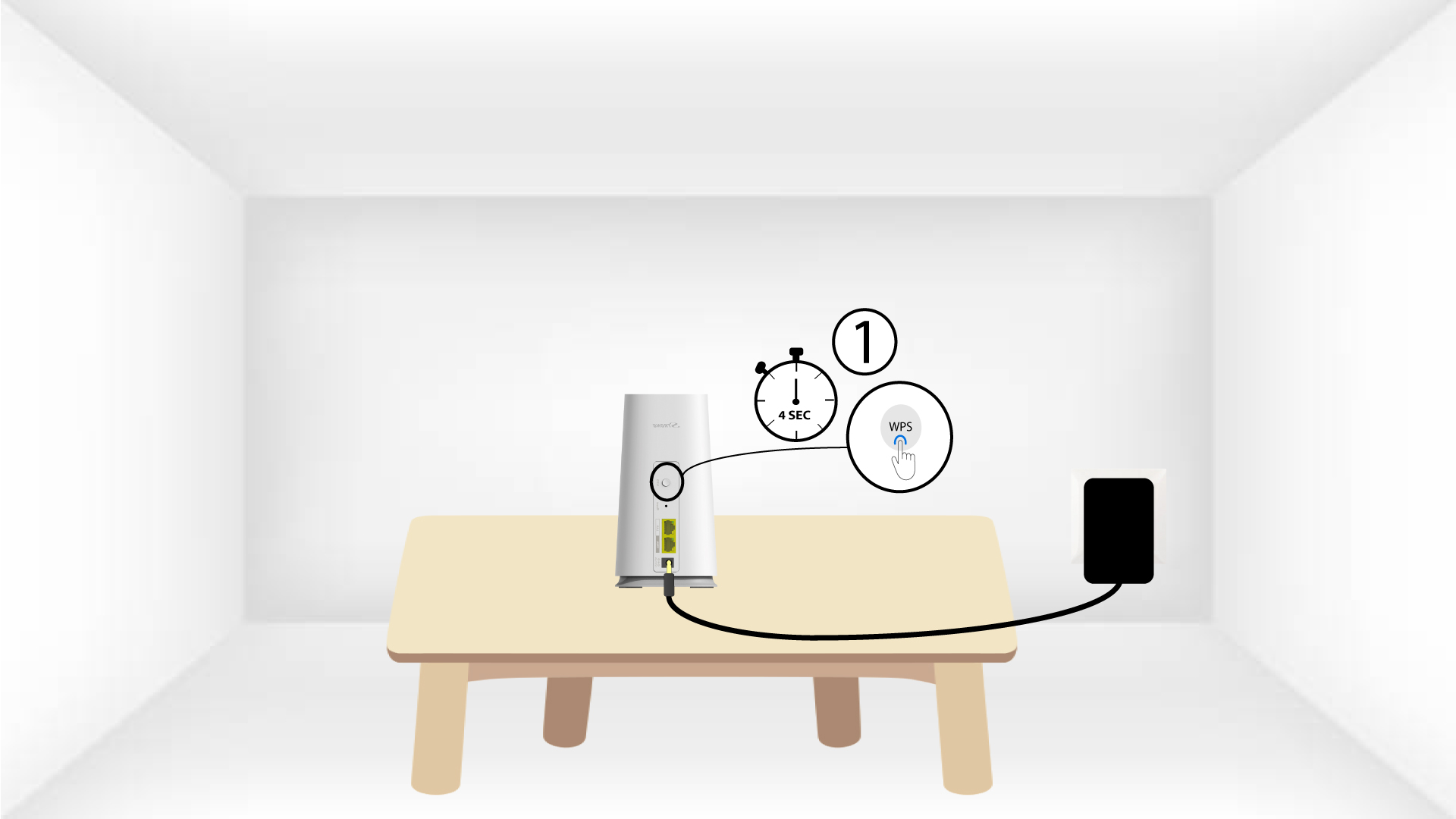
1 Slučaj 2: Atrija Mesh Aplikacija
Također možete dodati Mesh čvor putem aplikacije Atria Mesh .
Da biste to učinili, povežite se s Wi-Fi mrežom Mesh uređaj koji je spojen na vaš ruter/modem.

2 Atrija Mesh Aplikacija
Zatim preuzmite aplikaciju Atria Mesh .

3 vjerodajnice
Unesite korisničko ime i lozinku (admin/admin) za povezivanje.

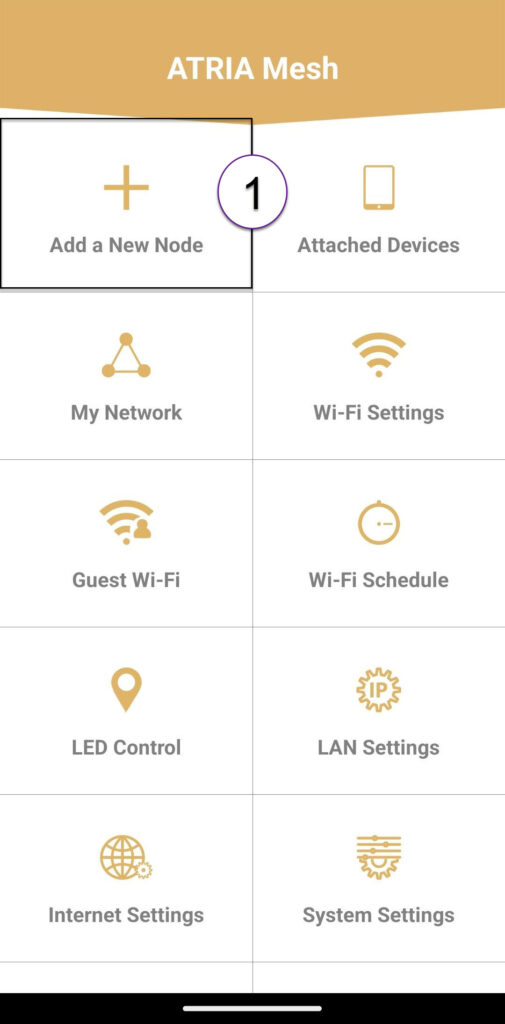
4 Dodaj novo Mesh
Kliknite Dodaj novi Mesh čvor .
5 QR kod
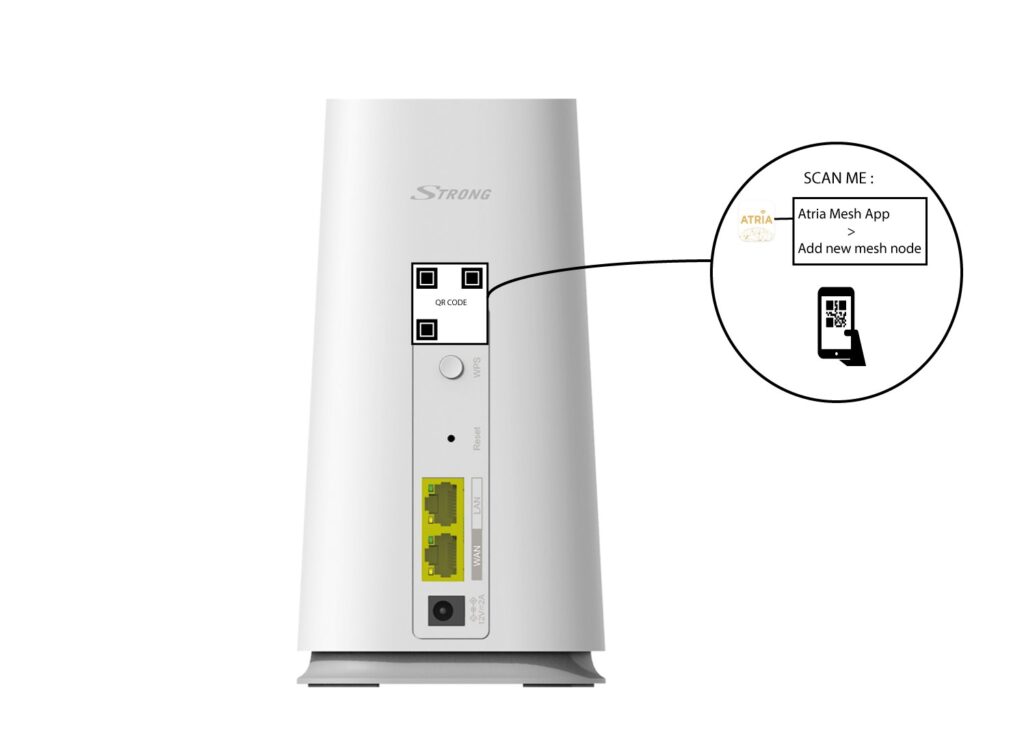
Skenirajte QR kod koji se nalazi na stražnjoj strani mesh koje želite dodati.