4G prijenosna pristupna točka 150 sa zaslonom
Nema pronađenih stavki.
Nema pronađenih stavki.
Sva pitanja
4G prijenosna pristupna točka 150 sa zaslonom
Nema pronađenih stavki.
Nema pronađenih stavki.
Kako mogu promijeniti administratorsku lozinku?
1 Pristup web sučelju
Za povezivanje s web-sučeljem slijedite upute navedene u odjeljku: Kako pristupiti web-sučelju?
2 Promjena lozinke
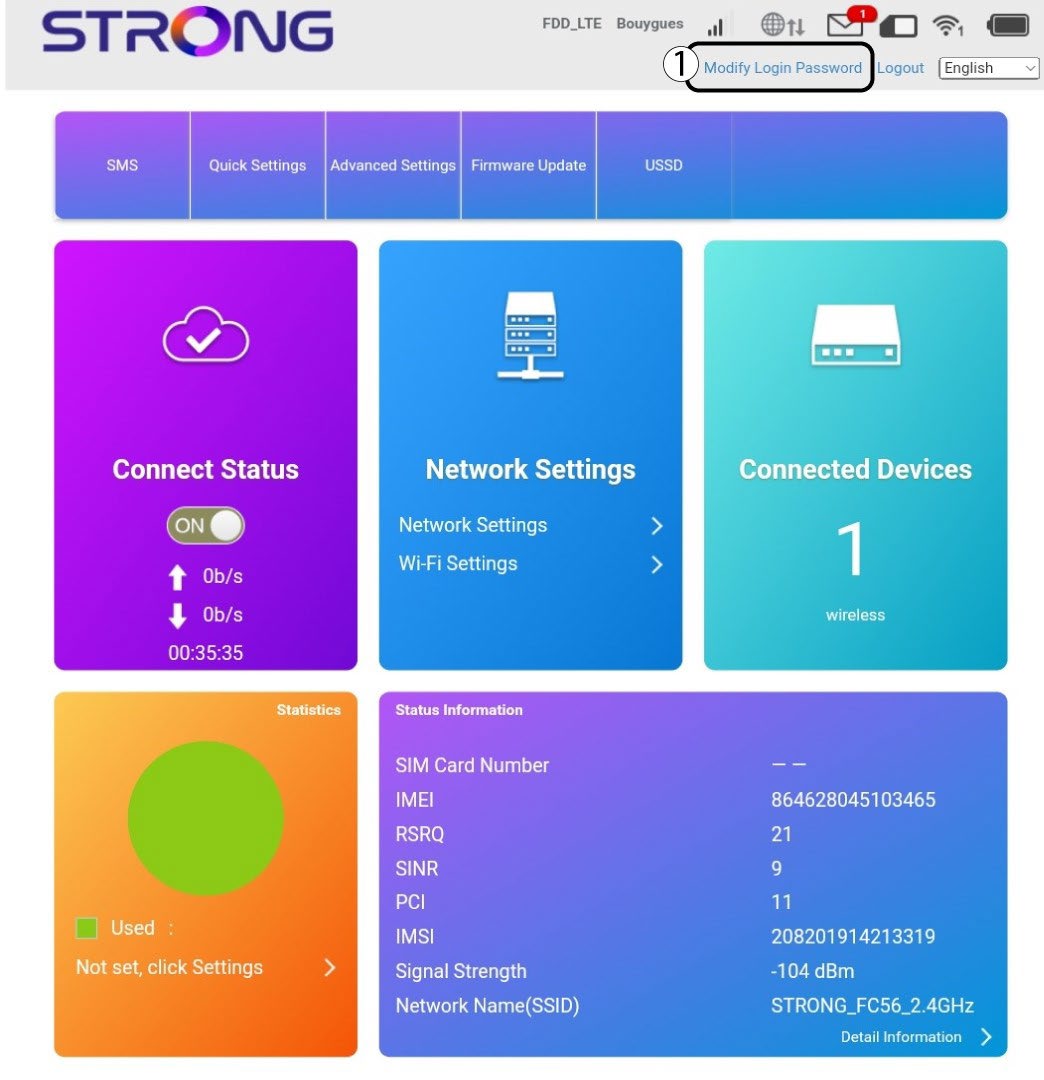
Nakon što to učinite, kliknite na Promijeni lozinku za prijavu u gornjoj traci .
3 Unesite nove podatke
Prije nego što kliknete Primijeni , unesite sljedeće podatke:
· Trenutna lozinka: Unesite trenutnu lozinku.
· New Password: Enter the new password. The new password can contain up to 32 characters including numbers, lower case, upper case, and special characters (! # $ * + , - . % : = ? @ [ ] ^ _ { | } ~).
· Potvrdite novu lozinku: Unesite istu lozinku kao u prethodno polje.
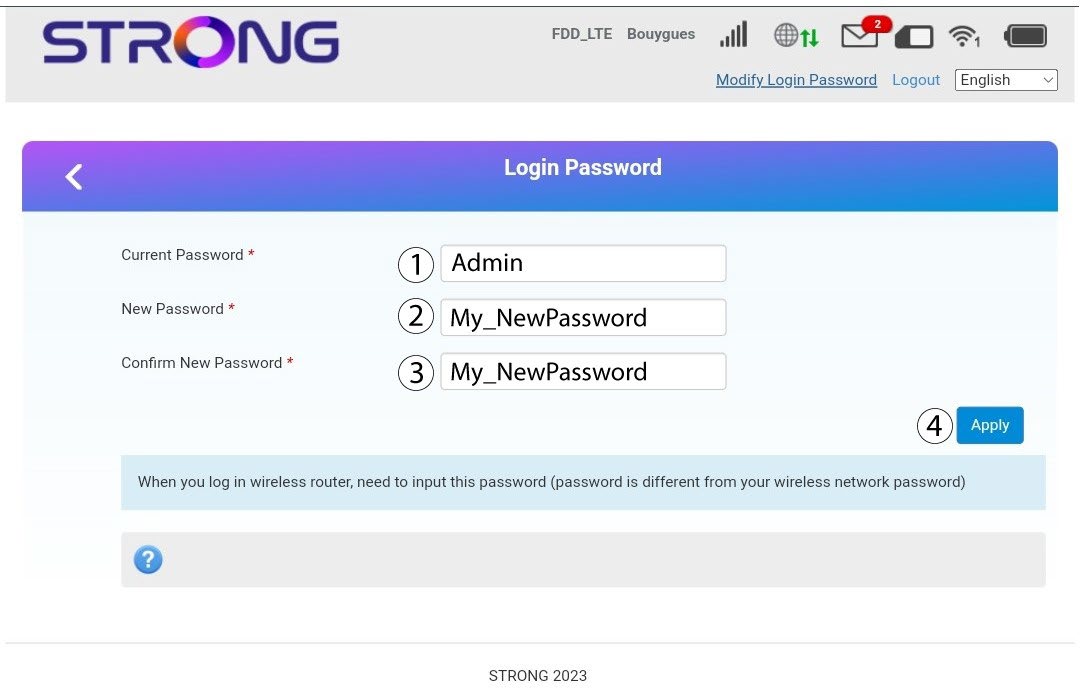
4 Spremite podatke
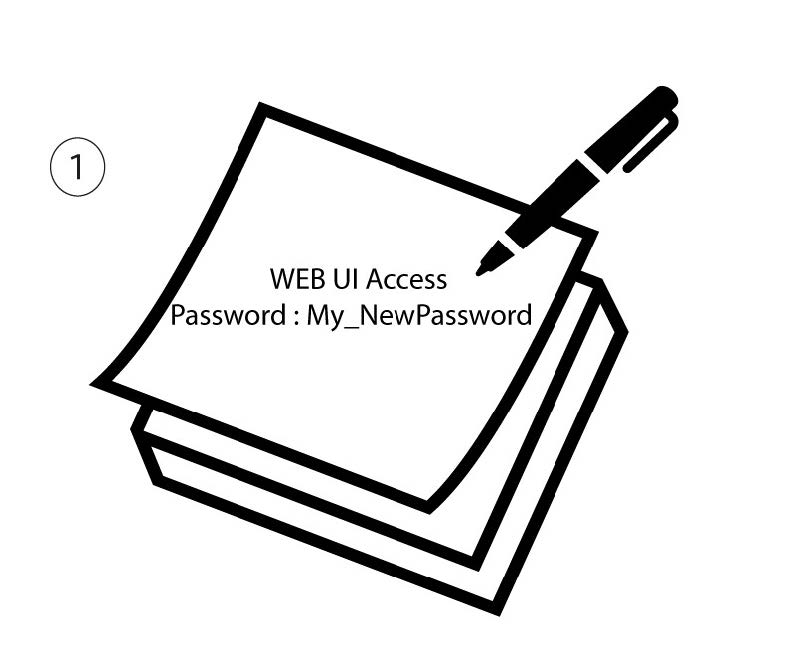
Zapišite novu lozinku za pristup web sučelju.